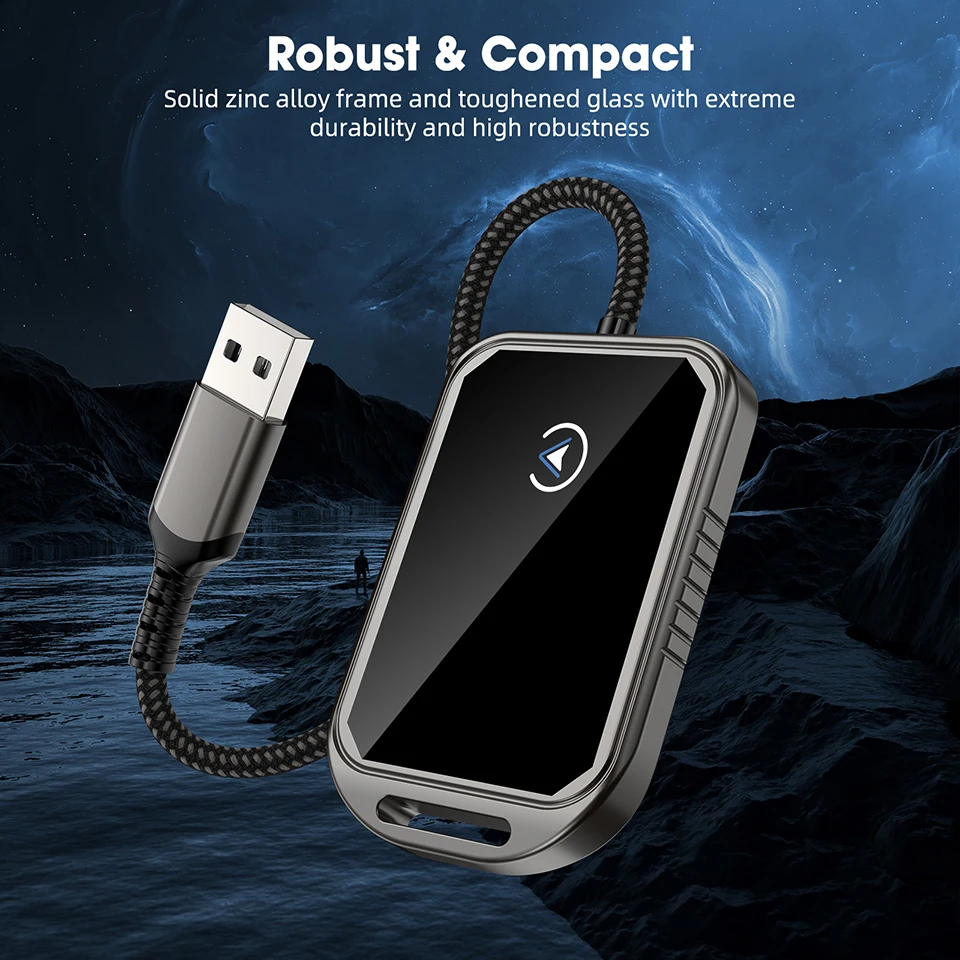


2 in 1 Wired to Wireless Carplay Android Auto Mini Box Dongle Wireless Carplay Adapter For Toyota Mazda Chevrolet Ford Hyundai
Não foi possível carregar a disponibilidade de retirada
"Pagamento Seguro"
– Compre com confiança sempre"
Envio rápido e confiável
Direto na Sua Porta
- Entrega Expressa
- 12 Meses de Garantia
- 7 Dias para Troca Fácil
Brand Name: UGOURD
Content: Audio&Video
Origin: Mainland China
High Definition Support: 4K
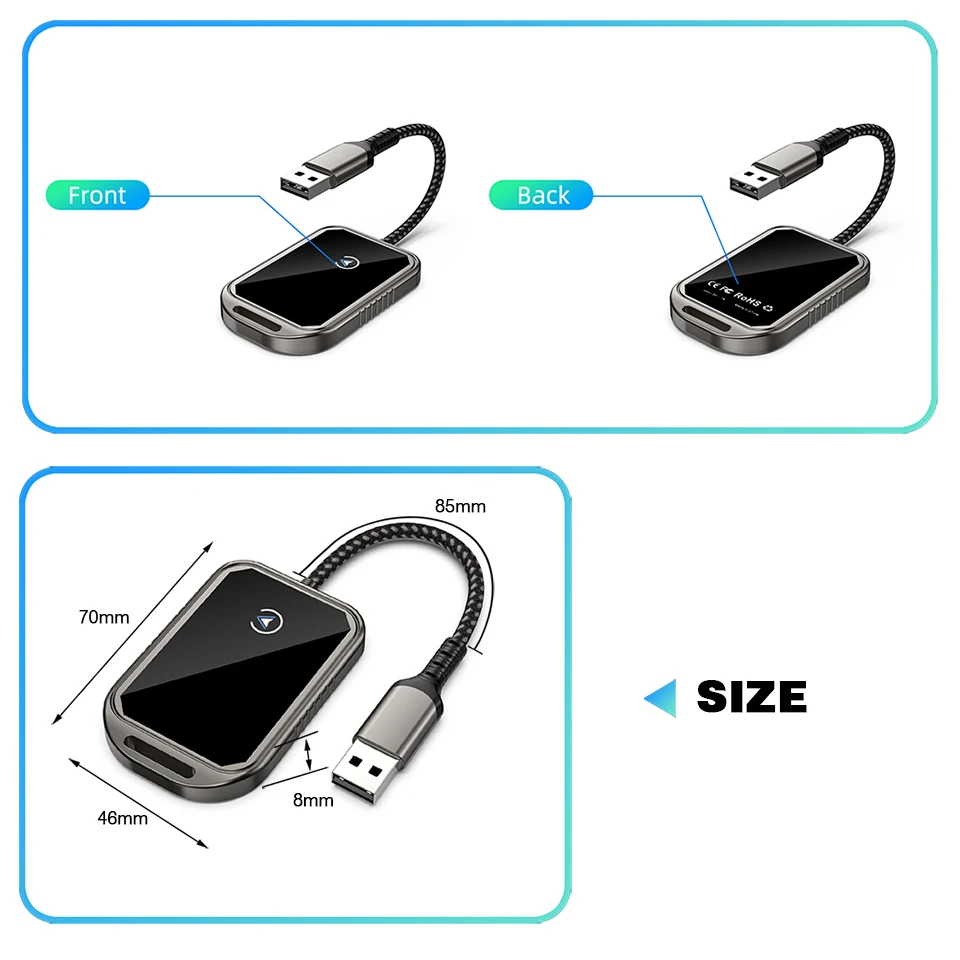
Interface: USB
Interface: Type-C
Wireless Type: WiFi
Wireless Type: Bluetooth
High-concerned chemical: None
WIFI Standard: 2.4G+5G
Support Memory Card: No
Certification: CE
Certification: FCC
Certification: RoHS
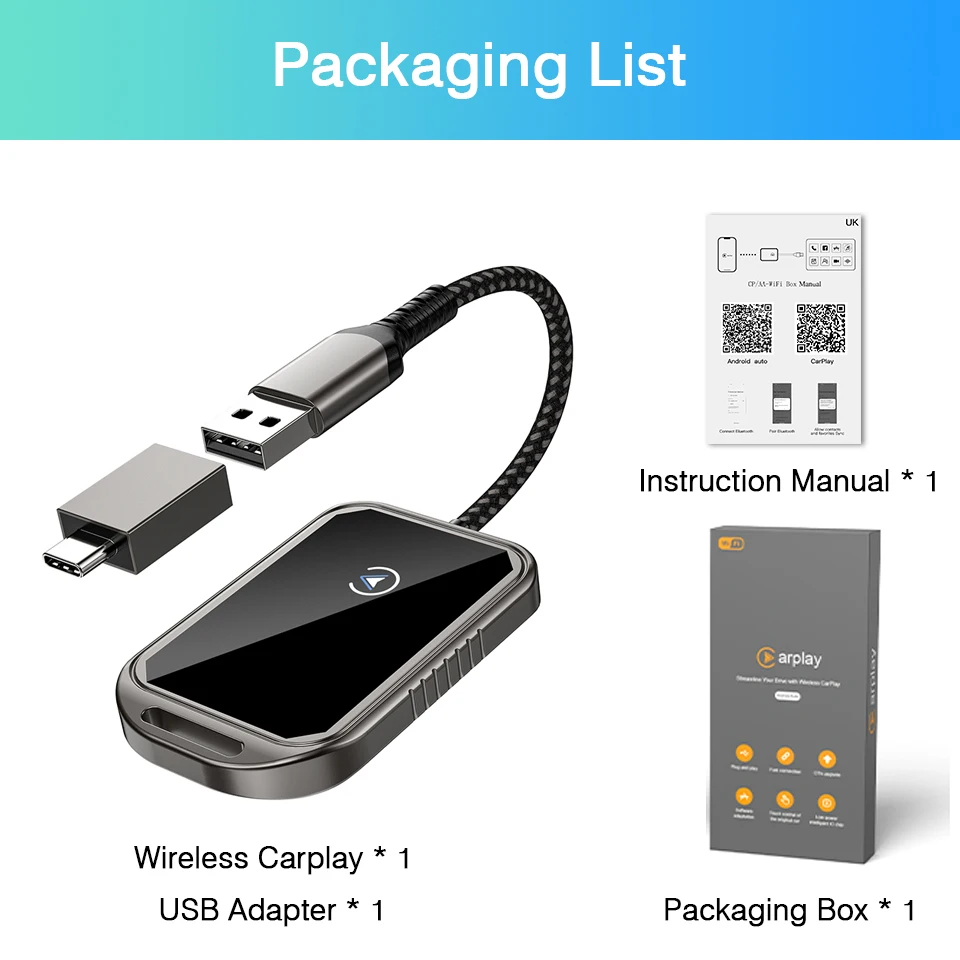
Package: Yes
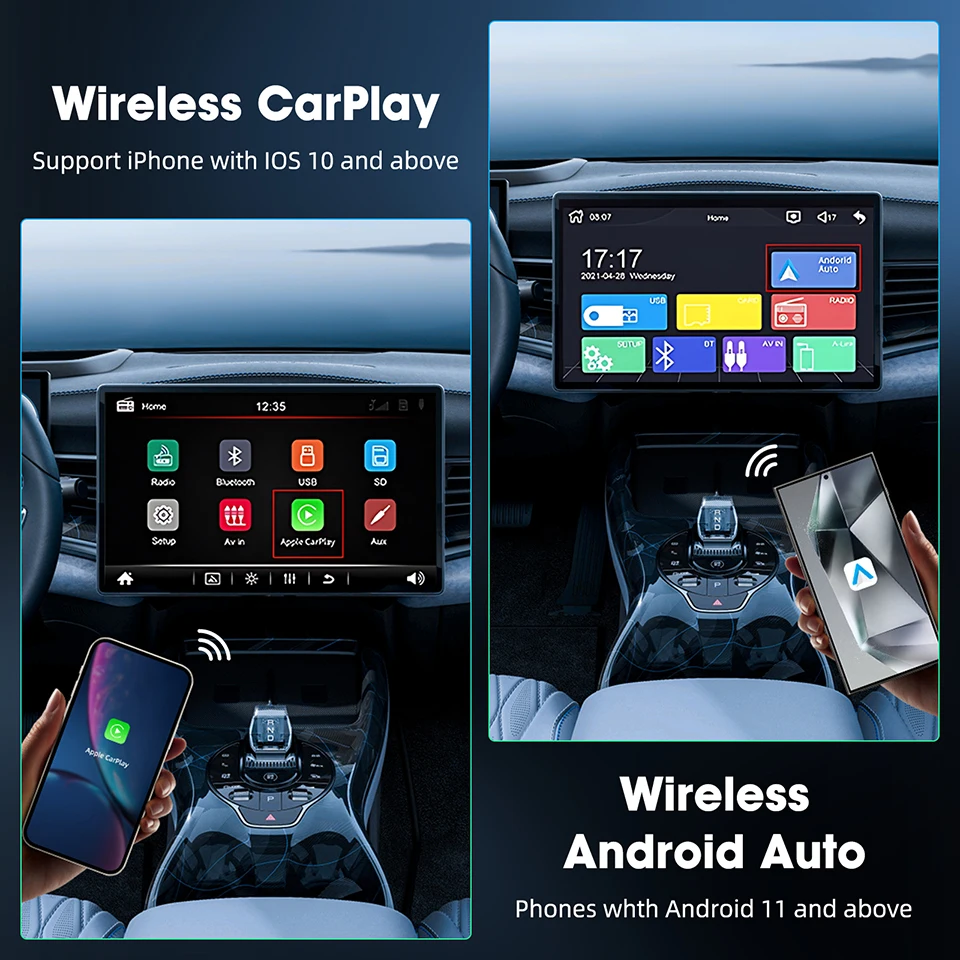
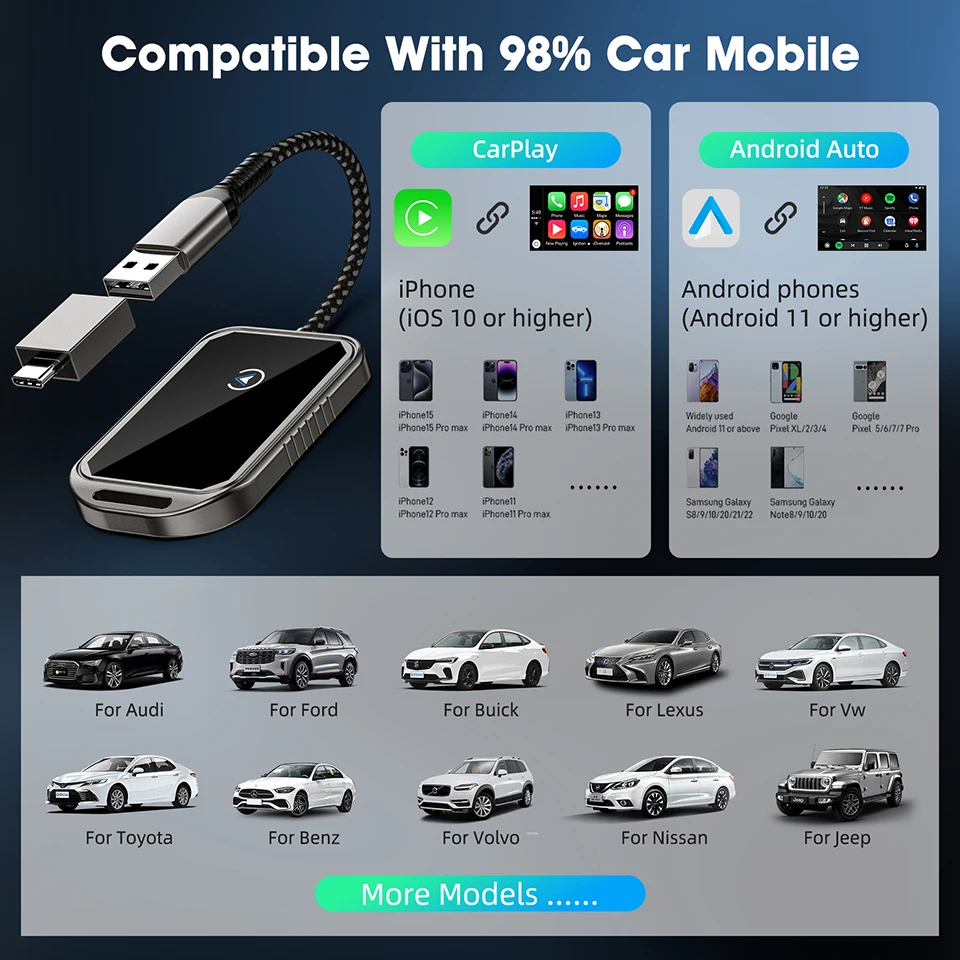
Wired to Wireless Carplay: Suitable for iPhone IOS 10 and higher versions; Suitable for Android 11 and higher versions. Not compatible with Huawei phones.
Important reminder:
① This product is suitable for iPhone IOS 10 and higher versions; Suitable for Android 11 and higher versions. Not compatible with Huawei phones.
② If your car does not have factory OEM wired CarPlay or Android Auto, even if you purchase our product, you will not be able to use wireless CarPlay or Android Auto.
③ Compatible with over 98% of current cars, such as Audi, Ford, Buick, Lexus, Volkswagen, Toyota, Mercedes Benz, Volvo, Nissan, Jeep, Mazda, Chevrolet, Suzuki, Subaru, Kia, Opel, Skoda, Hyundai, etc. If your car happens to be an unexpected 2%, please contact us, we are a responsible store.
>Wired CarPlay to Wireless CarPlay<
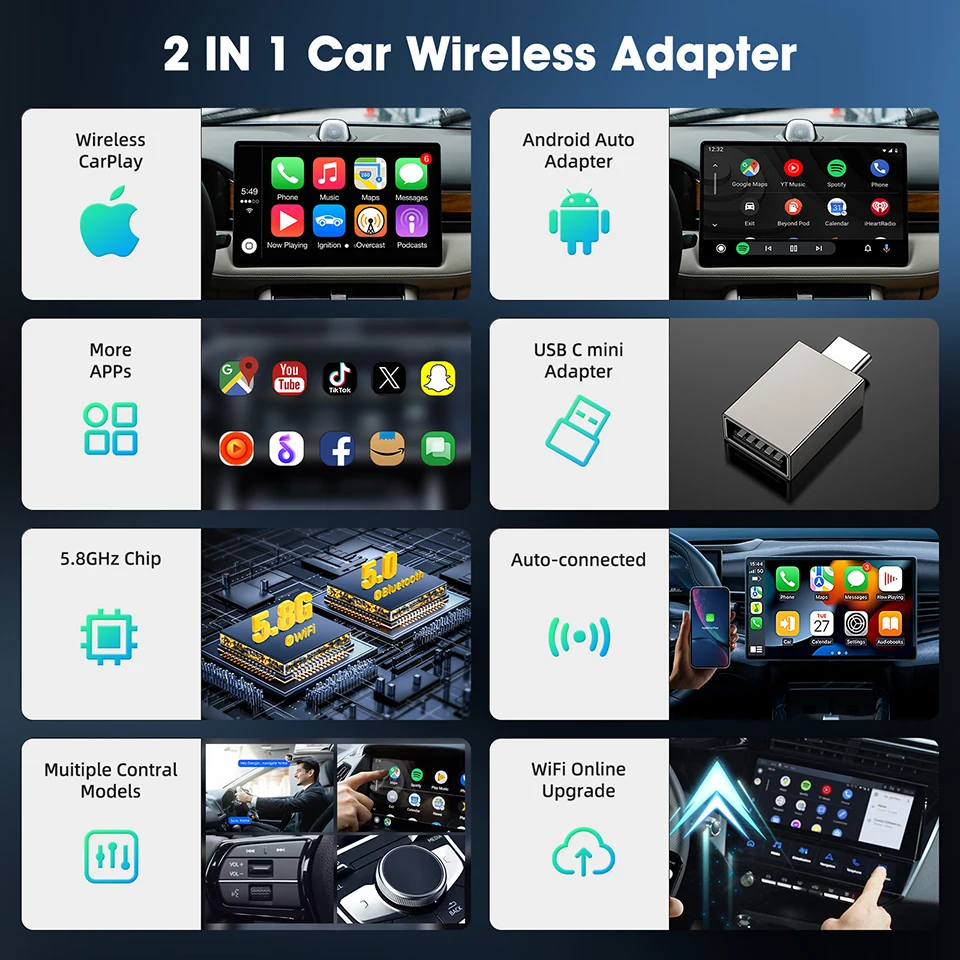
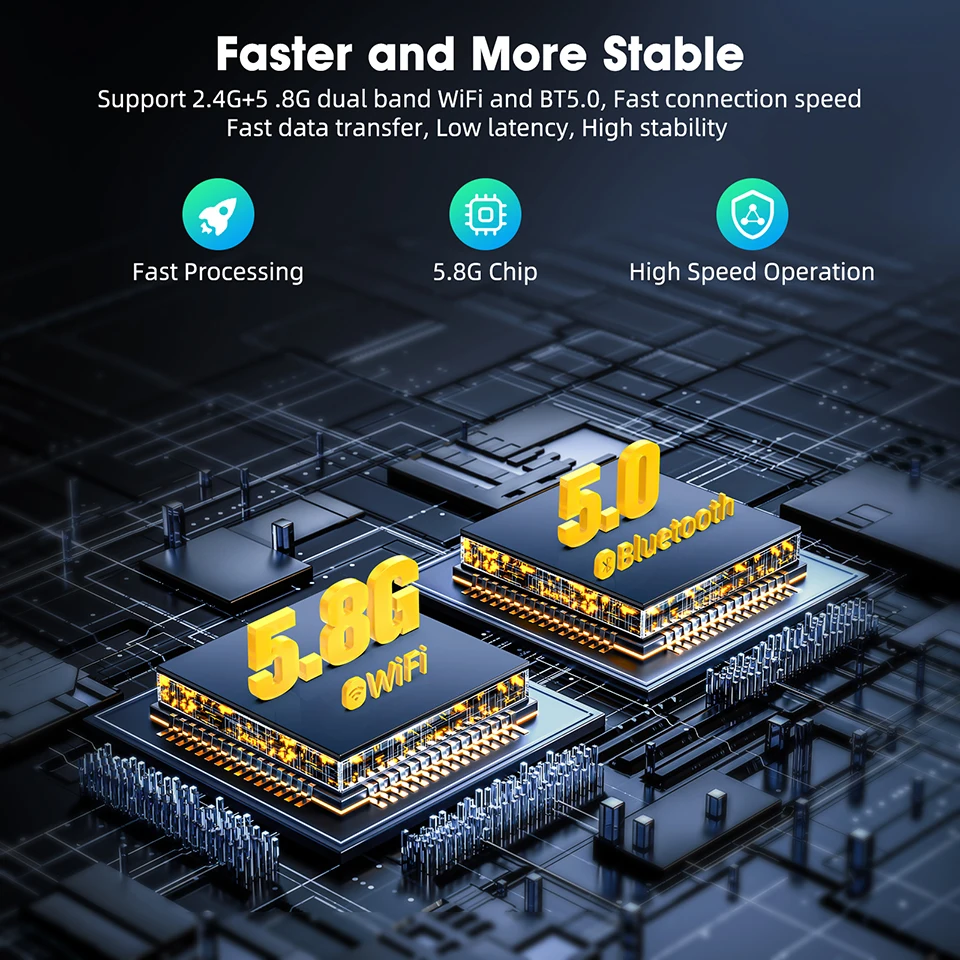
● Use 5.8GHz WiFi and Bluetooth 5.0 transmission module for fast response;
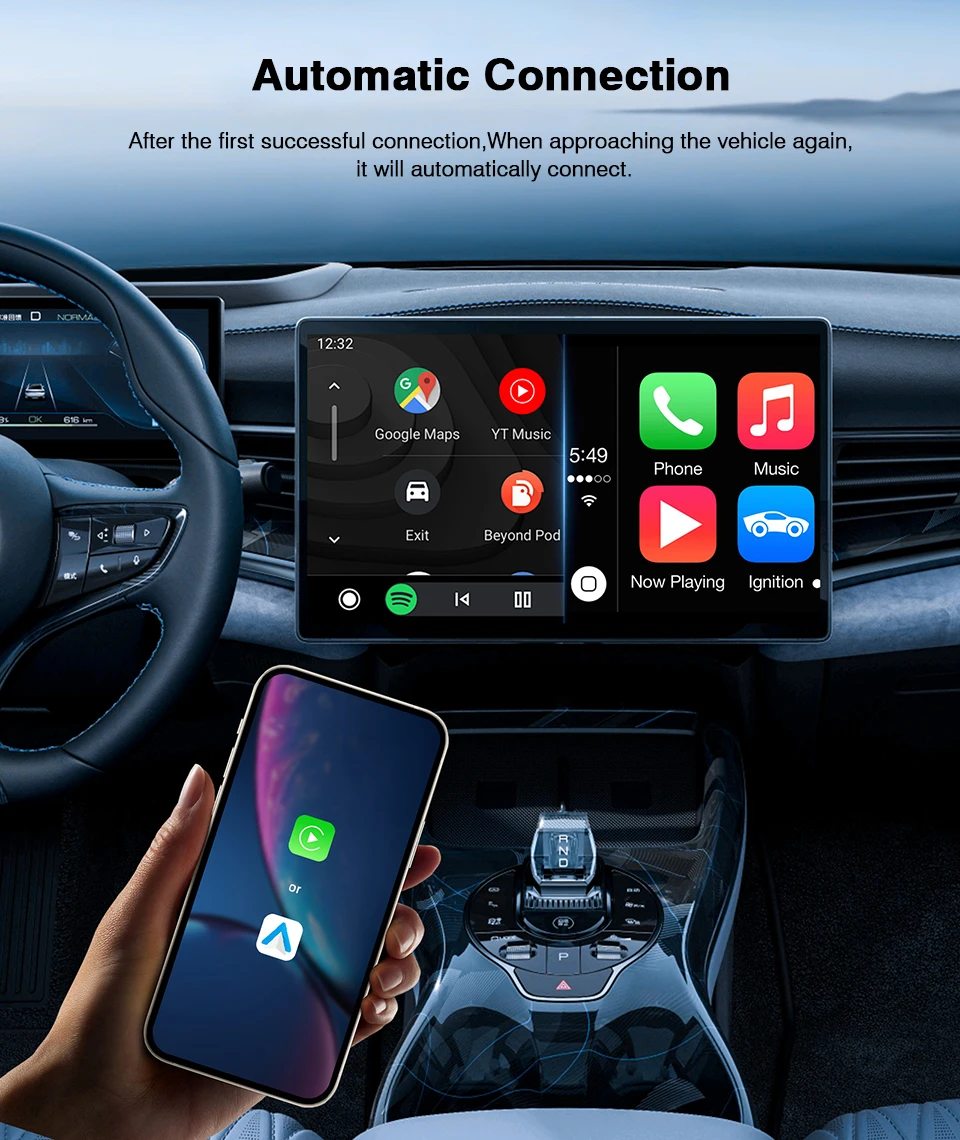
●Easy to install, only takes a few minutes for the first installation, and can automatically connect when used again;
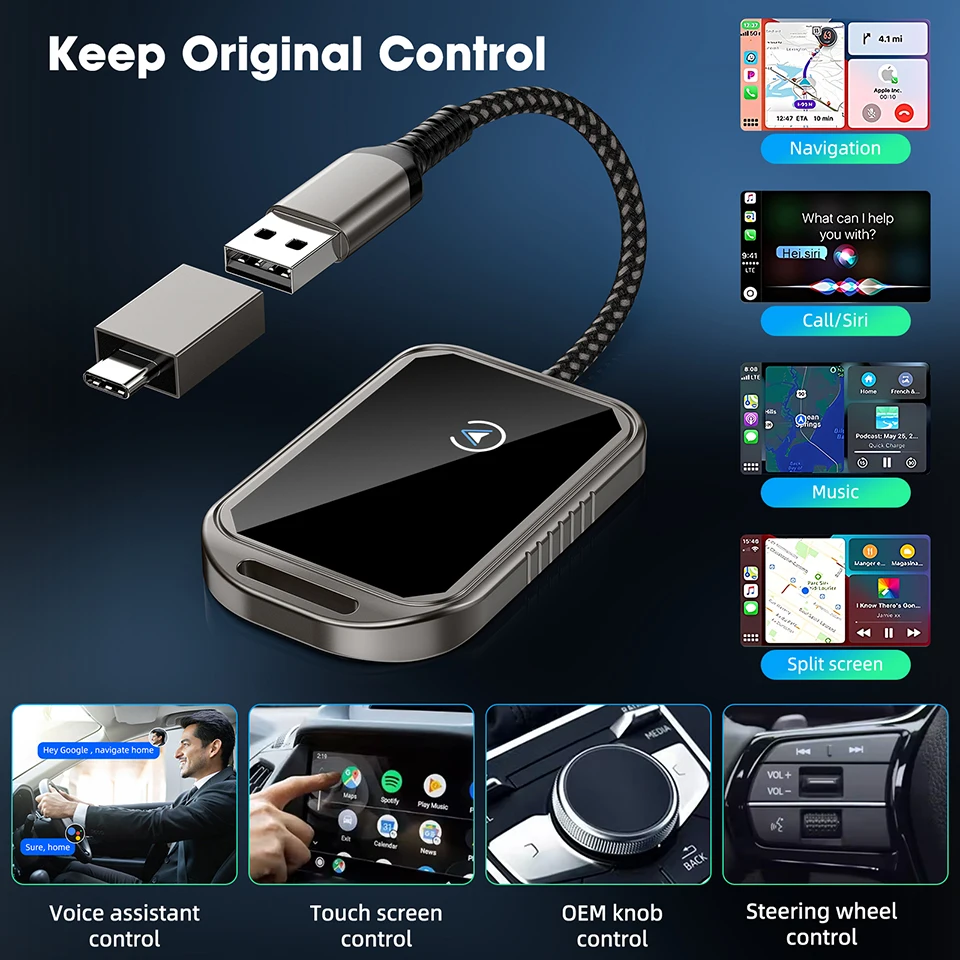
●Continuing the operation of the original vehicle:
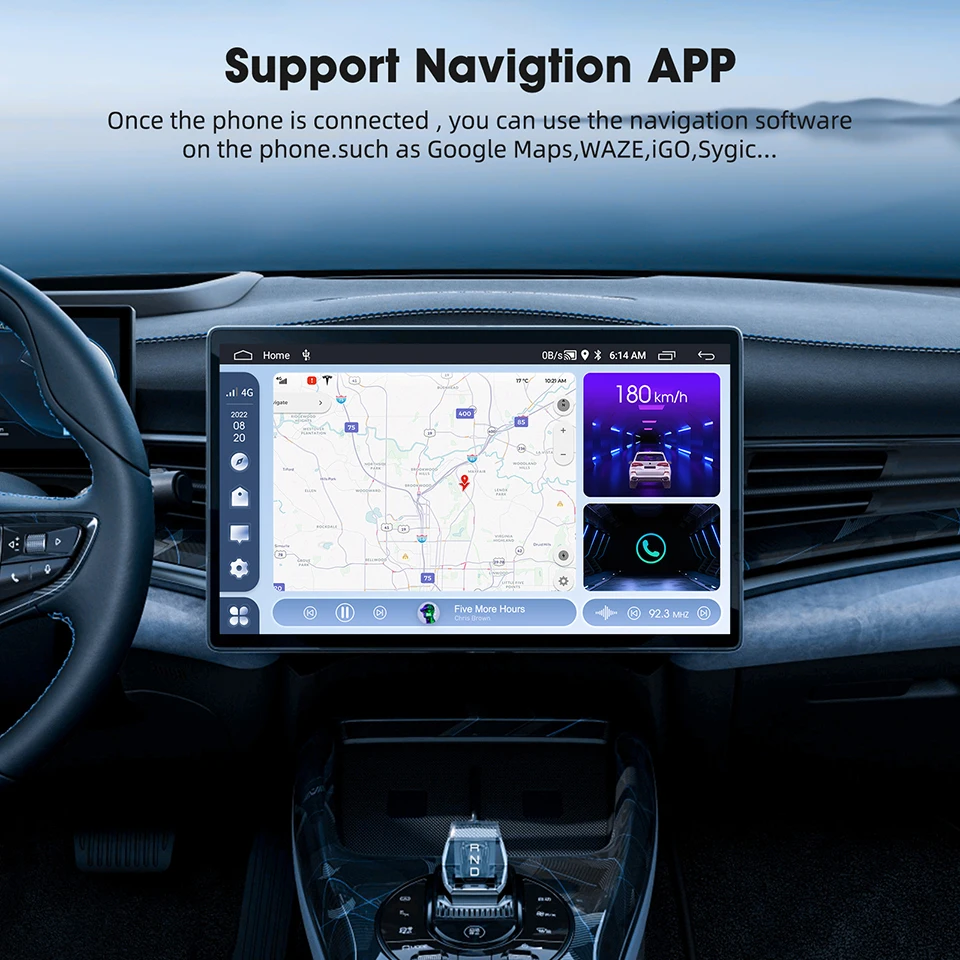
Support mobile phone contacts, dial synchronization, navigation, call/Siri, Bluetooth music playback, split screen, voice assistant control, touch screen control, OEM knob control, steering wheel control, etc.
↓↓↓→→→Please scan the code to check the compatible vehicle models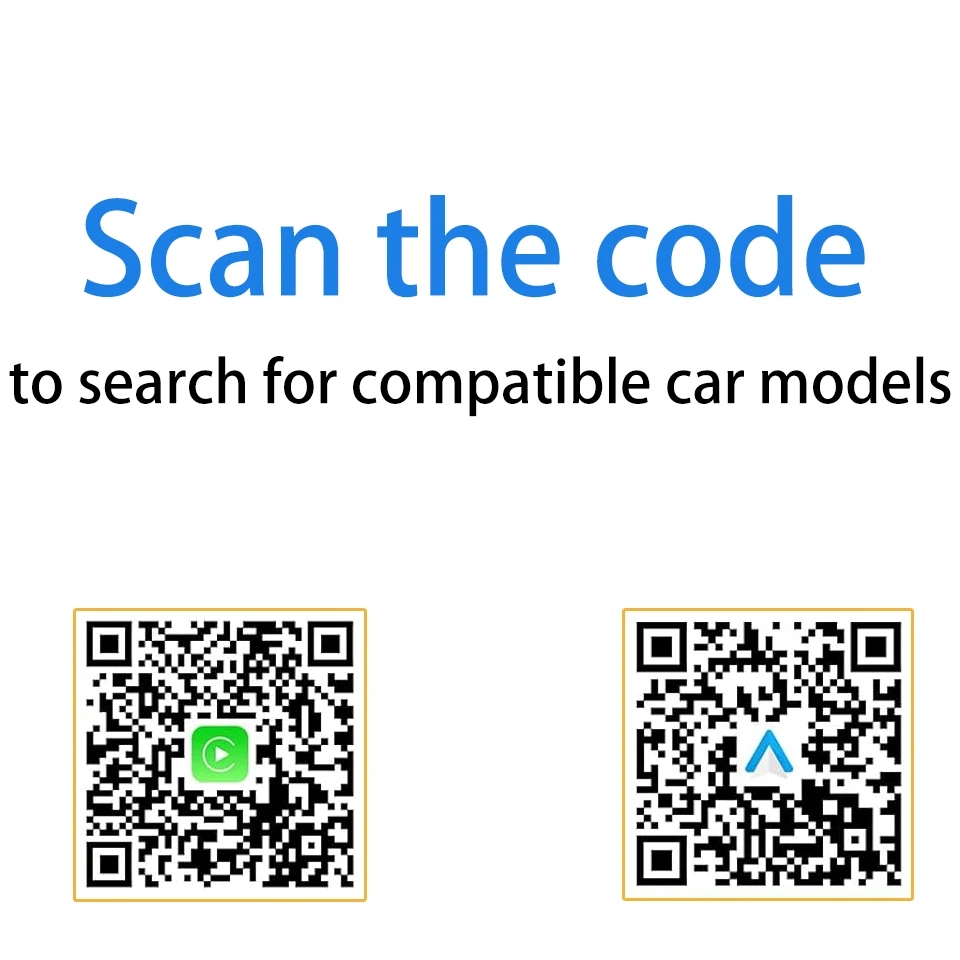
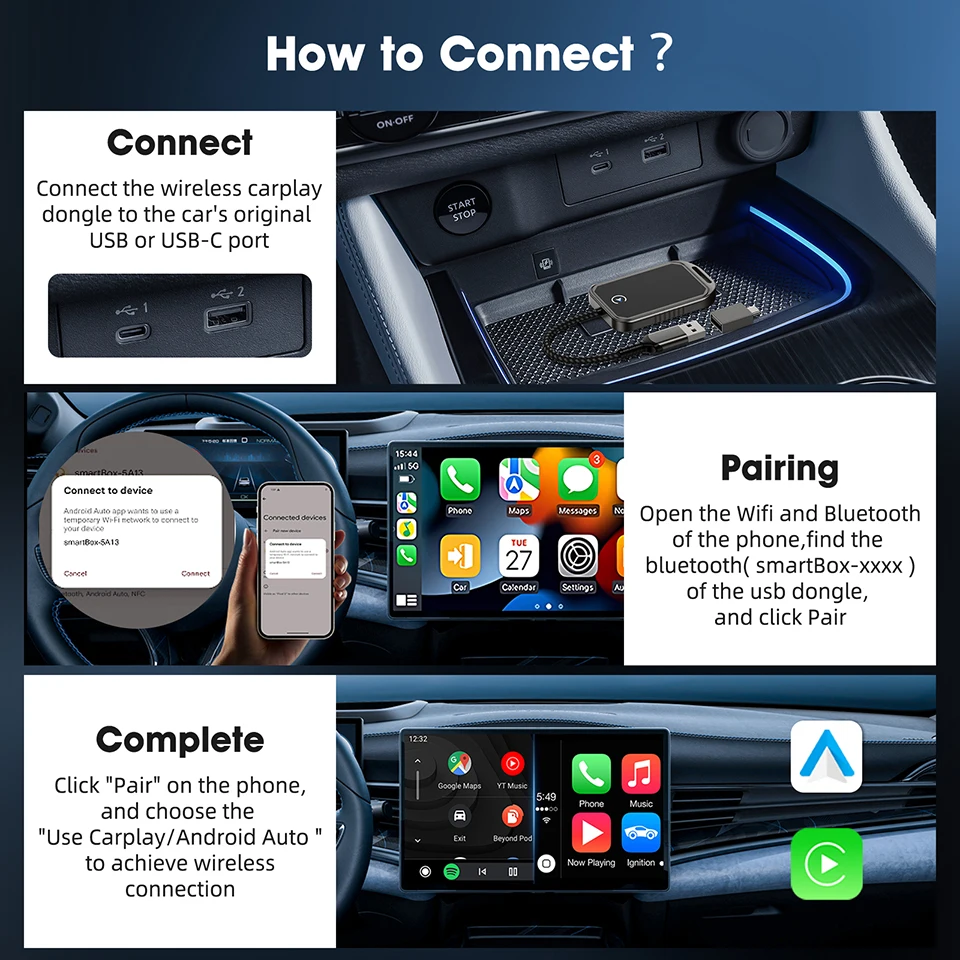
● Usage:
Step 1 (Connection):
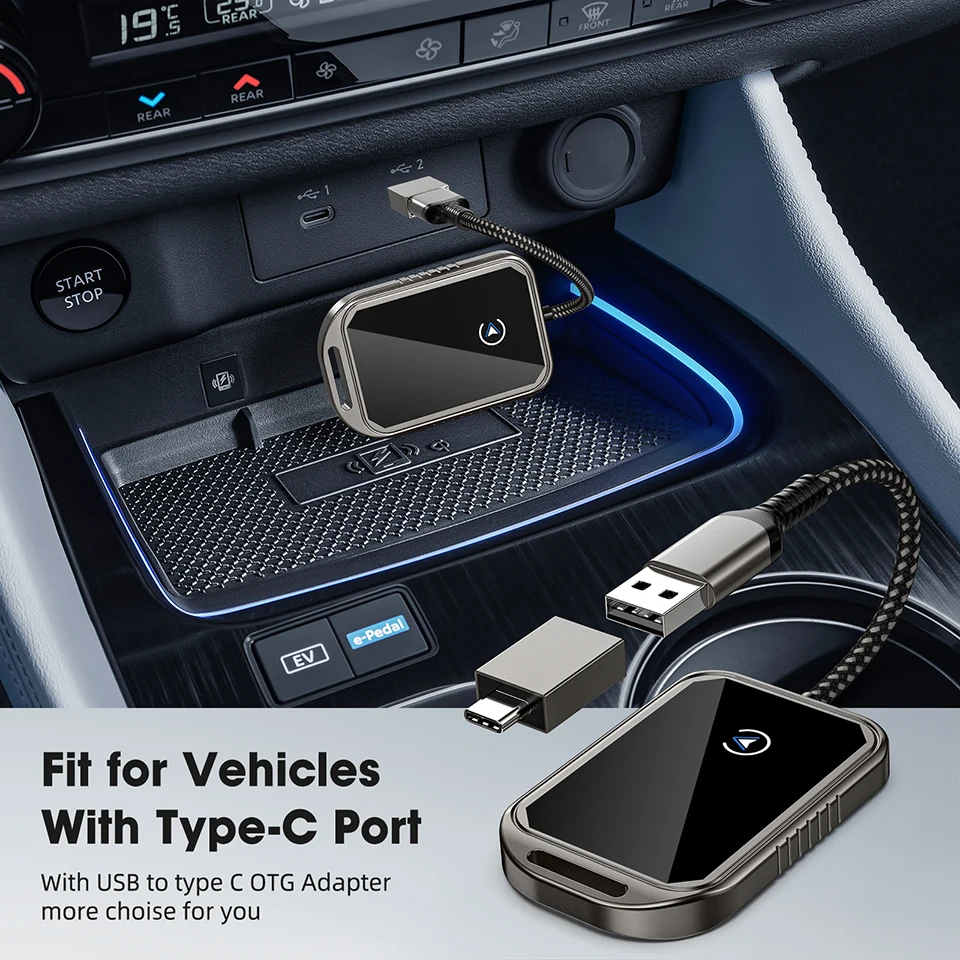
Connect the wireless Carplay to the car's existing USB port;
Step 2 (Pairing):
Open the "WiFi and Bluetooth" on your phone, find the Bluetooth item named "smartBox xxxx", and click "Pair";
Step 3 (Complete):
After clicking "Pair" on your phone, select "Use Carplay/Android Auto" to achieve wireless connection.
★During use, the following issues may be encountered:
(1) If two people's phones are connected to the Bluetooth of the box at the same time, the device will not work. Please have one person disconnect and then reconnect.
(2) If the map drift may be caused by the GPS of the mobile phone or the GPS of the car player, the global positioning system of the car player can be turned off.
(3) If it runs well the first time but doesn't connect the next day, you need to reset the application and restore the car player to factory settings, then reinsert the connection.