

Wireless Gamepad For Xbox One/Xbox Series X/S/ Xbox Controller With Six-Axis Gyro Turbo Function Game Consoles Joystick
Couldn't load pickup availability
- 🔒 Secure Checkout
- 🚚 Fast Shipping
- 🔄 30-Day Returns
Brand Name: bonacell
Pattern: Others
High-concerned chemical: none
Finish Type: Others
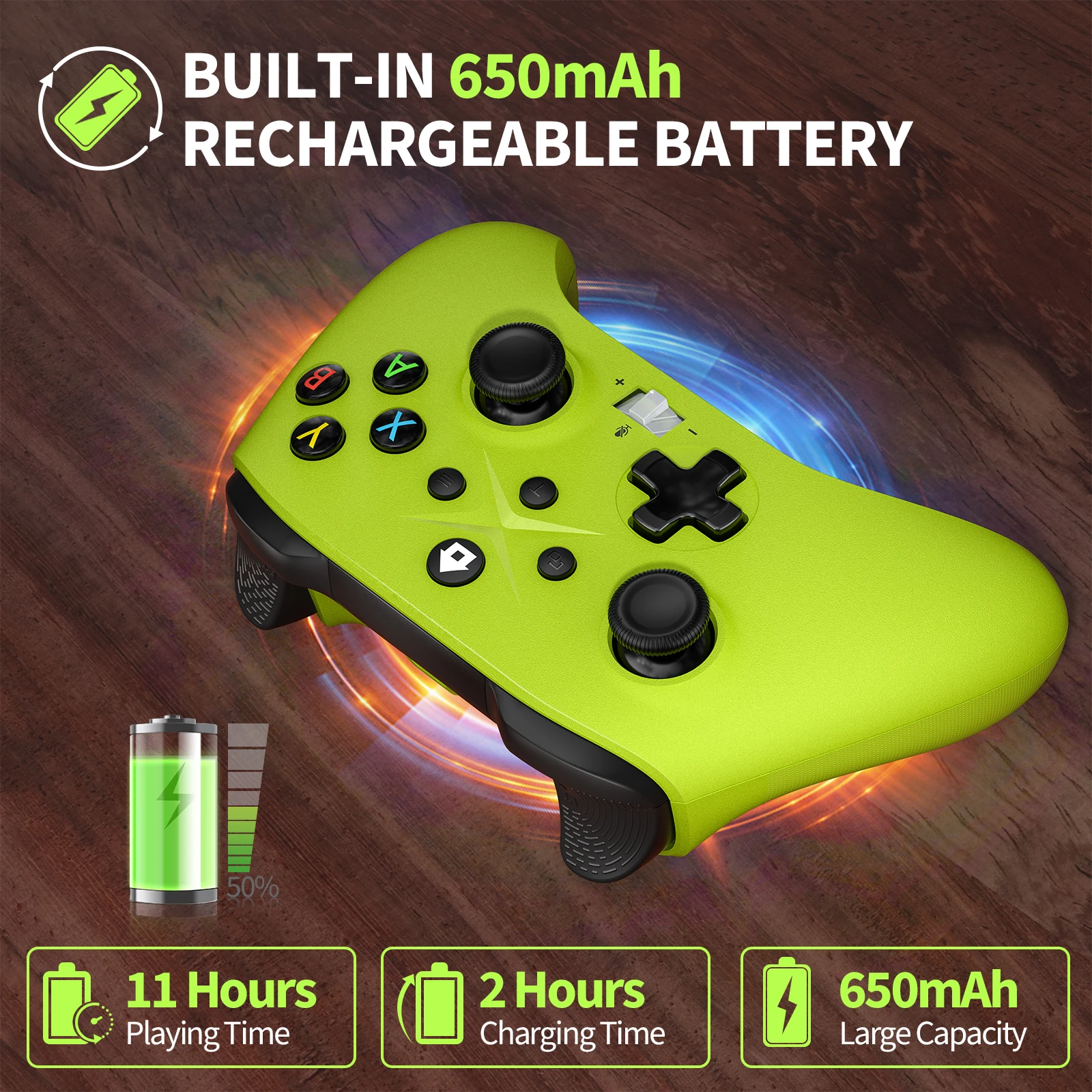
Battery Included: Yes
Compatible Brand/Model: Microsoft
Compatible Microsoft Model: Xbox One
Compatible Microsoft Model: xbox
Compatible Microsoft Model: Xbox One S
Compatible Microsoft Model: Xbox One X
Compatible Microsoft Model: XBOX SERIES X
Compatible Microsoft Model: Xbox Series S
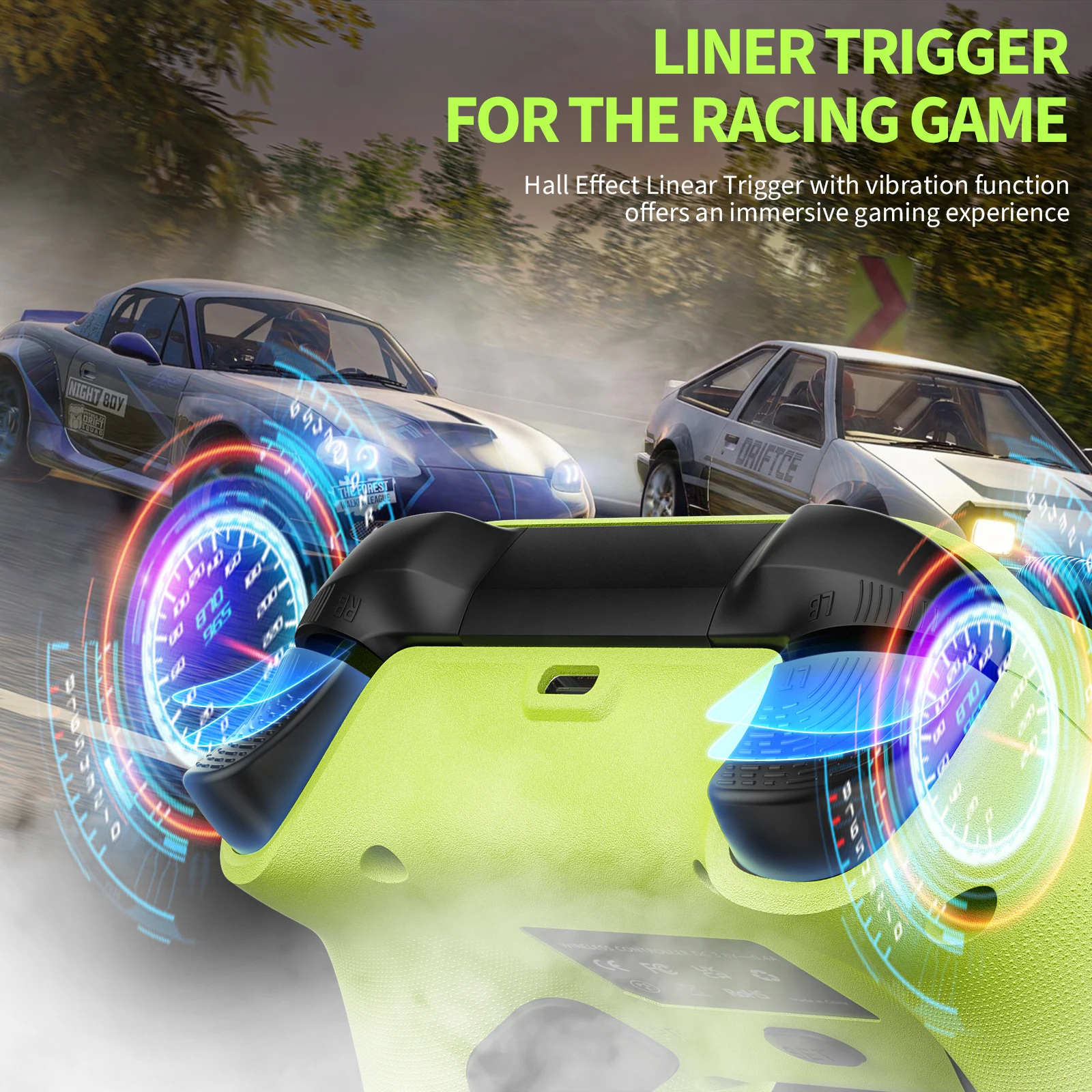
Trigger Button Type: Hall-Linear
Origin: Mainland China
Package: Yes
Type: Gamepads
Model Number: RH-1022
Interface Type: 2.4G
Compatible Platform: xbox
Compatible Platform: PC
RGB lighting joysticks: No
Hall Effect: Yes
Certification: CE
controle x-box one: controle x-box one
control x-box seres s: For xbox controllers
x-box one controller: Wireless Gamepad
Note: If you encounter incompatibility with X-box One, please contact the merchant in time. The merchant will send the upgrade package to the customer within 24 hours. Please do not file a dispute directly. Thank you for your understanding
Note:Customers can purchase the receiver separately but the controller is not included
The sales volume exceeds1,000orders in a week, and the number of visitors exceeds50,000.The store manager recommends items

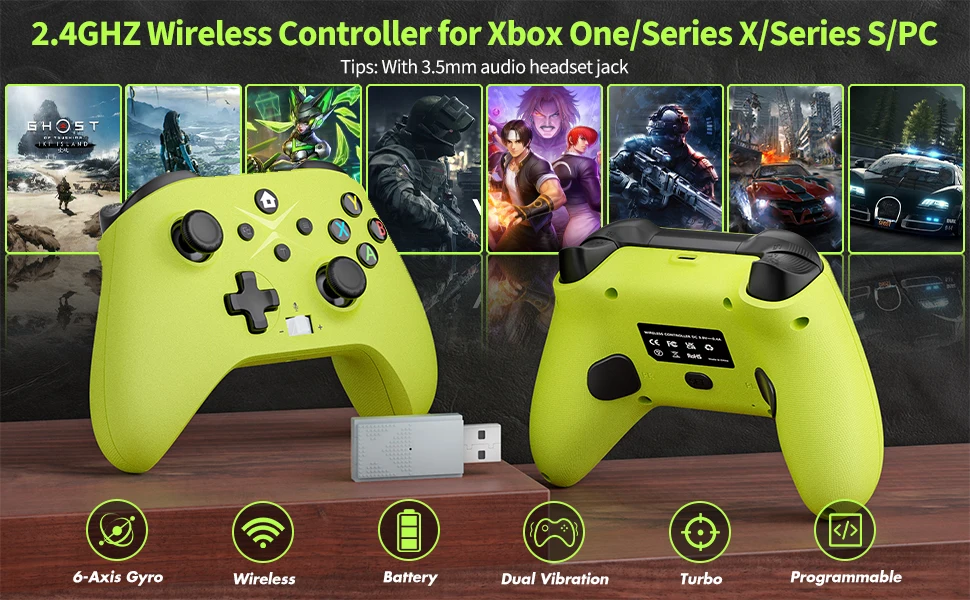
2.4 G Wireless Game Controller For XBOX ONE ,XBOX SERIS S,X PC
Specification
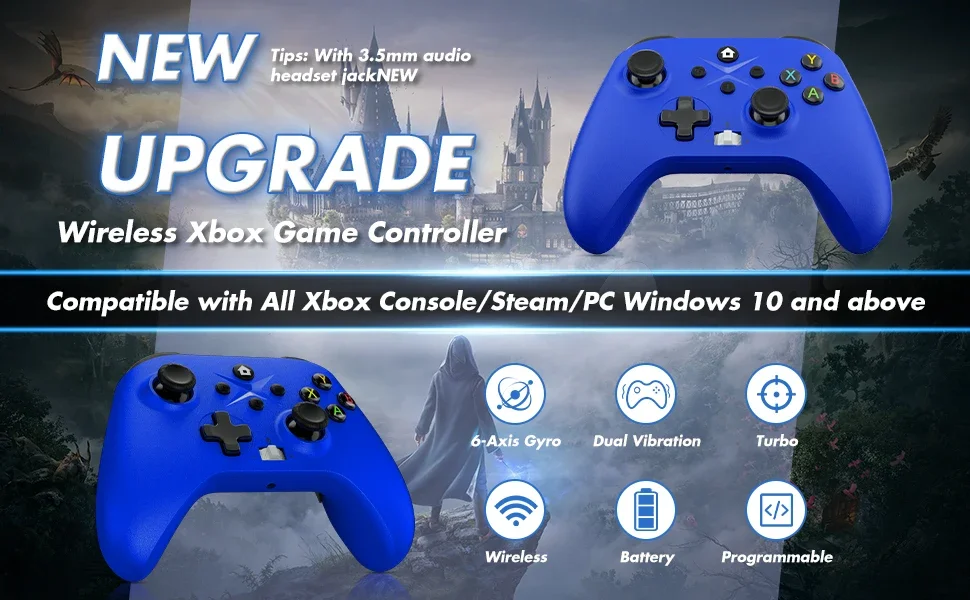
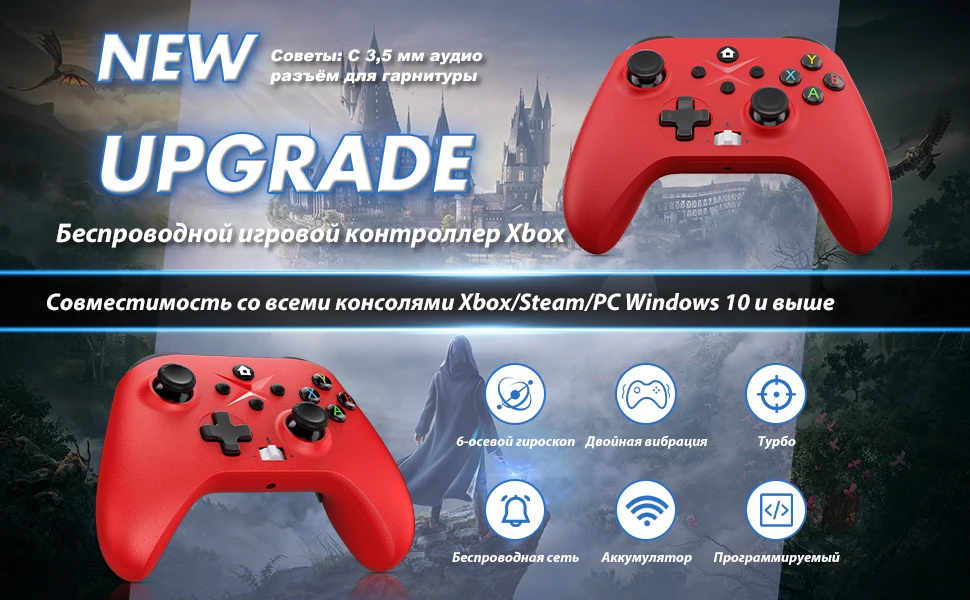
A new version of the 2.4G wireless handle,and wired connections are also possible,Can be connected wirelessly with PC computer (Windows10 and above )
Features
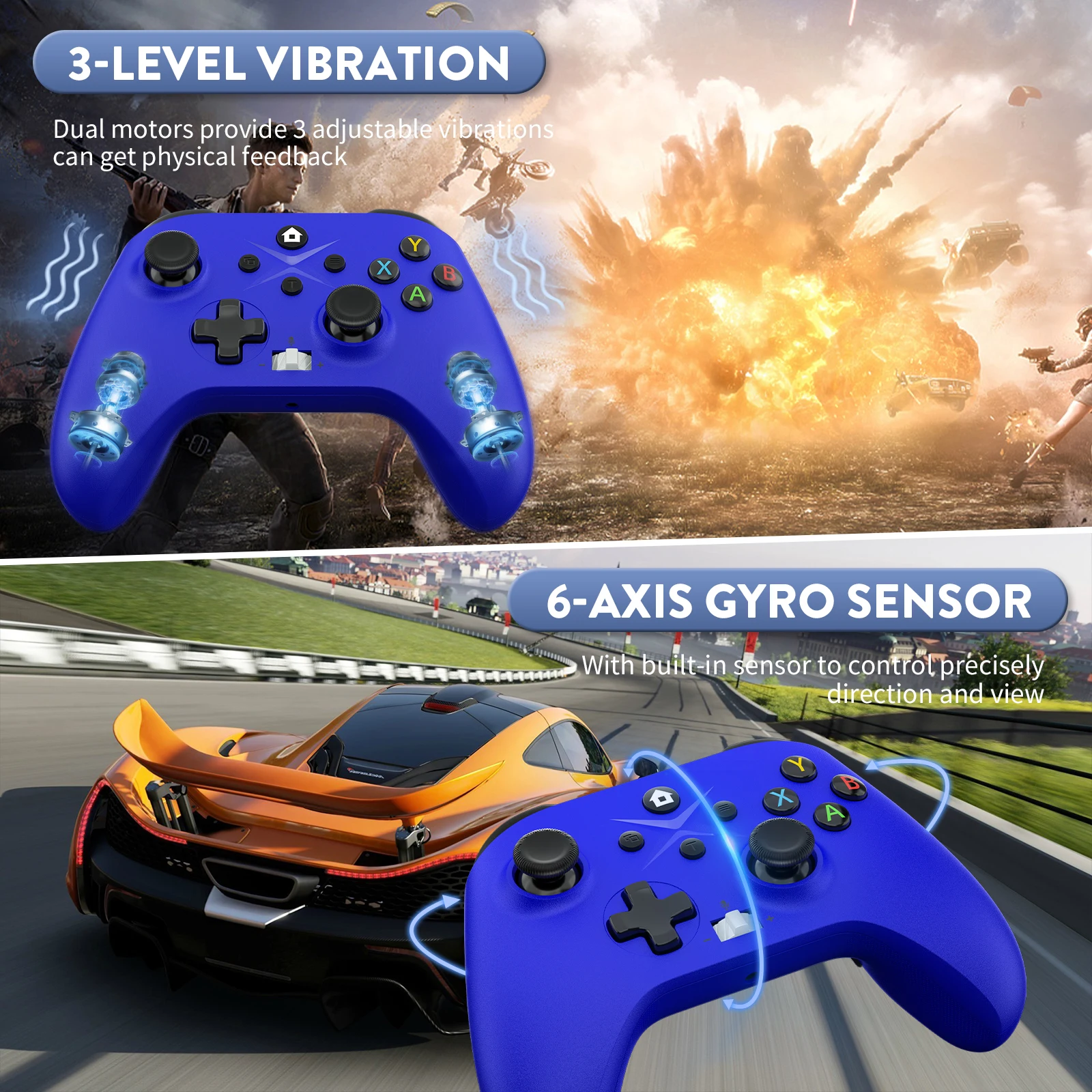
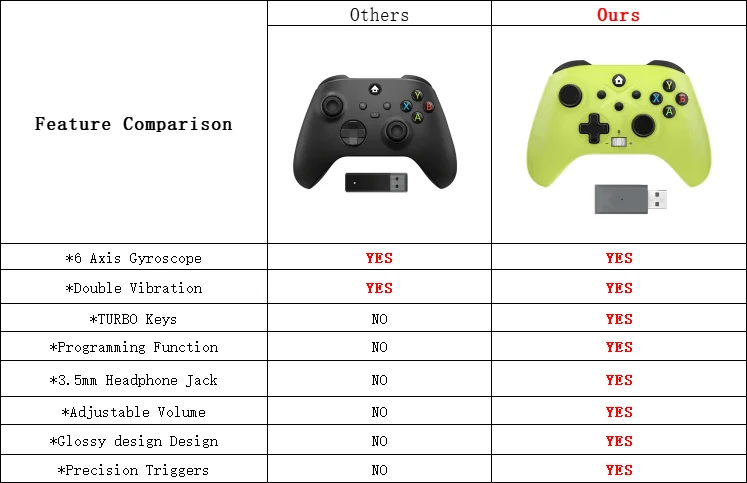
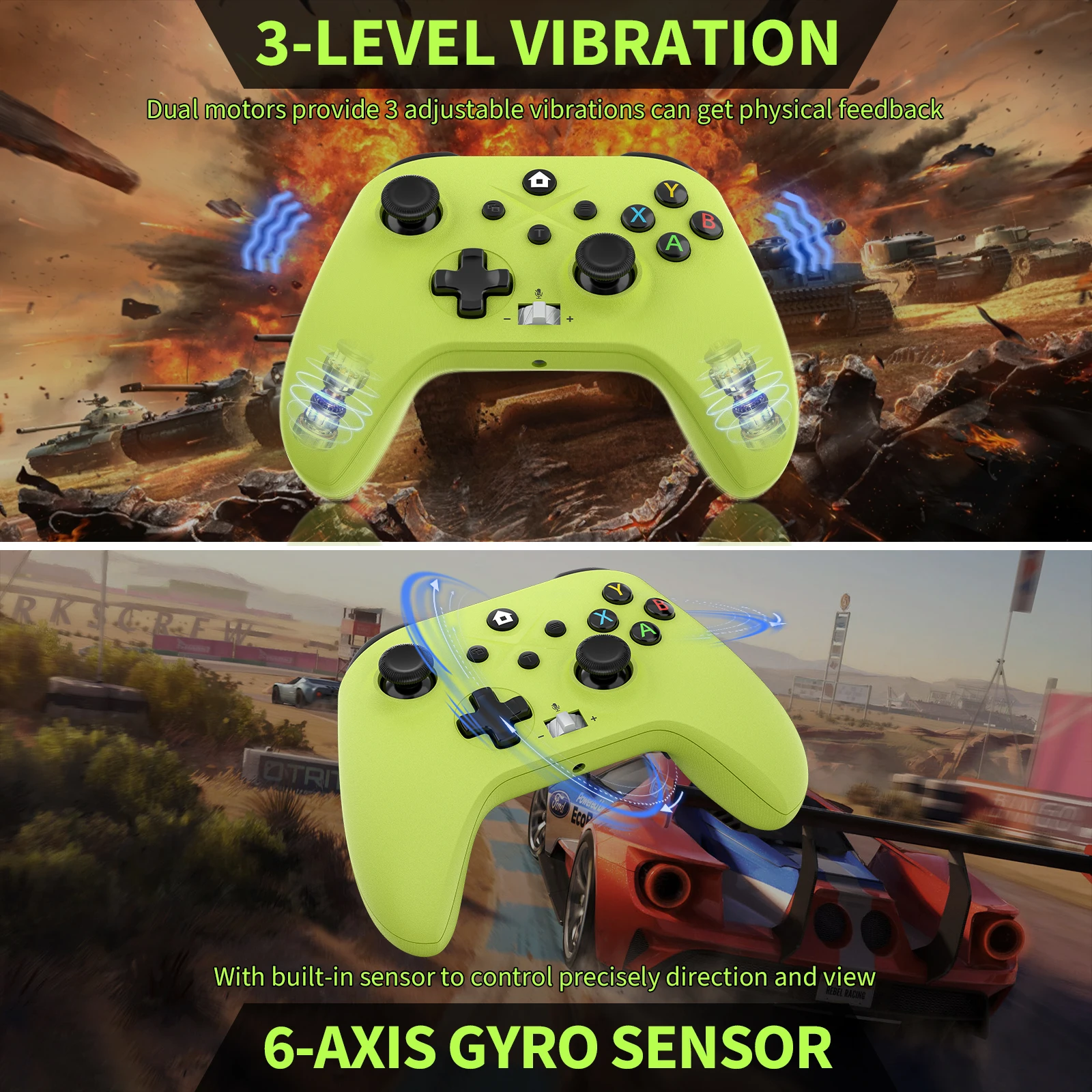
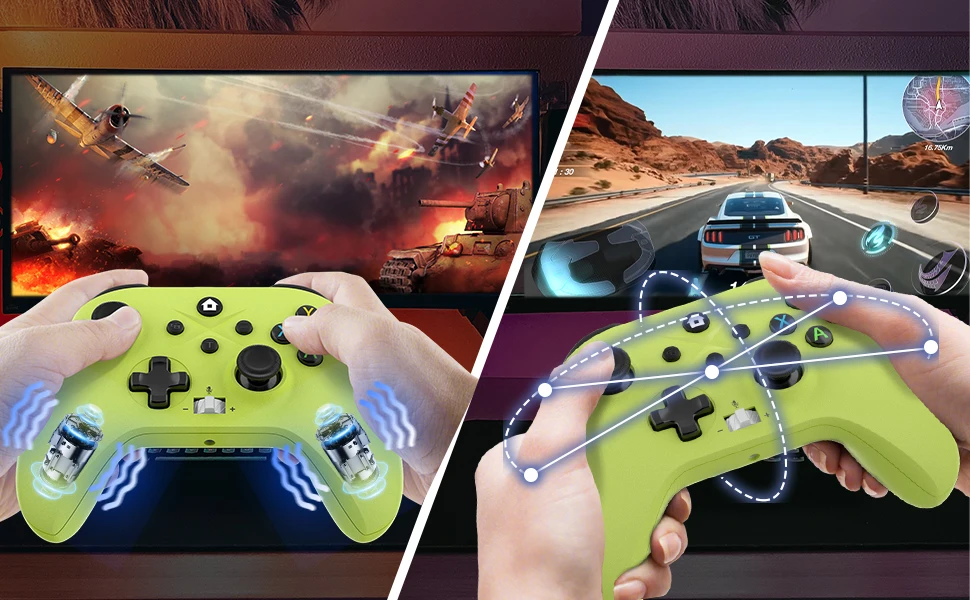
*6 axis gyroscope
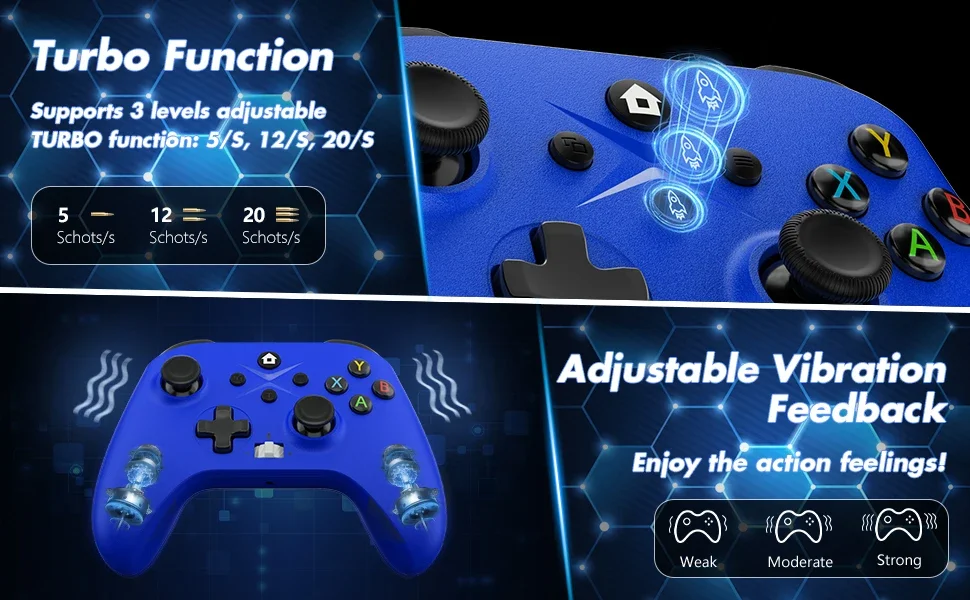
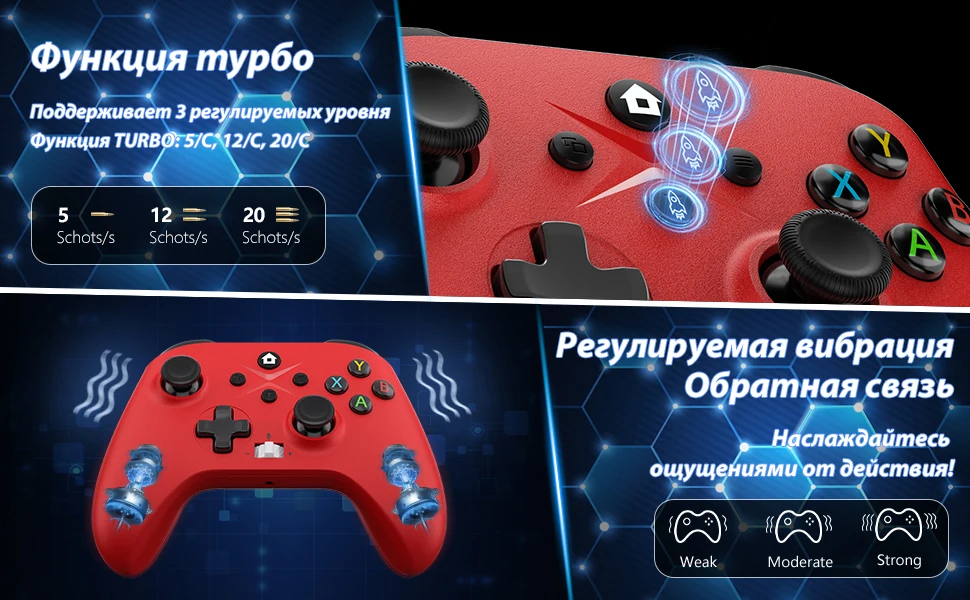
*Double Vibration
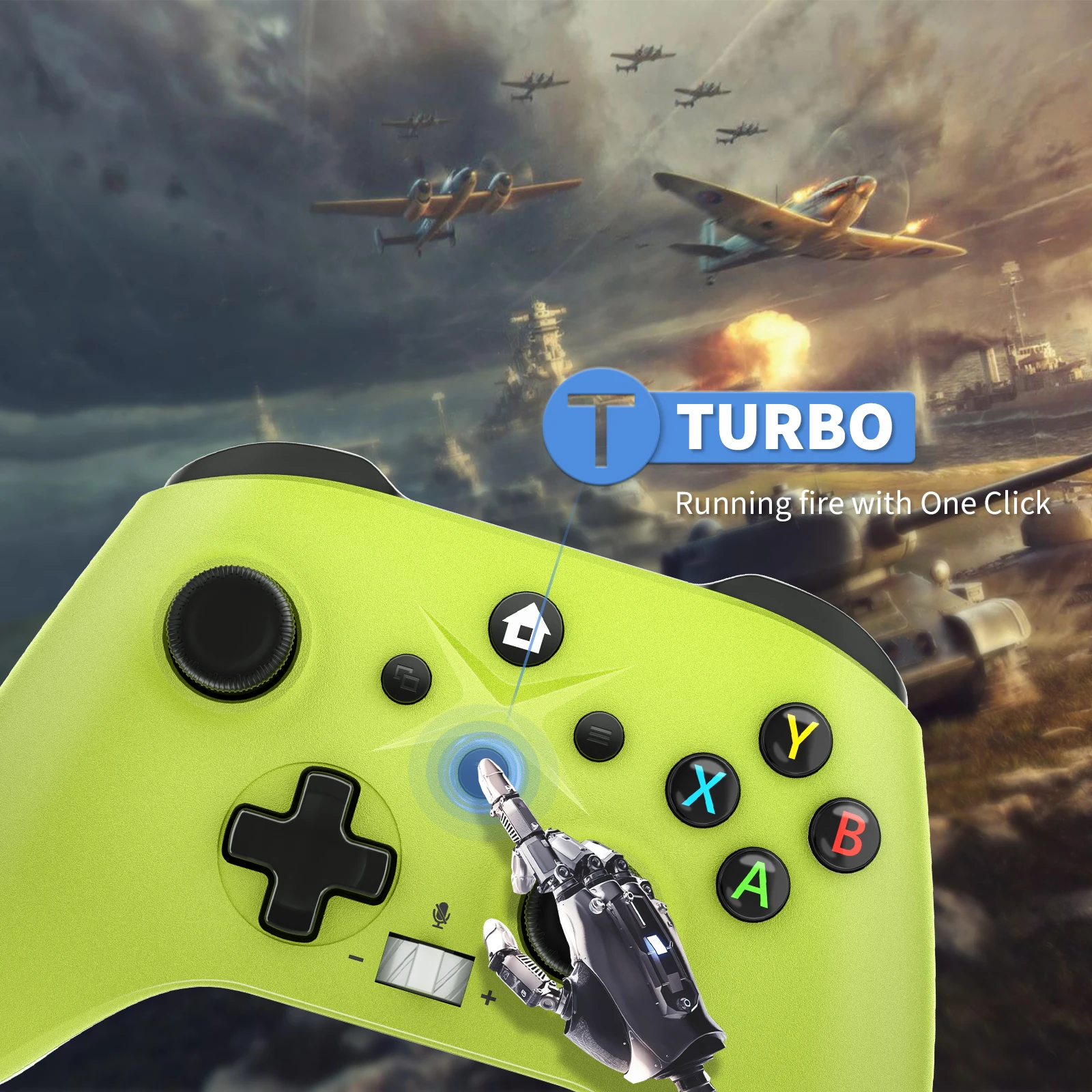
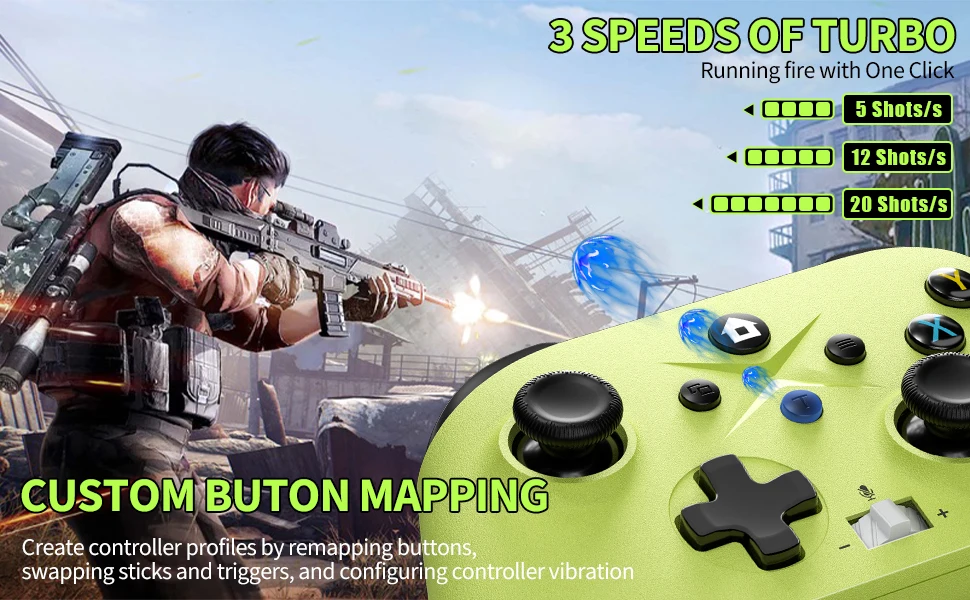
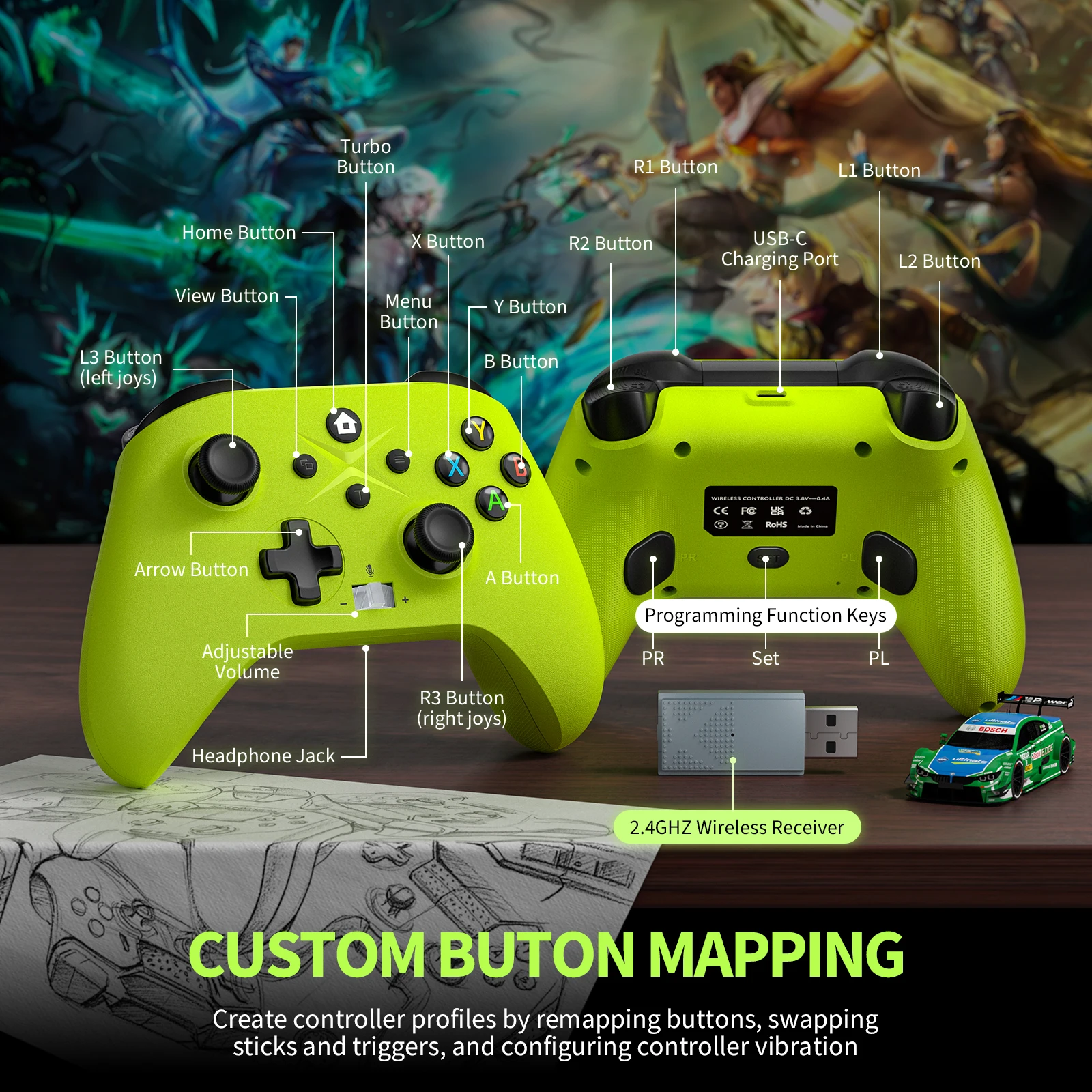
*TURBO Keys
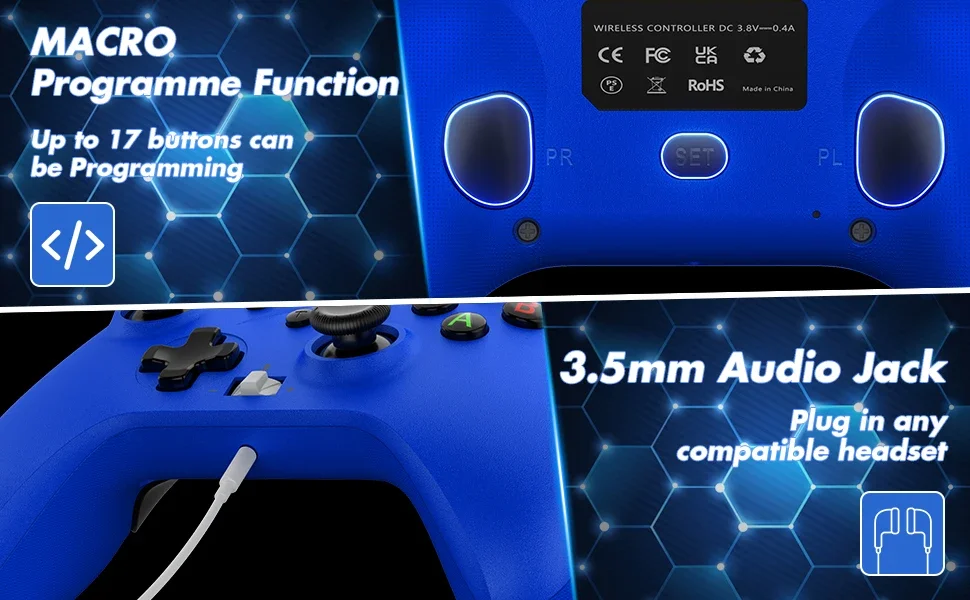
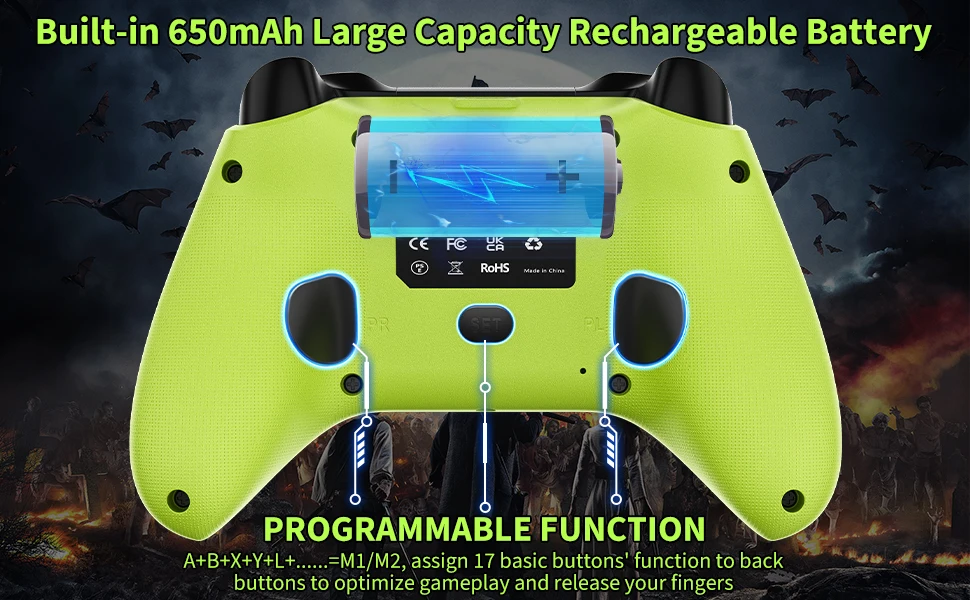
*Programming Function
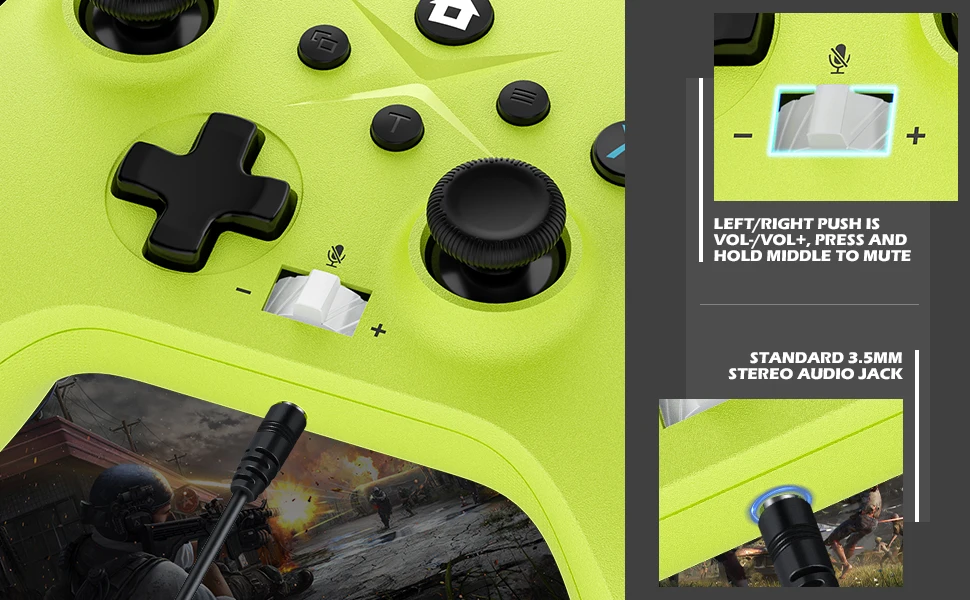
*3.5mm Headphone Jack
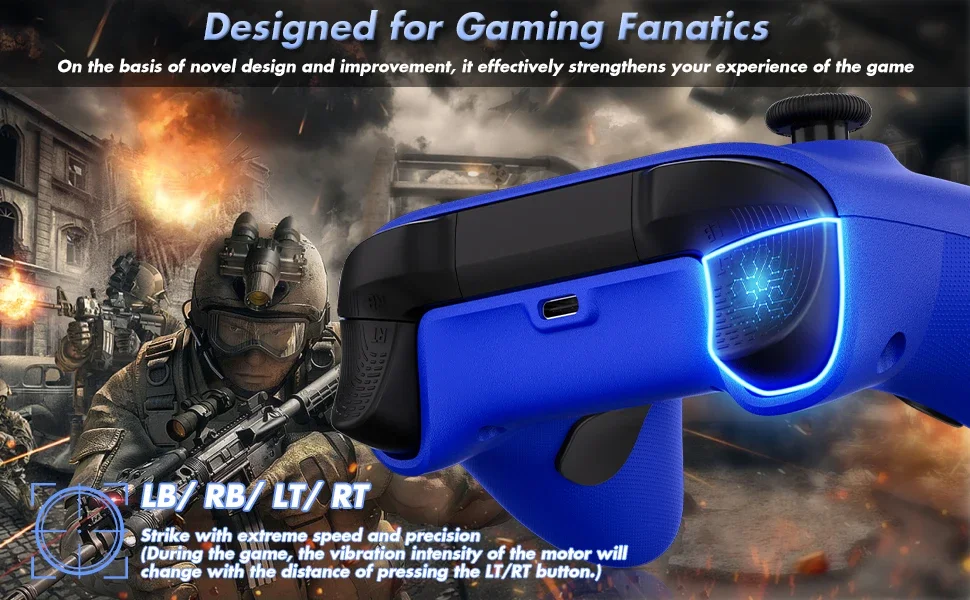
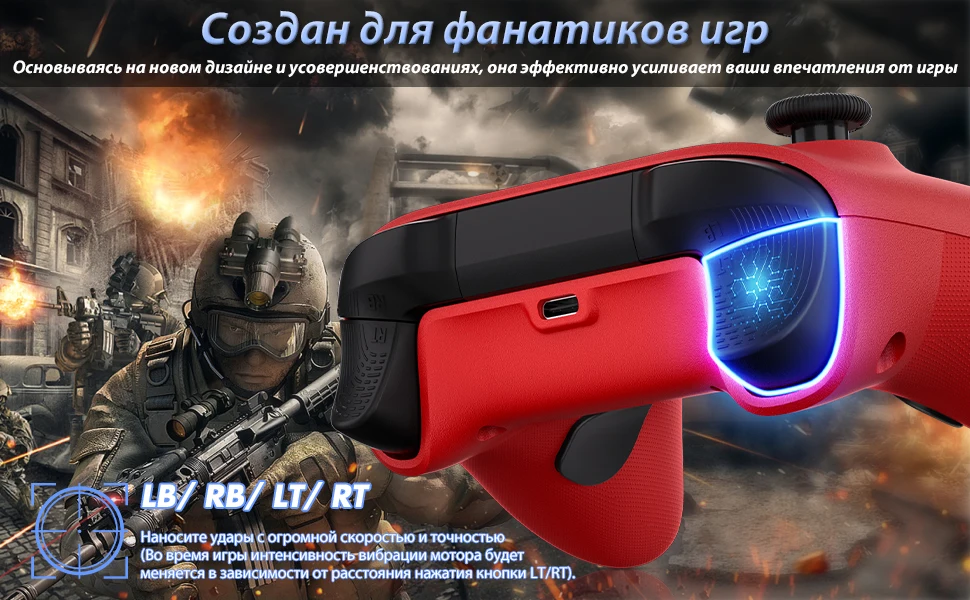
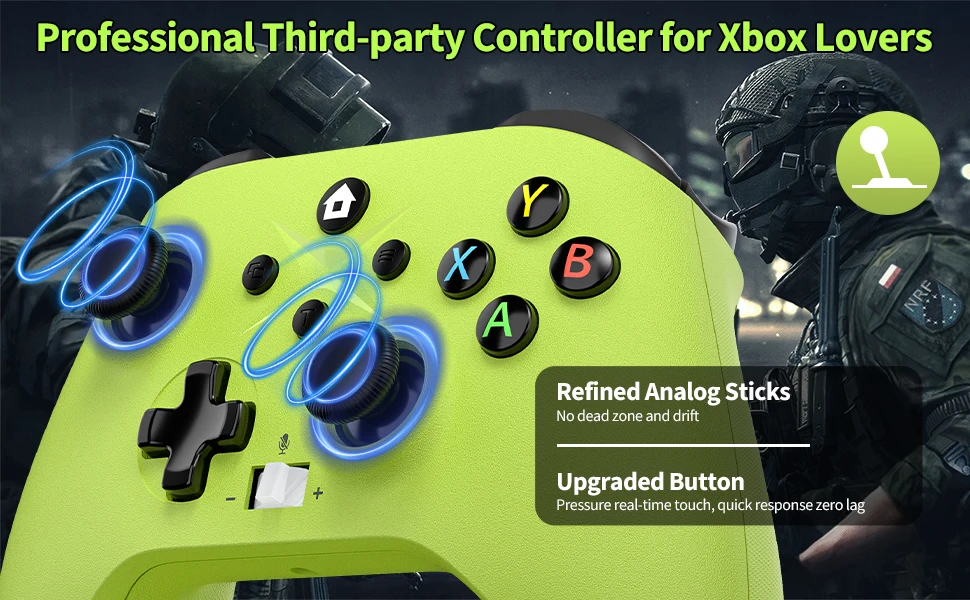
*Anti-slip ergonomic design
*Precision Triggers
*Button effective distance: 10M
*Sound effective distance: 6M
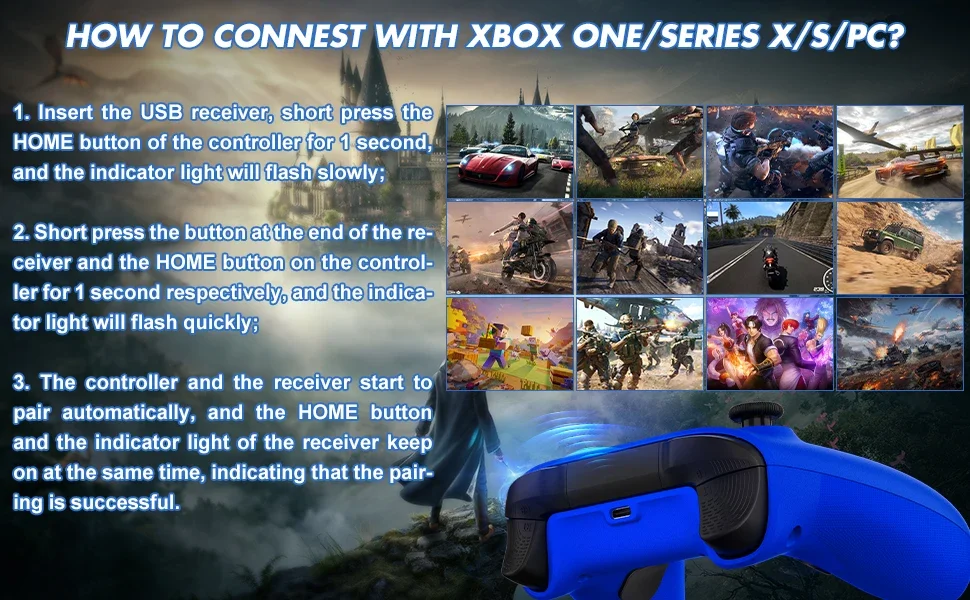
▶ About the connection of the controller:
X-box consoles connection:
1. Turn on the X-box Console power
2. Insert the USB Dongle receiver
3. Press and hold the controller HOME button for 1 second, indicator light began to flash.
(HOME button and the indicator light of the USB Dongle keep on at the same time, indicating that the pairing is successful)
PC wireless connection (WINDOWS 10 and above system):
1. Insert the USB Dongle into the PC
2. Press and hold the controller HOME button for 1 second.
(the indicator light of the receiver and HOME button keep on at the same time, indicating that the pairing is successful)
▶ Note:
1. 3D joystick calibration
- After turning on, automatically calibrate 3D joystick (do not touch the 3D joystick when booting).
2. Reset function
- When the controller appears abnormal, you can use the reset key behind the controller to reset.
Shipping Question
1.If it is quality problem, buyer can submit argue within 15 days after receiving the goods, the buyer pls provide about the question information: such as photos or video and other evidence to seller for identify. thank.
2.Product quality processing program:
(1) if the item bad or broken,we will full return or part return . (the liar excluede)
(2) if your need want kown the order transport ,
pls use :Aliexpress standard order : https://global.cainiao.com
Other shipping methods : https://www.17track.net/en