

Wireless CarPlay Screen for Car 7" HD Portable Stereo Touchscreen For Apple CarPlay & Android Auto CarPlay Screen with Backup
Couldn't load pickup availability
- 🔒 Secure Checkout
- 🚚 Fast Shipping
- 🔄 30-Day Returns
Brand Name: LEXXSON
Display Size: 7"
High-concerned chemical: None
Origin: Mainland China
Din: One Din
For Vehicle Brands/Model: Universal
Digital Media Format: Mp3
Digital Media Format: MP4
Is touch screen: Yes
Special Features: MP3 players
Special Features: CarPlay
Special Features: android auto
Output Type: Colored
Item Weight: 0.9
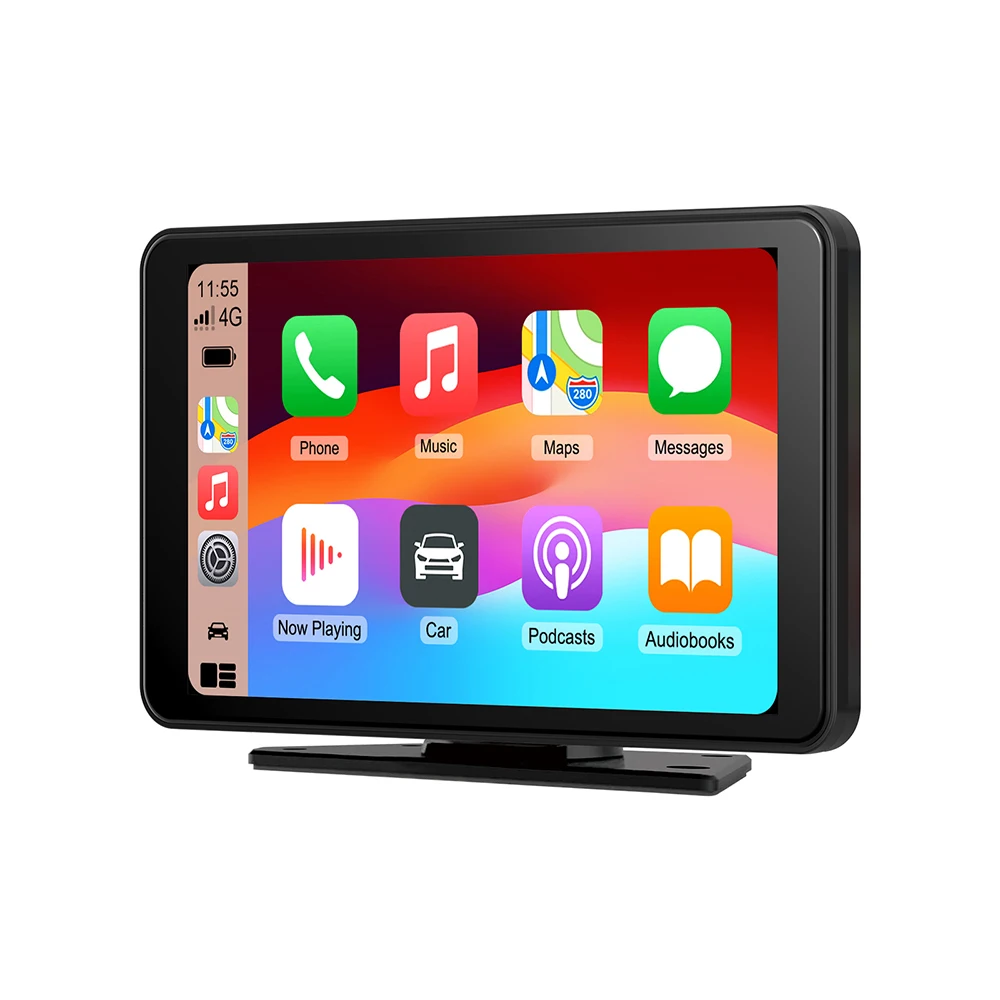
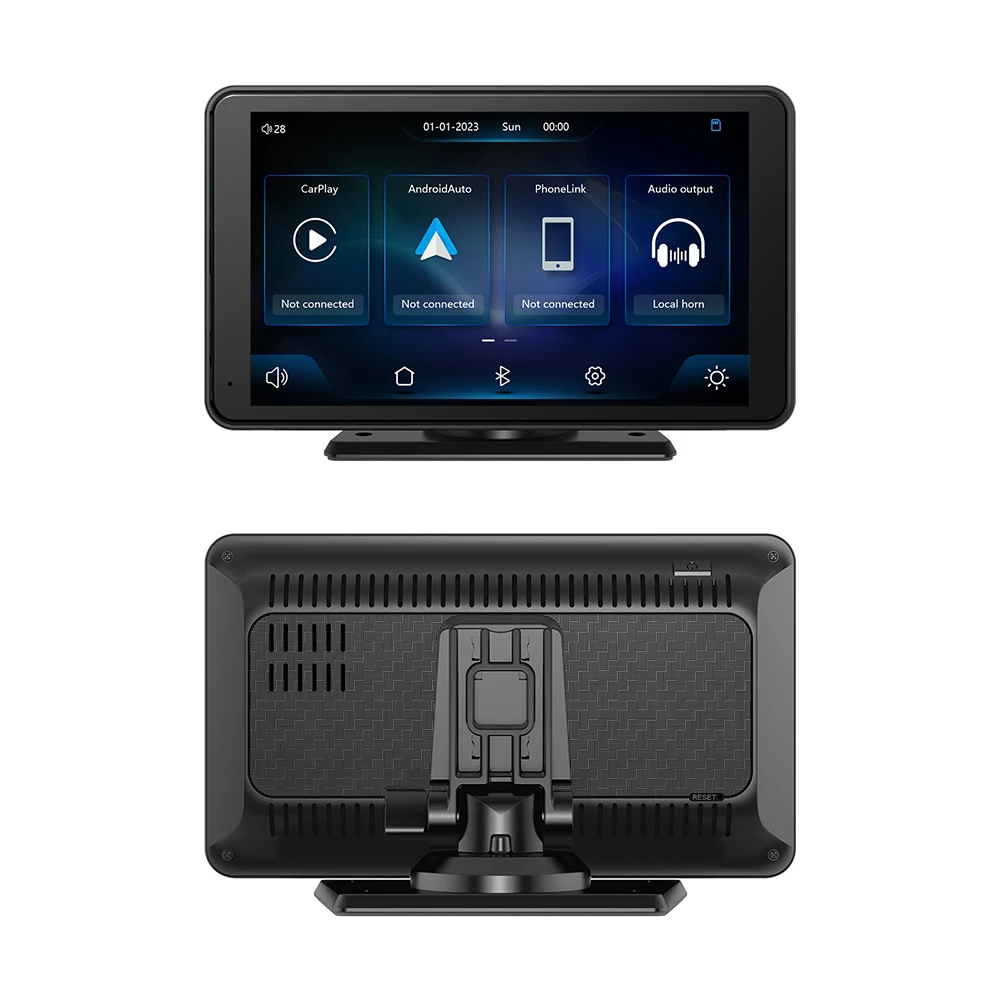
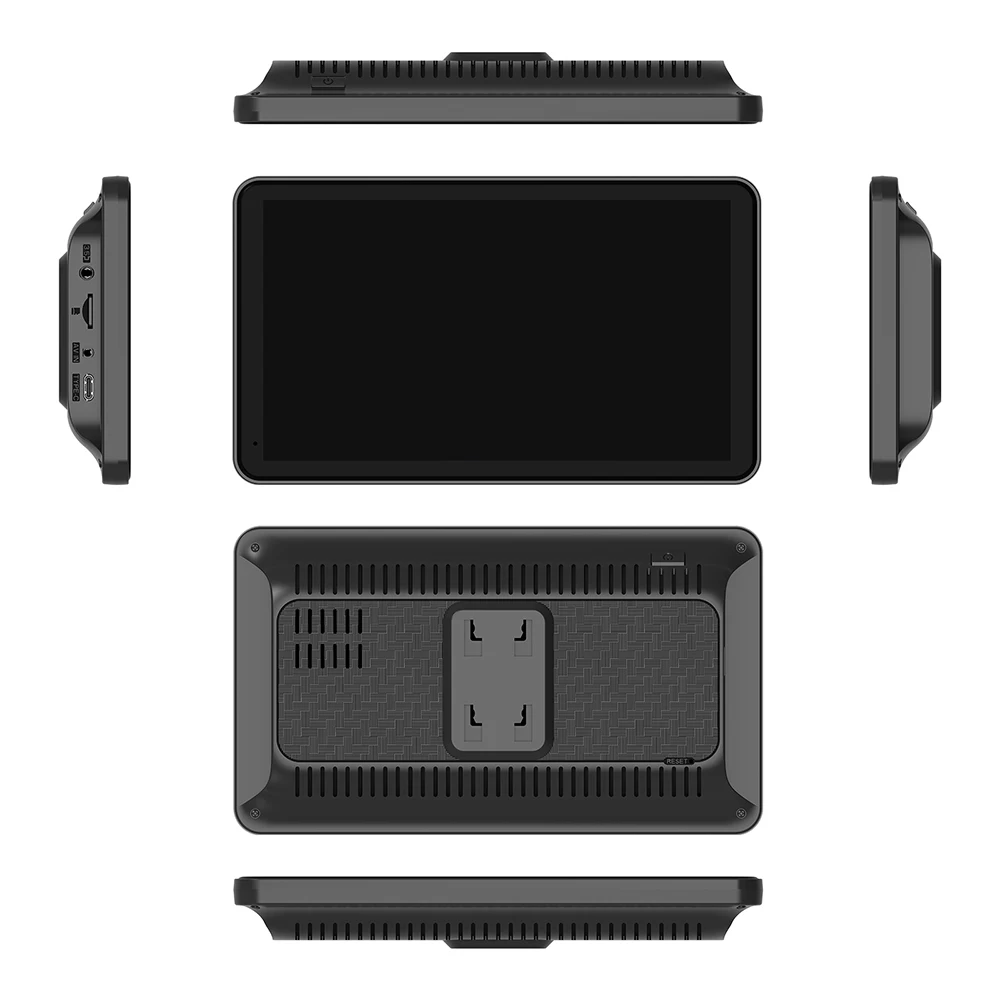
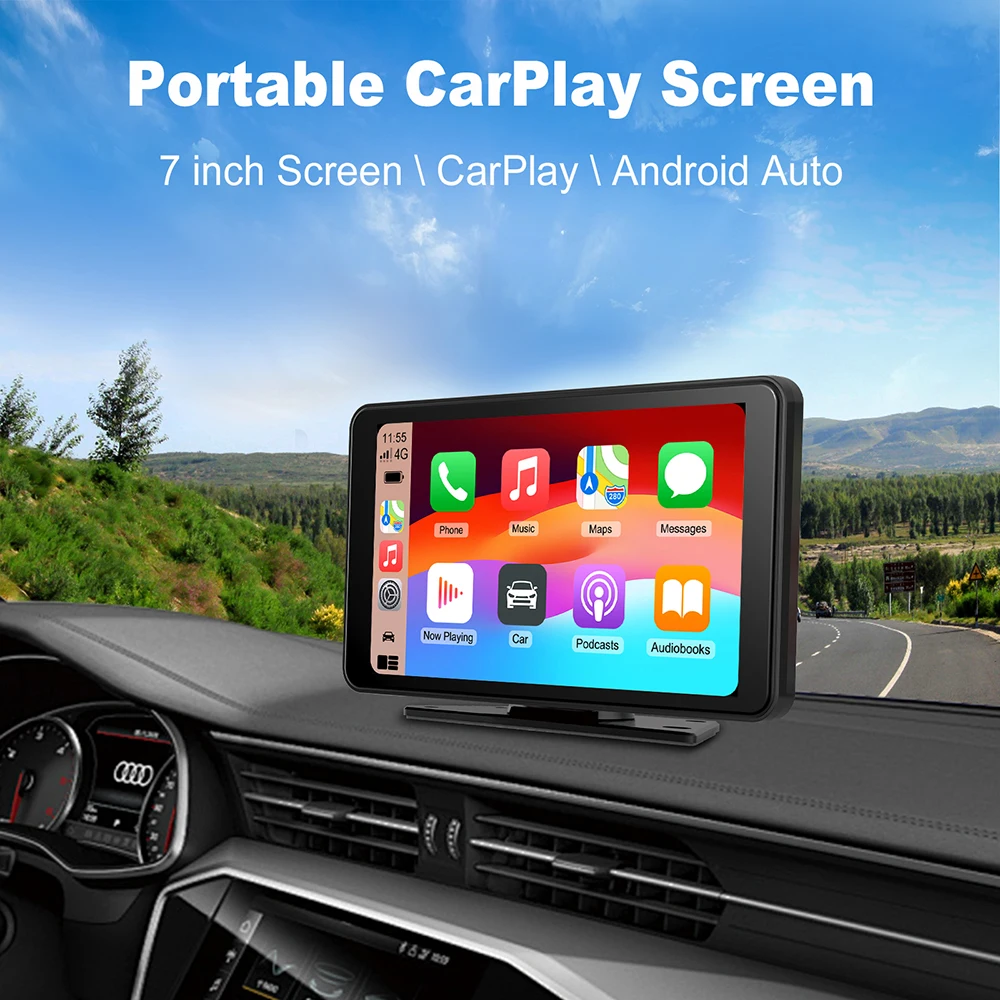
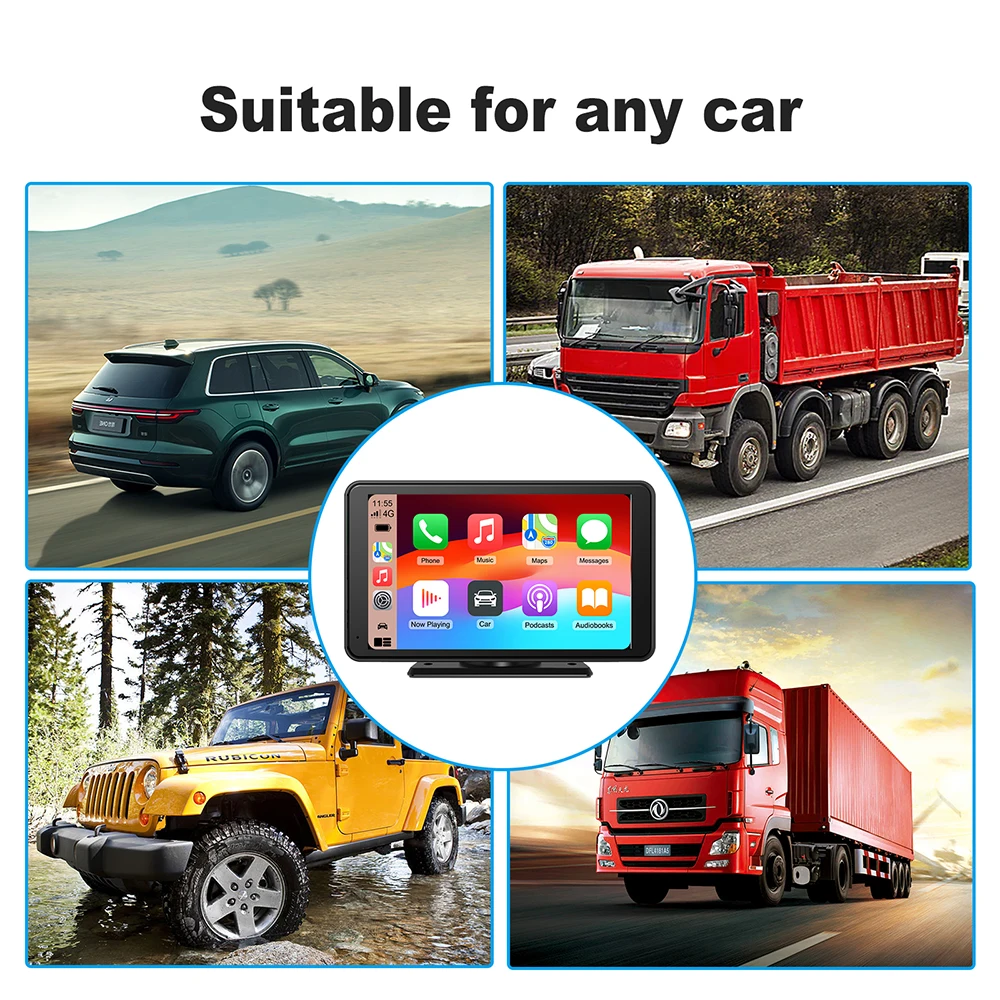
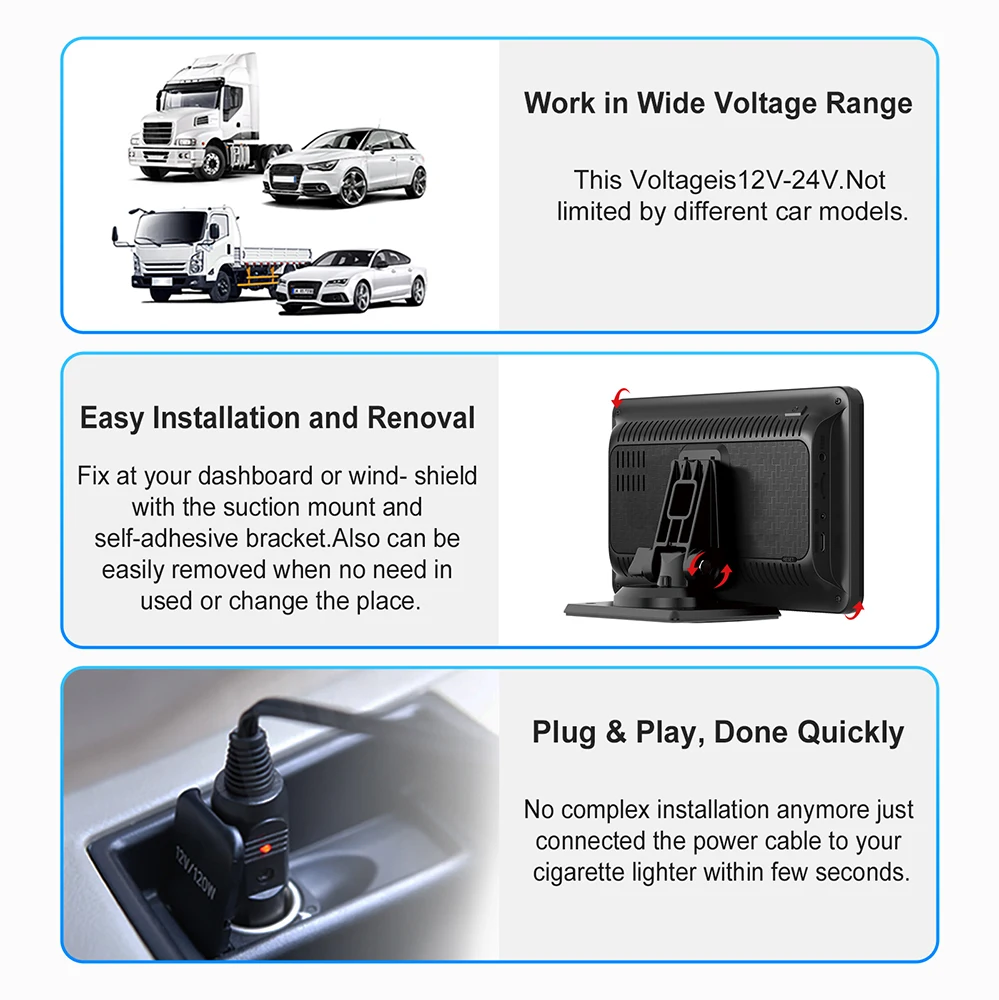
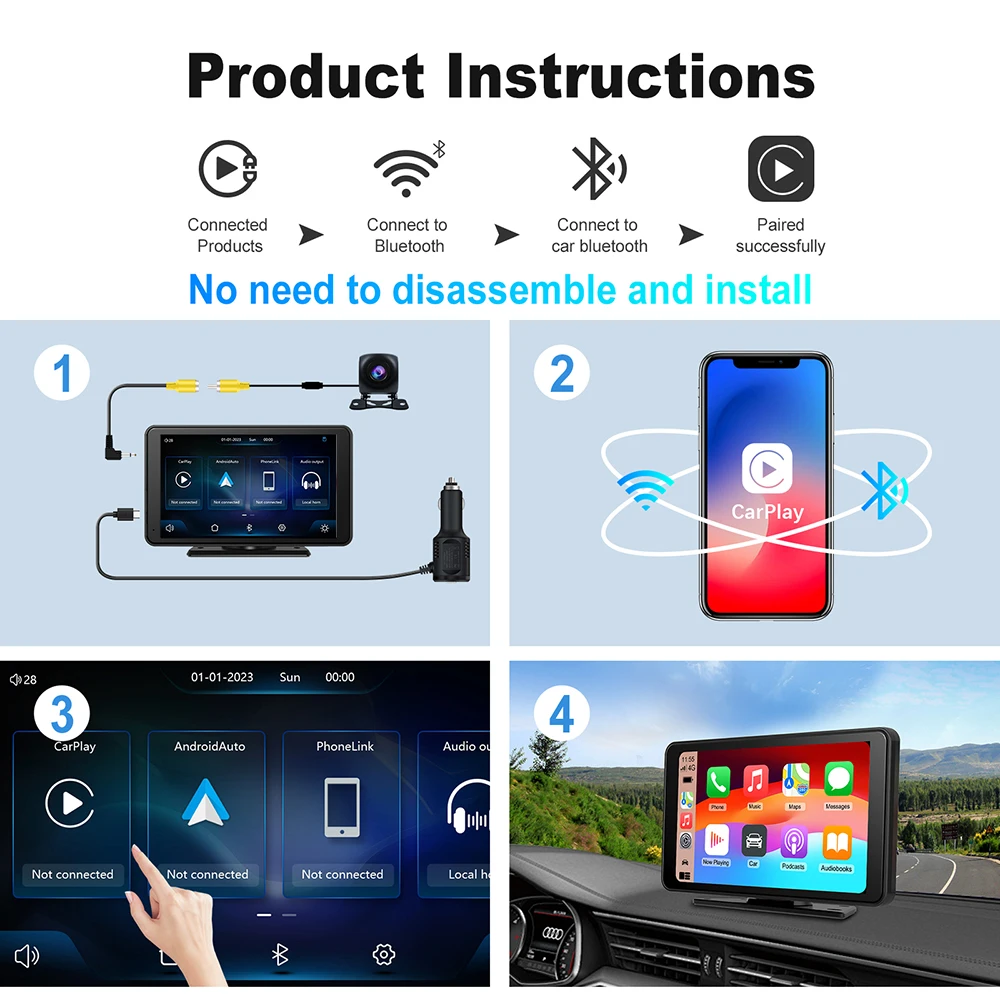
The monitor with 7" touch screen (Plug and Play, suitable for all cars) comes with a strong stand with suction cup, a stand for fixed mounting on the dashboard, etc. No need to disassemble the car dashboard.
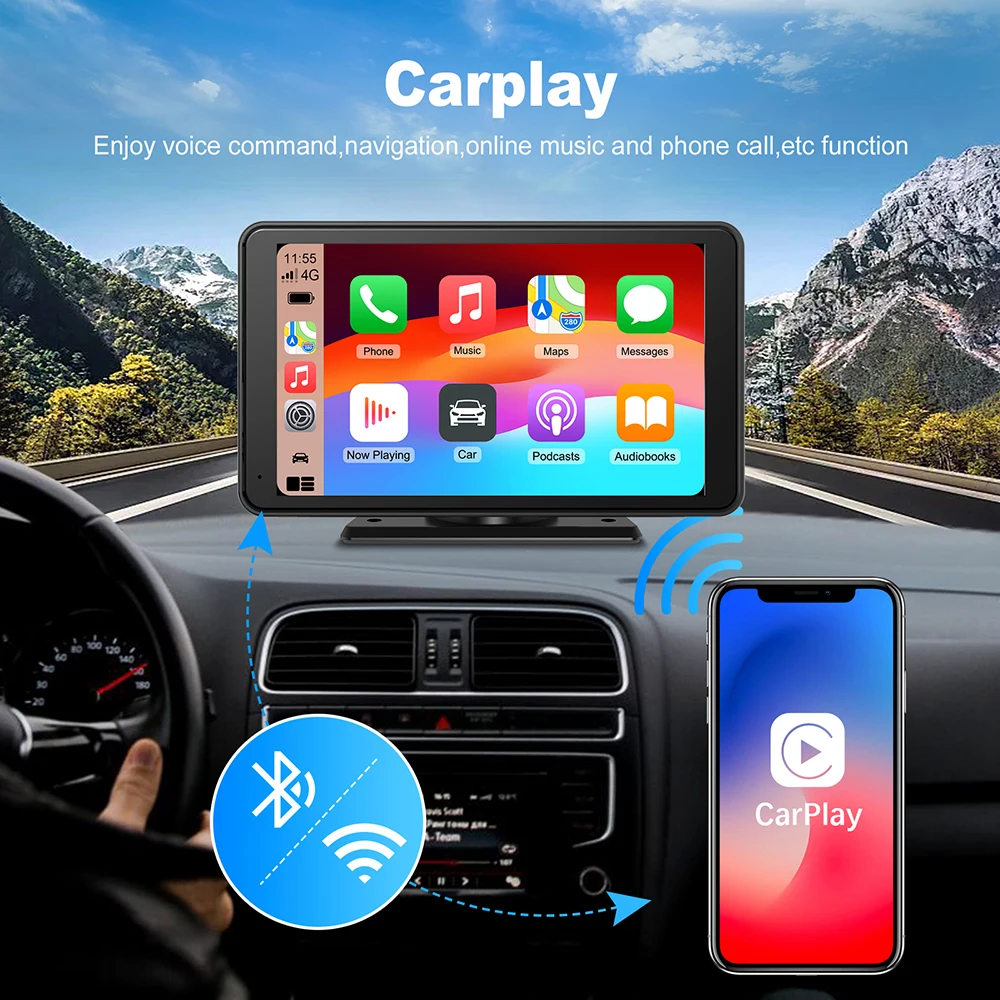
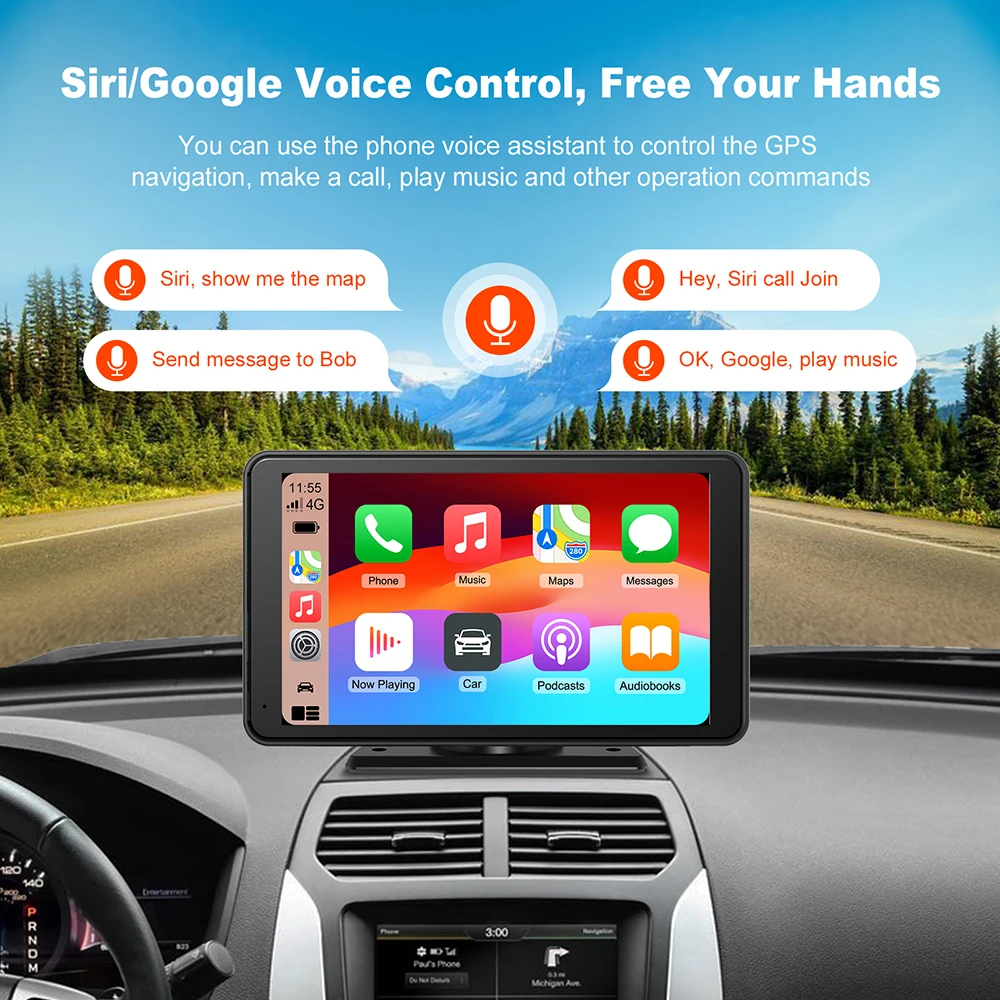
A smarter, safer and more fun way to use your iPhone in the car (Wireless Apple Carplay). Apple CarPlay gives iPhone users an incredibly intuitive way to make phone calls, use Maps, listen to music and access messages with just a word or touch.
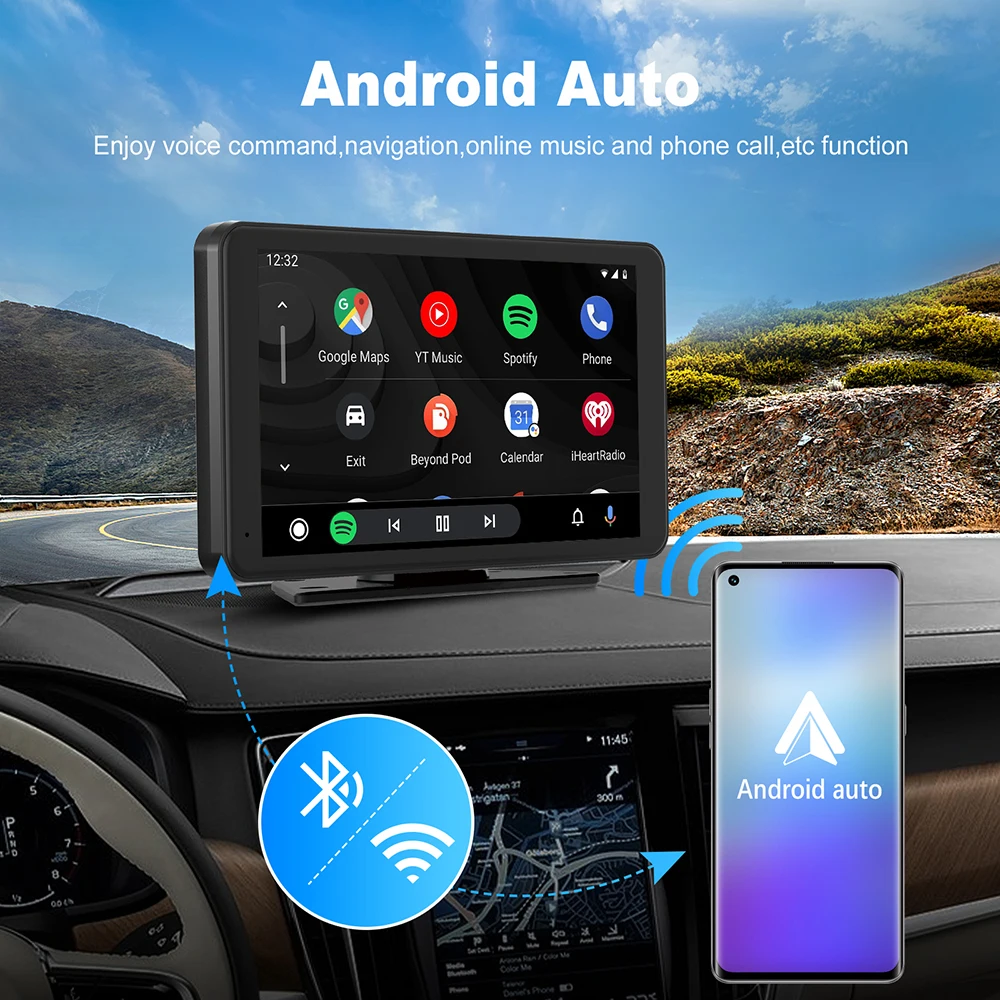
Enjoy seamless connectivity and control of your Android smartphone in the car (Android Auto support). Android Auto lets you make phone calls, navigate with Google Maps, listen to music and receive text messages.
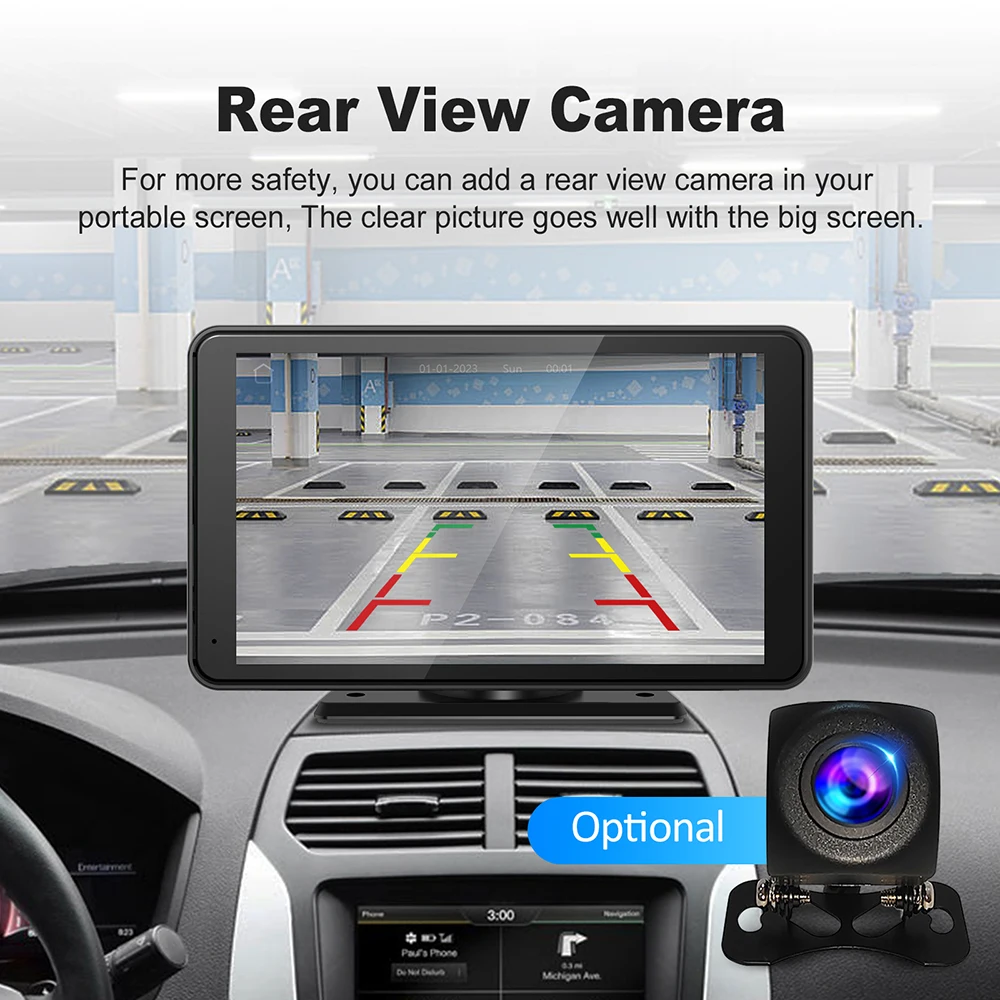
Optional to add the rear-view camera, for more safety to drive.
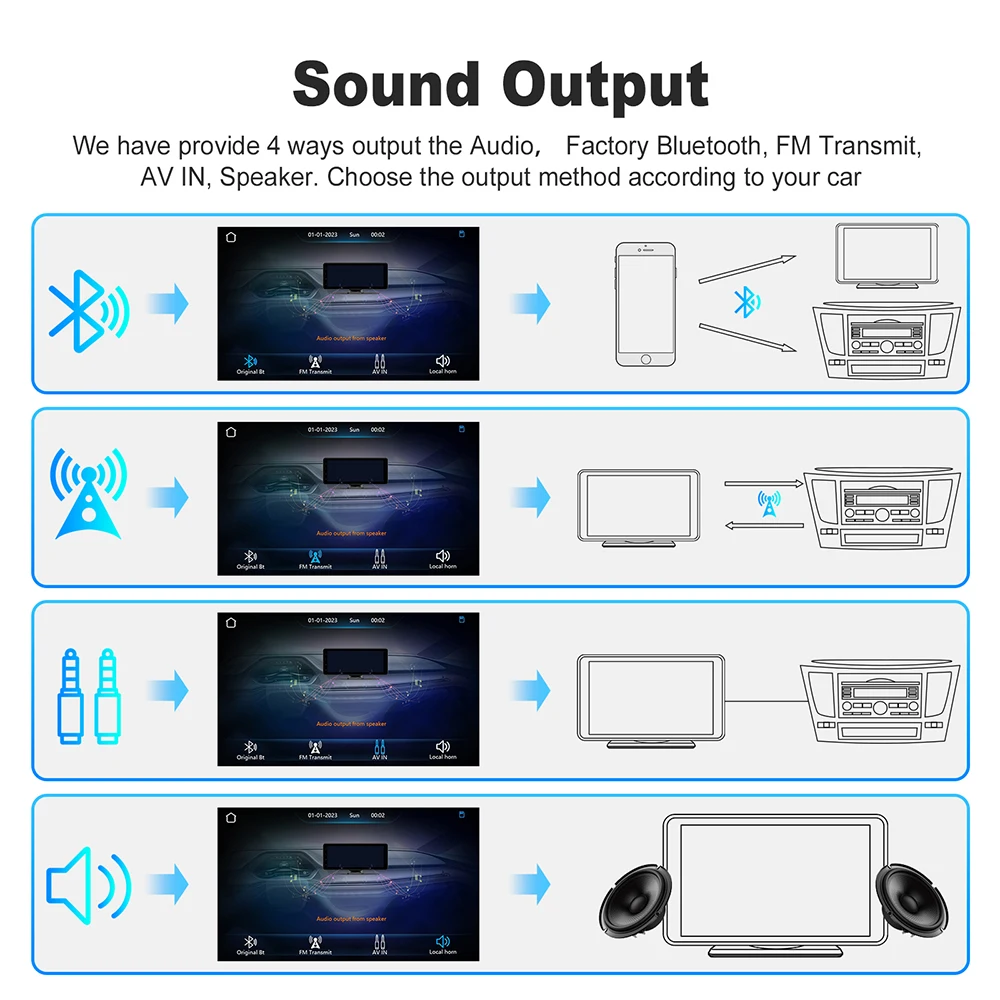
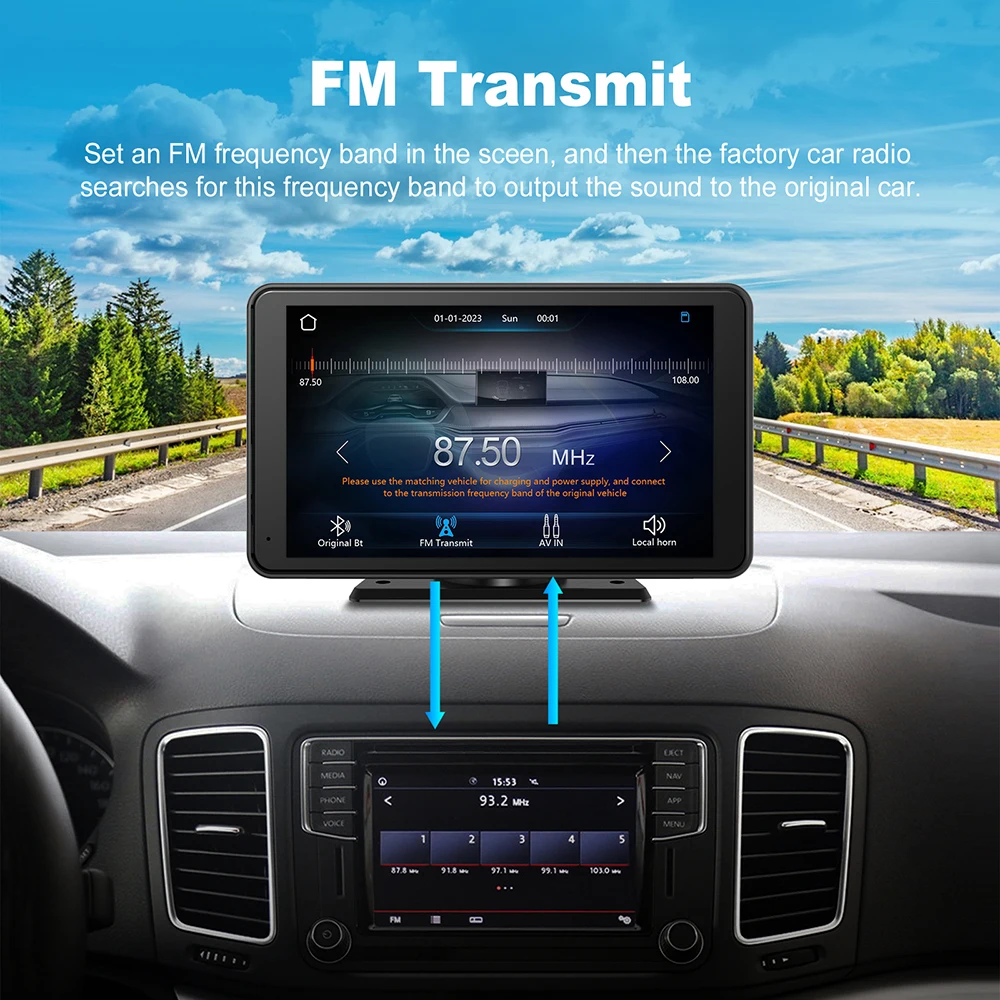
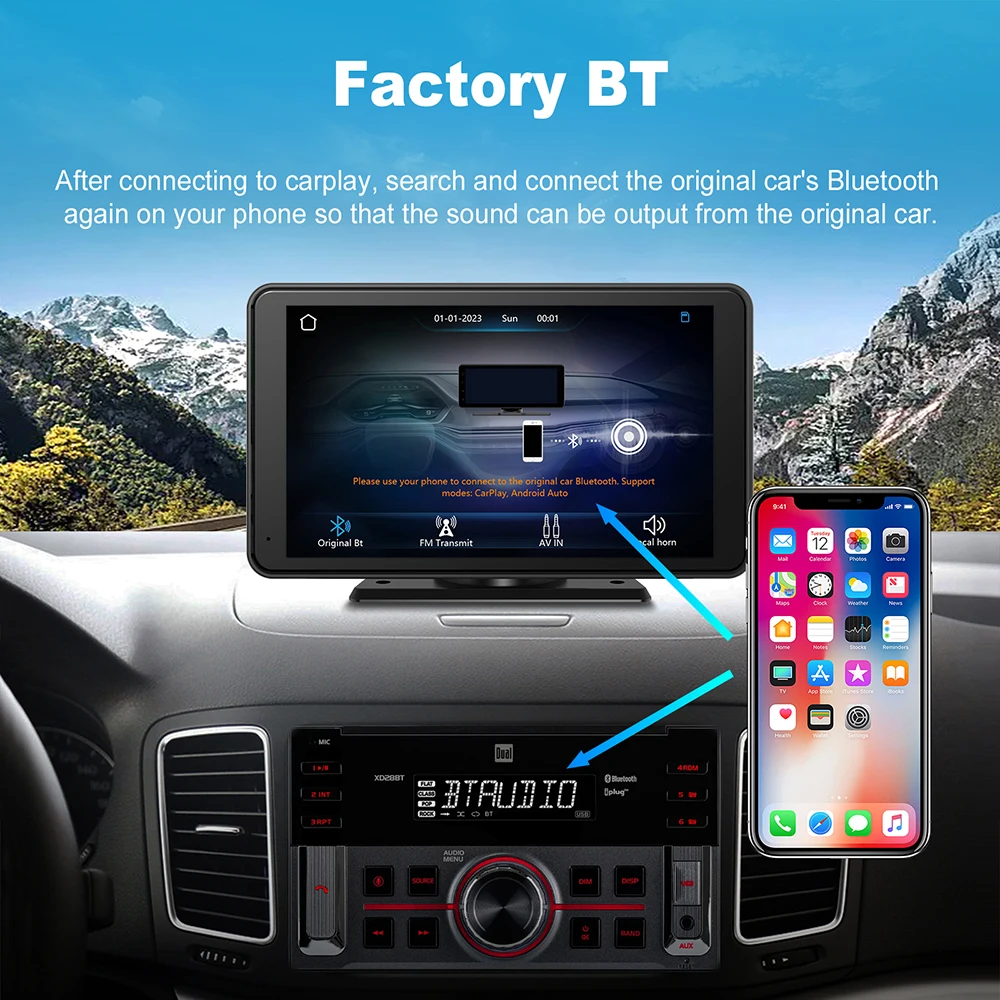
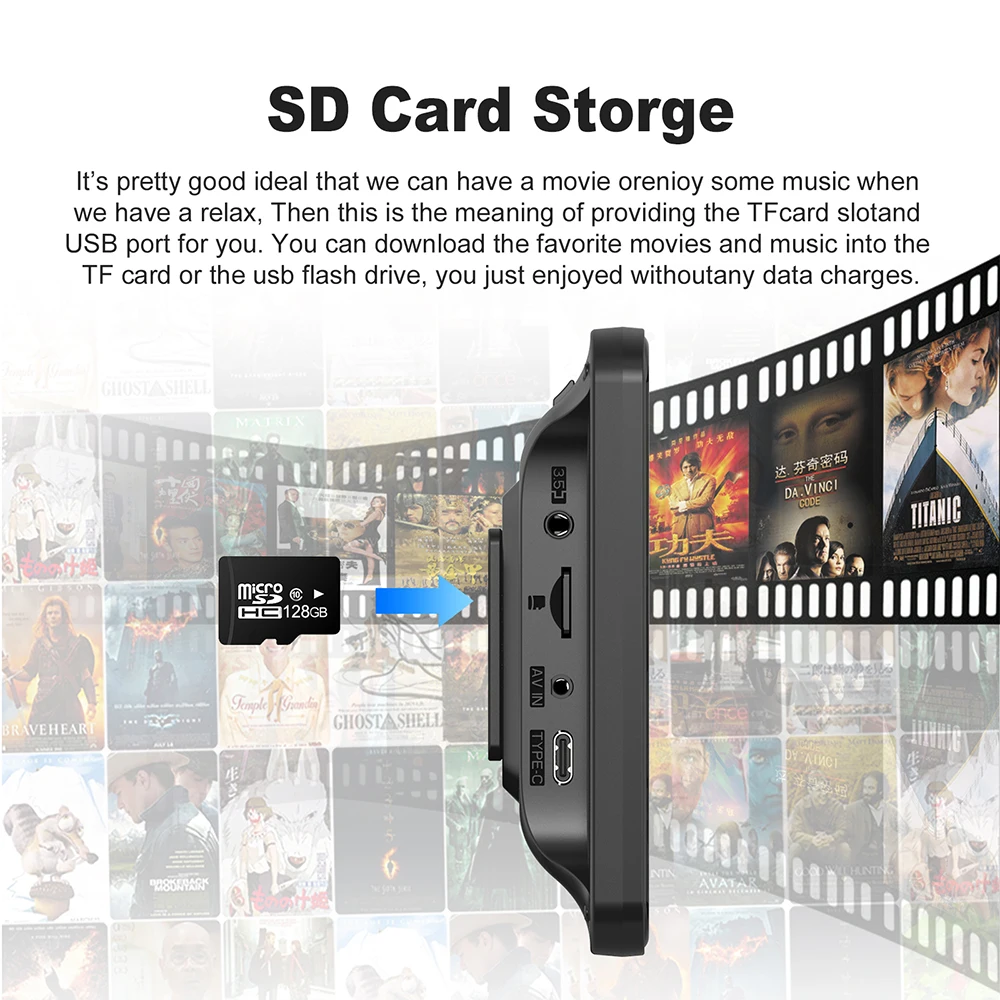
The monitor has a built-in speaker, but if you want louder sound, you can transmit it to the car's speakers:
1. Phone Bluetooth connect to factory Bluetooth if your factory car has Bluetooth function after you connected the CarPlay.
2. Using the FM transmitter, set the radio to the same frequency as that set on the monitor.
3. Using the AUX cable, you can plug the auxiliary cable into the original AUX port of your radio if your car has one.