


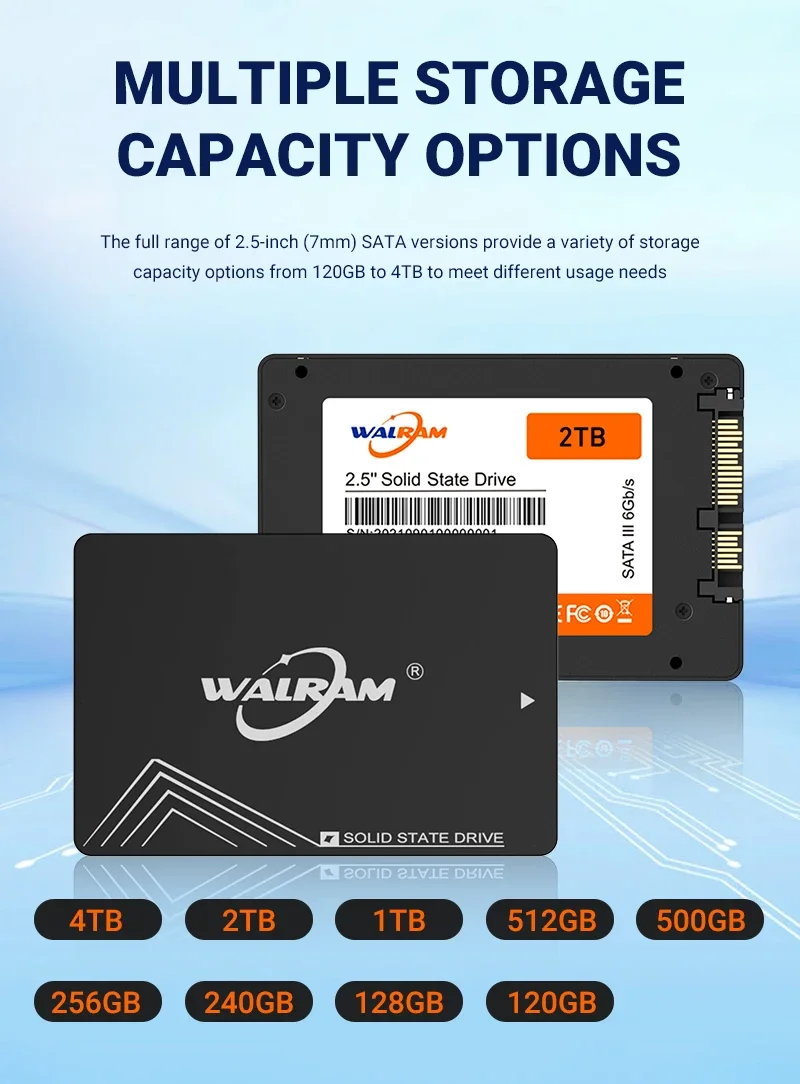
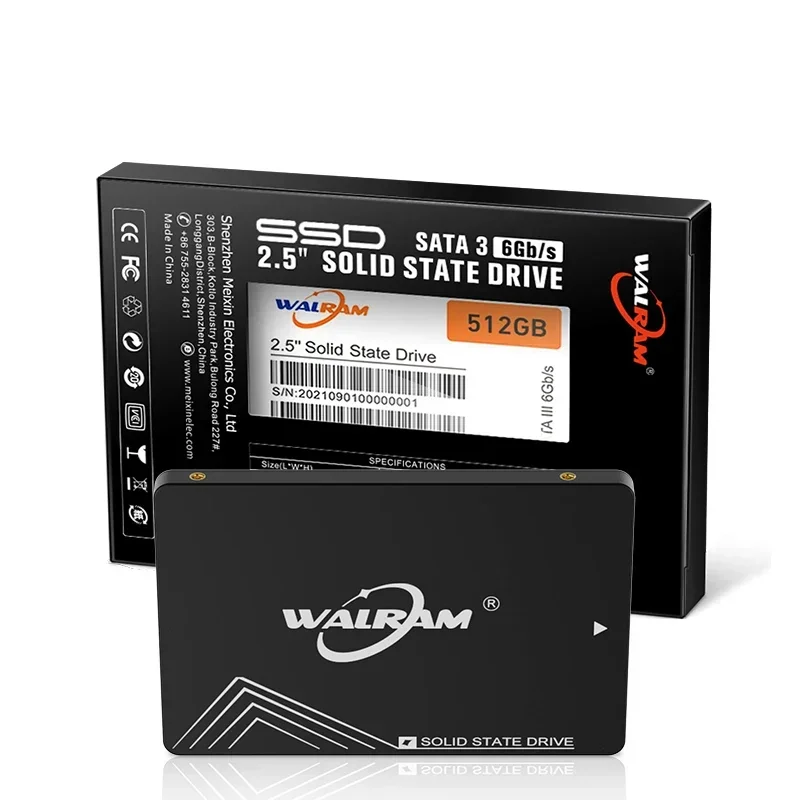
Walram 2.5 SATA 3 SSD 120GB 128GB 240GB 256GB Hard Disk 1TB 512GB 480GB SATA3 Solid State Drive 1 TB HDD For Laptop PC Desktop
Couldn't load pickup availability
- 🔒 Secure Checkout
- 🚚 Fast Shipping
- 🔄 30-Day Returns
Brand Name: WALRAM
Origin: Mainland China
Cooling Fin: No
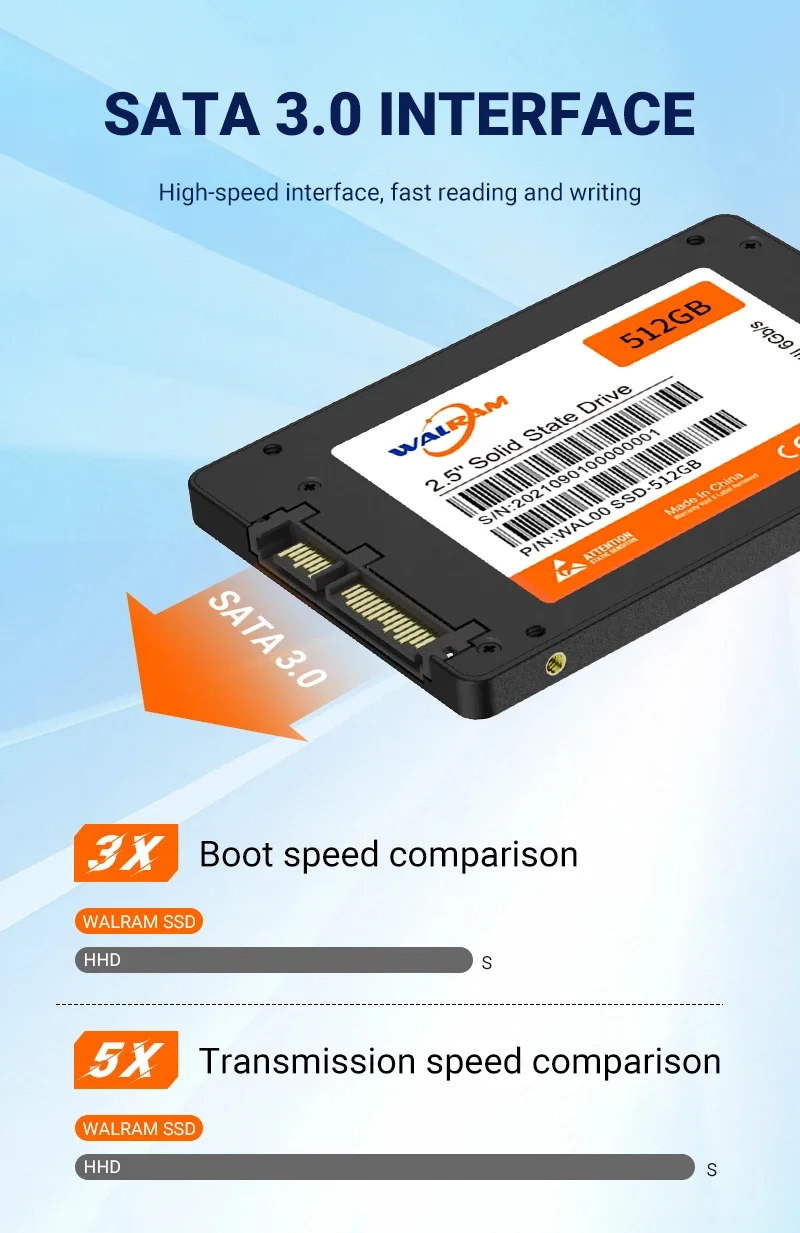
Bus Type: SATA III
Nand Flash Type: TLC
Transport Protocol: AHCI
Interface Type: SATA
Interface Type: SATAII
Interface Type: SATAIII
Controller: SMI/marvell/Phison/YeeStar
RGB: No
Size: 2.5"
Application: Desktop
Application: Laptop
High-concerned chemical: None
4KB Random Write: 400
MTBF: 1200000 hours
Max Sequential Read: 560
Package: Yes
Type: Internal
Max Sequential Write: 500
4KB Random Read: 500
Style: SSD
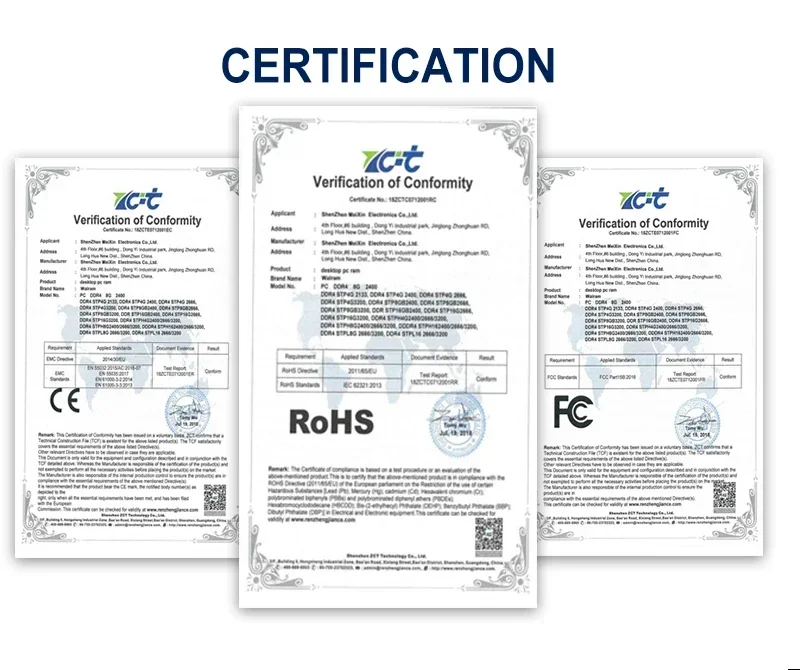
Certification: CE
Certification: FCC
Certification: RoHS
Cache: None
hd ssd 1tb: ssd 500gb
512 gb Ssd hard drive: ssd 2 tb
ssd 1tb sata 3: ssd 120 gb
120GB SSD: Solid State Drive 128 GB
128 gb ssd for notebook: ssd 128gb
120 gb ssd hard disk: ssd 1tb
1tb ssd: hd 1 tb
disco solidos ssd: ssd 256GB
disco ssd 240 gb: ssd 512 Gb
ssd drive for laptop: ssd 1 tb
internal ssd 256 gb: ssd sata 2tb
Ssd hard disk: ssd 256gb
hard drive 480 gb: 2tb ssd
Hard drive 512 gb: ssd 240 gb
512gb ssd 2.5: ssd 240
Walram 2.5 SATA 3 SSD 120GB 128GB 240GB 256GB Hard Disk 1TB 512GB 480GB SATA3 Solid State Drive 1 TB HDD For Laptop PC Desktop
• TLC Nand Flash Type :The WALRAM SSD uses TLC Nand flash type, which means it can store more data in less space and provide faster data transfer speeds.
• SATA III Bus Type :With SATA III bus type, the WALRAM SSD can handle high-speed data transfer, making it ideal for demanding applications like gaming and video editing.
• RoHS Certification :The WALRAM SSD is RoHS certified, which means it meets the European Union's Restriction of Hazardous Substances directive, ensuring it's safe to use and environmentally friendly.
• AHCI Transport Protocol :The WALRAM SSD uses AHCI transport protocol, which means it can communicate more effectively with your PC or laptop's motherboard, resulting in better performance and reliability.
Features and specifications:
Product description:
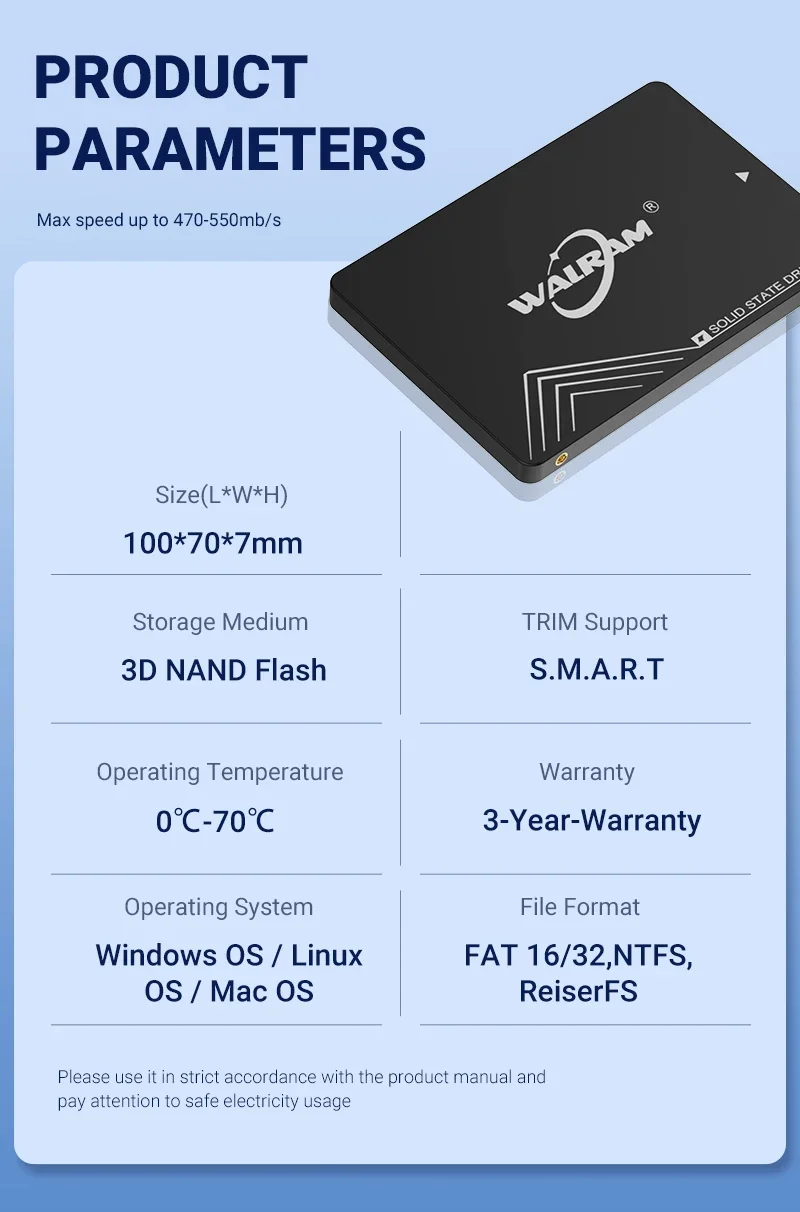
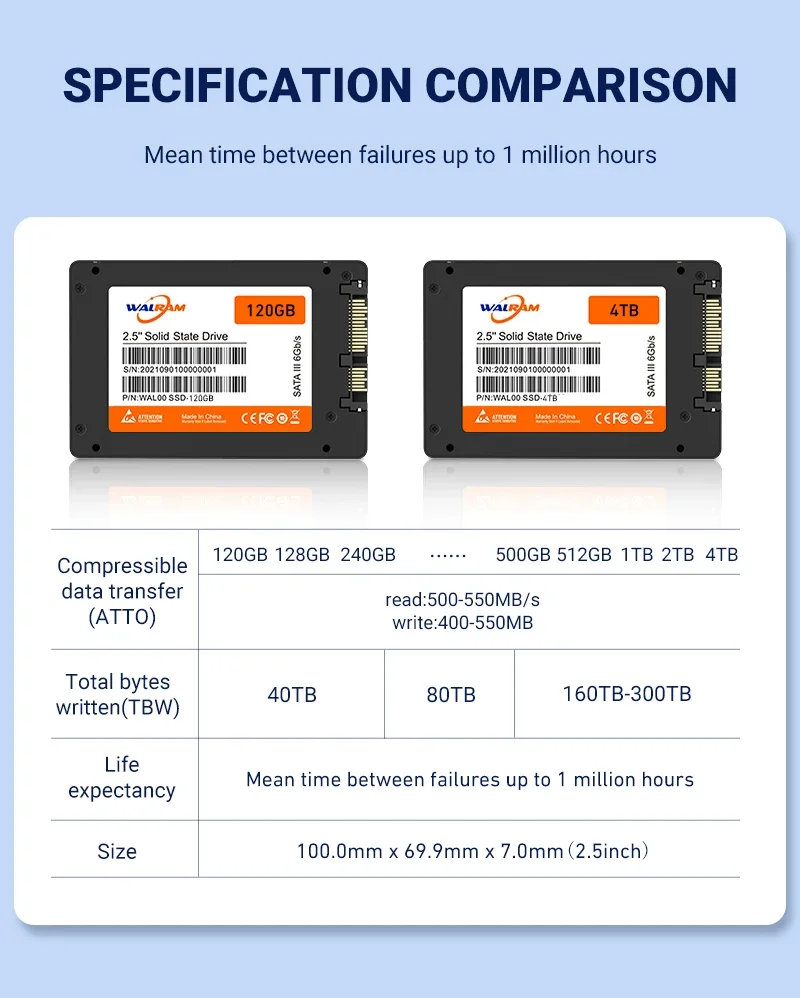
Capacity : 120GB 128GB 240GB 256GB 480GB 512GB 1TB
Material: Plastic
Read Speed (MAX): 550 MB/s; Write Speed (MAX): 500 MB/s.
Compatible Systems: Windows 11 / 10 / 8 / 7 / Vista / XP, Mac OS X, Linux
Applicable equipment : Desktop computers, laptops
Operating temperature : - 13°F to 185°F (- 25°C to 85°C)
Storage temperature: - 40°F to 185°F (- 40°C to 85°C)
Size: 100*70*7mm
Note:
1,Our test result is base on SATA 3 interface, SATA 3 sata cable, desktop
and SSD empty status, different desktop and software (include software
version), the result may be different.
2, Difference between SATA 1, SATA 2 and SATA 3
SATA 1 (revision 1.x) interface, formally known as SATA 1.5Gb/s, it is the
first generation SATA interface running at 1.5 Gb/s. Max speed 150MB/s.
SATA 2 (revision 2.x) interface, formally known as SATA 3Gb/s, it is the
second generation SATA interface running at 3.0 Gb/s. Max speed 300MB/s.
SATA 3 (revision 3.x) interface, formally known as SATA 6Gb/s, it is the
third generation SATA interface running at 6.0Gb/s. Max speed 600MB/s.
This interface is backwards compatible with SATA 3 Gb/s interface.
If SATA 3 SSD tests the speed on SATA 2 interface and sata cable, the
result will be inaccurate. According to the international stander
1000KB=1MB ,the real capacity =Capacity x 0.93, please notice that .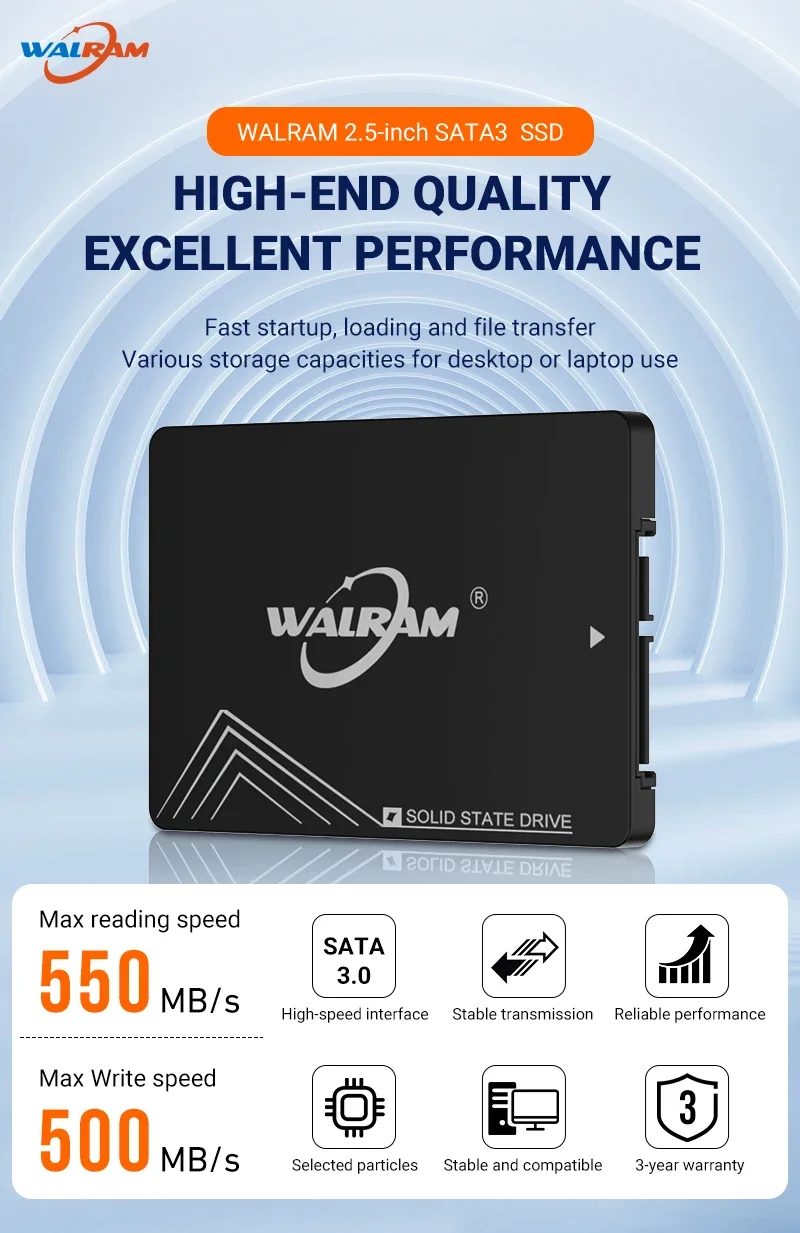


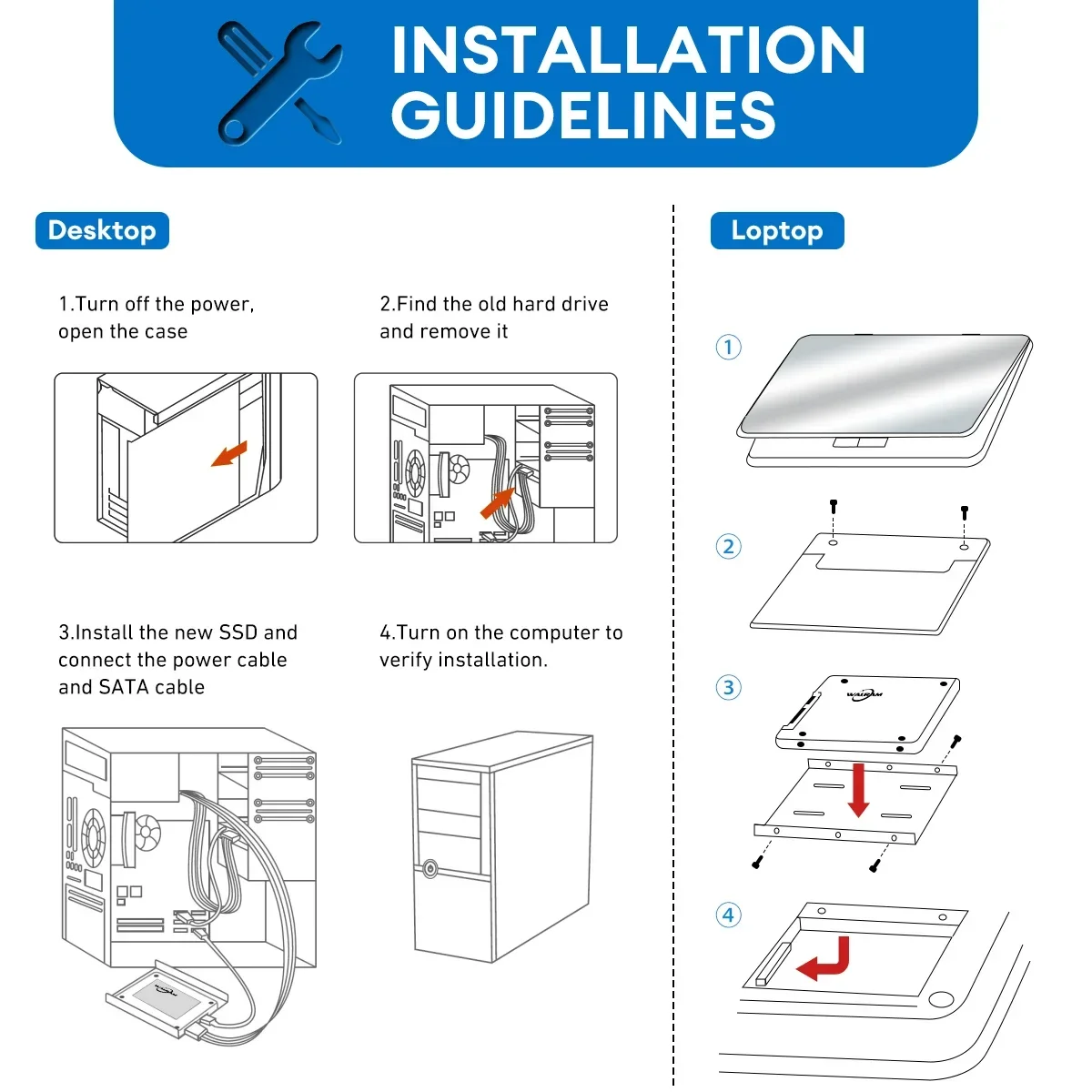
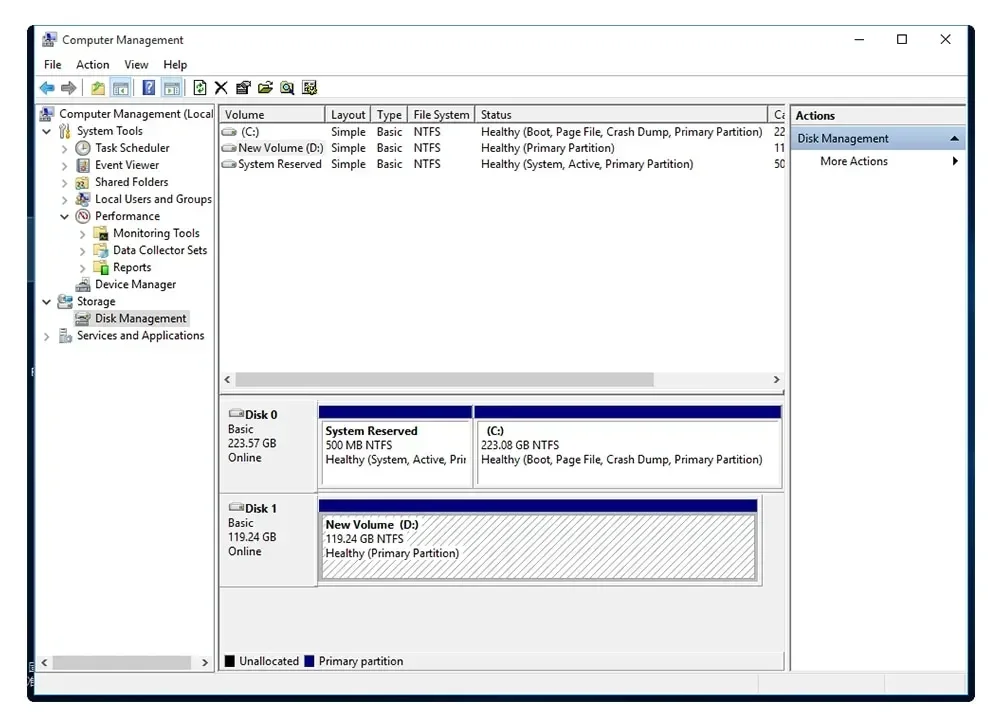
Before you use it please right click "My computer-Management-Device manager-disc drive" and can find our SSD. Please do the format and partition.
FAQ
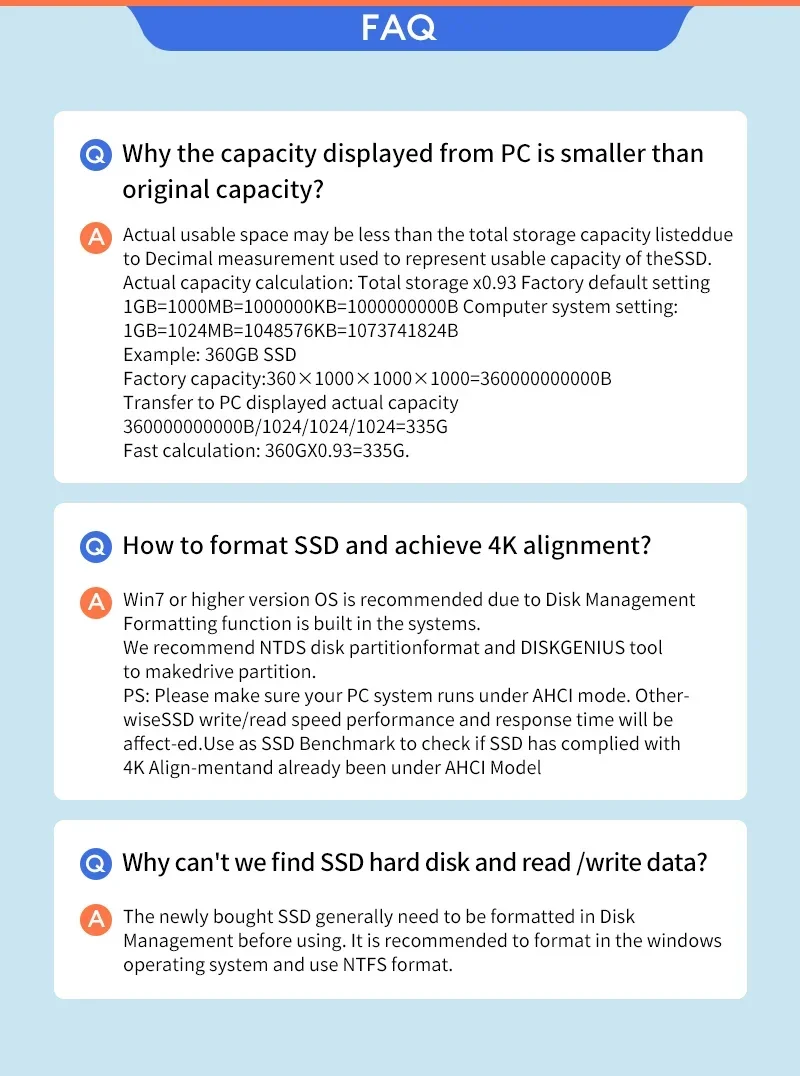
A: Why the capacity displayed from PC is smaller than original capacity?
Q:Actual usable space may be less than the total storage capacity listeddue to Decimal measurement used to represent usable capacity of theSSD. Actual capacity calculation: Total storage x0.93 Factory default setting 1GB=1000MB=1000000KB=1000000000B Computer system setting:1GB=1024MB=1048576KB=1073741824BExample: 360GB SSDFactory capacity:360×1000×1000×1000=360000000000B Transfer to PC displayed actual capacity 360000000000B/1024/1024/1024=335G Fast calculation: 360GX0.93=335G.
A:How to format SSD and achieve 4K alignment?
Q:Win7 or higher version OS is recommended due to 'Disk Management Formatting function is built in the systems. We recommend NTDS disk partitionformat and DISKGENIUS tool to make drive partition.PS: Please make sure your PC system runs under AHCI mode.Otherwise SSD write/read speed performance and response time will be affected. Use as SSD Benchmark to check if SSD has complied with 4K Alignmentand already been under AHCI Model.
A:Why can't we find SSD hard disk and read /write data?
Q:The newly bought SSD generally need to be formatted in Disk Management before using. It is recommended to format in the windows operating system and use NTFS format.
Notice:
About capacity:
64GB=approx. 55GB
120GB=approx. 111GB
128GB=approx. 119GB
240GB=approx. 223G
256GB = approx. 238G
480GB = approx. 446GB
512GB = approx. 476GB
960GB = approx. 892GB
1TB = approx. 930GB
2TB = approx. 1800GB
The hard disk flash memory supplier is using the decimal algorithm: 1MB = 1000KB, calculated 1G = 1000MB,
But the operating system is using a binary algorithm: 1MB = 1024KB, 1GB = 1024MB.
Therefore, there are some differences between the display capacity and the nominal capacity of hard disk/flash memory products.
However, this is allowed. Please don't doubt his authenticity.


