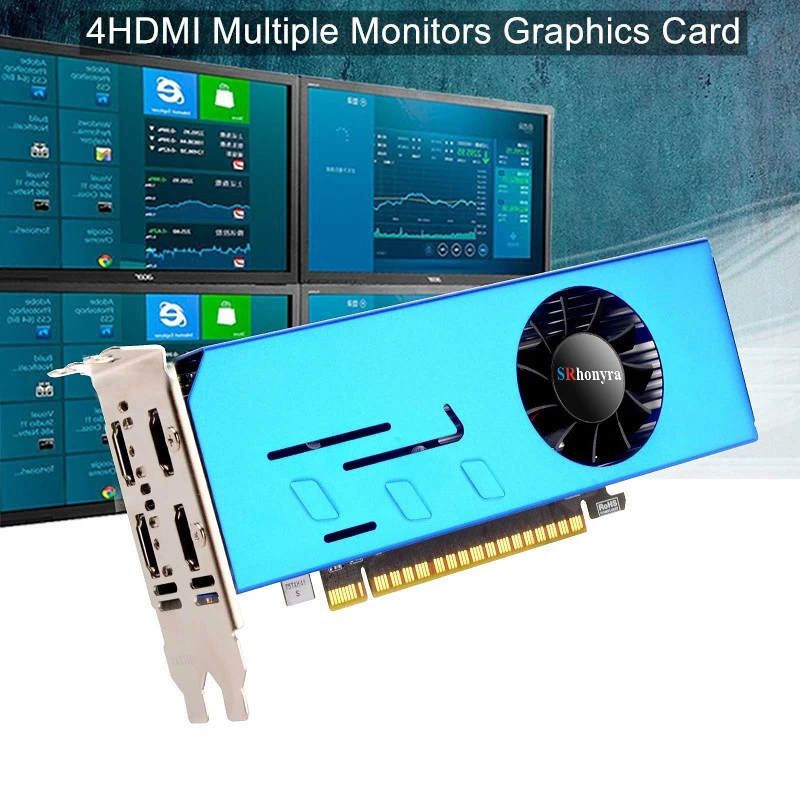


SRhonyra Multi-monitor Graphics Card GT730 4 HDMI Video Card Multi Screen Splicing 2GB GDDR5
Couldn't load pickup availability
- 🔒 Secure Checkout
- 🚚 Fast Shipping
- 🔄 30-Day Returns
Brand Name: SRhonyra
Cooler Type: Single Fan
High-concerned chemical: None
Product Features: HDCP Ready
Product Features: crossfire
Product Features: RGB
Video Memory Type: GDDR5
Usage Scenario: Audio & Video
Usage Scenario: Household
Usage Scenario: Office
Usage Scenario: Design
Usage Scenario: Video Production
Usage Scenario: Industrial Computer
Usage Scenario: Workstation
Usage Scenario: Server
Usage Scenario: HPC
Chipset Manufacturer: NVIDIA
Chip Process: 14NM
Product Category: Desktop Graphics Cards
Application: Workstation
Application: Desktop
Application: Server
Application: Industrial Computer
Origin: Mainland China
Output Interface Type: HDMI 1.4x4
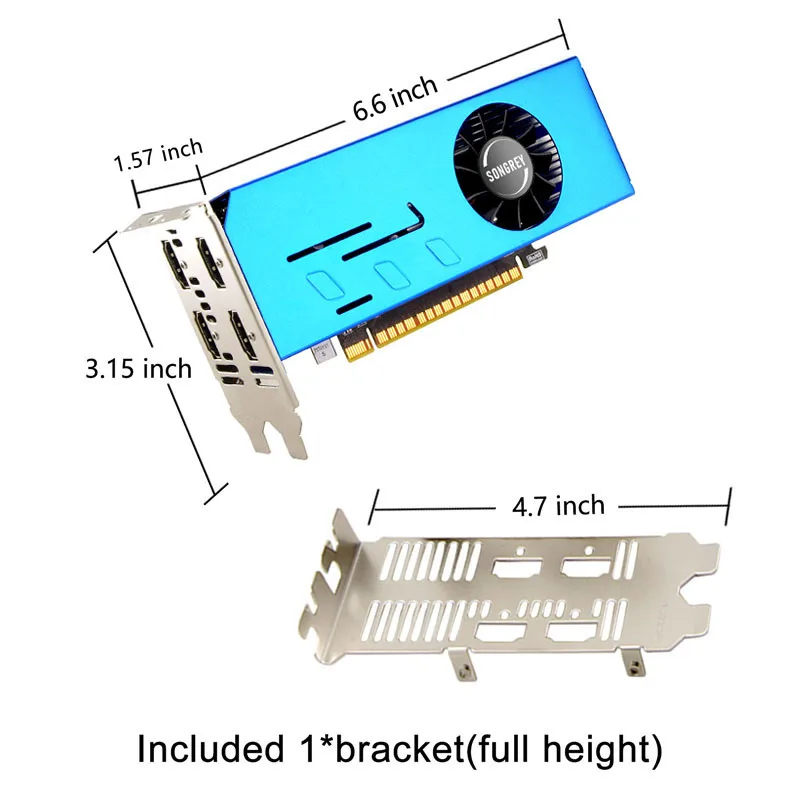
Interface Type: PCI Express 3.0x16
RGB: No
Overclocked: No
Memory Clock(Mhz): 1500
Power Connector: None
Core Clock(Mhz): 1183
Video Memory Capacity: 2 GB
Itel condition: New
Memory Interface: 128 BIT
Stream Processors: 512
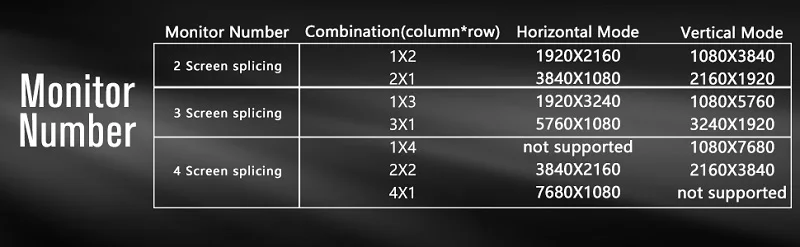
Max Resolution: 3840 x 2160
Package: yes
Model: GT 730 graphic card
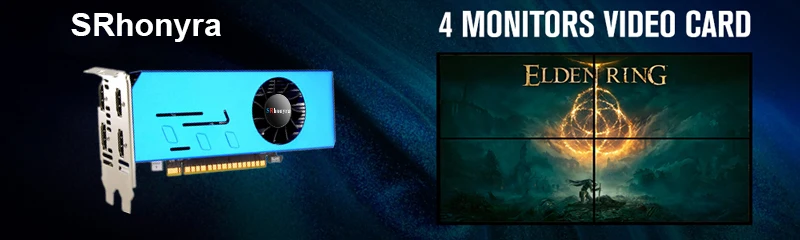
Feature: 4 Hdmi graphic card
Feature 2: Multi minitor graphic card
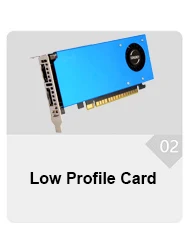
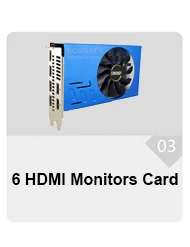
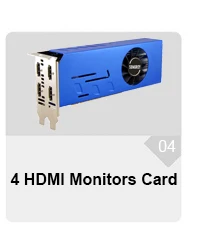
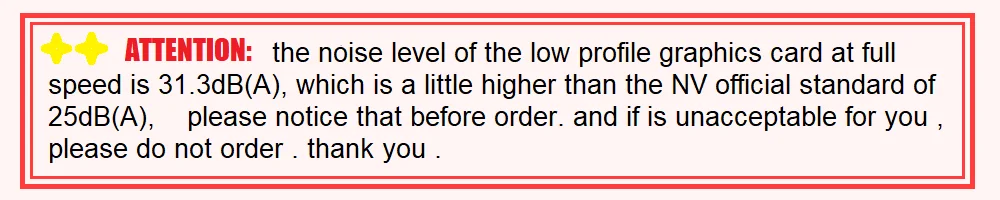
--All is 100% Brand new Product
--All cards will tested in good condition before ship out
---Product will be ship out within 1-2 days
---You can request a pic or testing video before shipping
📧📧WhatApps For further Info (+86)18123641970
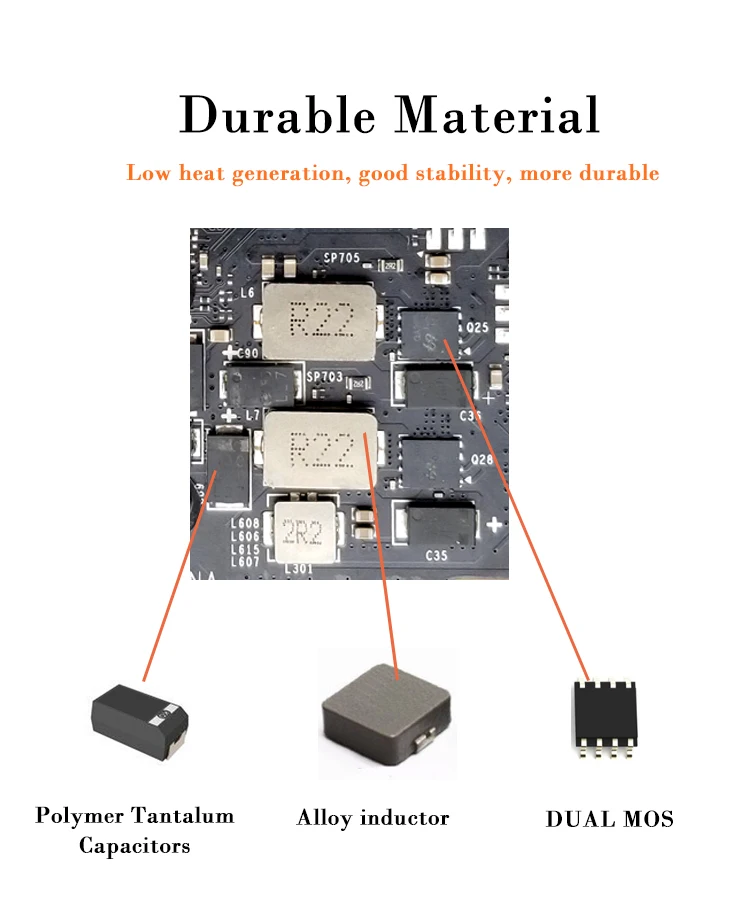
er supply and the all-solid-state capacitor keeps low power consumption and high performance.
--All is 100% Brand new Product
--All cards will tested in good condition before ship out
---Product will be ship out within 1-2 days
--You can request a pic or testing video before shipping
📧📧WhatApps For further Info (+86)18123649565
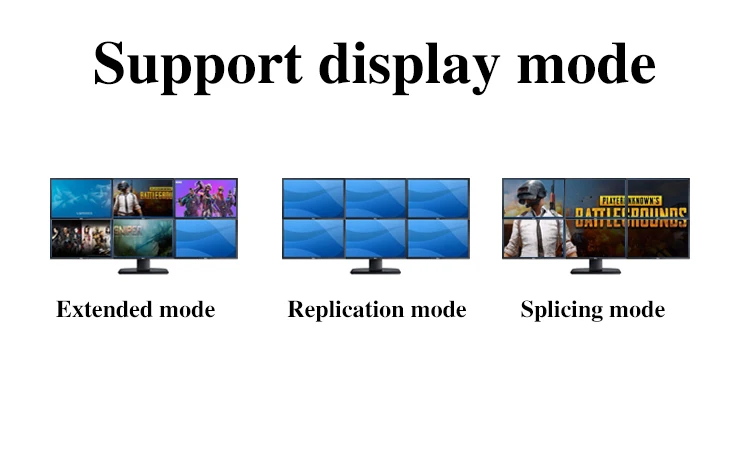
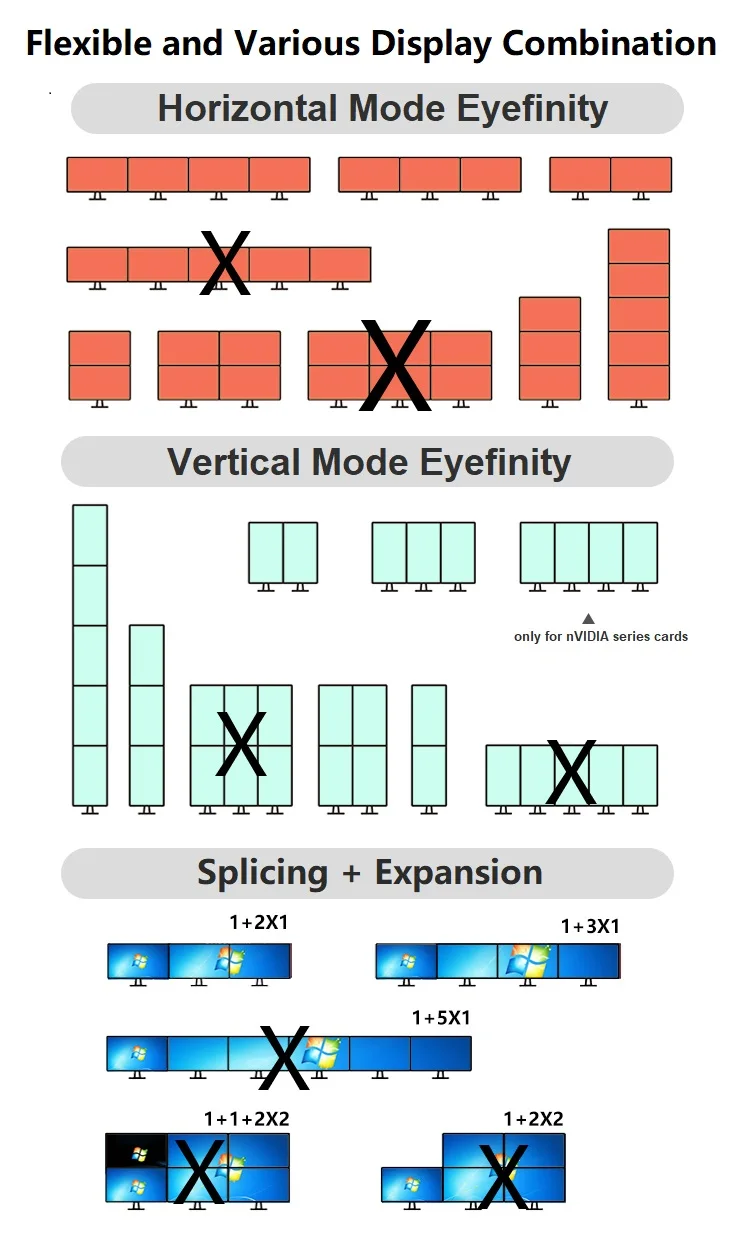
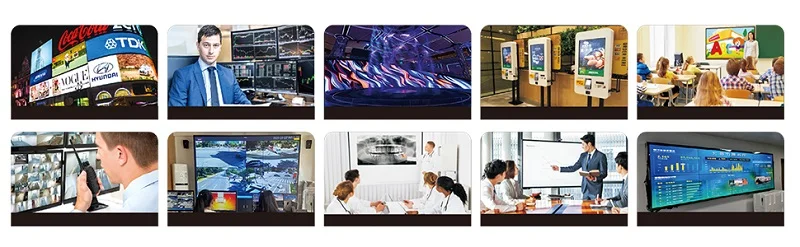
SRhonyra Multi-monitors Video card , allows users to connect more than one monitor to PC and extend desktop across multiple screens. allows users to work on multiple applications simultaneously, or splice a large screen
1.Increase productivity: Using multiple monitors graphics card can help increase your productivity by allowing you to work on multiple tasks simultaneously.
2.Better multitasking: With multiple monitors graphics card , you can easily works on different tasks without having to constantly minimize and maximize windows. This makes it easier to keep track of multiple projects or tasks at the same time.
3. More screen real estate: Multiple monitors provide you with more screen real estate, which means you have more space to work with. This is particularly useful for tasks that require a lot of screen space, such as video editing or graphic design.
4.Reduced eye strain: Using multiple monitors can also help reduce eye strain. By spreading your work across two or more screens, you can avoid having to constantly zoom in and out or shift your focus from one window to another.
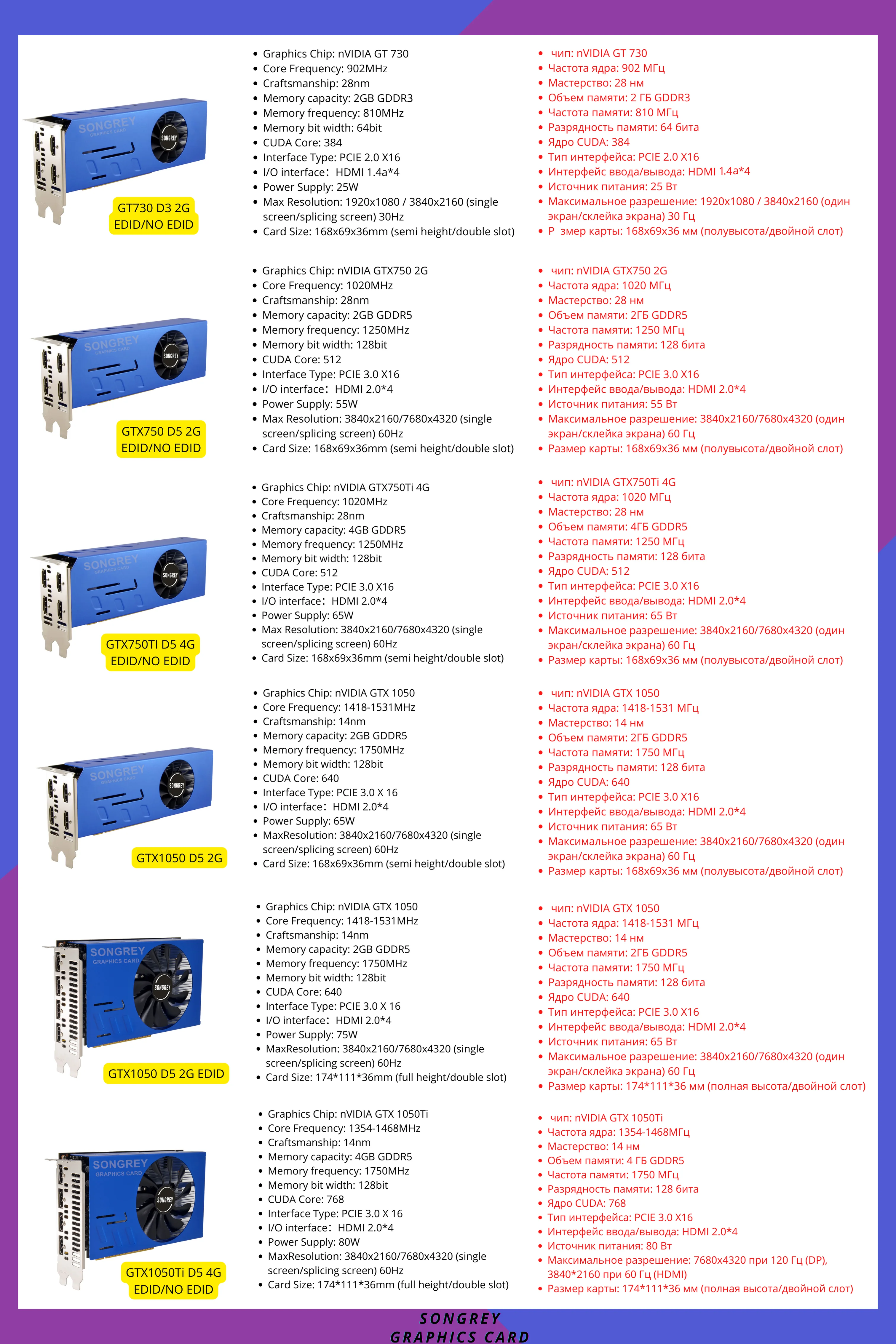
About the EDID function , our default locked Resolution is 1920x1080p and 4K, if you need other resolution , kindly contact us ~
--All is 100% Brand new Product
--All cards will tested in good condition before ship out
---Product will be ship out within 1-2 days
--You can request a pic or testing video before shipping
📧📧WhatApps For further Info (+86)18123649565
SRhonyra Multi-monitors Video card , allows users to connect more than one monitor to PC and extend desktop across multiple screens. allows users to work on multiple applications simultaneously, or splice a large screen
1.Increase productivity: Using multiple monitors graphics card can help increase your productivity by allowing you to work on multiple tasks simultaneously.
2.Better multitasking: With multiple monitors graphics card , you can easily works on different tasks without having to constantly minimize and maximize windows. This makes it easier to keep track of multiple projects or tasks at the same time.
3. More screen real estate: Multiple monitors provide you with more screen real estate, which means you have more space to work with. This is particularly useful for tasks that require a lot of screen space, such as video editing or graphic design.
4.Reduced eye strain: Using multiple monitors can also help reduce eye strain. By spreading your work across two or more screens, you can avoid having to constantly zoom in and out or shift your focus from one window to another.