

Road Faith Motorcycle Wireless Carplay Adapter for Harley 2023-up 121CVO 2019-2022 117CVO Touring Street/ Road Glide for iPhone
Couldn't load pickup availability
- 🔒 Secure Checkout
- 🚚 Fast Shipping
- 🔄 30-Day Returns
Brand Name: Road Faith
Origin: Mainland China
High-concerned chemical: None
Product Name: 121 CVO Motorcycle Carplay Adapter
Color: Black
Charge Type: USB (for 2019-2022 Glide)/ Type C (for 2023-up Glide)
Connector Type: Micro USB or Type C
Compatibility 1: Only for Apple Phone
Compatibility 2: iPhone
Connecting Way: Bluetooth/ Cable Data
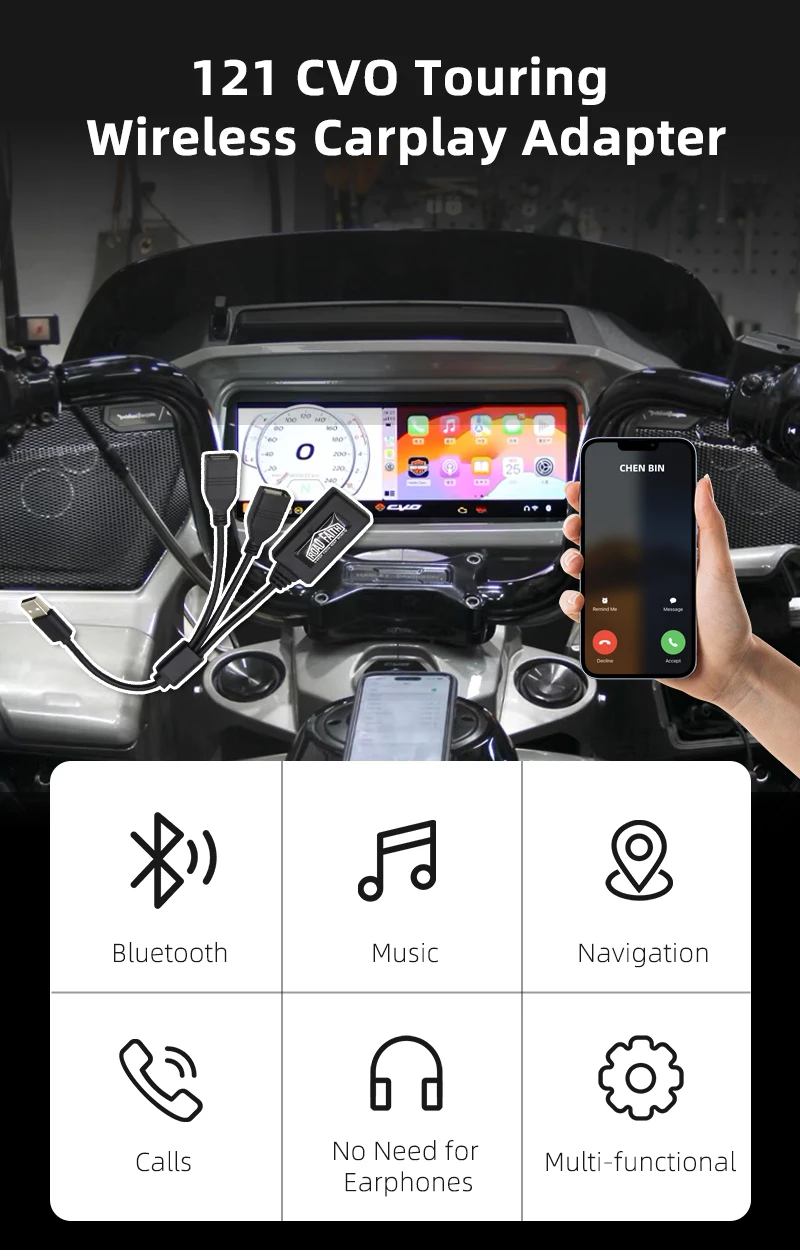
Function: GPS Navigation/ Calls/ Listen Music
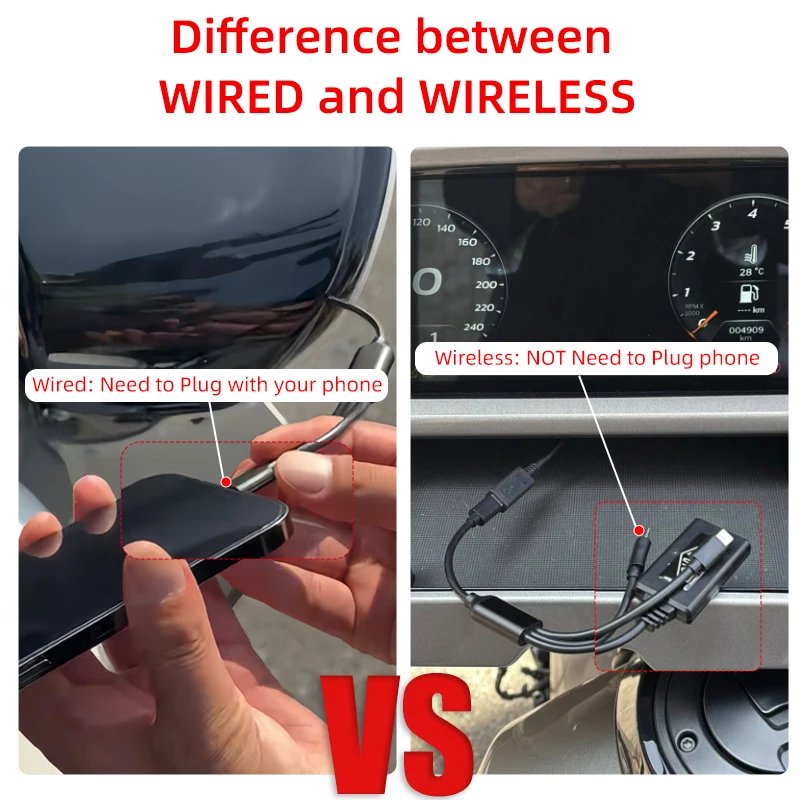
Special Note: Please Pay Attention to the Wired and Wireless!
Application 1: Harley Davidson 2023-up 121 CVO Touring: Road Glide CVO, Street Glide CVO/ 2024-up 117 Touring: Road Glide, Street Glide
Application 2: Harley 2019-2022 Touring Road Glide CVO/ Street Glide CVO
Application 3: Harley 2019-2022 Touring Road Glide/ Street Glide
Only for 2023-up carplay adapter supports wireless connecting, please pay attention!
If you do not know whether your model is suitable, please just contact with us!
Product Description
Product Name: 121 CVO Motorcycle Wired/ Wireless Carplay Adapter
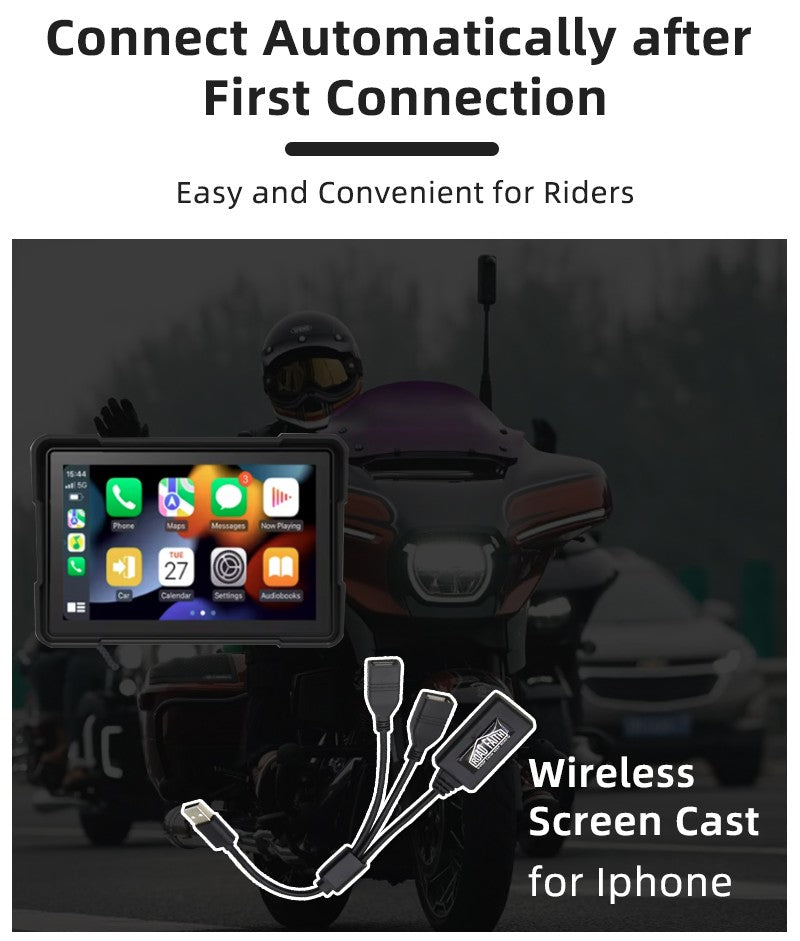
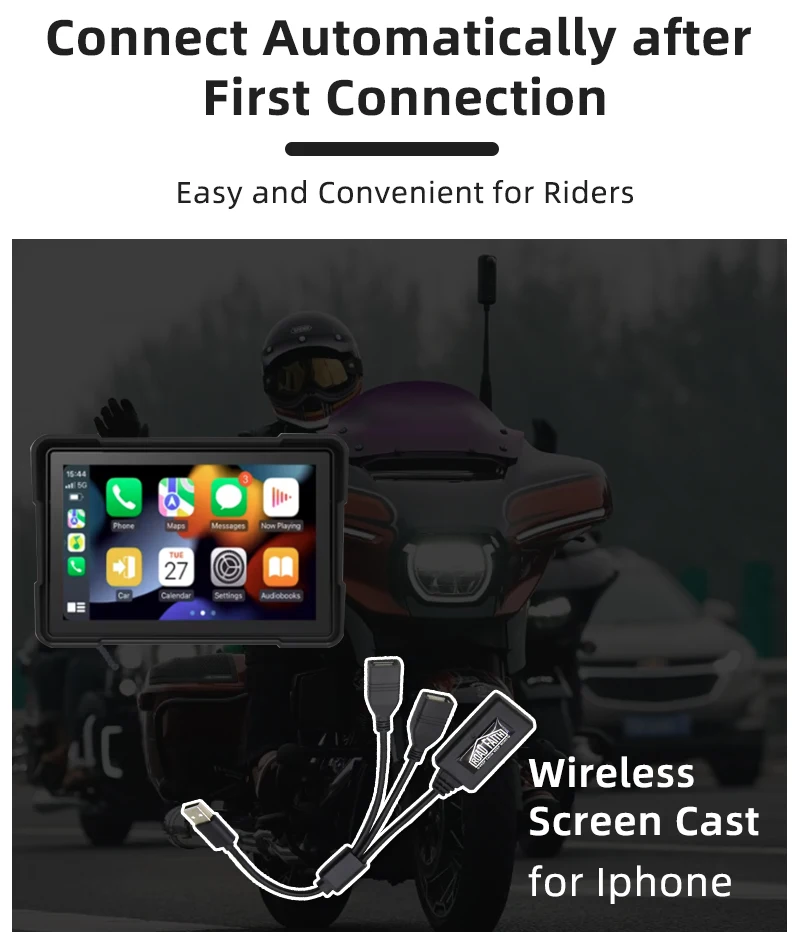
【Convenient】: It doesn't need second Bluetooth connection. Once you connect at first time, it will be automatically connected. And you even do not wear the earbuds in using! (The wired is also connected by Bluetooth)
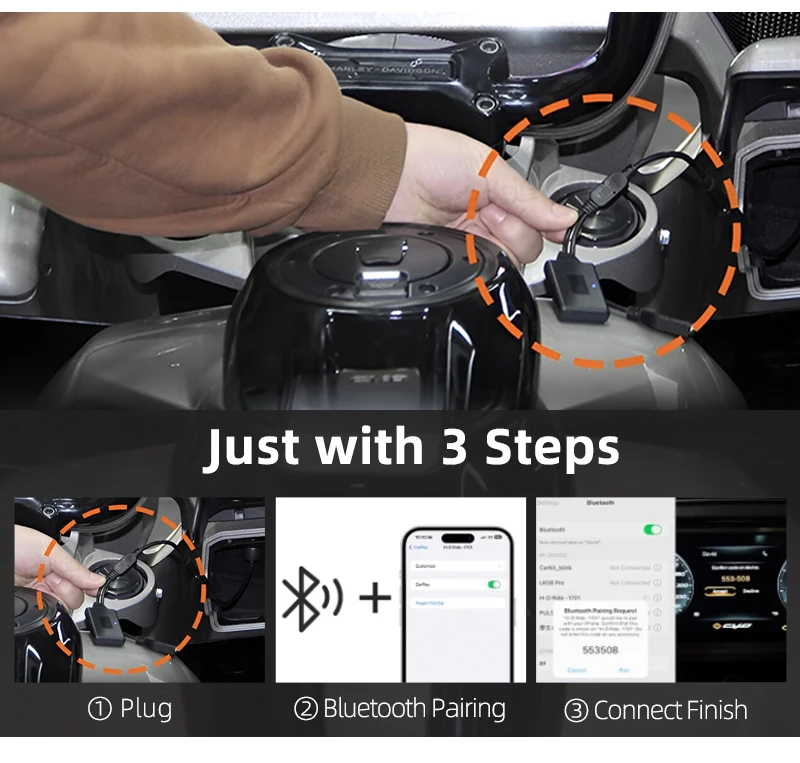
【Simple Connection】: Just plug, then Bluetooth connect it, finally you can use the carplay. (No need for any extra drive, apps, or troublesome system upgrades.) For Wired carplay adapter, need to connect with Bluetooth first, then plug your iPhone in the adapter.
【Compact Design】: Only such one small adapter cable, and you can just put it your pocket. (Just take it in use.)
【Professional】: By using it, you can get happier motorcycling, supporting safe and professional guidance.
Application:
- Harley Davidson 2019 CVO Touring: Road Glide, Street Glide
- Harley Davidson 2020 CVO Touring: Road Glide, Street Glide
- Harley Davidson 2021 CVO Touring: Road Glide, Street Glide
- Harley Davidson 2022 CVO Touring: Road Glide, Street Glide
- Harley Davidson 2023 121 CVO Touring: Road Glide, Street Glide
- Harley Davidson 2024 121 CVO Touring: Road Glide, Street Glide
- Harley Davidson 2025 121 CVO Touring: Road Glide, Street Glide
- Harley Davidson 2024 117 Touring: Road Glide, Street Glide
- Harley Davidson 2025 121 Touring: Road Glide, Street Glide
Pacakge Include:
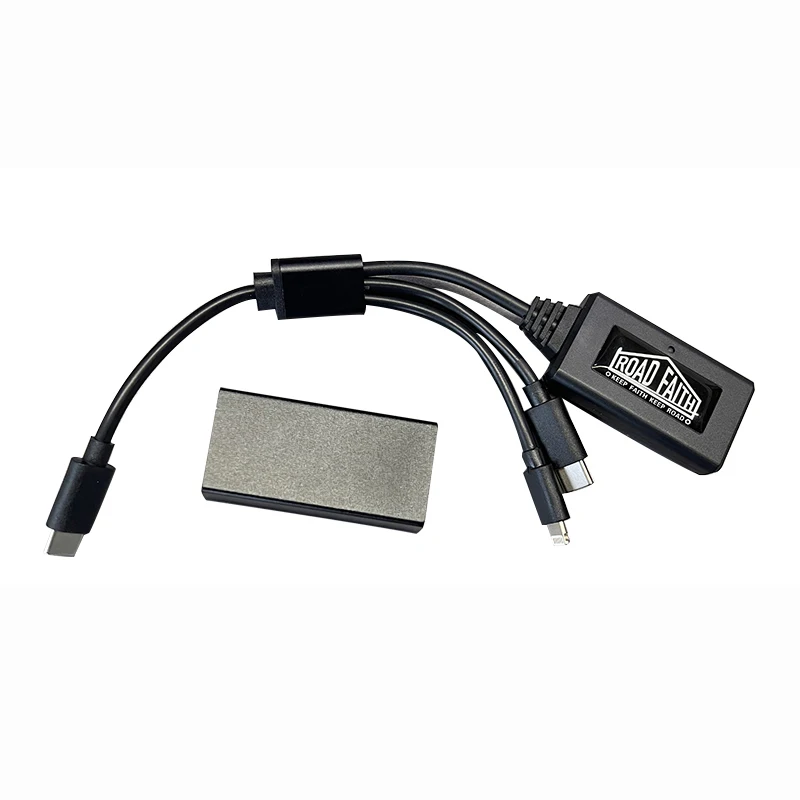
1* Harley Wireless Carplay Adapter
Difference Between Wired and Wireless (Please Make Sure to Review)
Here is the difference between wireless and wired, and please don't get it wrong ~
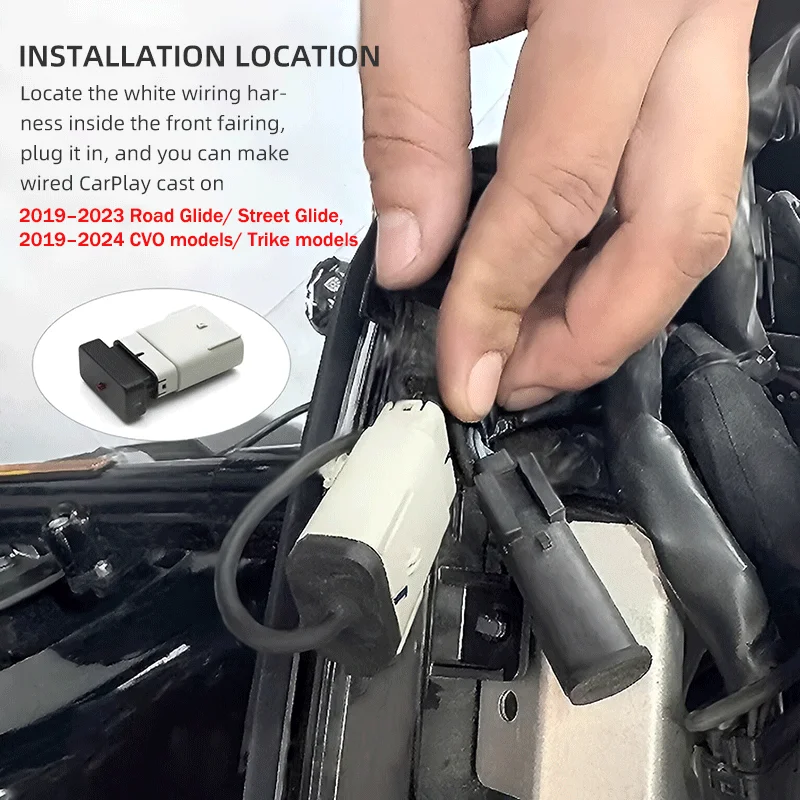
How to Use this Wired Decoder?
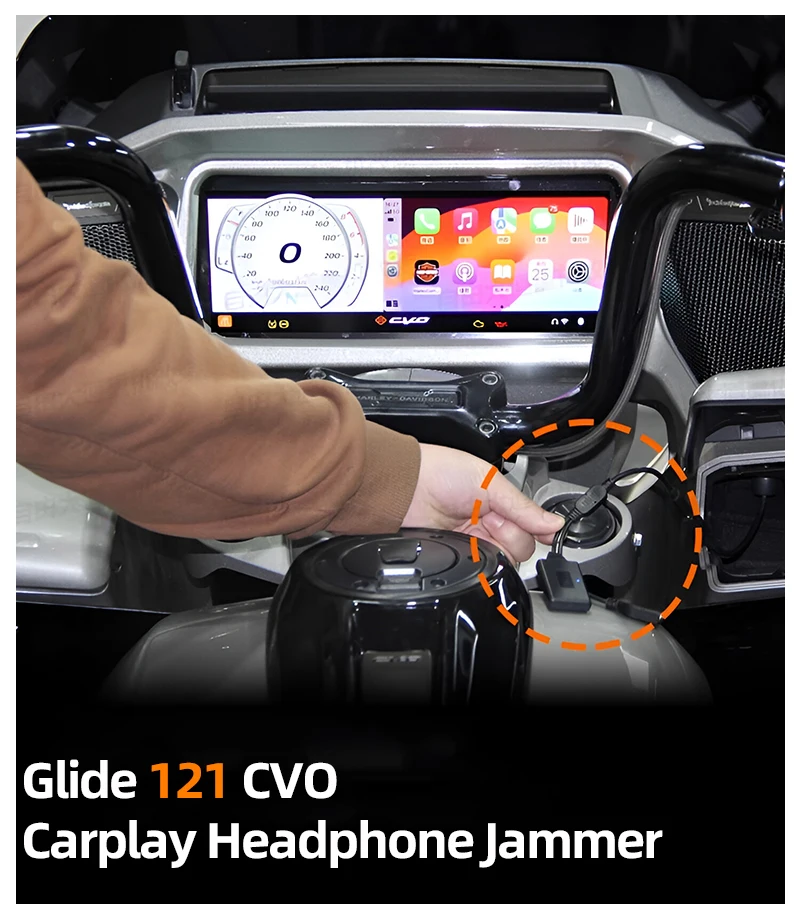
1. Open the front fairing of your bike
2. Locate the white wiring harness inside the front fairing
3. Plug the adapter in it. Turn on your bike, then plug your iPhone with data cable in the interface of your bike
4. Wait a moment (if for the first connection, the time will be a little long)
5. ✓ Succeed
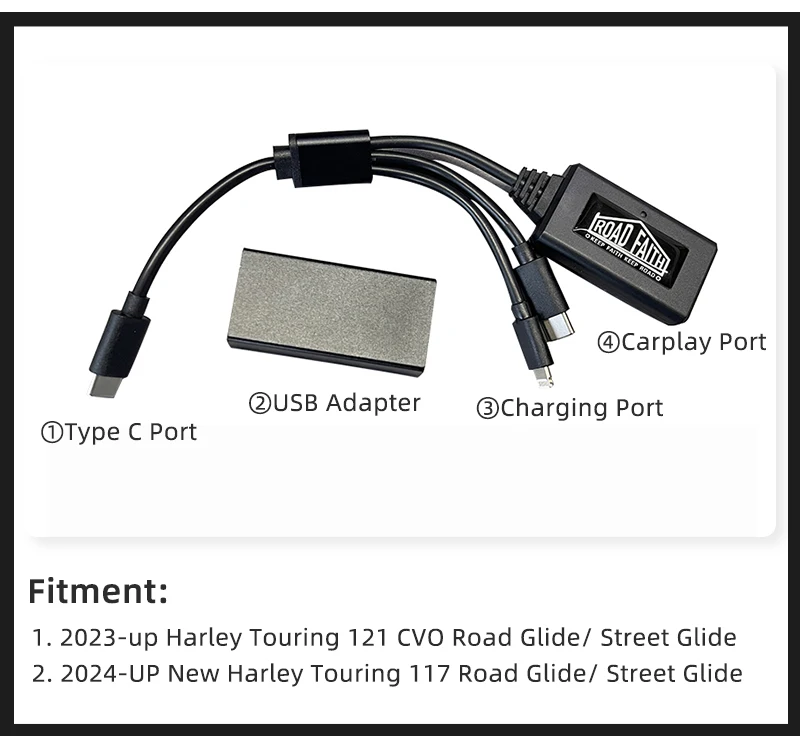
Product Parameter
Support Wirelss and Wired (For 2023-up Glide Option):
• 2023-UP Touring Road Glide CVO/ Street Glide CVO (121 CVO)
• 2024-UP Touring Road Glide/ Street Glide (117 ENGINE)
>>> Only Support Wired (For Wired Decoder Option):
• 2019–2023 Road Glide/ Street Glide
• 2019–2024 CVO models/ Trike models
Only Support Wired (For Wired 117 CVO Option):
• 2019-2022 Touring Road Glide CVO/ Street Glide CVO (117 CVO)---Only with CVO models
No Complicated Steps
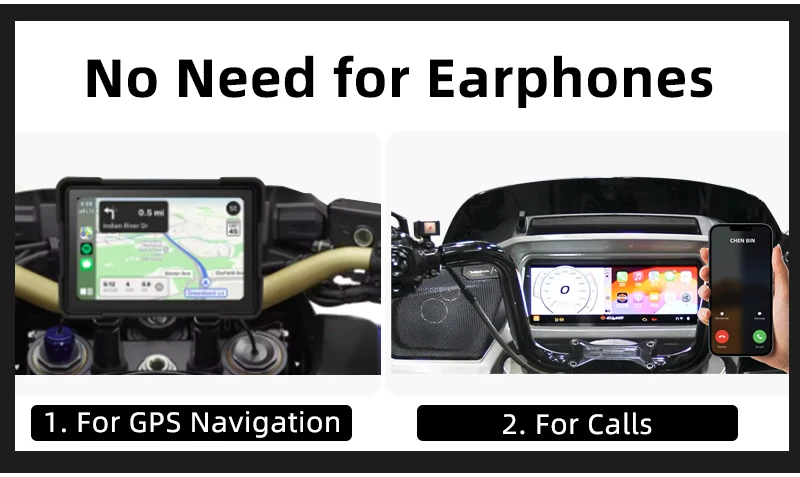
Although you do not bring earphones, you can still use GPS navigation and calls.
Easy to Use
1. Plug
2. Bluetooth Connecting
3. Get Screen Cast
Convenient Connecting
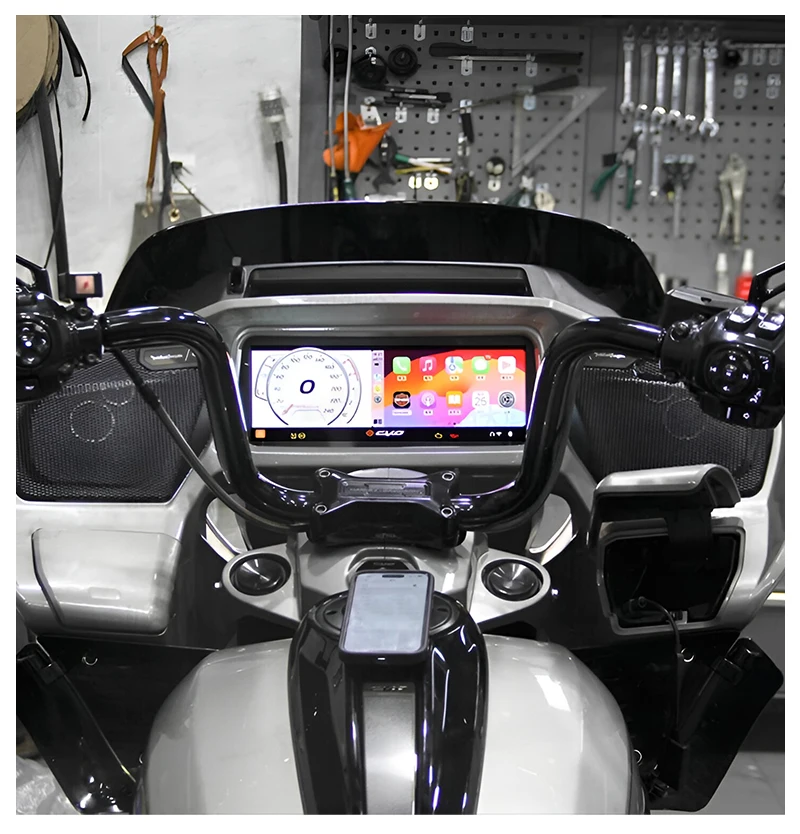
Once you connect at first time, you can directly cast phone screen into the moto's screen with plugging it!
Product Show