

MTIJIEY 2+32G 2Din Android Auto Carplay Car Radio Multimedia For Honda Civic 7 2000-2006 Car Android Car play Video Stereo GPS
Couldn't load pickup availability
- 🔒 Secure Checkout
- 🚚 Fast Shipping
- 🔄 30-Day Returns
Brand Name: MTIJIEY
Display Size: 9"
High-concerned chemical: None
Origin: Mainland China
Din: Double Din
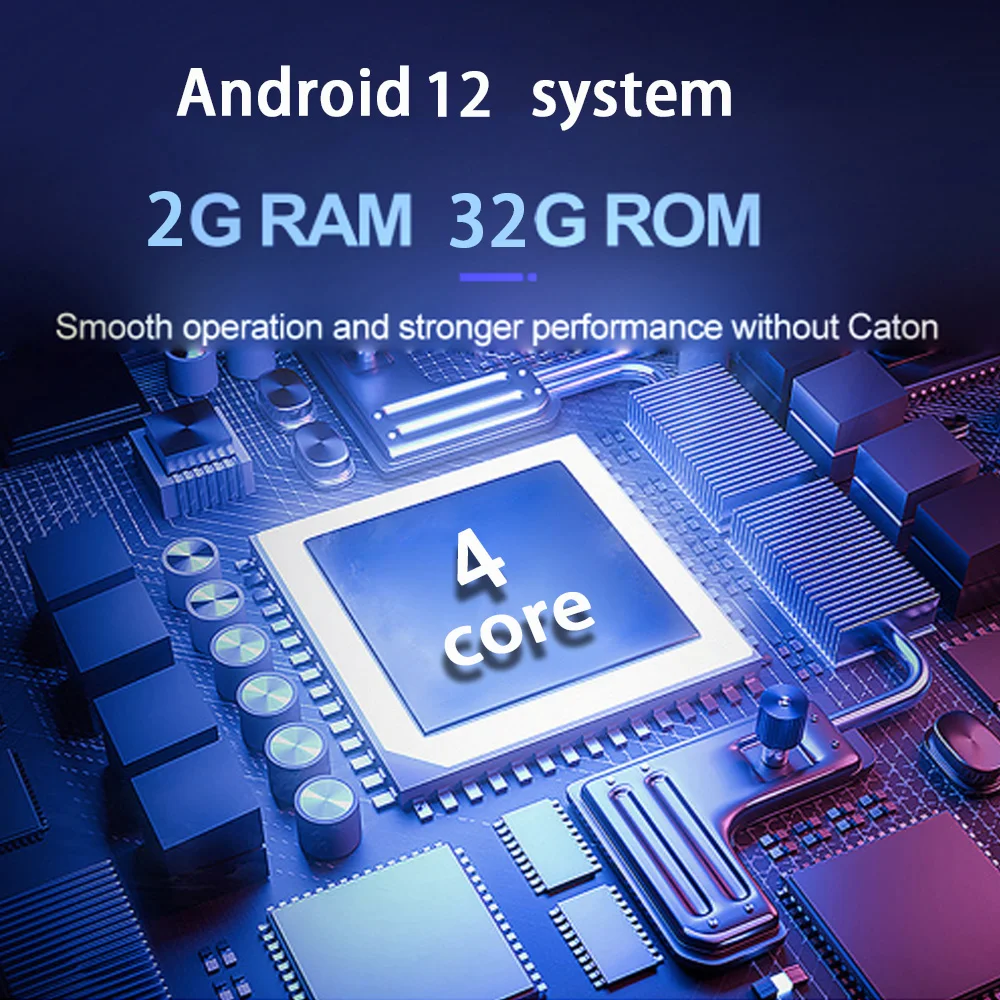
RAM: 2 G
Resolution: 1024*600
For Vehicle Brands/Model: Honda
Honda Model: CIVIC
Civic-Year: 2000
Civic-Year: 2001
Civic-Year: 2002
Civic-Year: 2003
Civic-Year: 2004
Civic-Year: 2005
Civic-Year: 2006
OSD Language: Chinese (Simplified)
OSD Language: Chinese (Traditional)
OSD Language: albanian
OSD Language: Arabic
OSD Language: Azeri
OSD Language: Irish
OSD Language: ESTONIAN
OSD Language: Belarusian
OSD Language: Bulgarian
OSD Language: Icelandic
OSD Language: Polish
OSD Language: PERSIAN
OSD Language: Boolean text (Dutch South Africa)
OSD Language: Danish
OSD Language: German
OSD Language: Russian
OSD Language: French
OSD Language: Filipino
OSD Language: Finnish
OSD Language: Georgian
OSD Language: Haitian Creole
OSD Language: Korean
OSD Language: Dutch
OSD Language: Galicia
OSD Language: Catalan
OSD Language: czech
OSD Language: Croatian
OSD Language: Latin
OSD Language: Latvian
OSD Language: Lithuanian
OSD Language: Romanian
OSD Language: Maltese
OSD Language: Malay
OSD Language: Macedonian
OSD Language: Norwegian
OSD Language: Portuguese
OSD Language: Japanese
OSD Language: Swedish
OSD Language: Serbian
OSD Language: Slovak
OSD Language: Slovenian
OSD Language: Swahili
OSD Language: THAI
OSD Language: Turkish
OSD Language: Welsh
OSD Language: Ukrainian
OSD Language: Hebrew
OSD Language: Greek
OSD Language: Spain's Basque
OSD Language: Spanish
OSD Language: hungarian
OSD Language: Armenian
OSD Language: Italian
OSD Language: Yiddish
OSD Language: hindi
OSD Language: Urdu India
OSD Language: indonesia
OSD Language: English
Out Power: 4*25W
Max External Memory: 128G
Digital Media Format: Mp3
Digital Media Format: JPEG
Is touch screen: Yes
ROM: 32G
Certification: CE
Certification: FCC
Material: ABS
Special Features: Built-In Speaker/Microphone
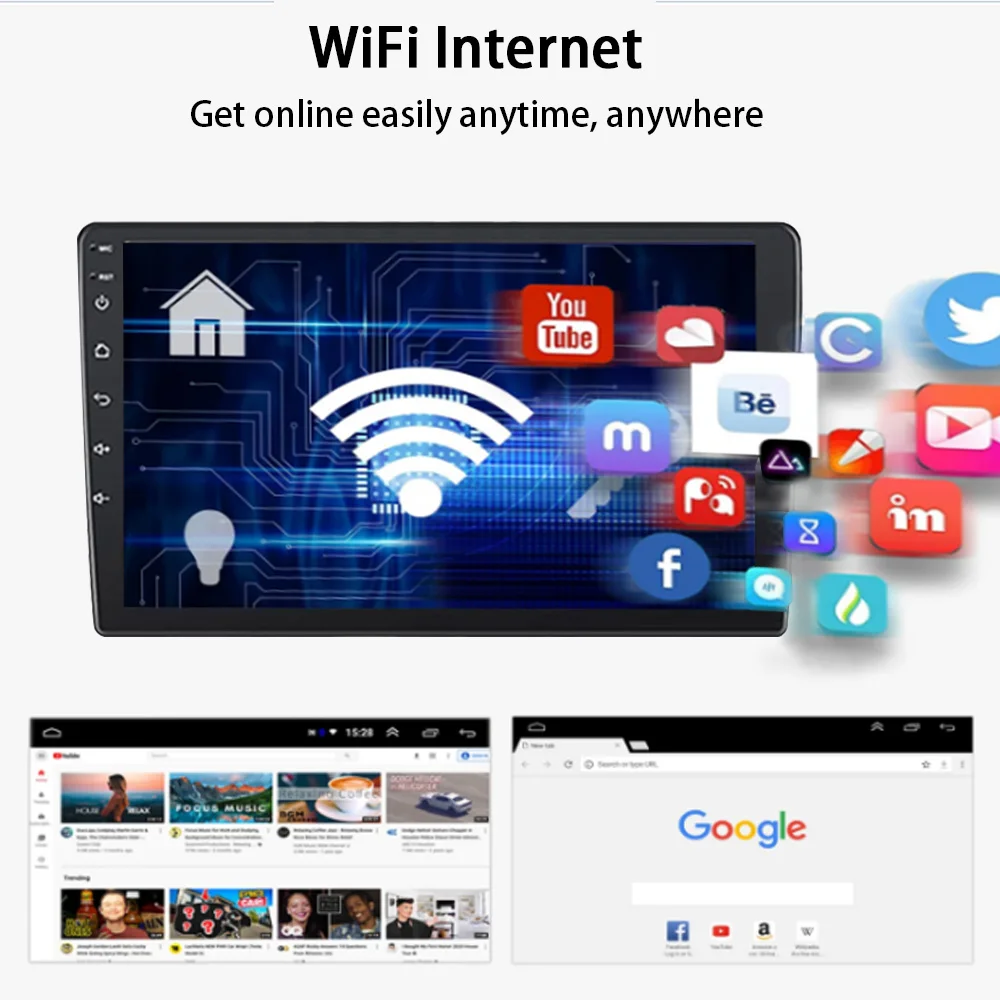
Special Features: wifi function
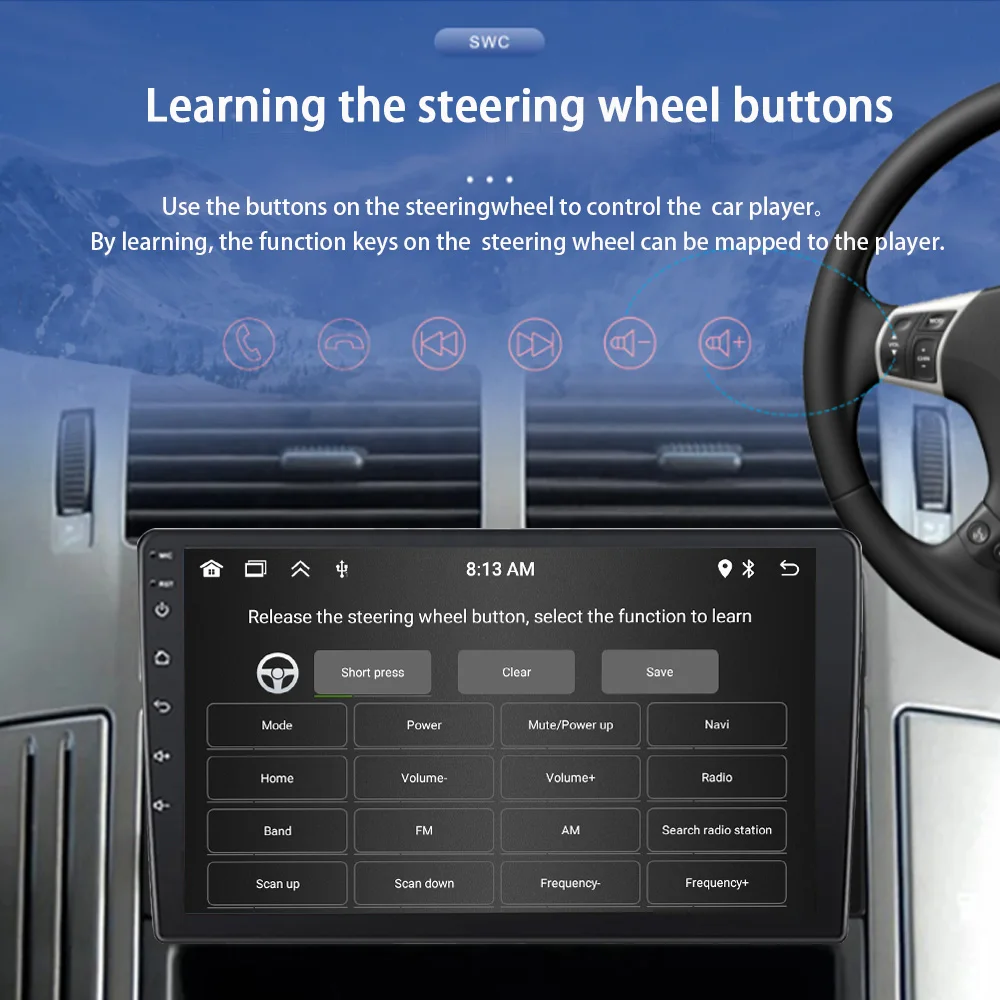
Special Features: Support steering wheel control
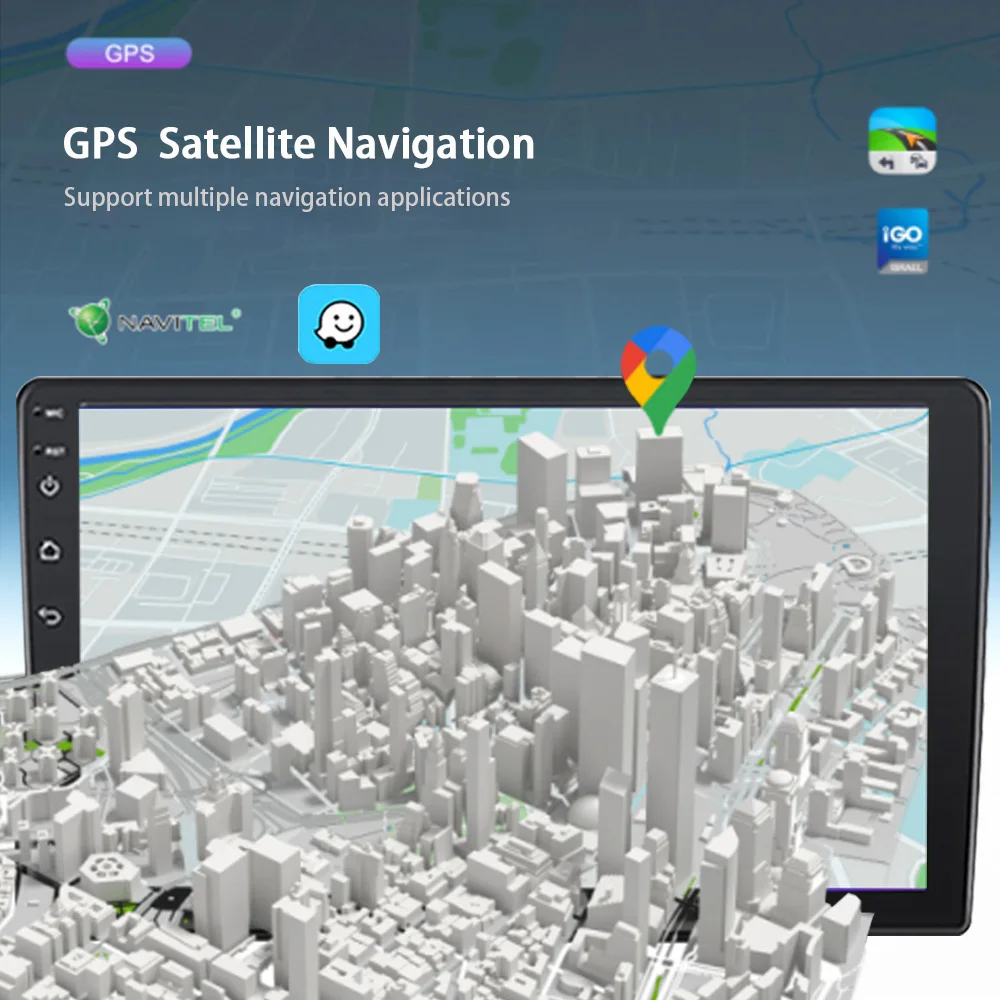
Special Features: Built-in GPS
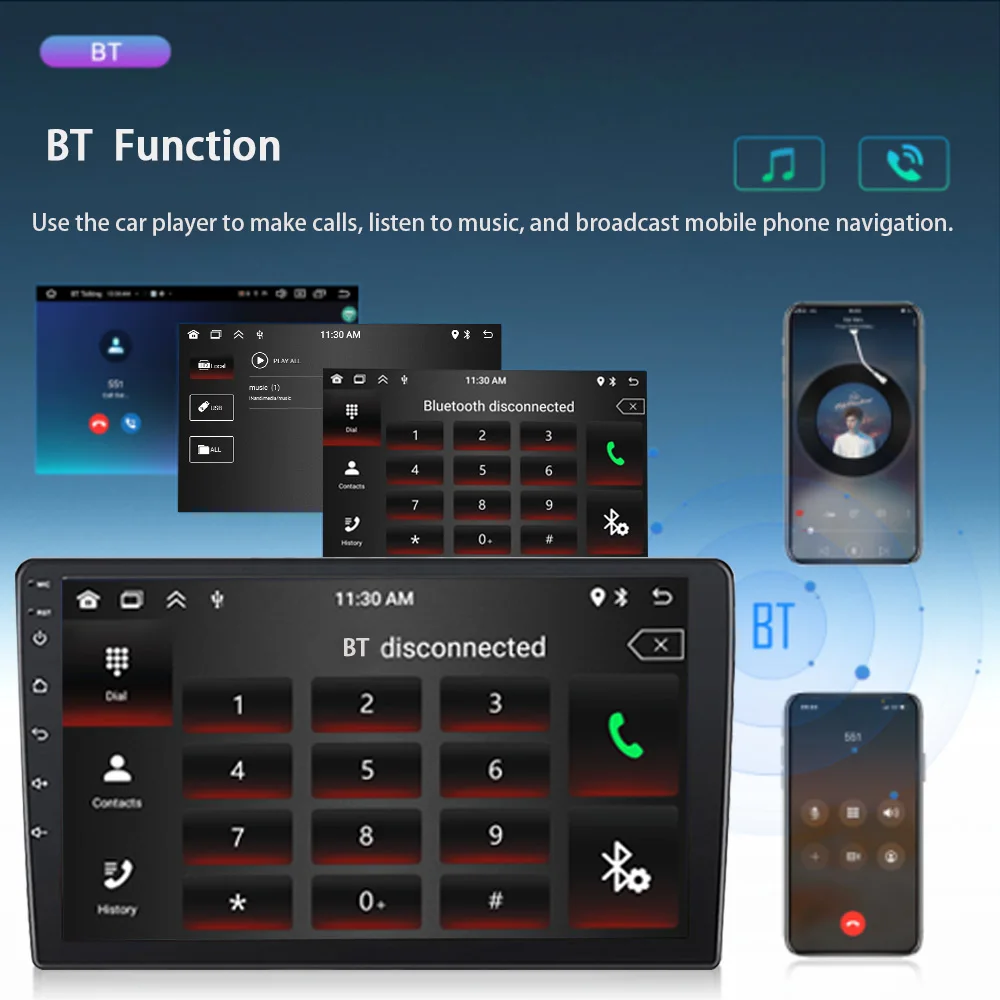
Special Features: Mobile Phone
Special Features: MP3 players
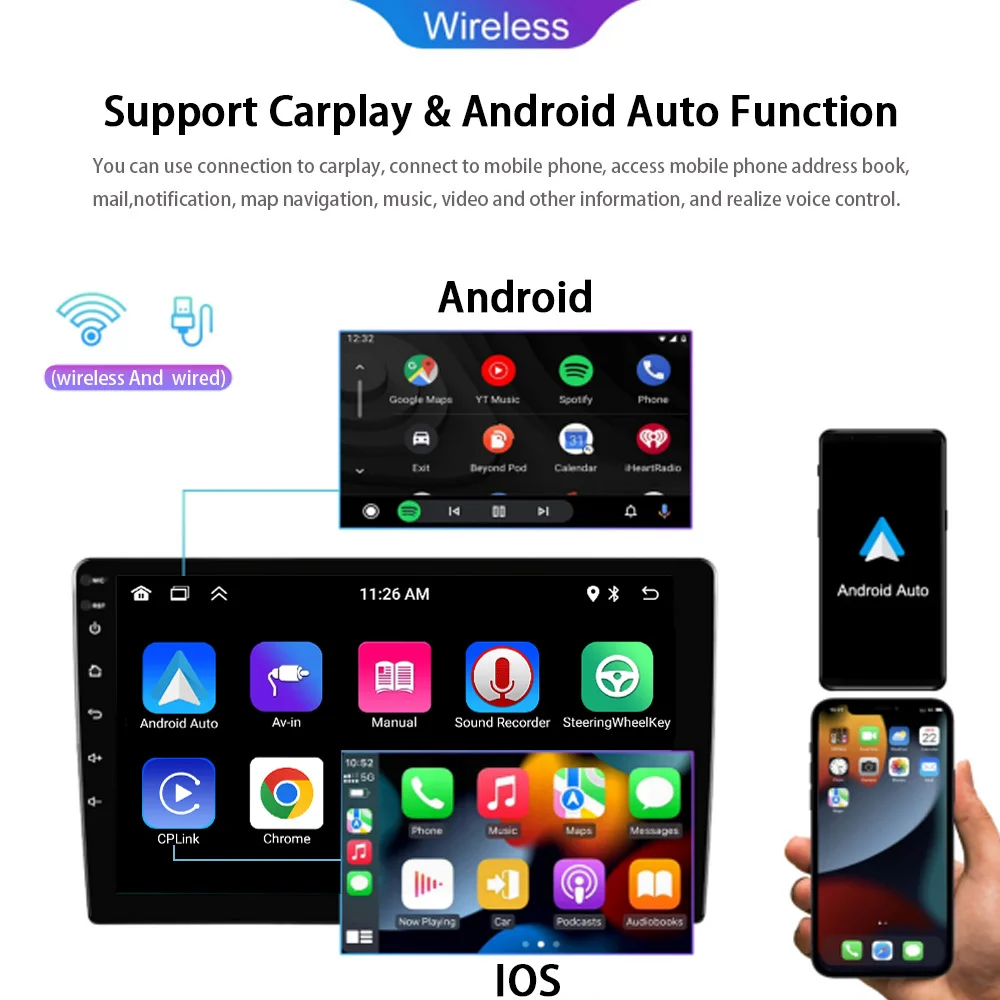
Special Features: CarPlay
Special Features: android auto
Special Features: Reversing Input
Special Features: Split Screen
Warranty: 1 year
Built-in Screen: Yes
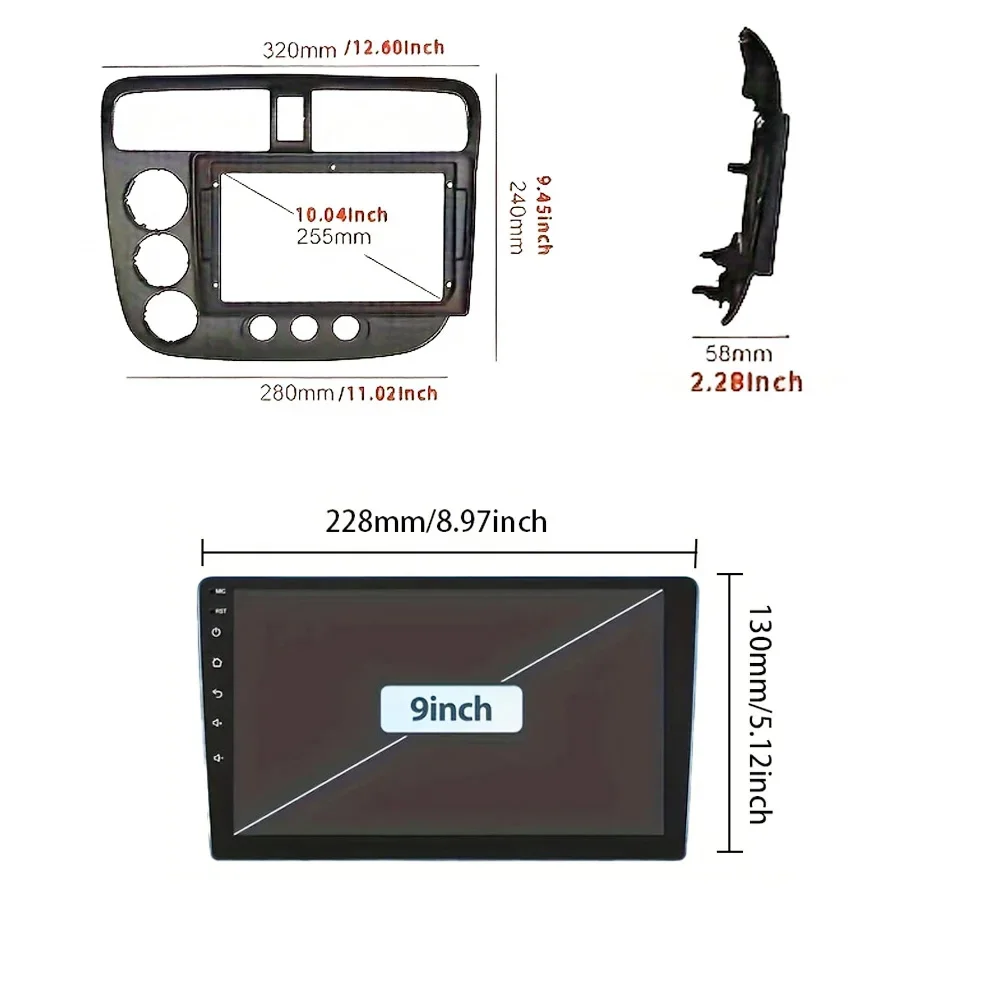
Item Size: 9inch
Item Weight: 1.47
Voltage: 12 V
Basic parameters
Type: Android navigation machine (flat screen)
System : Android 13
Software Solution : Jing Anchi
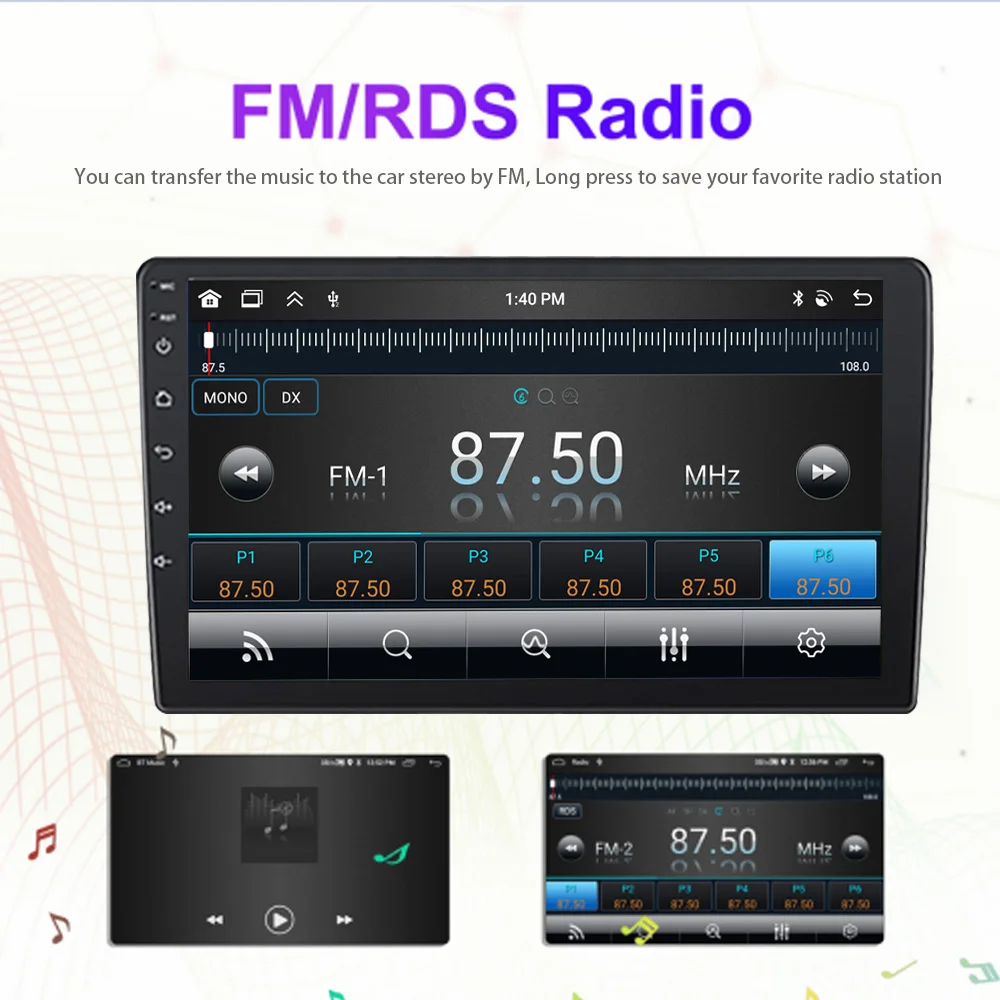
Radio frequency : FM 87.5~108.0MHz
Output power :25Wx4
Working voltage : 12V
Working temperature : -10~60℃
Bluetooth version : 5.1(default name: Car-BT)
wifi frequency : 2.4GHz
GPS signal : GPS
Performance parameters
CPU : 4-core AC8227L
Running memory :2G
Storage memory : 32G
Display resolution : 1024*600
Screen size :9 inches (IPS screen)
Function parameter
Mobile Internet : support (Apple/Android)
Locating and finding a car : not supported
Reversing image : support (camera optional)
Play video warning : support
Steering wheel control button learning : support
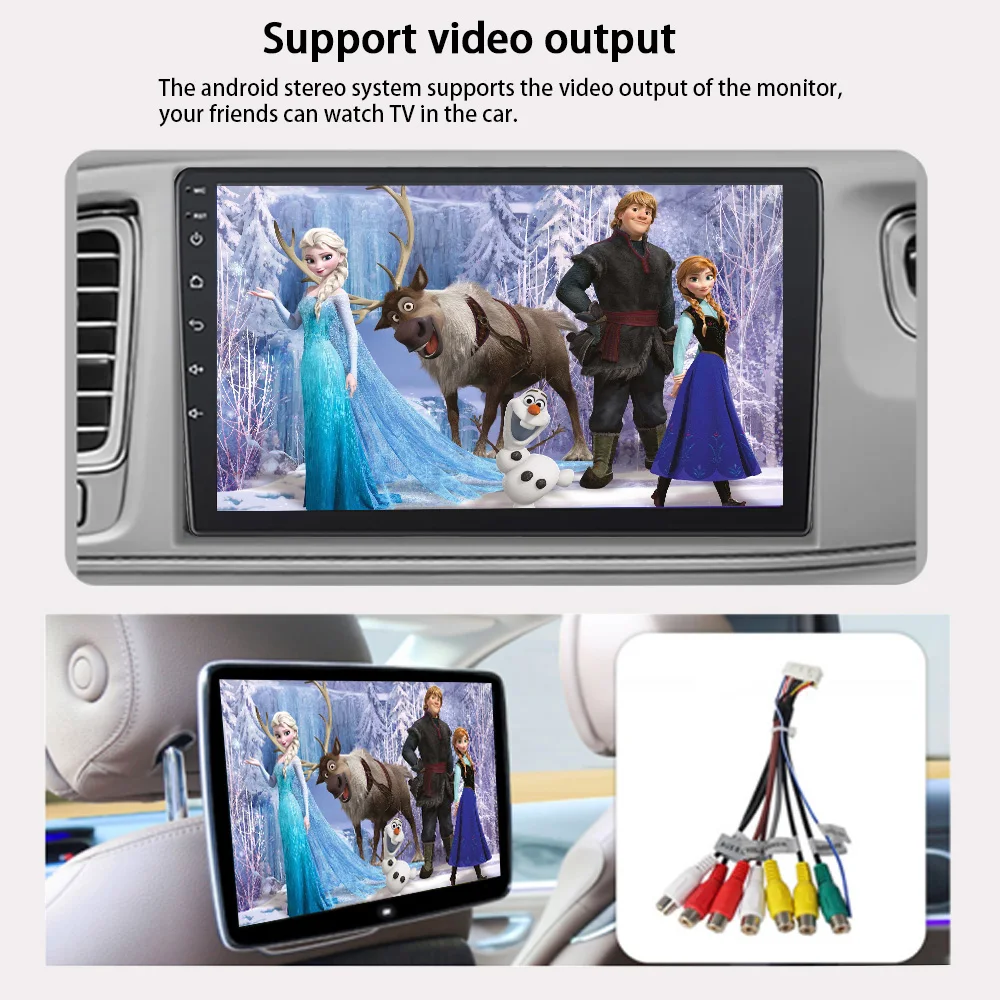
Video output : support
Offline map : support
GPS navigation : support
Rear USB① USB2.0 (4pin USB flash drive only)
Rear USB② USB2.0 (for 6pin recorder only)
Reset button support
Format parameters
Audio format : MP3
Video format : MPEG/AVI/RM/FLV/ASF/WMV/MP4/MKV/OGM/TS/DivX/RMVB/VOB
Image format : JPG/BMP/PNG/JPEG/GIF
Language parameters
Indonesian/Malay/Czech/Danish/German/English/Spanish/Filipino/French/Croatian/Italian/Latvian/Lithuanian/Hungarian/Dutch/Norwegian Bokmål/Polish/Portuguese/Romanian/Slovak/Finnish/Swedish/Vietnamese/Turkish/Greek/Bulgarian/Russian/Ukrainian/Hebrew/
Urdu/Arabic/Persian/India Idiom/Bengali/Thai/Khmer/Korean/Chinese/Chinese Traditional/Japanese
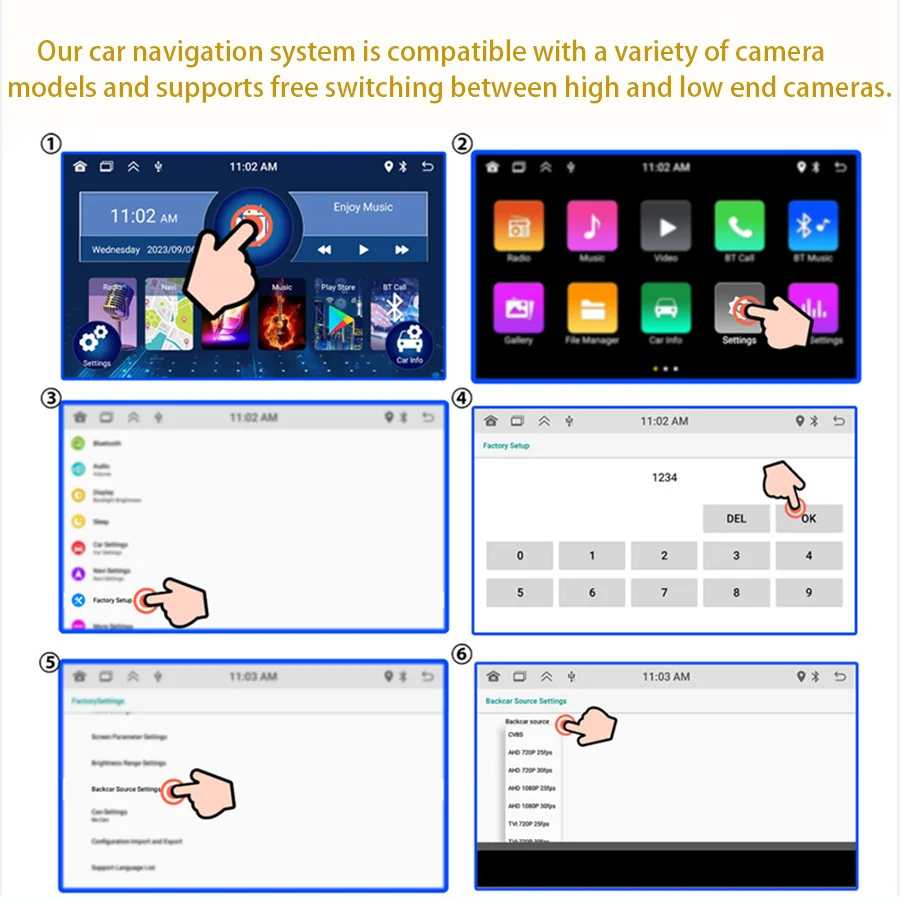
Factory set password: 1234
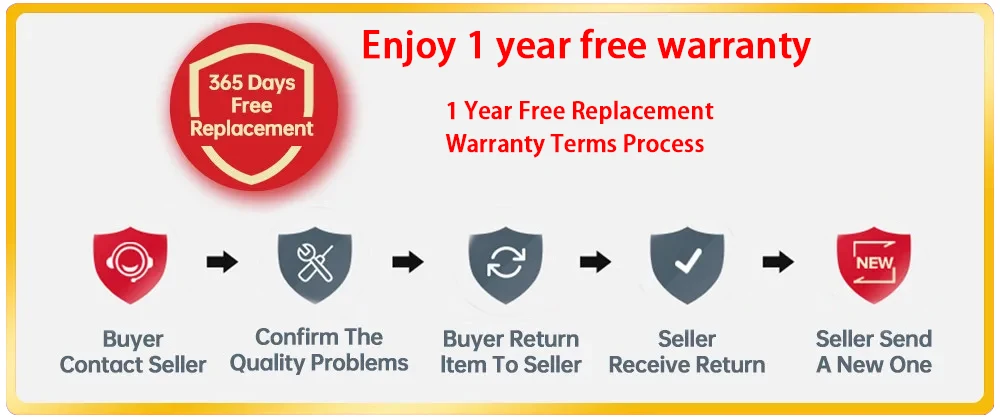
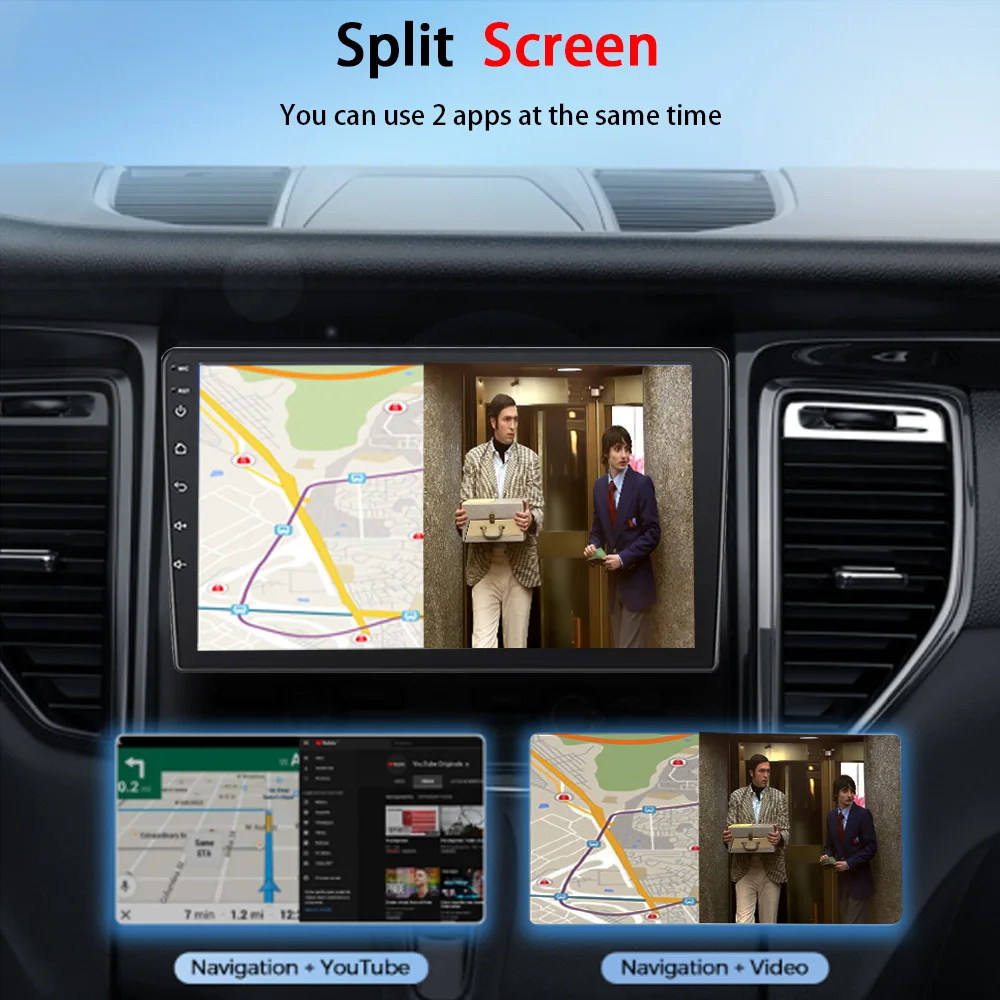
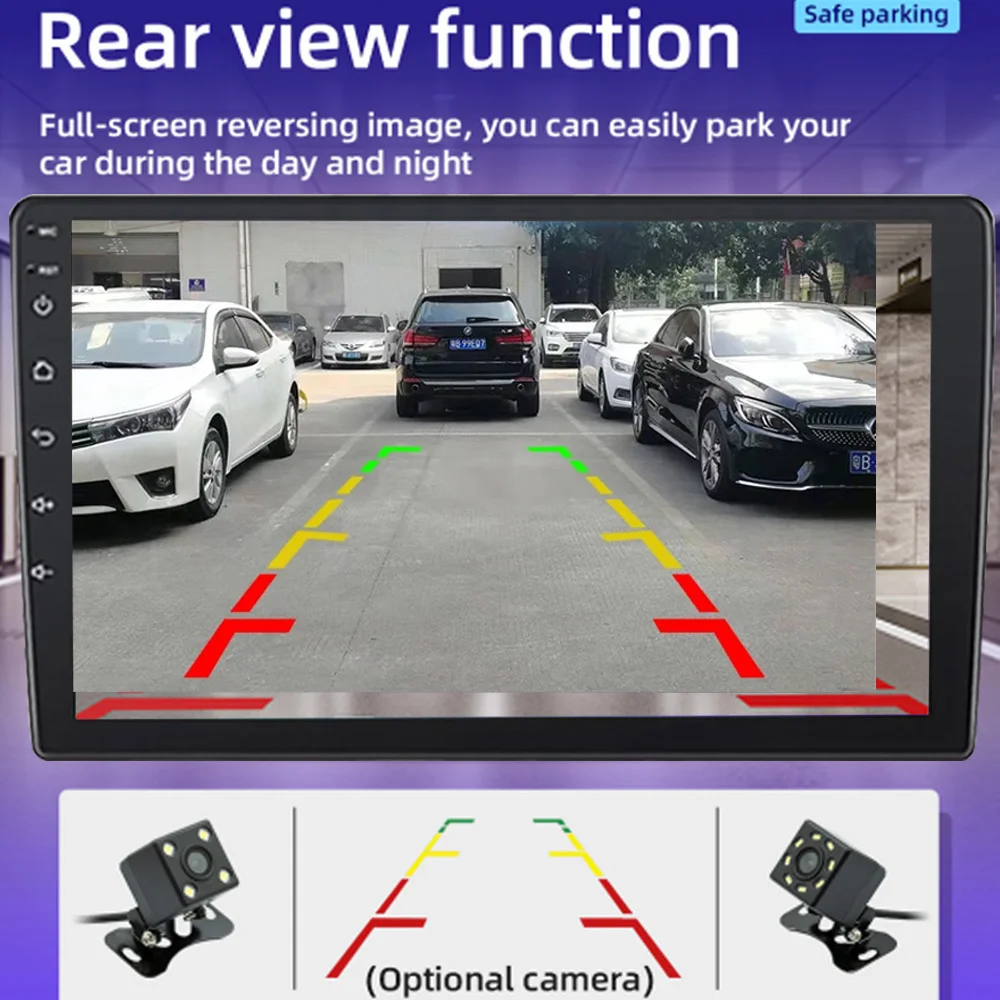 The car radio supports reverse rear view display. When the car is in reverse mode, the radio will immediately switch to the rear screen of the car to ensure your driving safety.
After replacing the rearview camera with different standard, you need to change the machine settings, otherwise it will display abnormally.
FAQ:
Q1.Why the car radio can't turn on?
1>Please check the Voltage of the car radio: DC 12V
2>When you test this car radio, you can combine the red and yellow wires and connect them to the positive side of the power supply. The black line to the negative power supply.
3>Replace the same type of insurance to test the car radio.
Note: Please must use our power cables to connect our car radio, it is not possible to insert the original car plug directly into our machine.
Q2.Why the car radio will show time after we turn off this?
>That time clock is a function for the car radio, that can't be removed. In fact, a car radio had been turning off, saves time and is more convenient for people to see,
>If you didn't need this, you need to unplug the power positively and negatively
Q3.Why hasn't sound in the car radio when playing music?
>1. When you are not using our original audio cable, please check if your audio cable is suitable for our camera.
>2. Please check if there is any collision between the lines.
>If the line is connected, there will be no sound when the speaker cable touches the speaker cable. There is also no sound when the power cord touches the speaker cable.
>If the problem is still here, please use a single speaker to connect a group of audio cables to test the car radio. The four-speaker cables are connected separately to see if there is any sound.
Q4.Why can't search FM?
>1. No radio antenna was inserted.
>2. Please check if the radio antenna is plugged in. Please insert more antennas several times to make it well contacted.
>3. The signal of your location is not good. Please go to a better place to test again.
>4. The radio antenna on the car is broken/has no effect; please replace the radio antenna and test it again.
Q5.Why can't connect the Bluetooth to the car radio?
>1. Open the phone settings interface, open the Bluetooth in the Bluetooth function, search for Bluetooth devices, and find the player's Bluetooth model to be paired; if you need a pairing code, enter 0000; if not, try 1234 or 123456.
>2. Please try to use another mobile phone to test this function. All methods are correct and still cannot use Bluetooth, Please unplug the plug on the back of the player and plug it in after 3 minutes.
Q6. How to update GPS Map?
>1. First of all, you need to download the map update APK from our website or anywhere else or use a mobile phone to WIFI hotspot to download and install it directly. You can also use online navigation. Then you need to copy them to the GPS ROM and set the navigation path to the navigation program by setting.
Q7.Is it possible to listen to music or radio while using navigation ?!
>1. Yes, it is possible to listen to the radio or music while using the navigation system. Clayton devices are using a unique technology that makes listening to music happen when you are using the navigation system.
Q8.Do these units support steering wheel control ?!
>1.Yes of course. For each different car model, there is a different CAN-Bus ( Optional ) that comes with the unit to match the unit to the vehicle amplifier and steering wheel control.
Q9.Can we install the DVD Units ourselves?
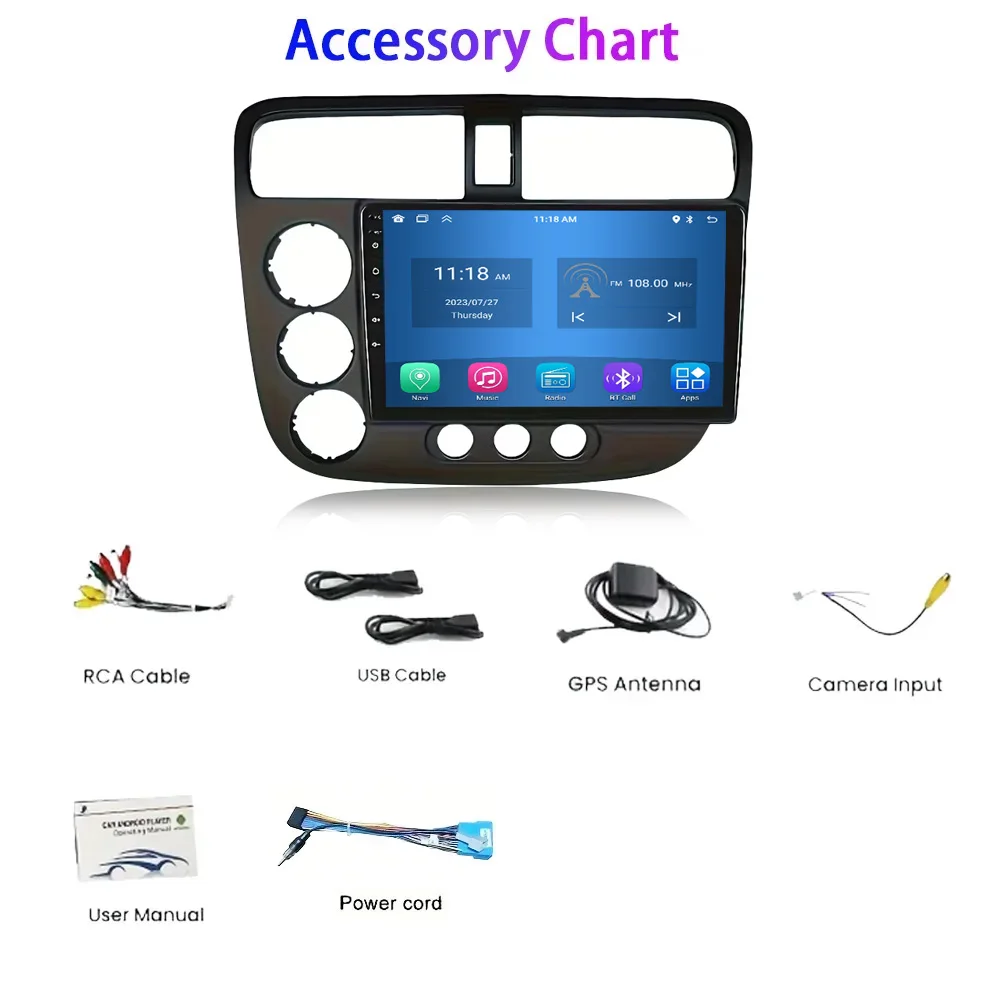
>1. We will provide all the wires for the navigation, Power wire (Plug and play), RCA wires (with 7 ports), Reversing video input wire & wifi & Bluetooth antenna, GPS antenna, two USB wires
>2. It is preferred that the installation be done by a professional person. We are not responsible for the damages that might occur to the dashboard of the car while installing the device. So it is better that a professional person installs the unit on the cars.
Q10 If the machine has a flashing screen or Screen Reverse and cannot be touched, how to resolve?
>1.Restart the machine first, then use the five-finger correction method
Screen correction method: Touch the screen with five fingers at the same time until the "+" sign appears on the screen, then click the "+" sign, after all "+" clicks are completed, the screen returns to normal.