

MLLSE Graphics Card RX 5500 8gb Placa De Video Gaming 7NM 128bit GDDR6 8Pin PCI Express 4.0 x 8 1717MHz DP*3 Desktop
Couldn't load pickup availability
- 🔒 Secure Checkout
- 🚚 Fast Shipping
- 🔄 30-Day Returns
Brand Name: MLLSE
Cooler Type: Double Fan
High-concerned chemical: None
Product Features: VR READY
Video Memory Type: GDDR6
Usage Scenario: Gaming
Usage Scenario: Audio & Video
Usage Scenario: Household
Usage Scenario: Office
Usage Scenario: Design
Chipset Manufacturer: AMD
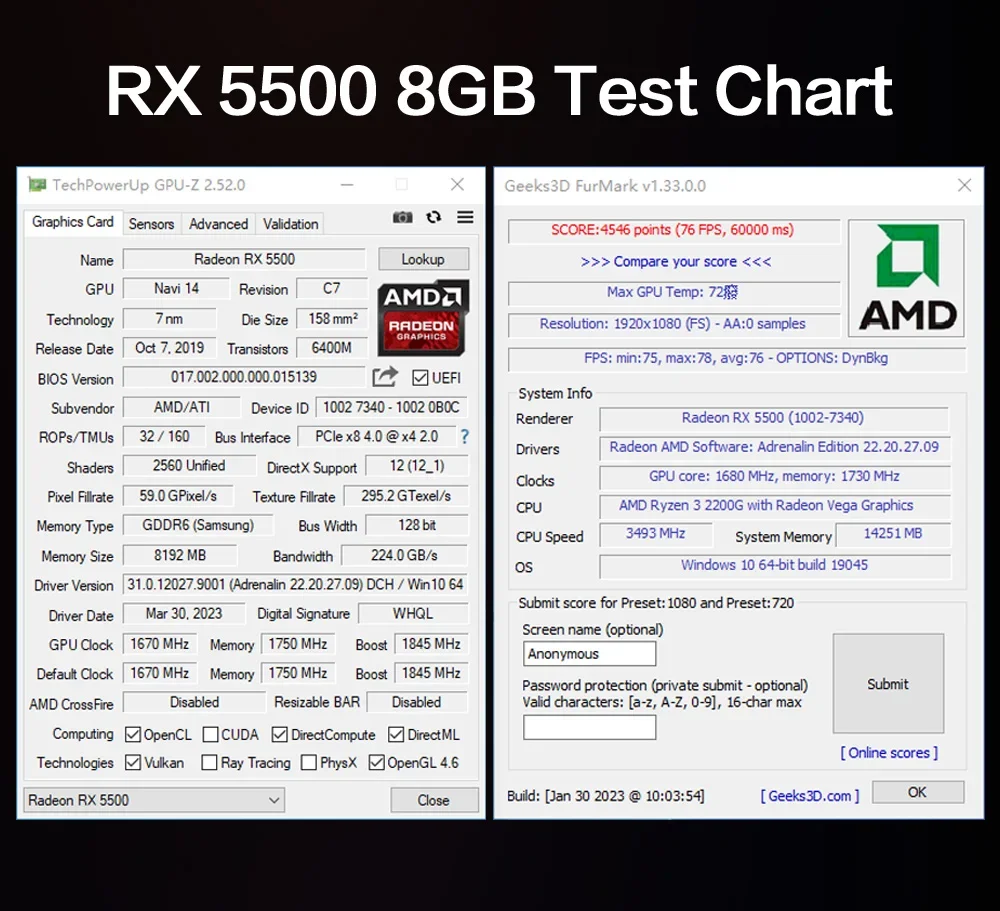
Chip Process: 7NM
Product Category: Desktop Graphics Cards
Application: Desktop
Origin: Mainland China
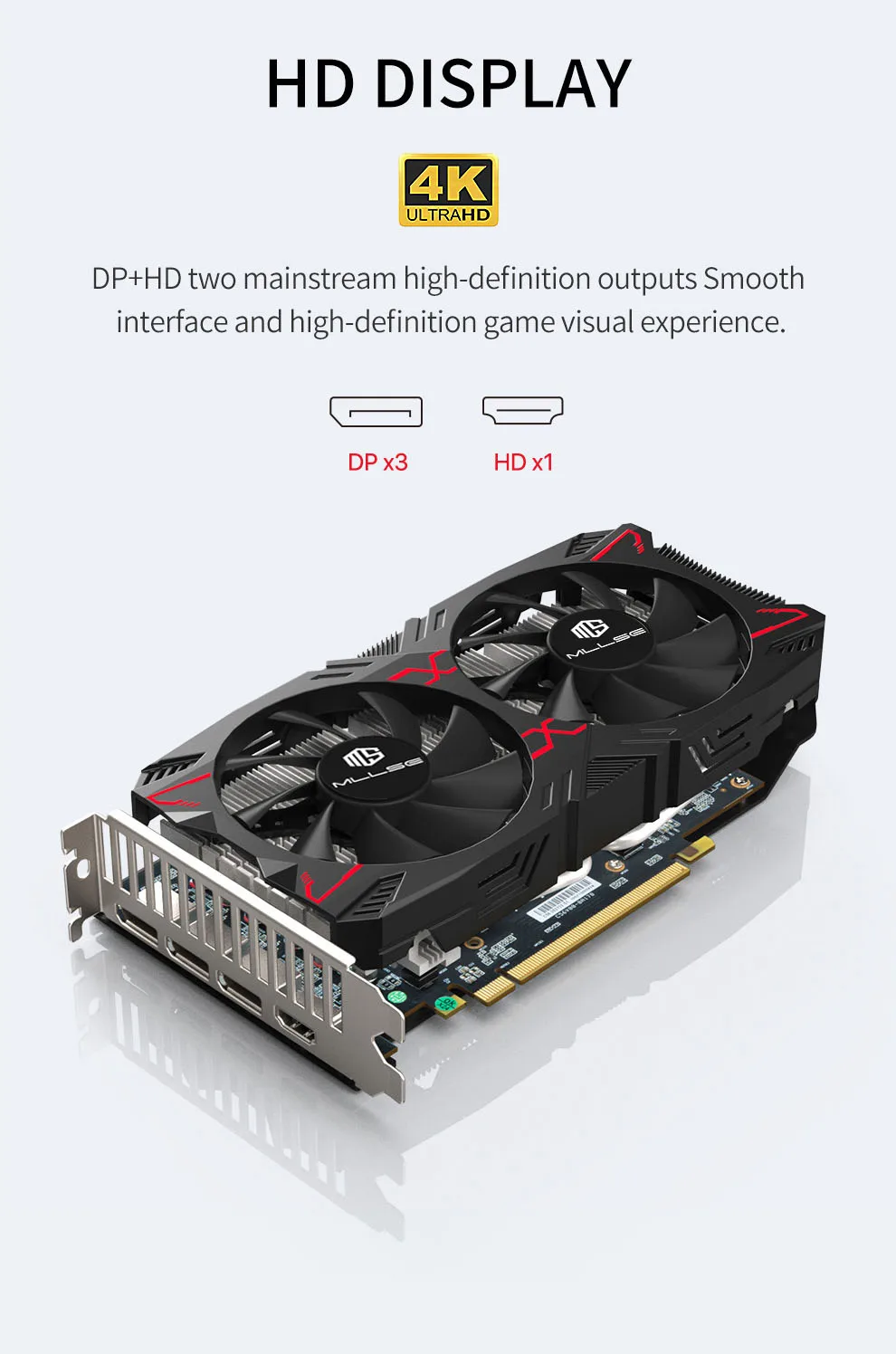
Output Interface Type: DisplayPort x3
Interface Type: PCI Express 4.0x8
RGB: No
Overclocked: No
Memory Clock(Mhz): 1750
Power Connector: 8pin
Core Clock(Mhz): 1670
Video Memory Capacity: 8 GB
Memory Interface: 128 BIT
Package type: Retail
Max Resolution: 4096 x 2160
Package: YES
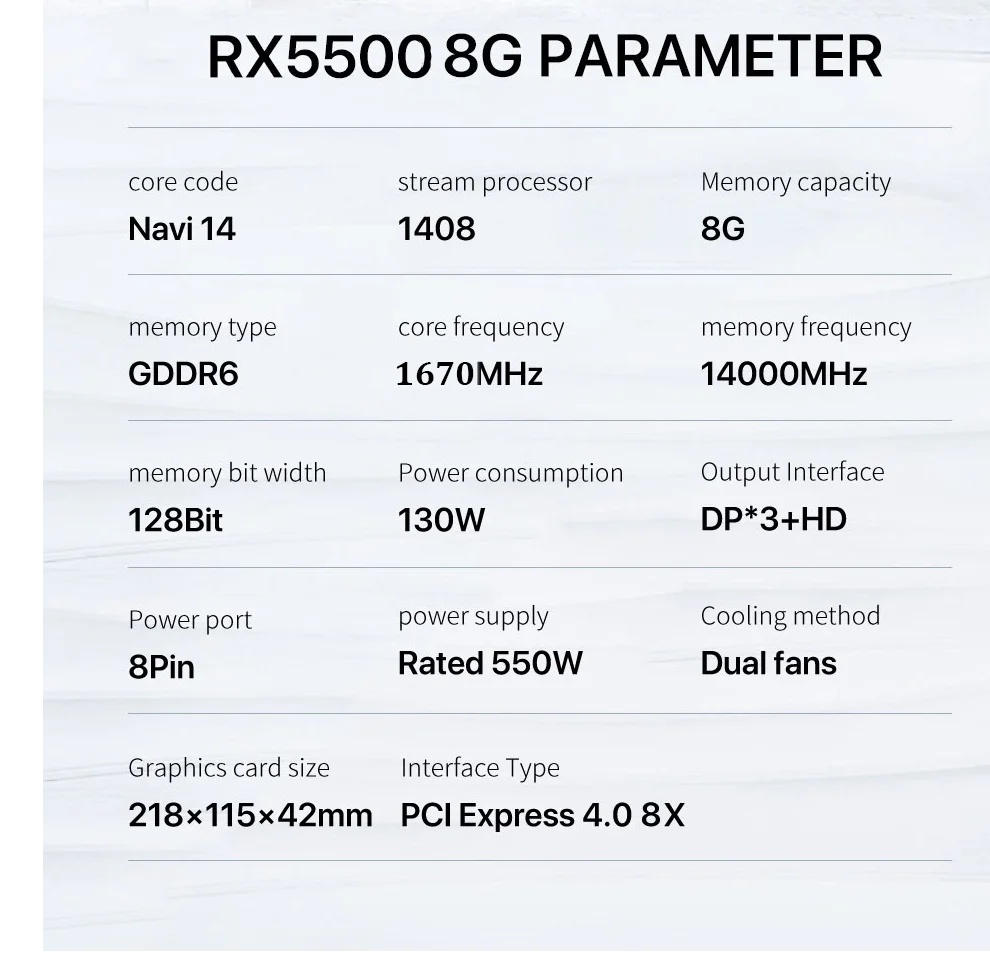
GPU Model: RX5500 8GB
Graphics Ram:GDDR6
Graphics Ram Size:8GB
Memory Bus Width:128Bit
Power Consumption:150W
Core Clock:1670MHz
Power Interface:8 PIN
Recommeded Power:550W
Memory Clock:1750MHz
Graphics Size:220*115*45mm
Interface Type:PClExpress 4.0
Video Output:HD+DP*3
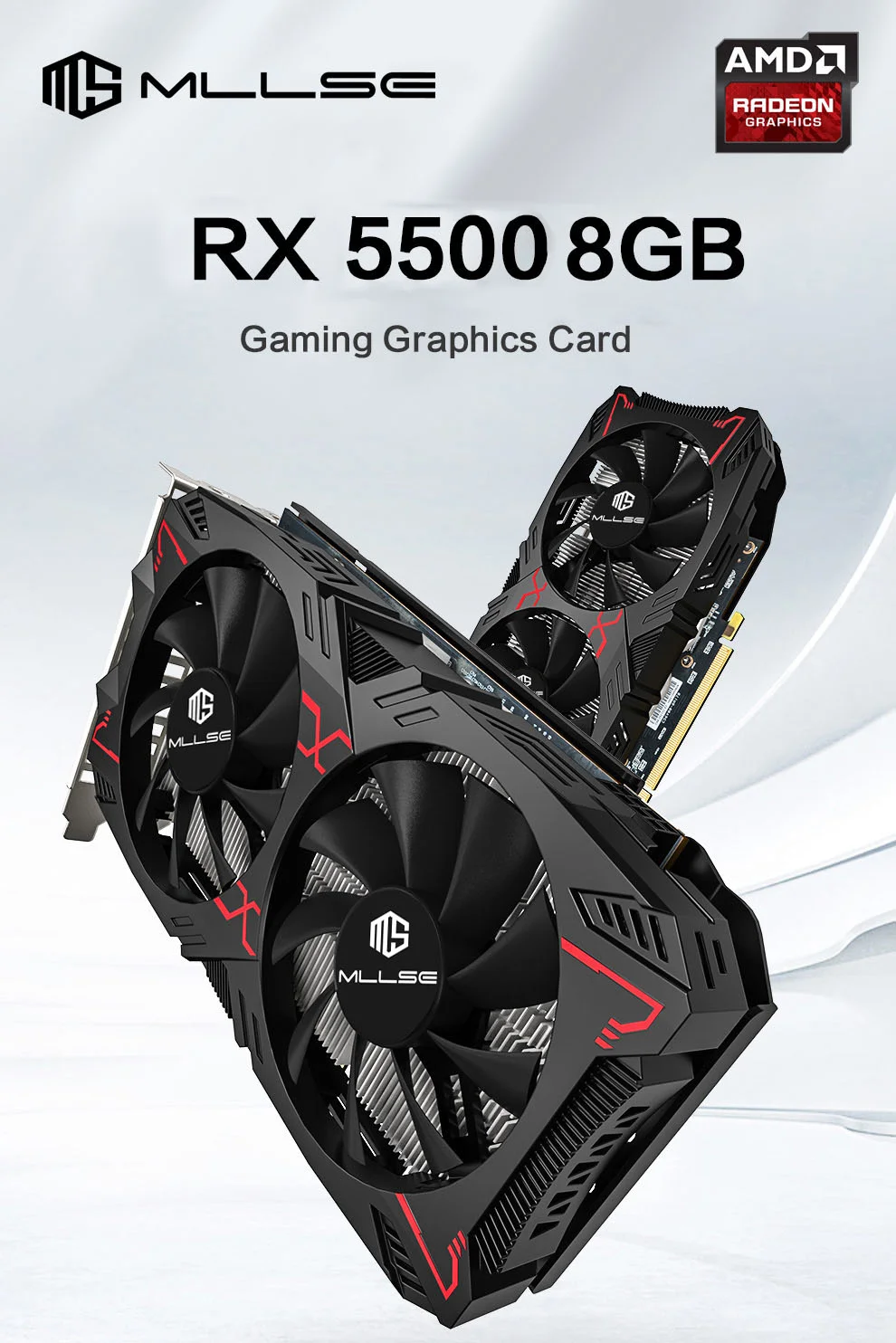
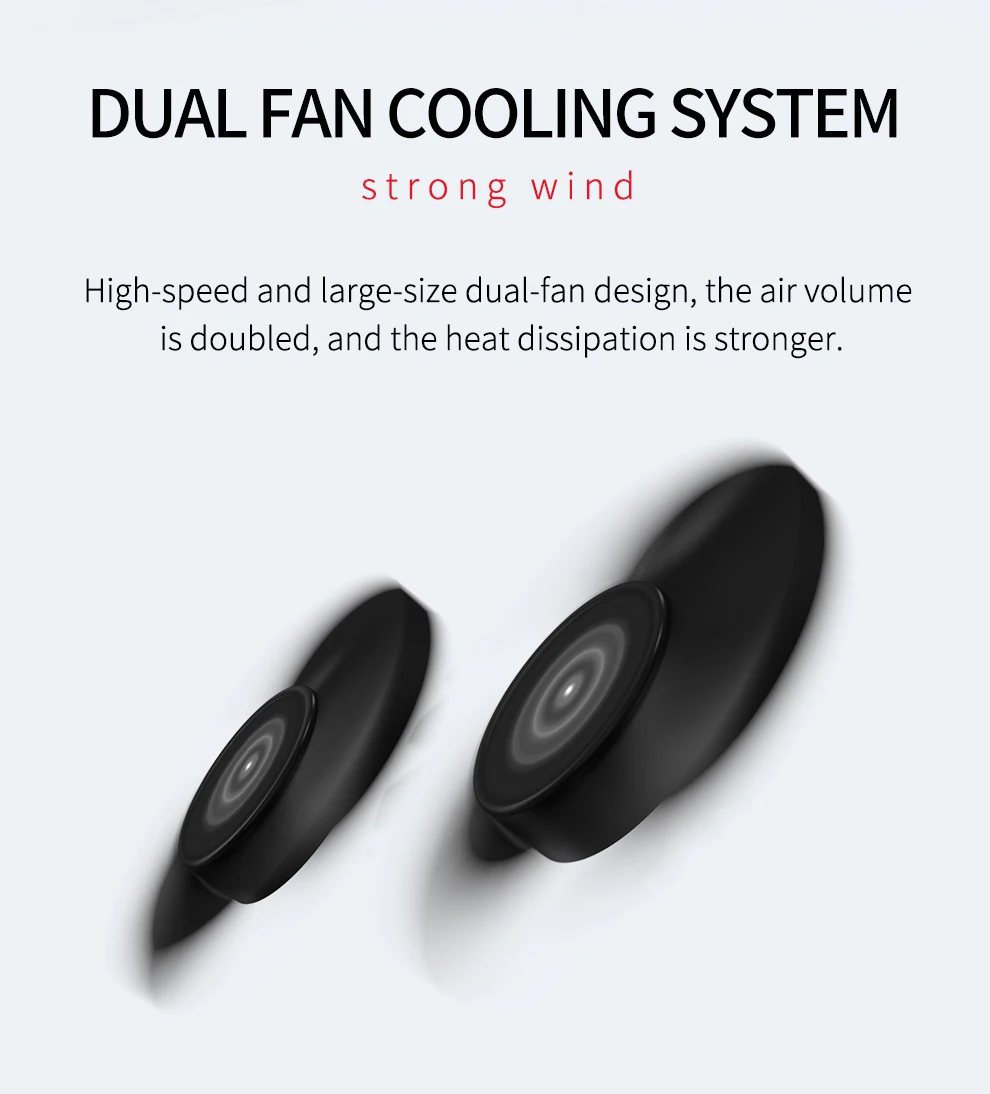
Dual-fans cooling system --- Strong wind
High speed and large size dualfan design, double the wind to introduce airflow.
and thestrong wind will dissipate heat faster.
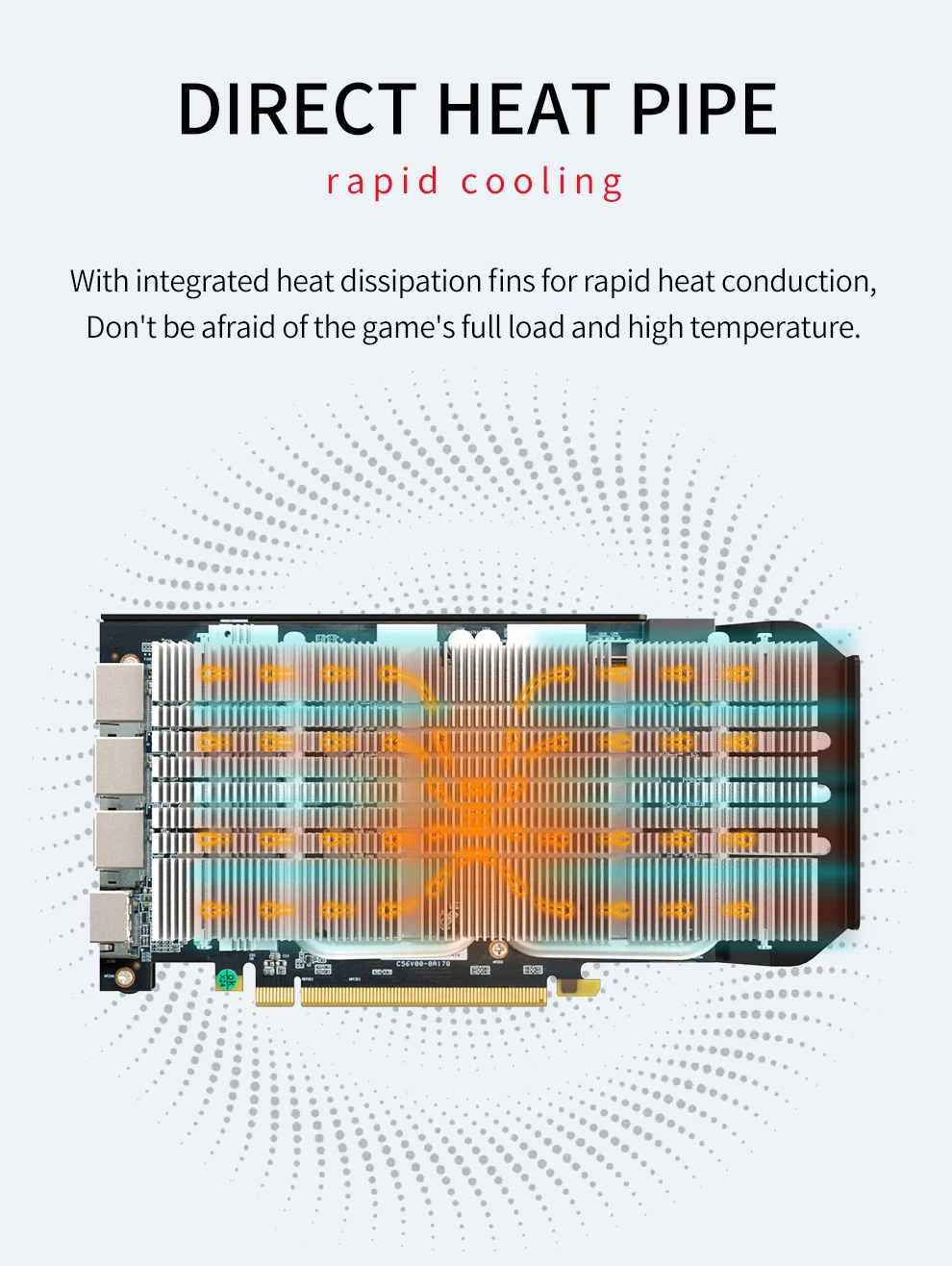
DIRECT HEAT PIPE --- rapid cooling
With integrated heat dissipation fins for rapid heat conduction,Don't be afraid of the game's full load and high temperature.
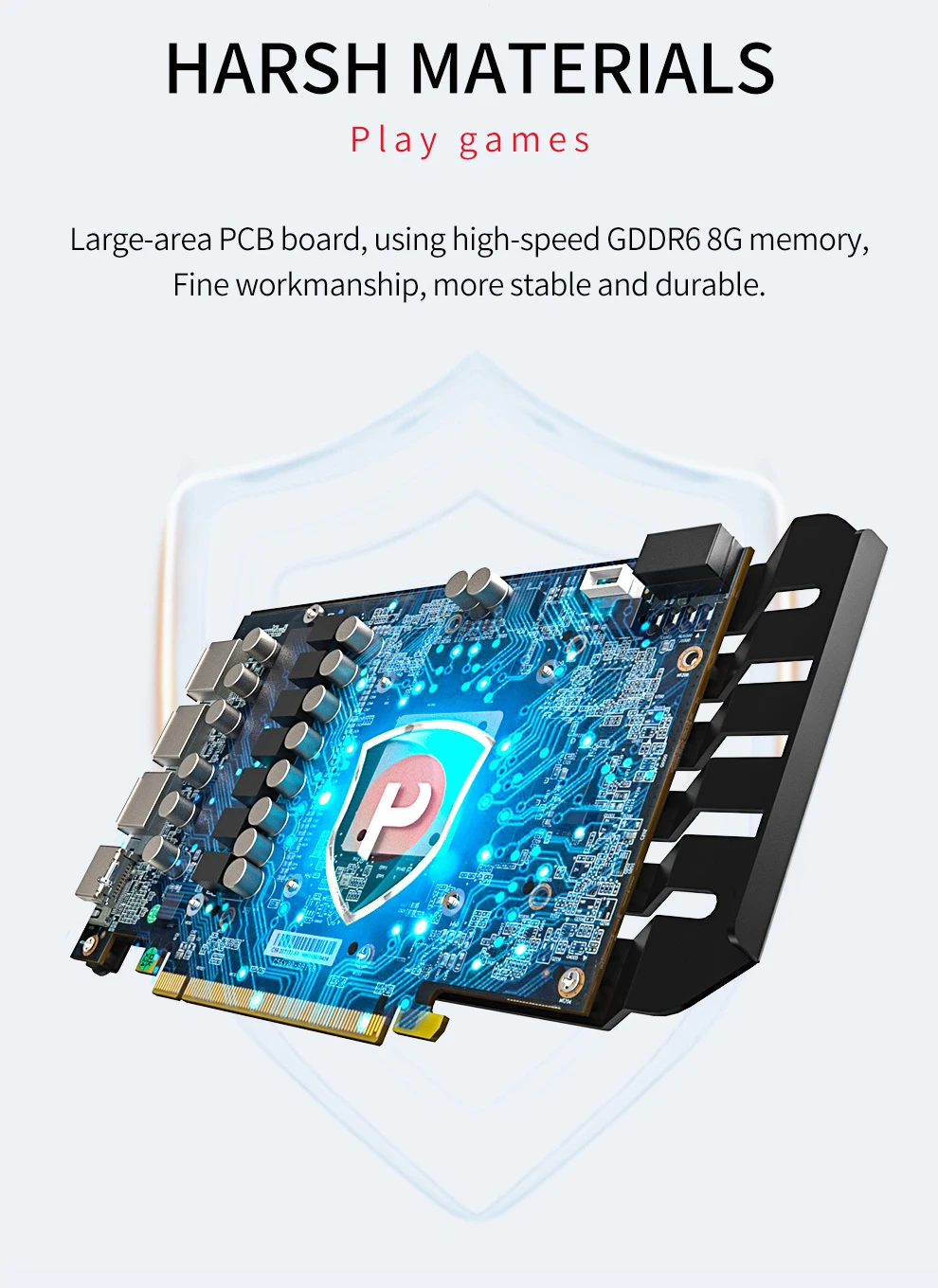
HARSH MATERIALS --- Play games
Large-area PCB board, using high-speed GDDR6 8G memory,Fine workmanship, more stable and durable.
4K HD Display
DP+HD two mainstream high-definition outputs Smoothinterface and high-definition game visual experience.
RX5500 8GB Test Chart
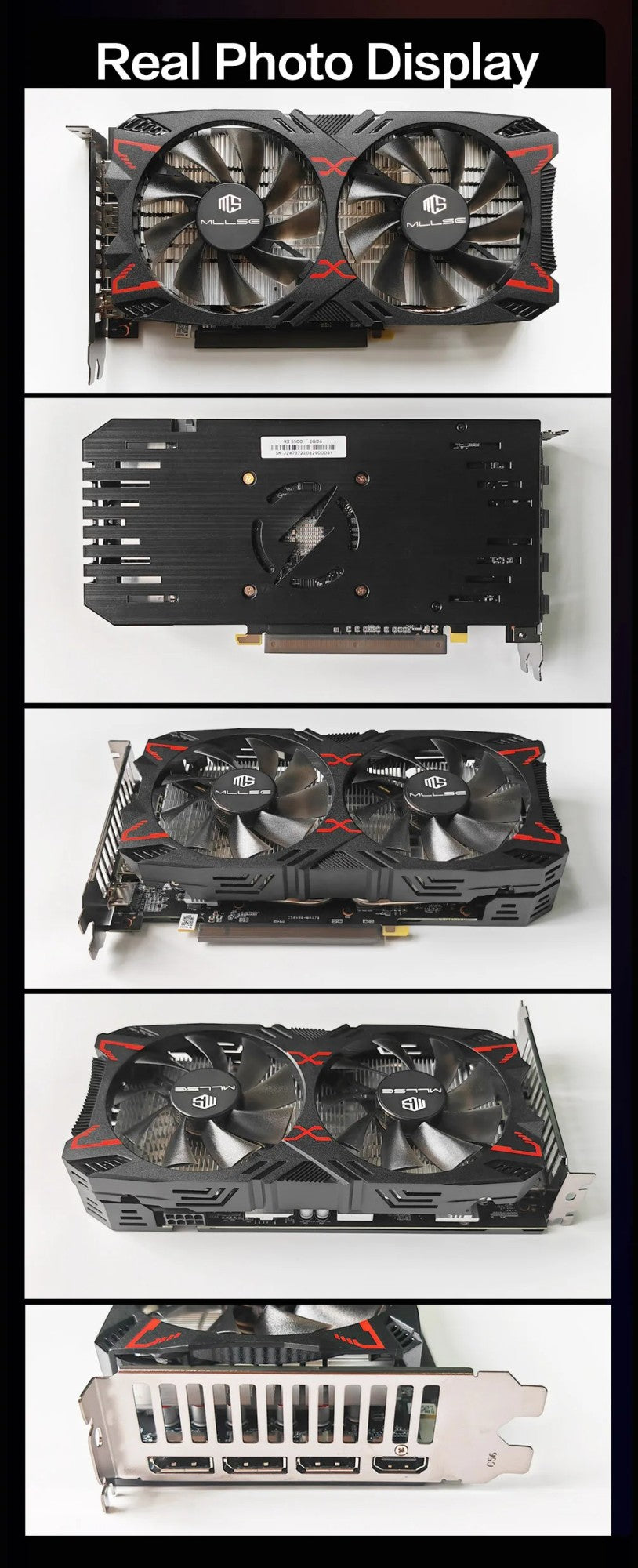
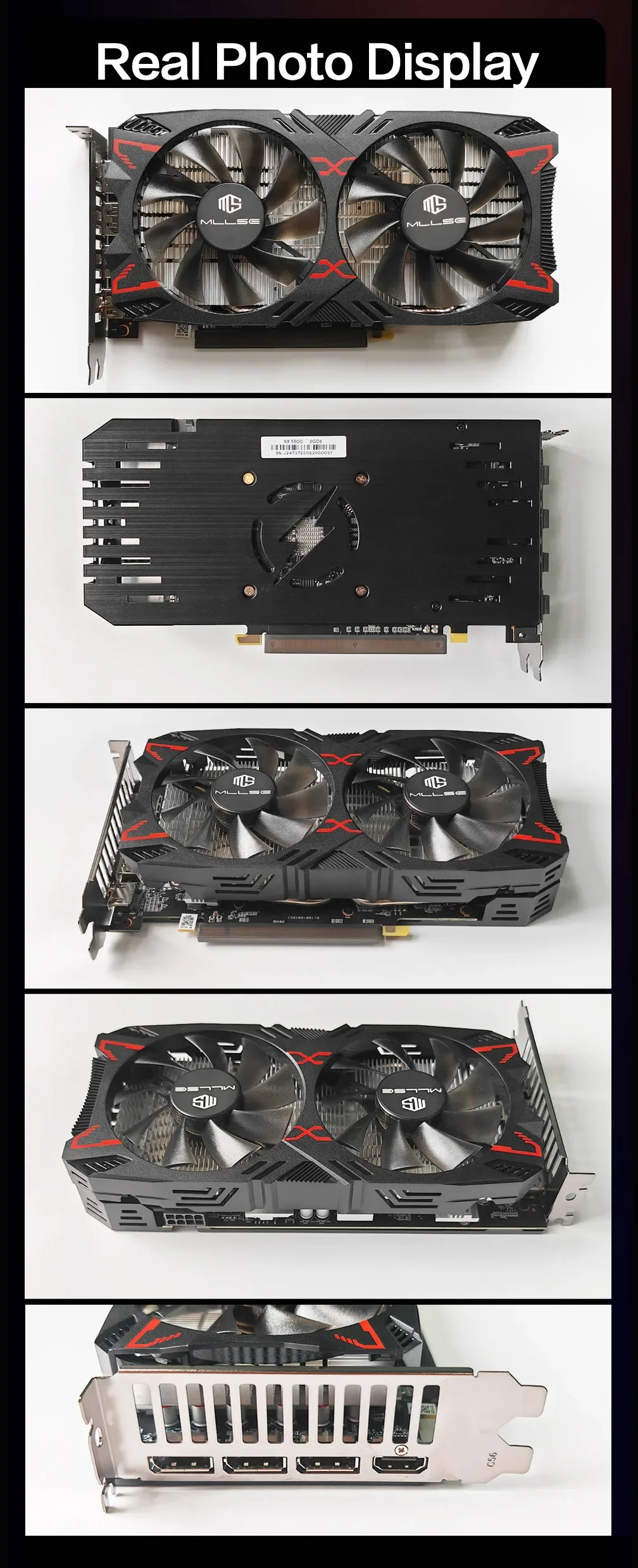
Realistic photo display
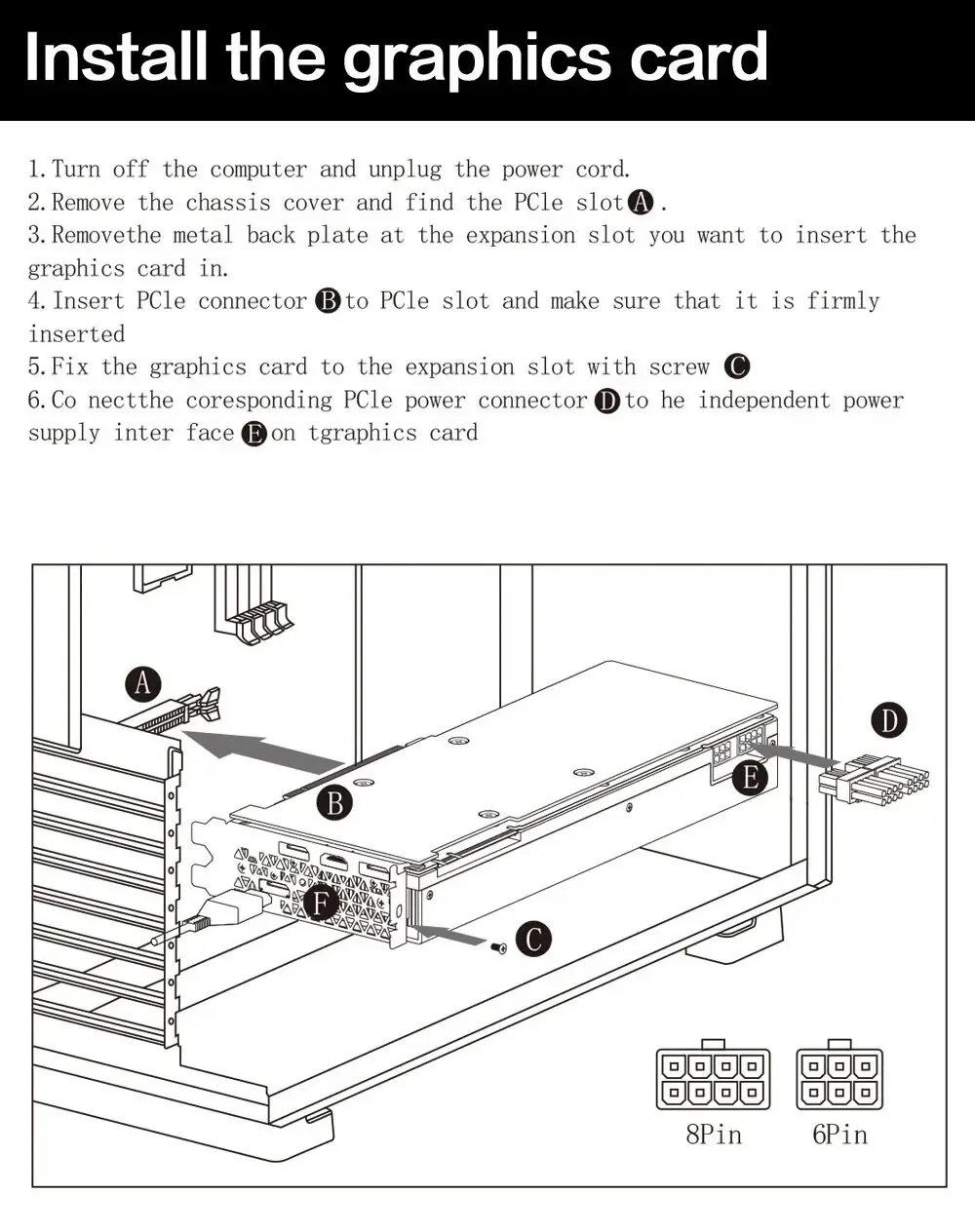
Install the graphics card
1.Turn off the computer and unplug the power cord.
2.Remove the chassis cover and find the PCle slot.(A)
3. Removethe metal back plate at the expansion slot you want to insert the graphics card in.