

Inkless Portable A4 Thermal Printer Bluetooth PDF Excel Word Document Printing Machine Paper Roll For Office Work Home School
Couldn't load pickup availability
- 🔒 Secure Checkout
- 🚚 Fast Shipping
- 🔄 30-Day Returns
Brand Name: HZTZ
HZTZ Model: A4DY
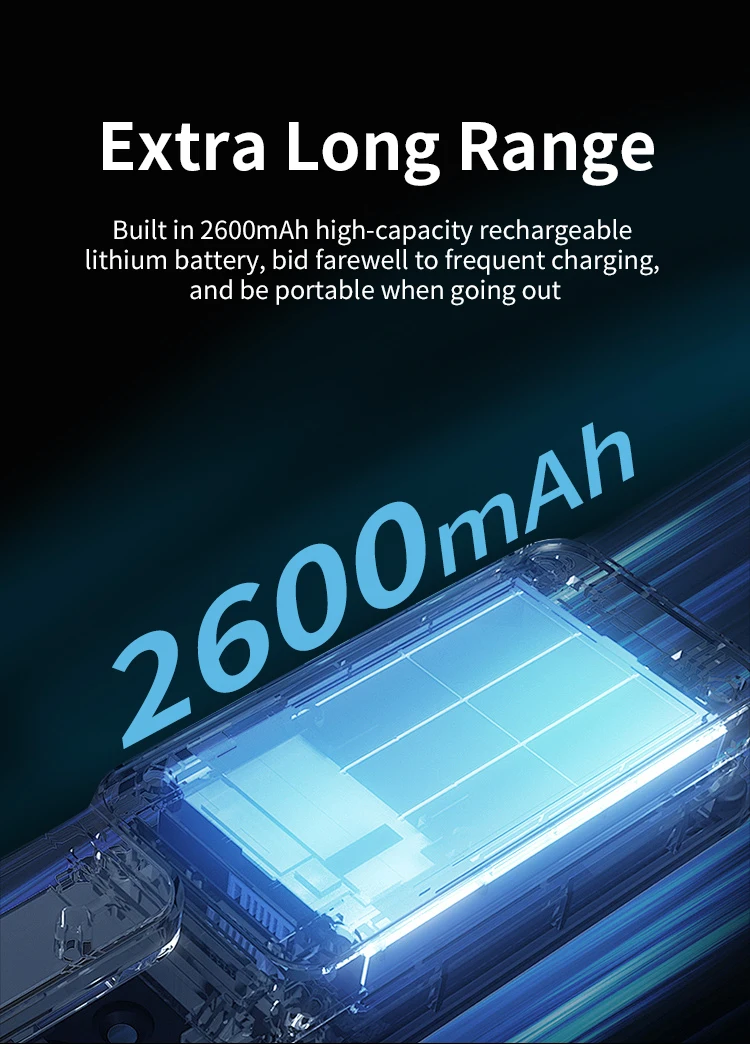
Battery Included: Yes
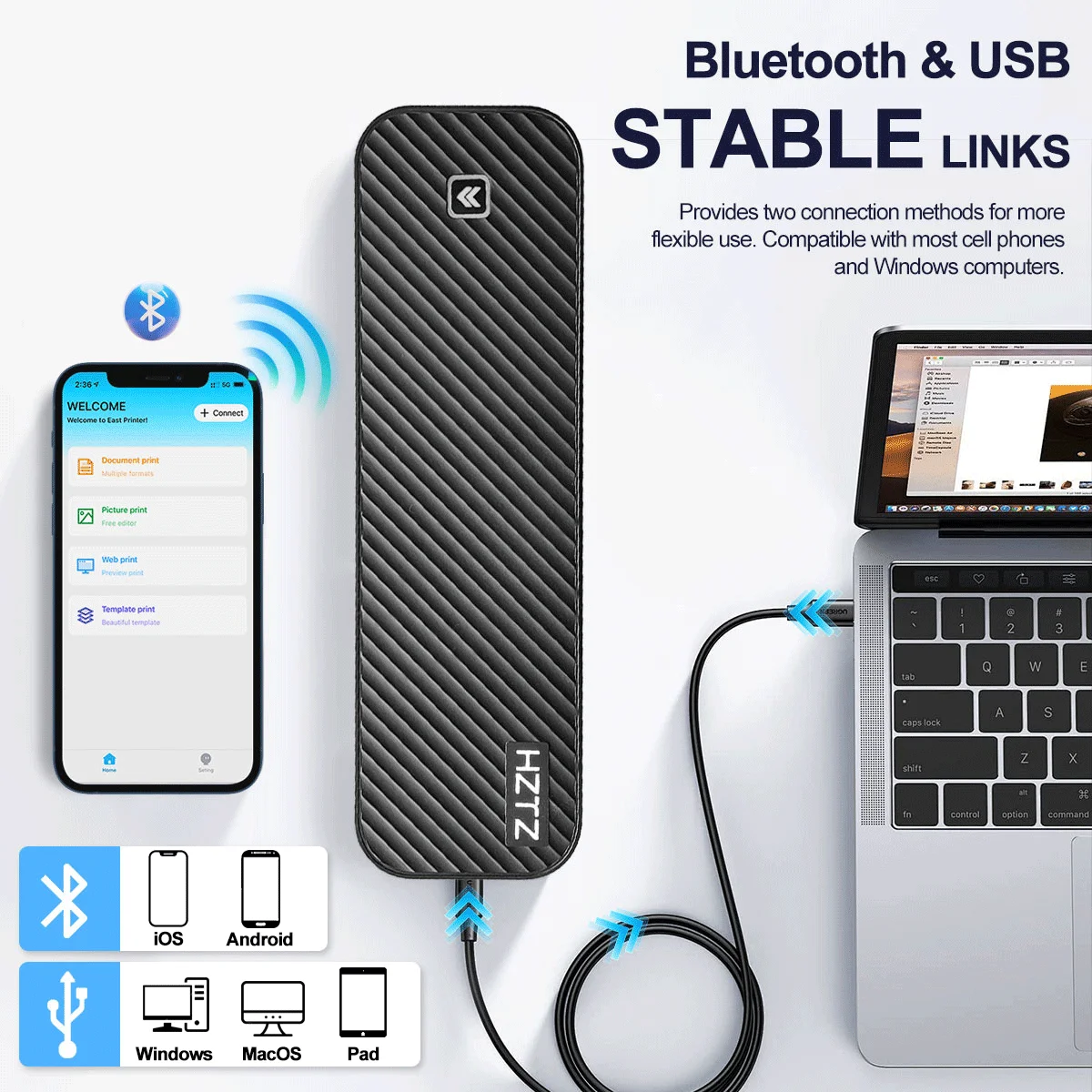
Interface Type: Bluetooth
Double-sided Printing: No
Type: Large Format Printer
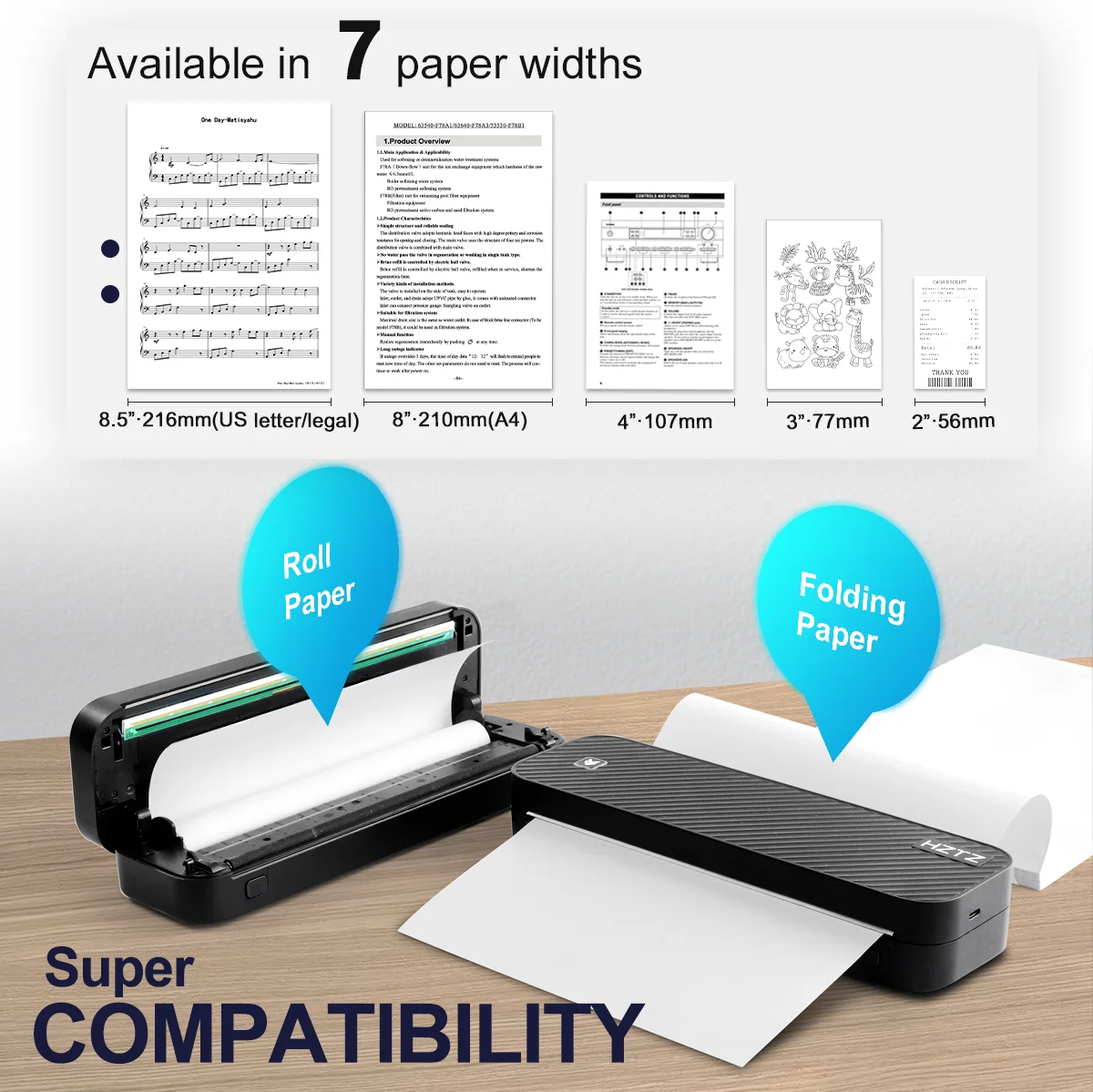
Paper Feed Mode: Roll Feed
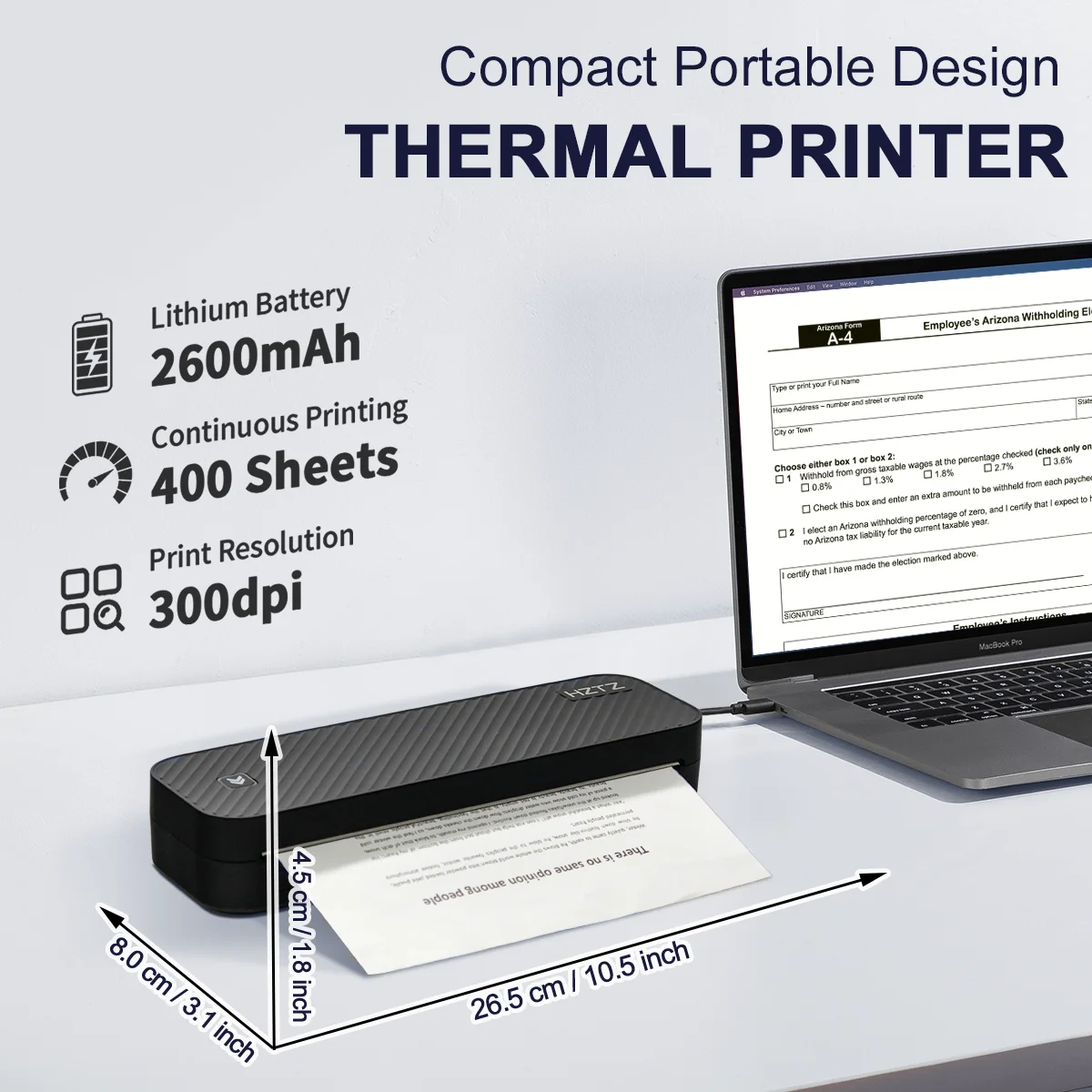
Print Speed: 20ppm
Supports Network Printing: No
High-concerned chemical: None
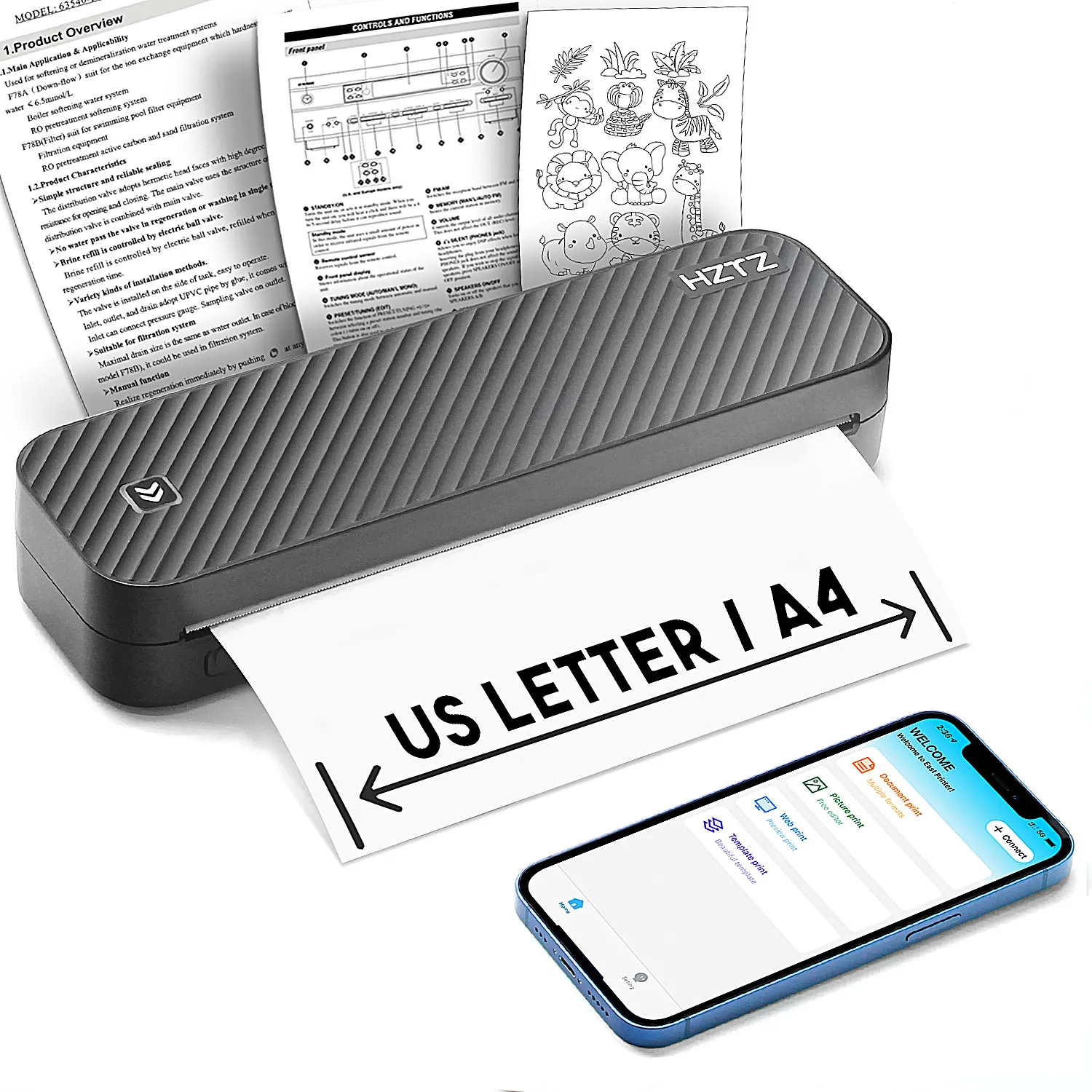
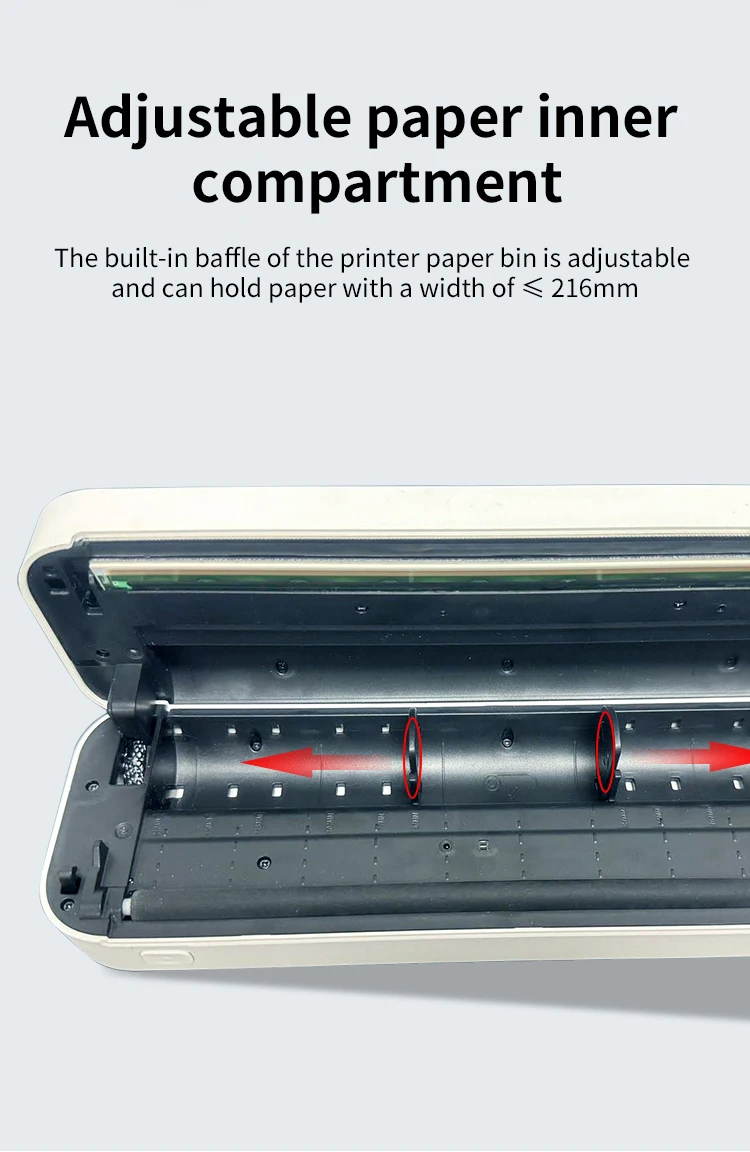
Max Paper Size: 216mm
Signal Connection Type: Bluetooth
Origin: Mainland China
Use: Thermal Printer
Size: A4
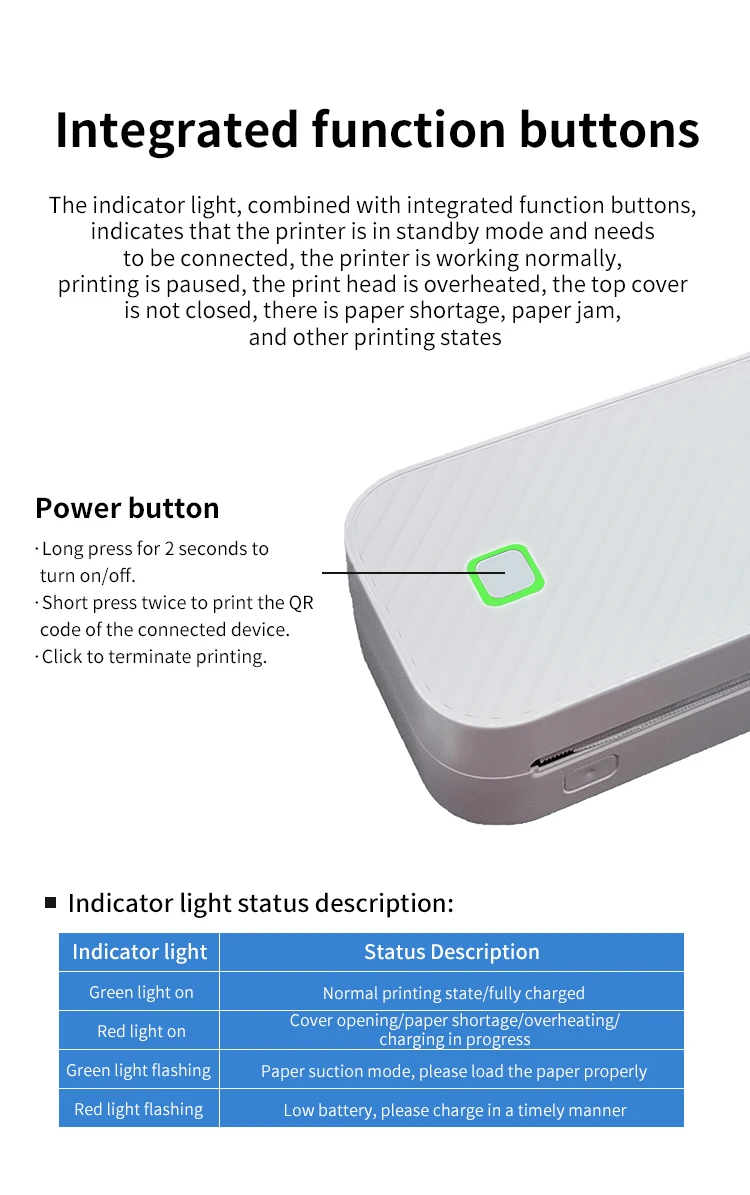
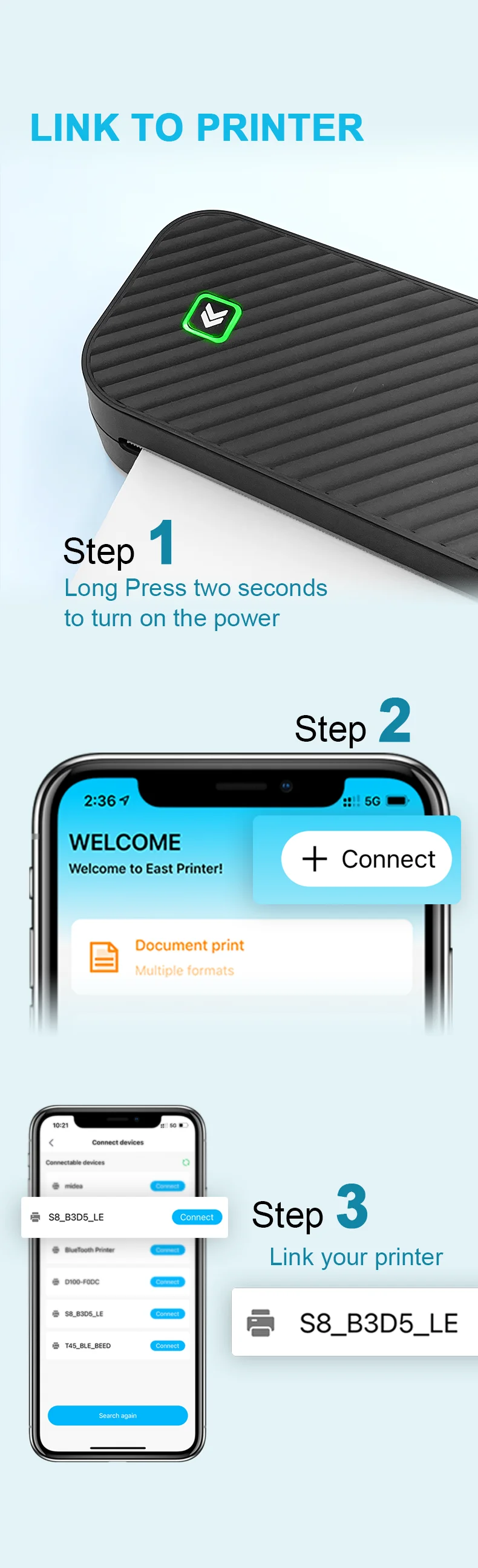
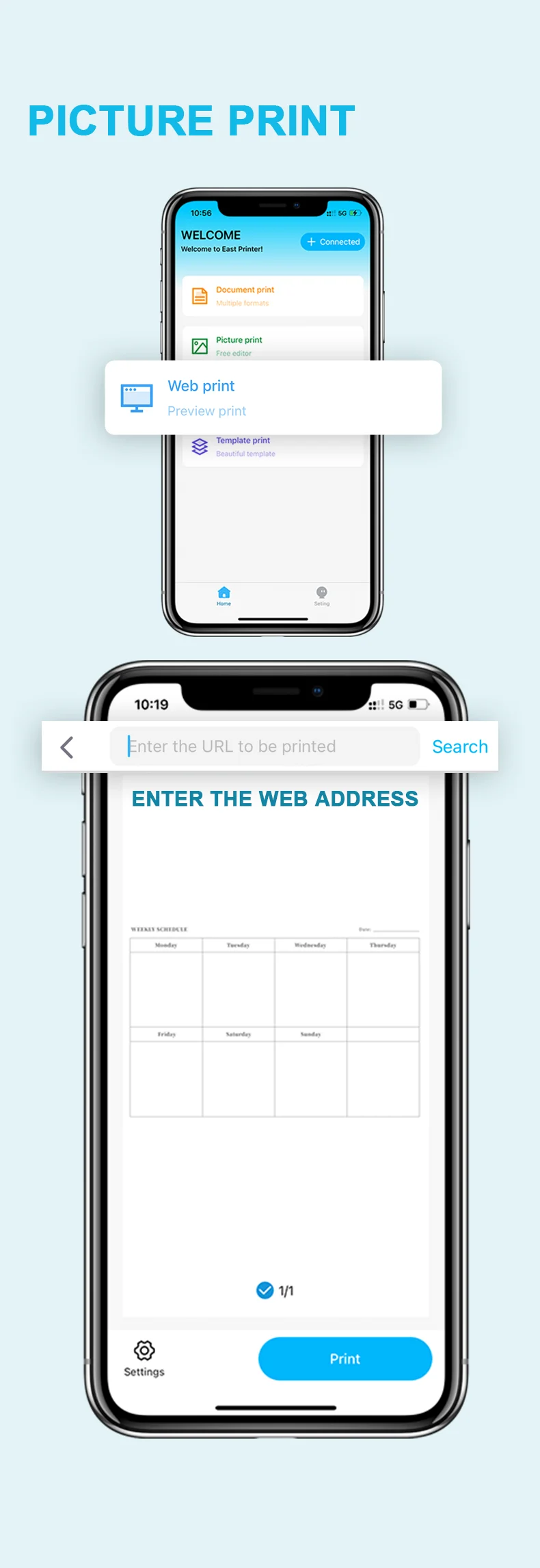
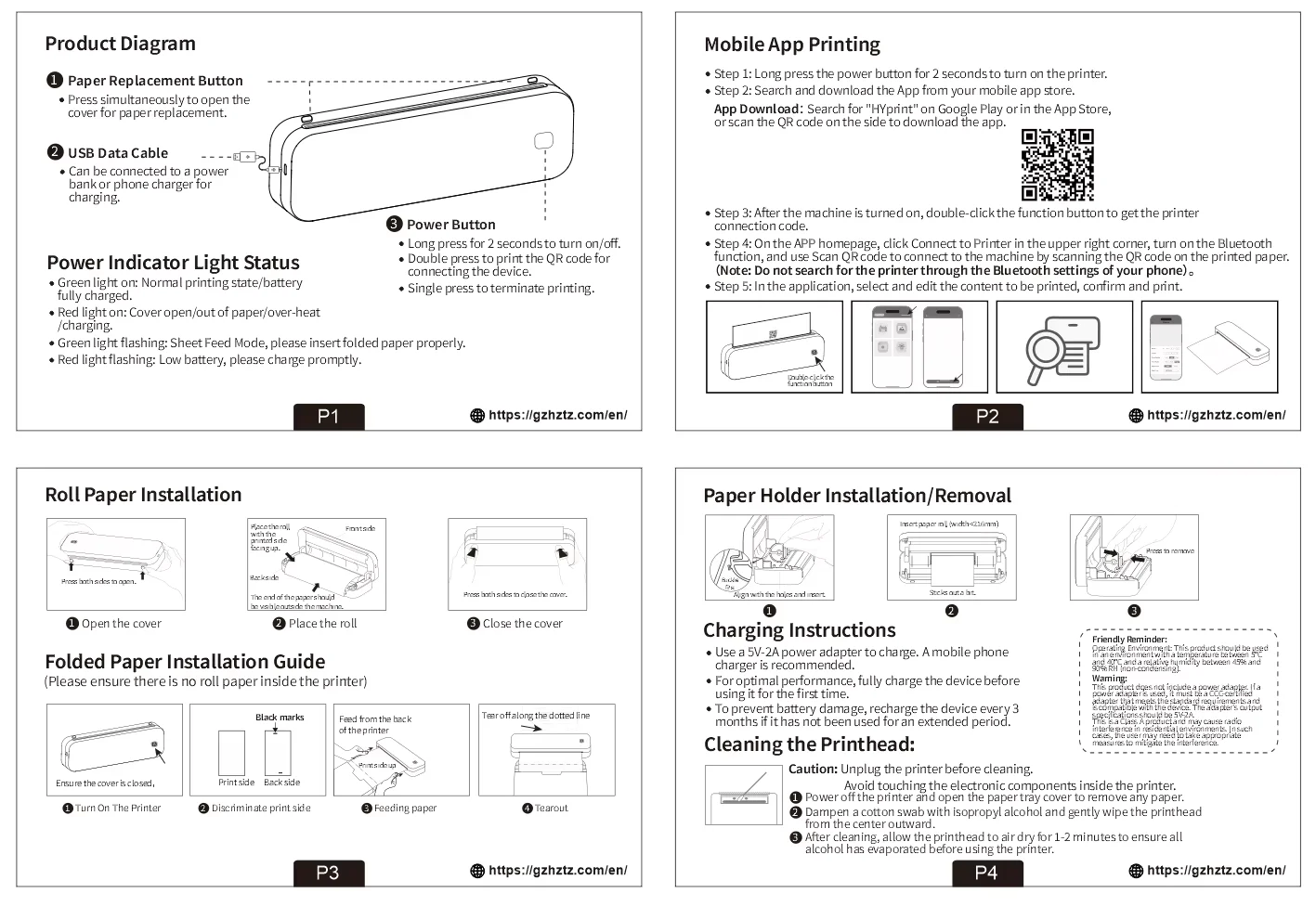
·Step 1: Press and hold the power button for 2 seconds to turn on the printer.
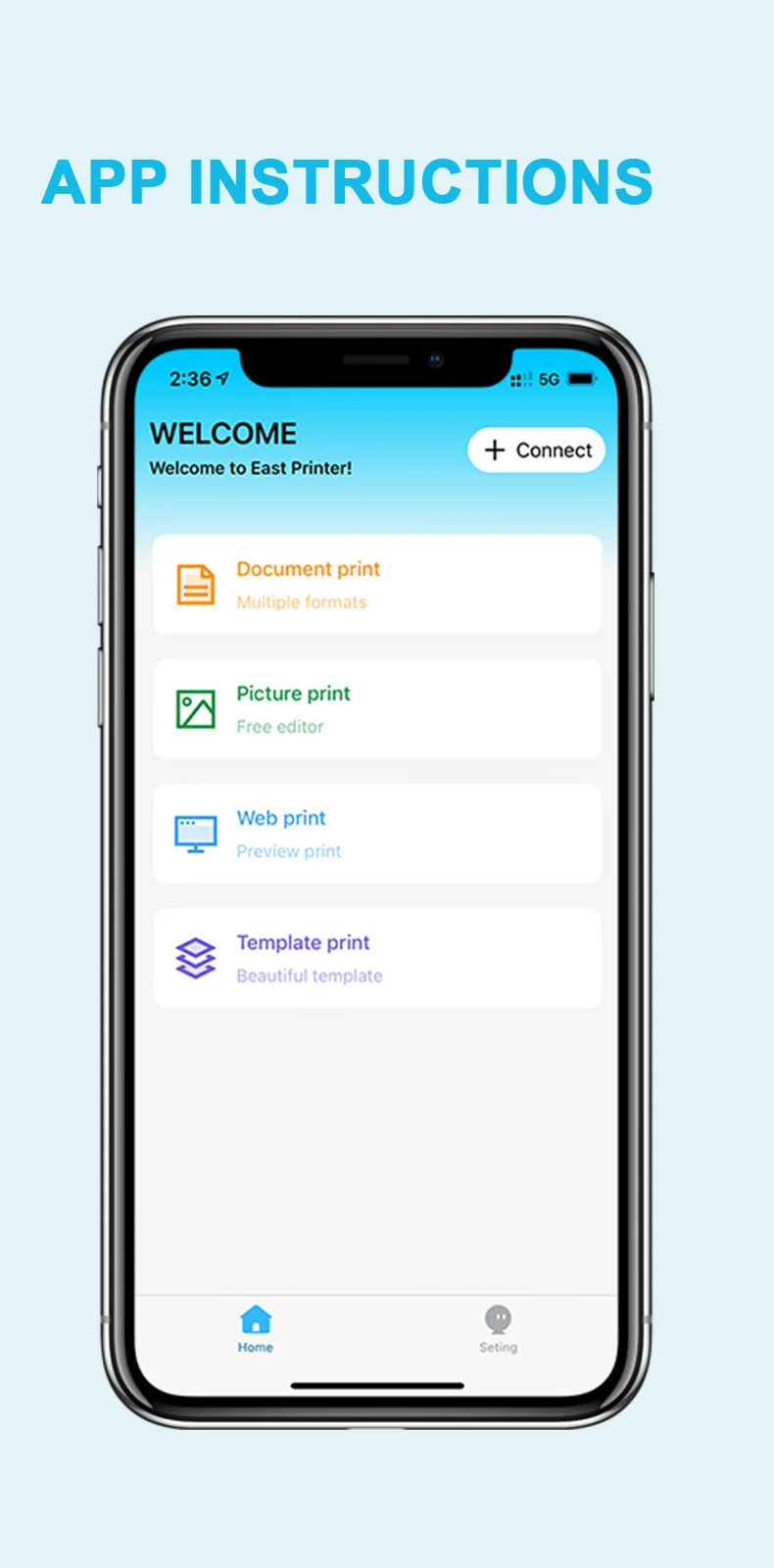
·Step 2: Search ?EasyPrint?and download App in the mobile app store.
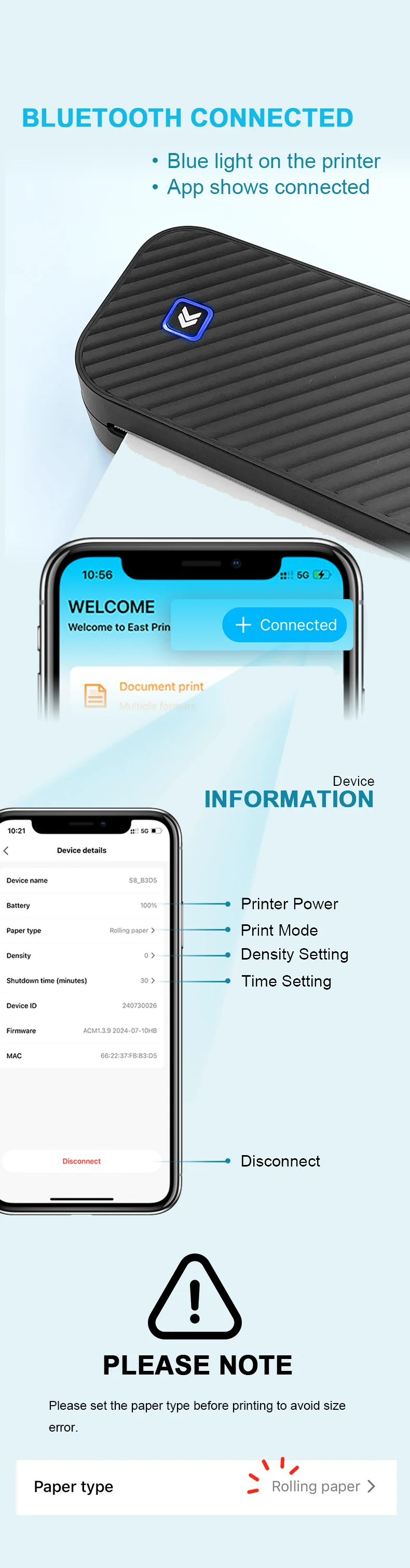
·Step 3: Open the App,and search for the connected printer according to the prompts in the App.
Or double click the power button to print the QR code, and scan the code with the App to
connect to the printer. (Tips: Don't connect printer in the mobile phone Bluetooth settings.)
·Step 4: Select and edit the content to be printed in the App,confirm and print.
App download:Find " EasyPrint "on Google Play Or App Store.
Computer Printing
·Step 1: Press and hold the power button for 2 seconds to turn on the printer.
·Step 2: Connect the printer to computer with the original UsB cable.
·Step 3: Visit the official websitehttps://g zhztz.com/en/to download and install printer driver.
·Step 4: When printing the required documents, select the printer to print.