

Bluetooth Spliter Wireless Audio Transmitter Adapter For 2pcs Headphones Working Together, 2 Wireless Earphone Playing Together
Couldn't load pickup availability
- 🔒 Secure Checkout
- 🚚 Fast Shipping
- 🔄 30-Day Returns
Brand Name: LIUTIANFEI
Content: AUDIO
Origin: Mainland China
High Definition Support: None
Interface: 3.5 MM
Interface: USB
Wireless Type: Bluetooth
High-concerned chemical: None
WIFI Standard: None
Model Number: X35
Package: Yes
Sound Track: Double
Feature 1: Audio Spliter
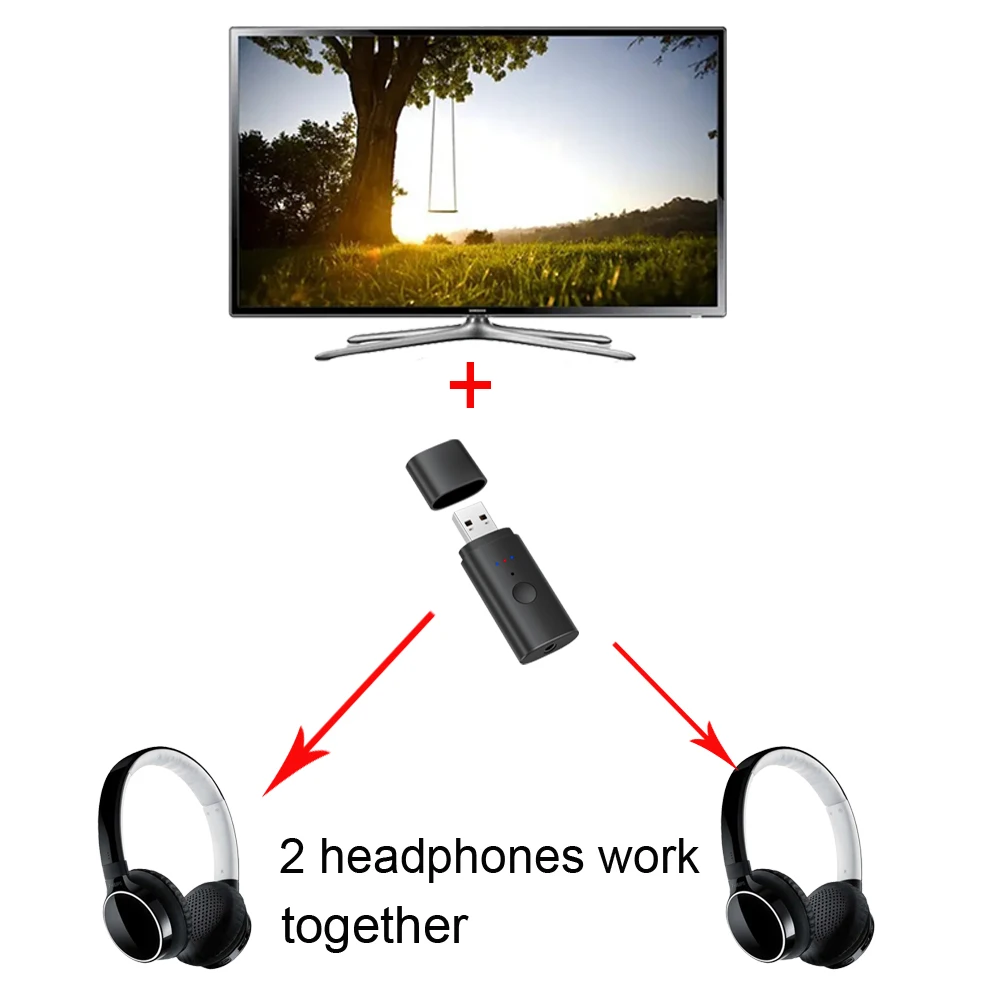
Feature 2: 2 earphone together
Bluetooth Spliter Wireless Audio Transmitter Adapter For 2pcs Headphones Working Together, 2 Wireless Earphone Playing Together
Product introduction:
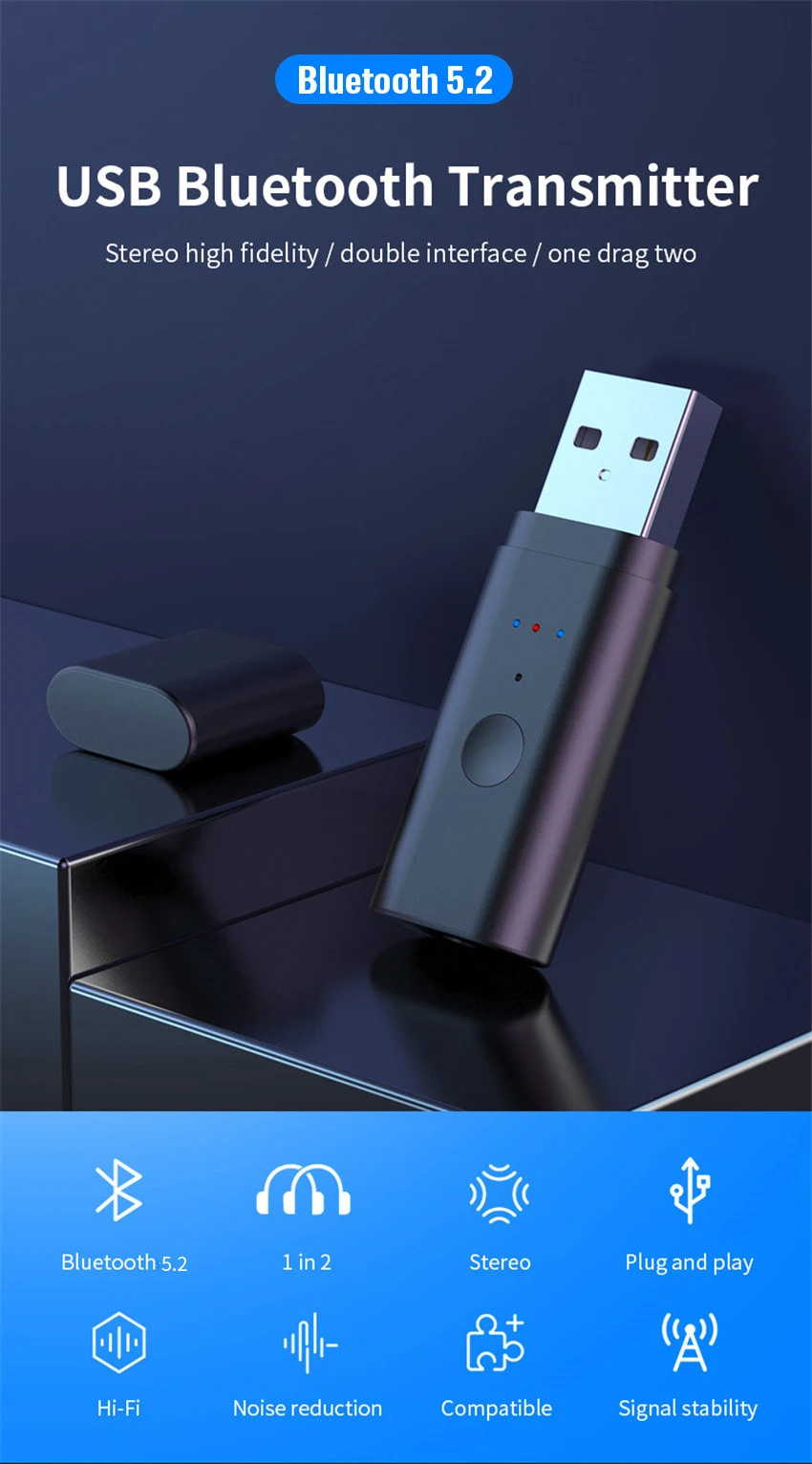
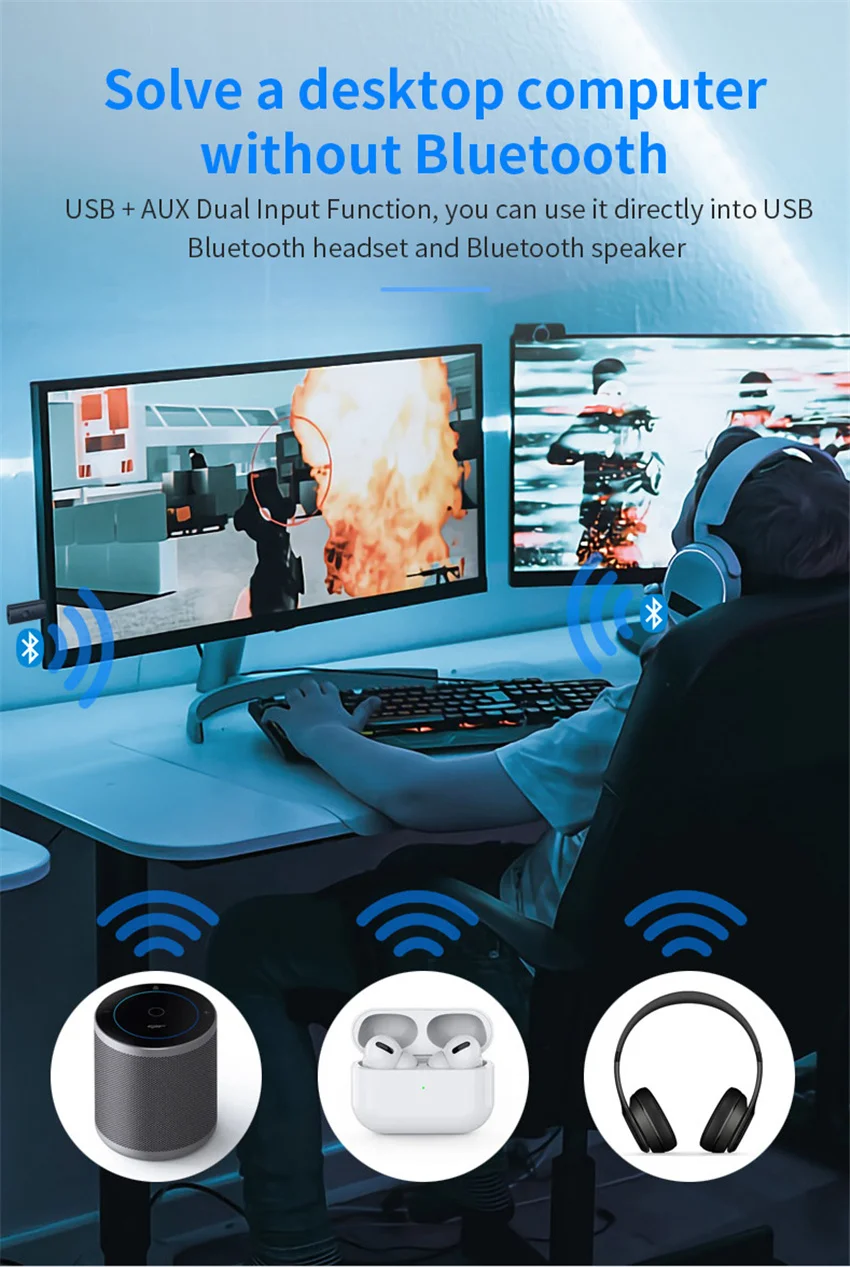
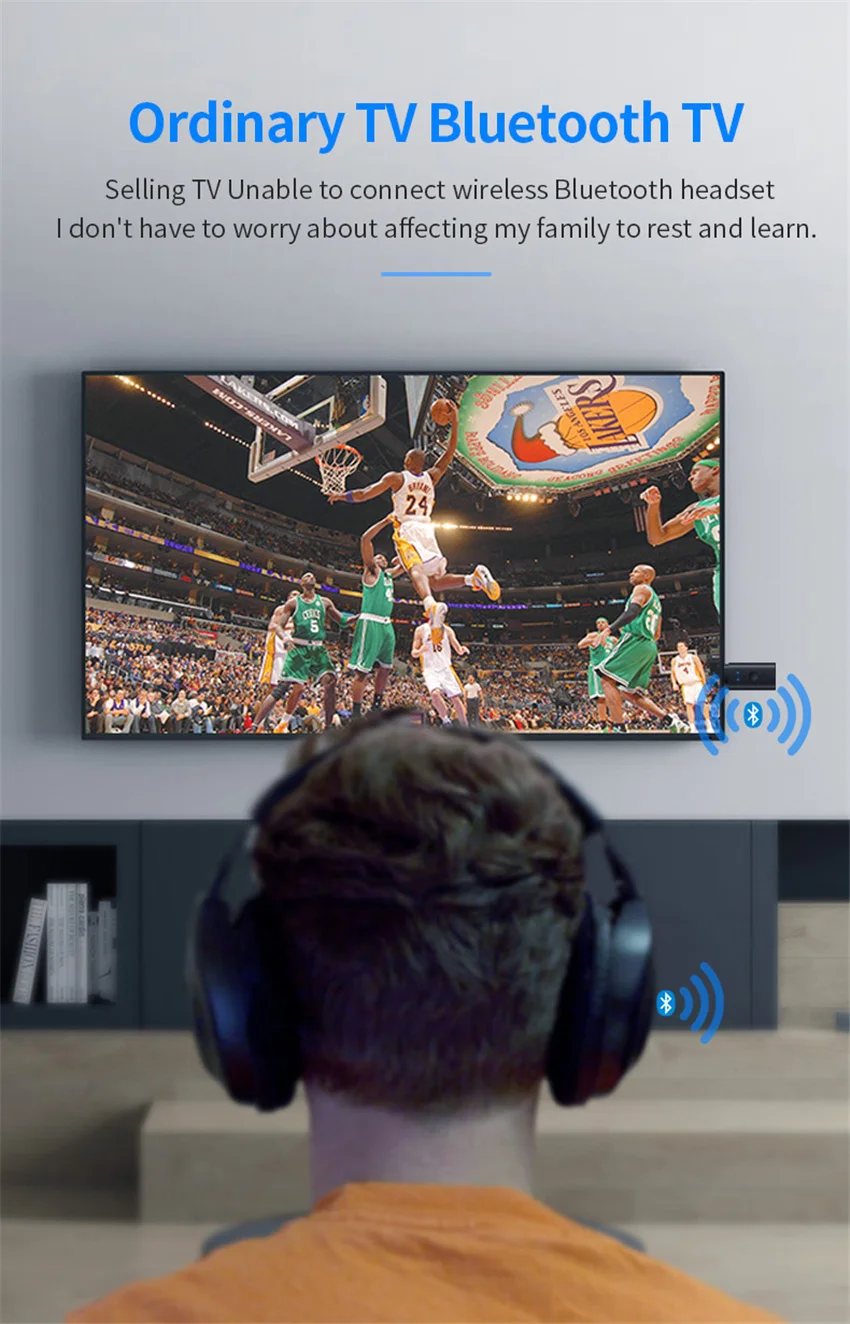
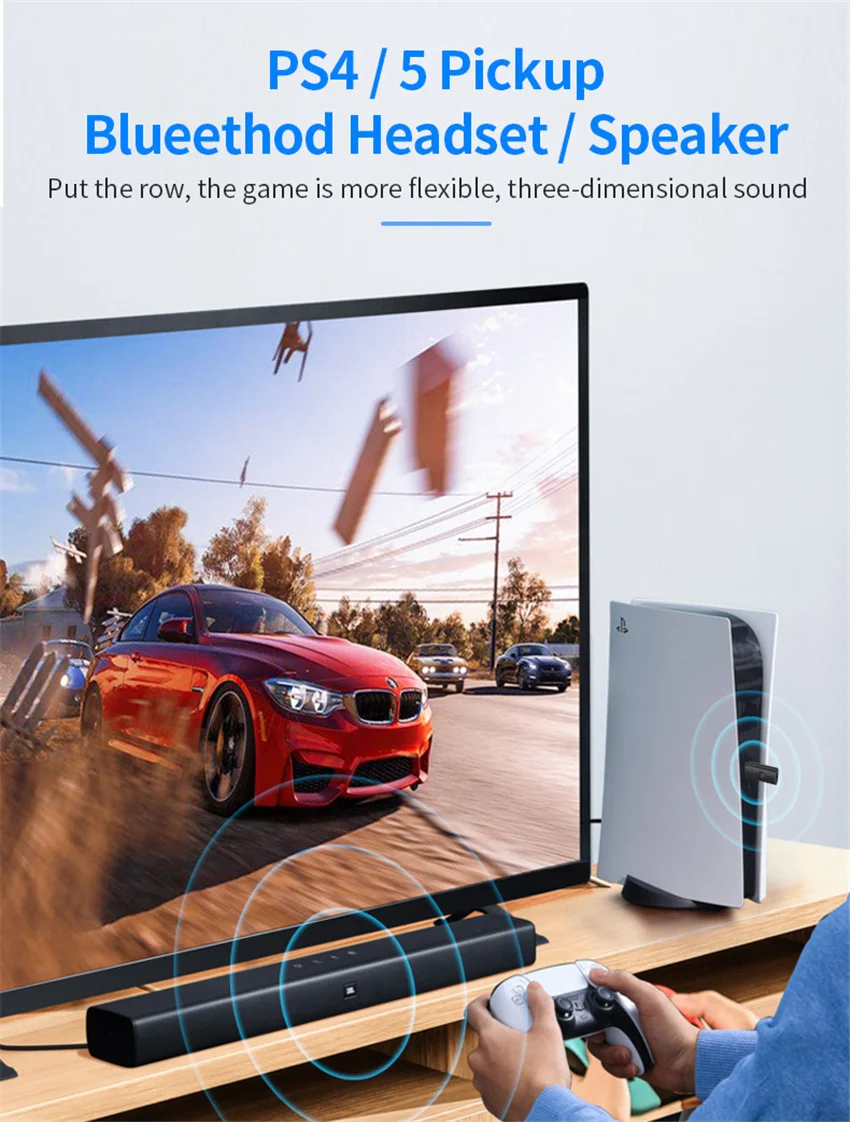
This is a 5.2 version of the Bluetooth transmitter, used for the Bluetooth audio transmission of TV/computer/PS4 host, supports one for two, the product is simple to operate and can send all audio freely. Through this product, audio frequency signals can be obtained from PC, TV, CD player, MP3 or any other device, and sent to speakers or earphones with Bluetooth function via Bluetooth. Using low-latency technology, it also supports real-time sound transmission of games, TV and movies.
Product specifications:
Product name: USB wireless audio transmitter
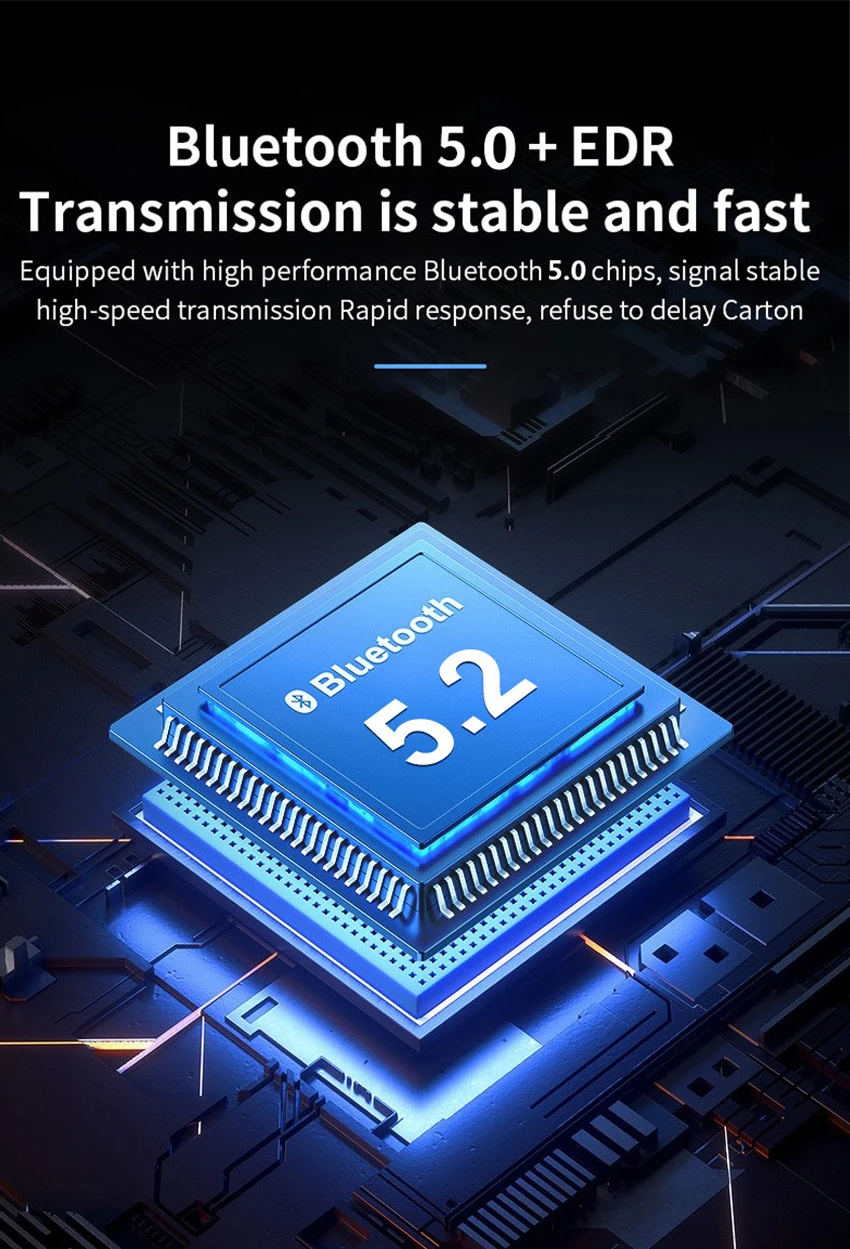
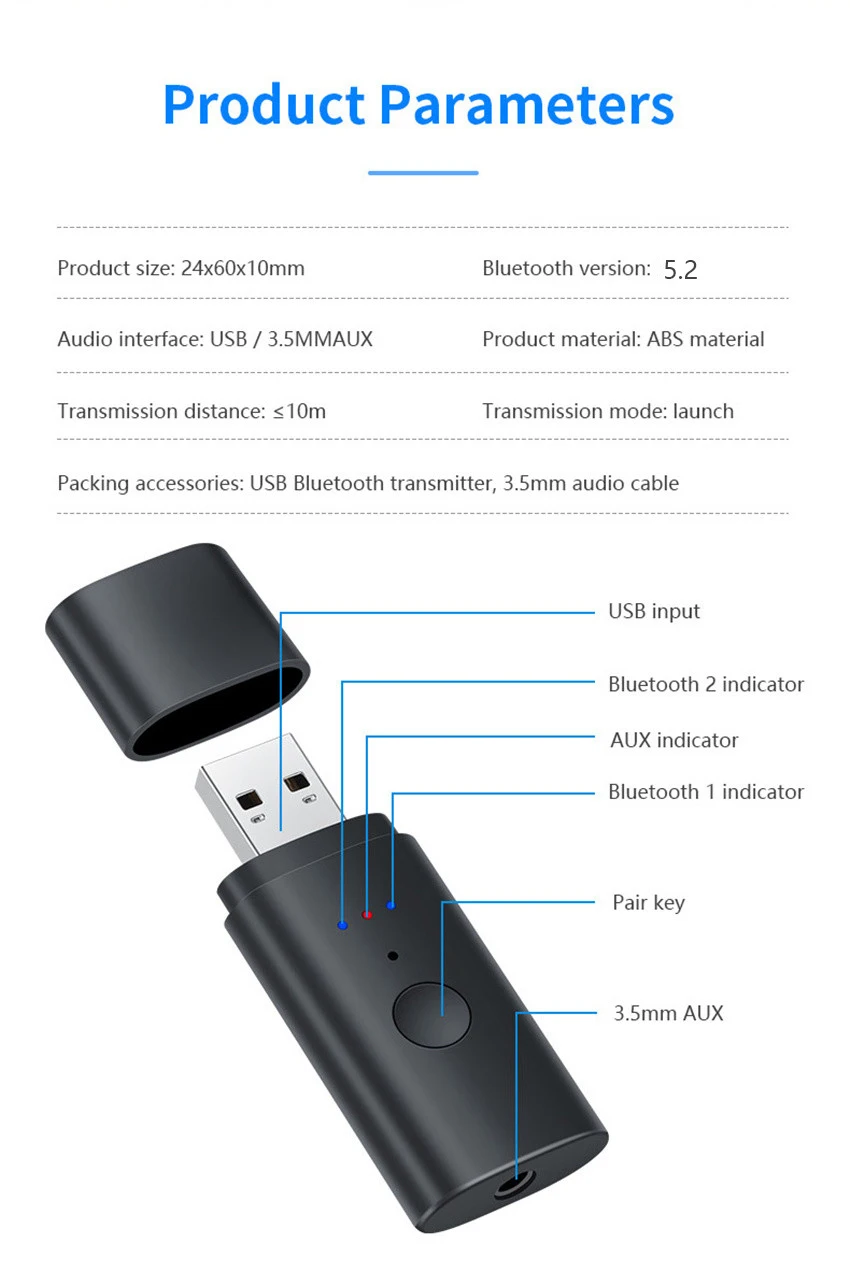
Bluetooth version: 5.2+EDR
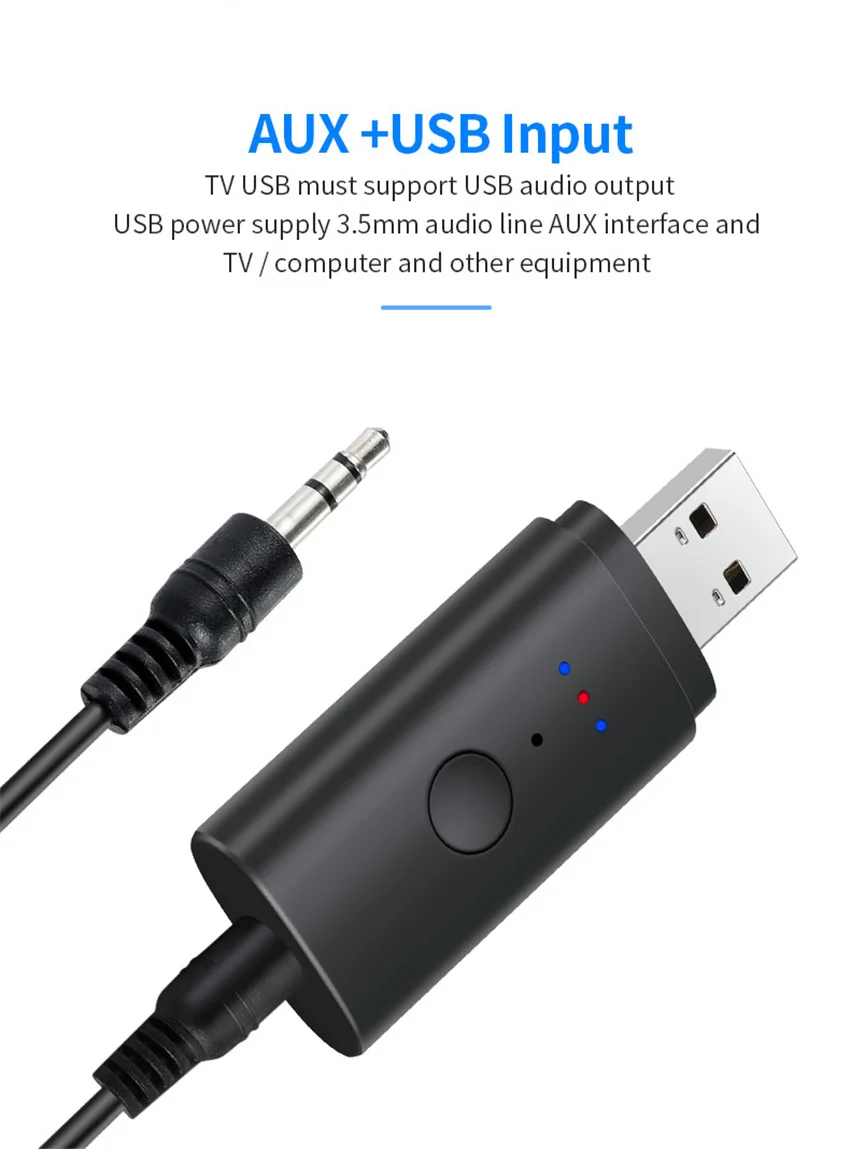
Input port: USB / AUX
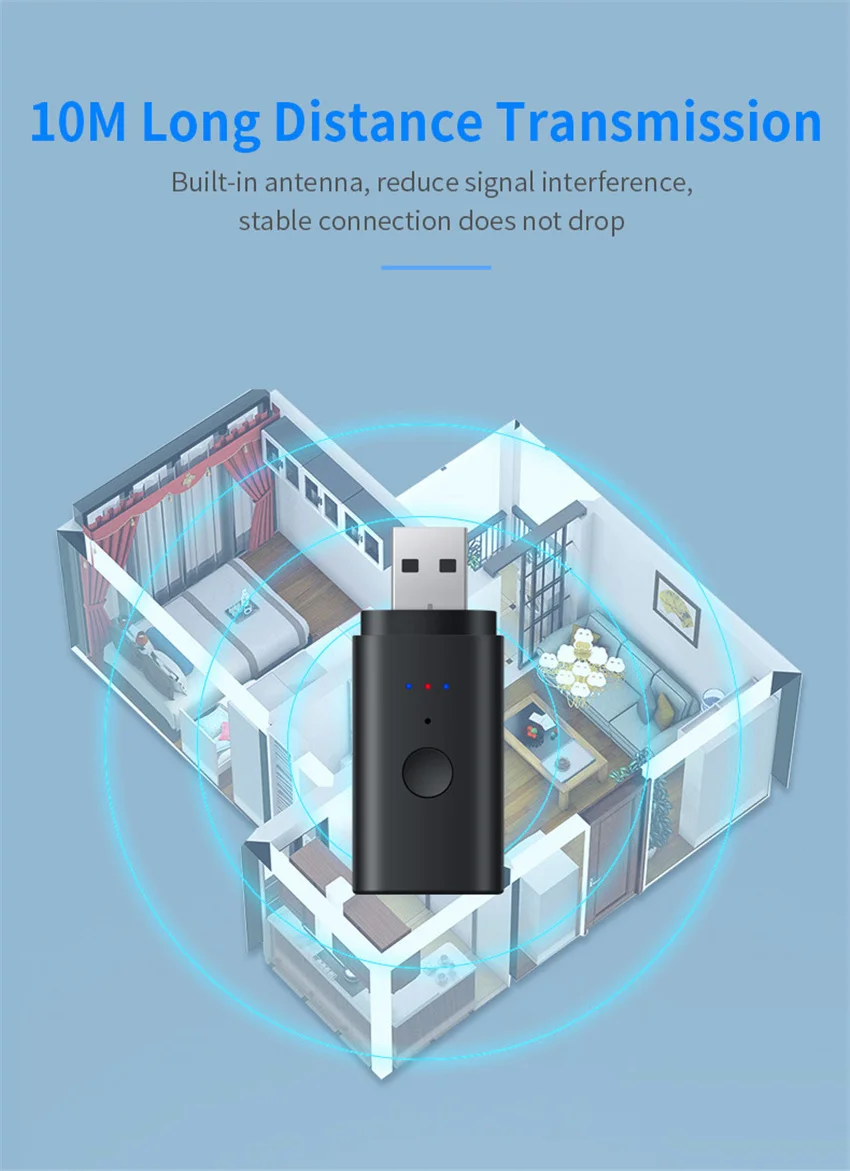
Transmission distance:10 meters
Supported protocols: SBC, A2DP, AVRCP
Device power: USB 5V
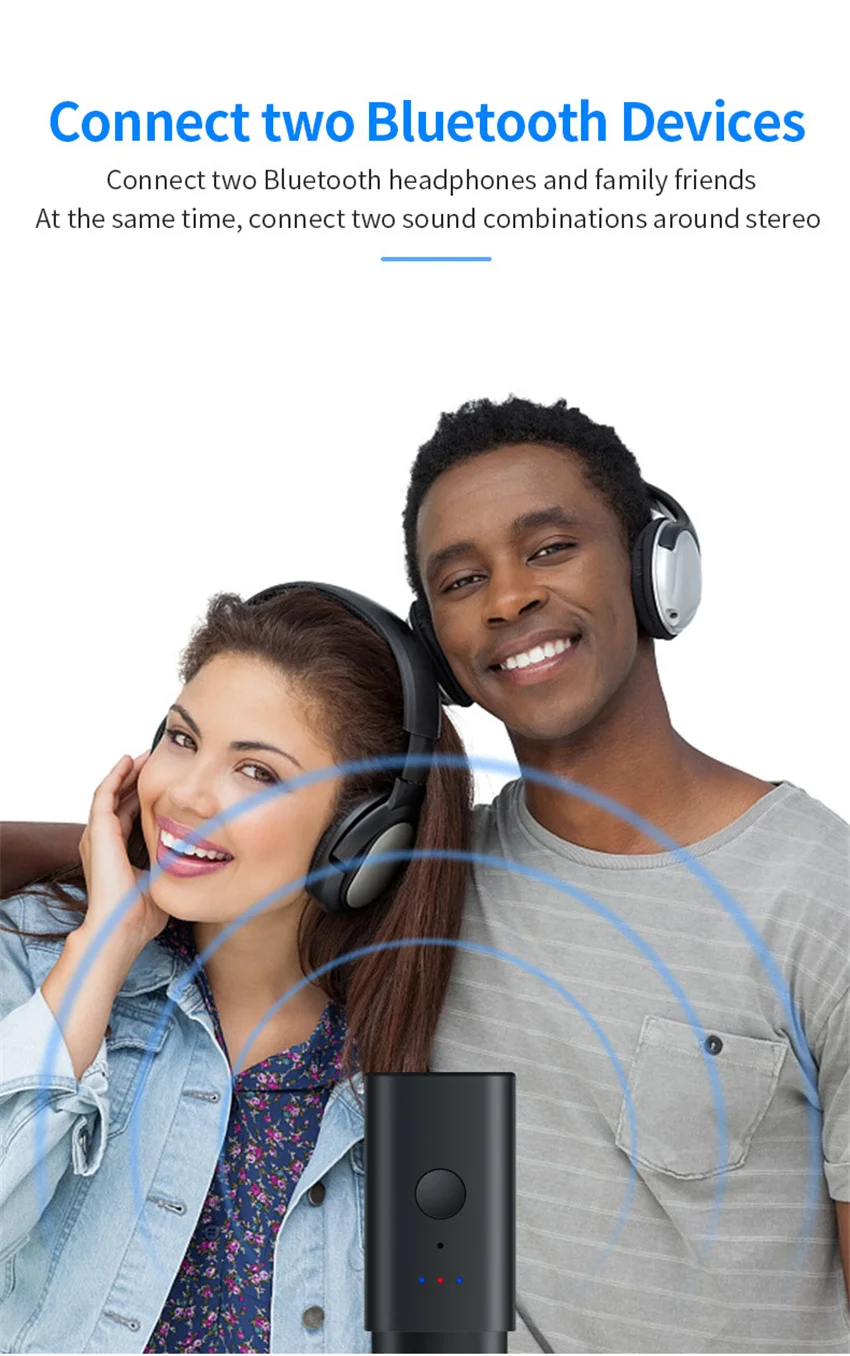
Support equipment: connect two stereo headsets/bluetooth speakers at the same time
Packages:
1. USB Bluetooth transmitter
2. 3.5mm audio cable (The RCA audio cable will not included if you not select it)
3. User manual
How to use the product:
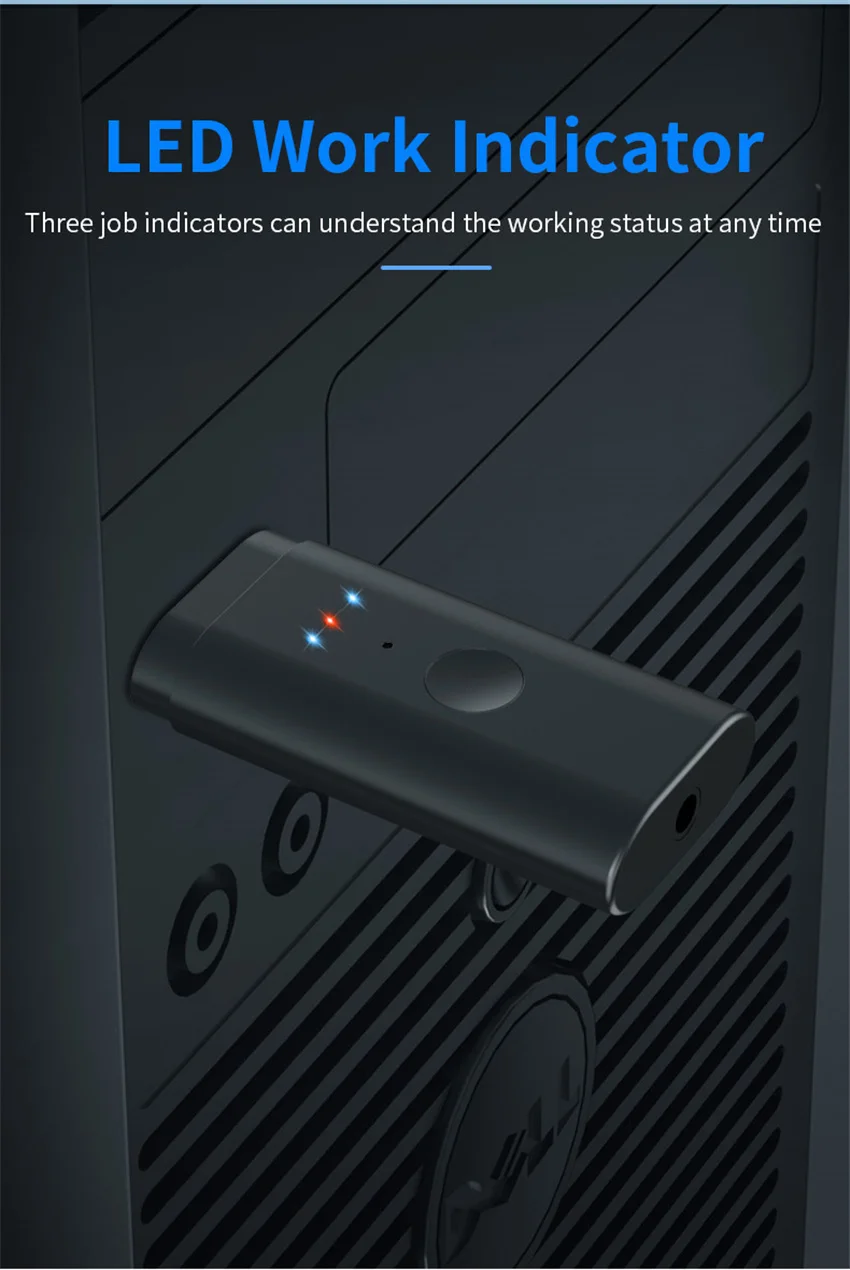
1. Insert the USB into the TV/computer USB port, the blue light flashes quickly and enters the Bluetooth search state. Turn on the Bluetooth headset/Bluetooth speaker to enter the pairing state, and the product will automatically search for the connection. (Note: The TV USB must support USB audio output, which is selected in the TV sound settings) The blue light will be on after the connection is successful.
2. USB power supply, connect the 3.5mm audio cable to the AUX interface of the product and TV/computer/MP3 player and other equipment, the red light is on, and the blue light flashes quickly to enter the Bluetooth search state. Turn on the Bluetooth headset/bluetooth speaker to enter the pairing state, the product will automatically search for the connection, and the blue light will be on after the connection is successful.
One for two pairing steps:
1. With the first headset connected, press and hold the button for 5 seconds, and the second blue light will flash quickly to enter the Bluetooth search state. Turn on the Bluetooth headset/bluetooth speaker to enter the pairing state, the product will automatically search for the connection, and the successful connection light will stay on.
Note: Long press for 8 seconds to reset and clear all connected devices.