

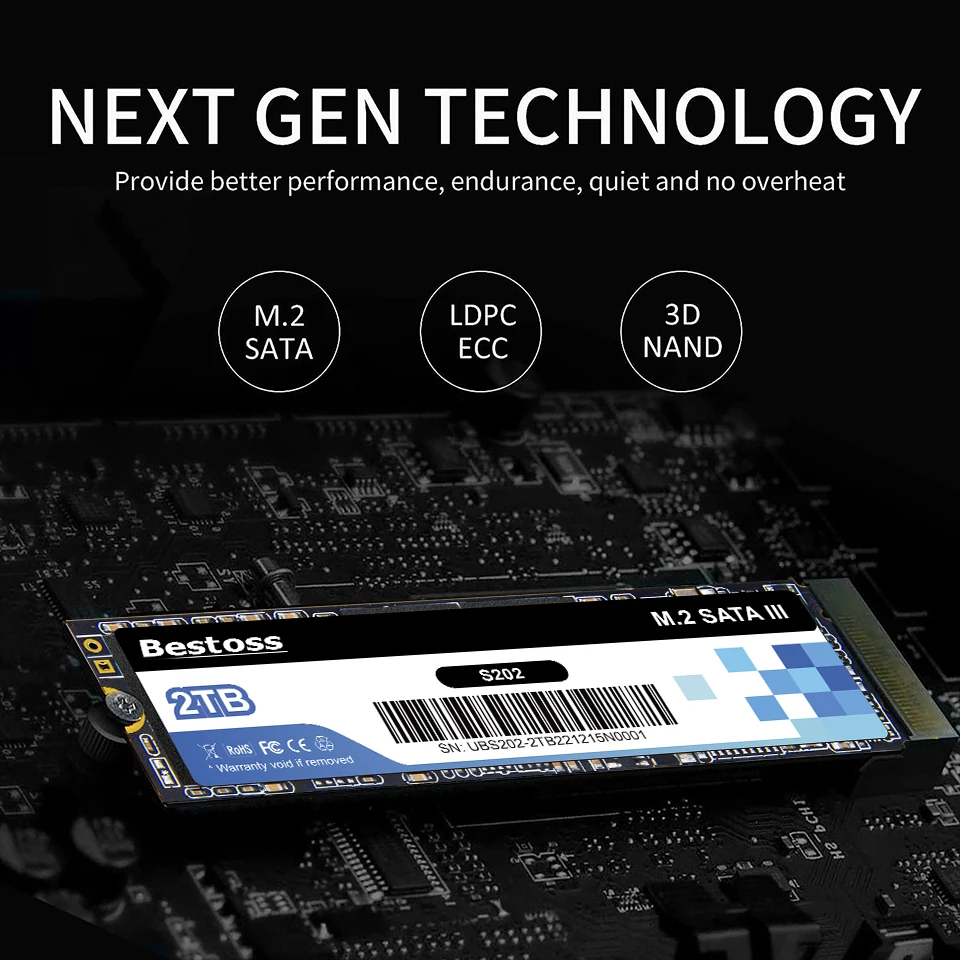
Bestoss M.2 Sata 3.0 2280 NGFF 530MB/s 120GB 128GB 240GB 256GB 480GB 512GB 960GB 1TB SSD Internal Solid State for Desktop Laptop
Couldn't load pickup availability
- 🔒 Secure Checkout
- 🚚 Fast Shipping
- 🔄 30-Day Returns
Brand Name: Bestoss
Origin: Mainland China
Cooling Fin: Yes
Bus Type: SATA III
Nand Flash Type: QLC
Transport Protocol: AHCI
Interface Type: SATA
Interface Type: SATAII
Interface Type: SATAIII
Controller: Other
RGB: Yes
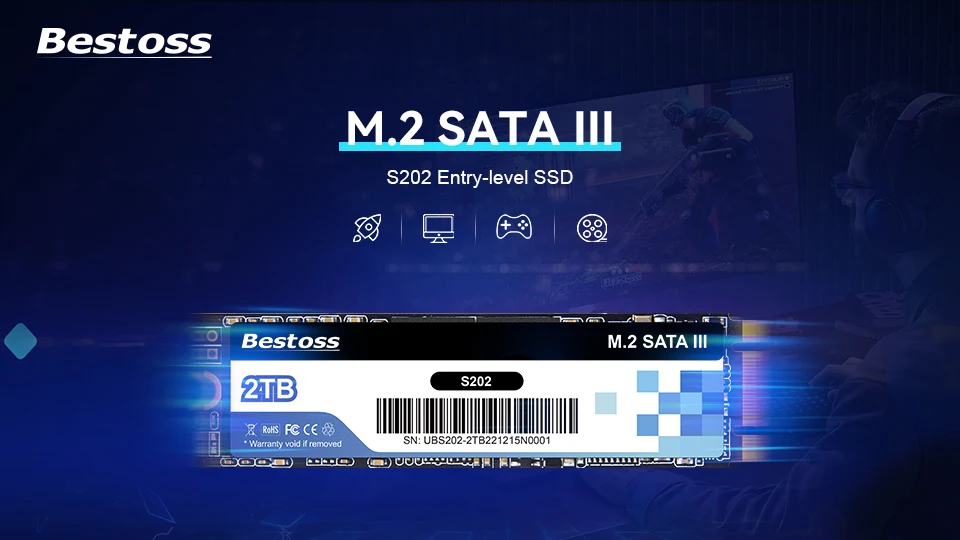
Size: M.2 2280
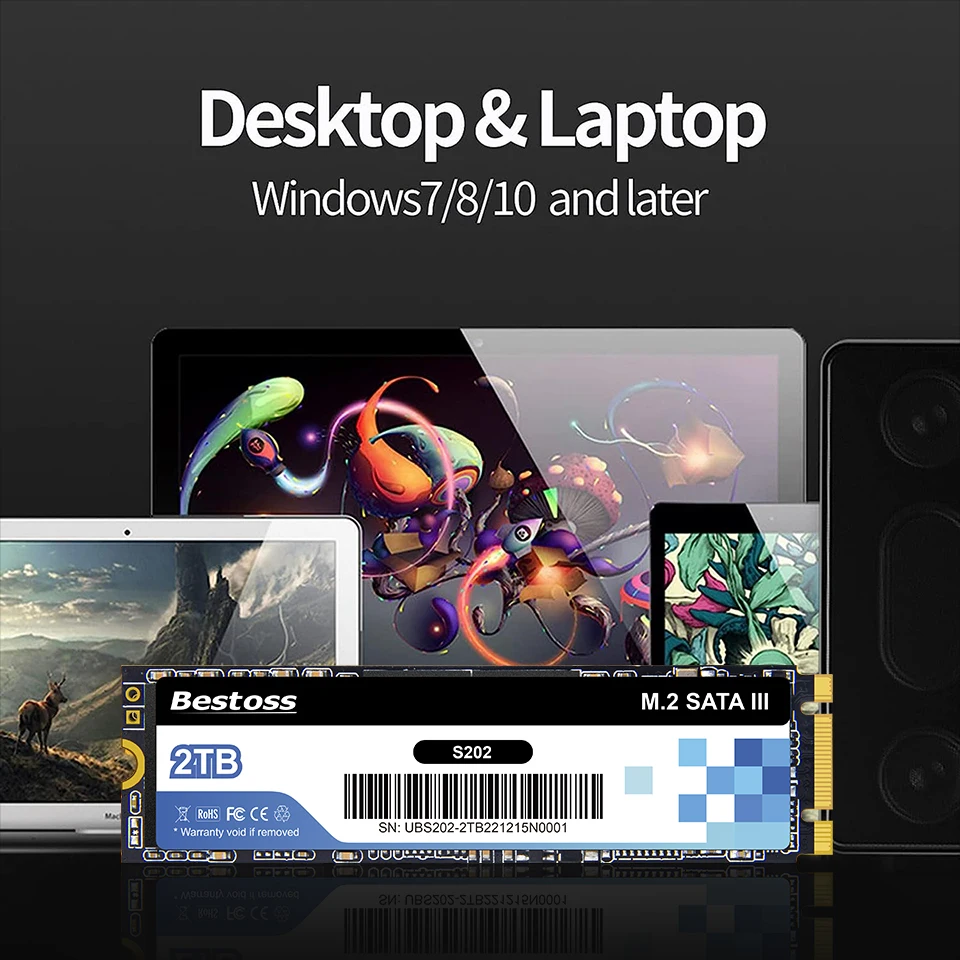
Application: Desktop
Application: Laptop
High-concerned chemical: None
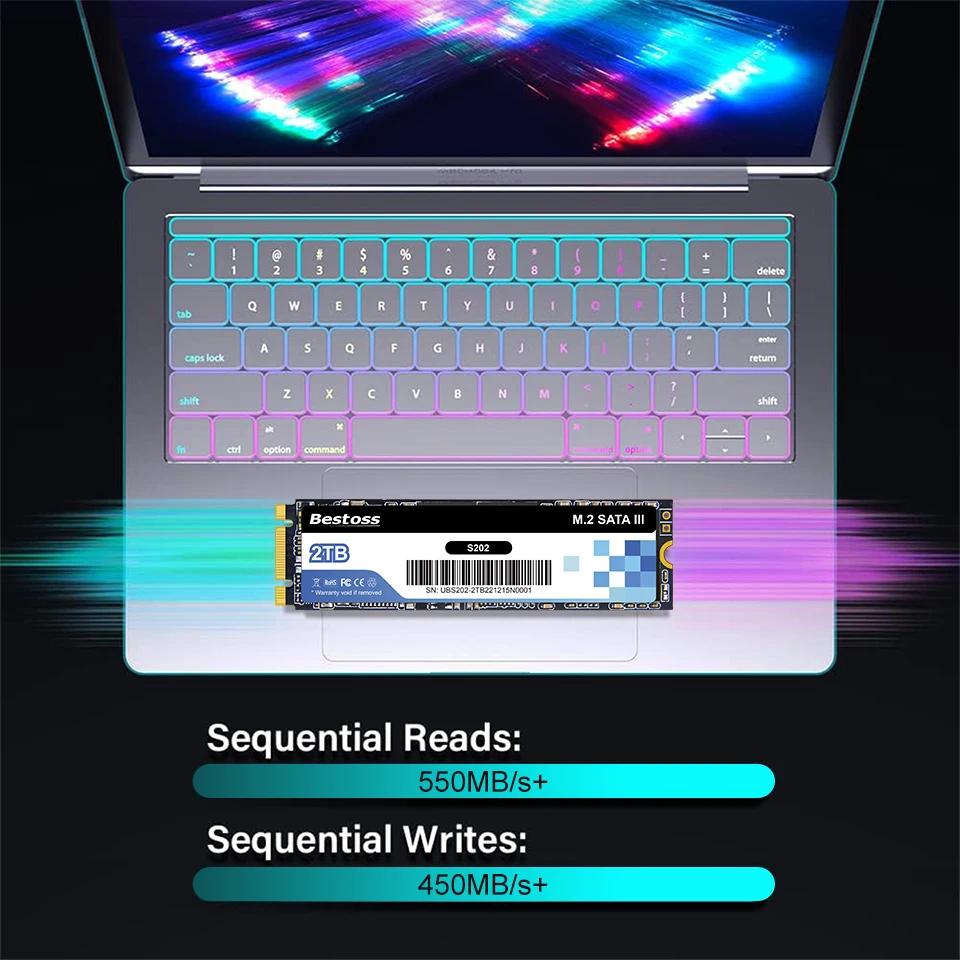
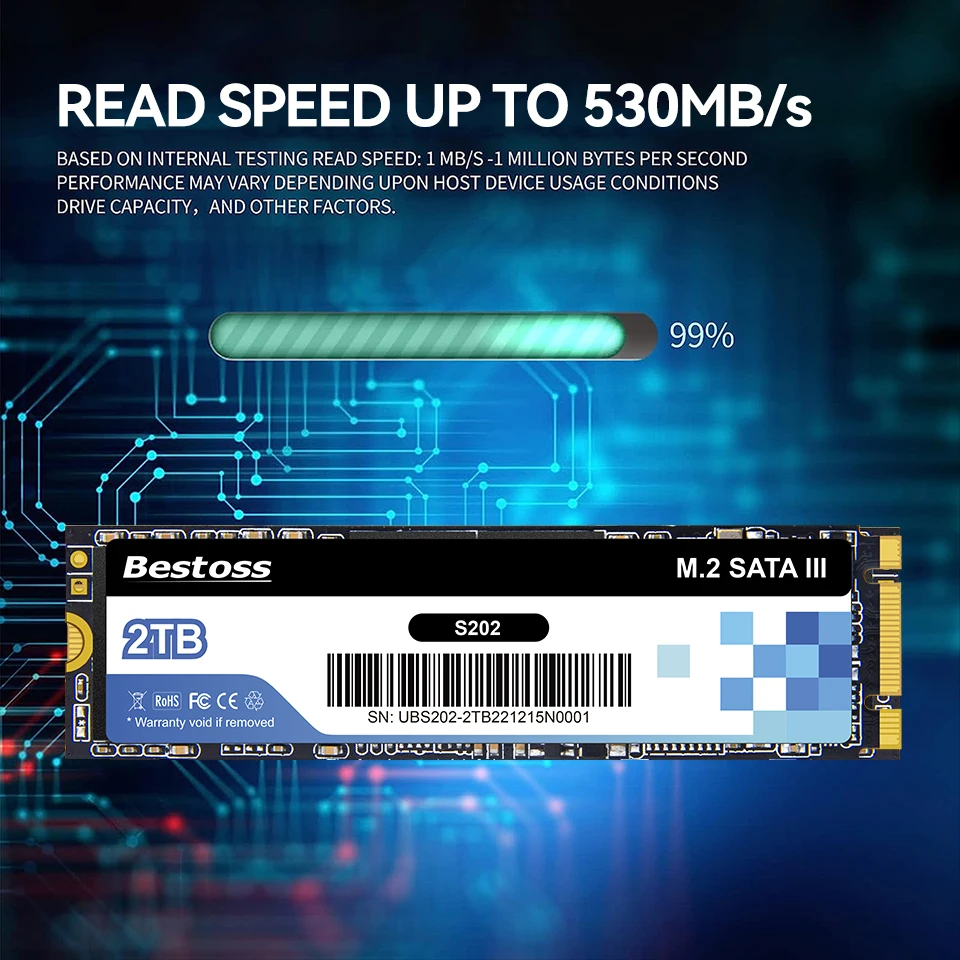
Max Sequential Read: 530
Package: Yes
Type: Internal
Max Sequential Write: 480
Style: SSD
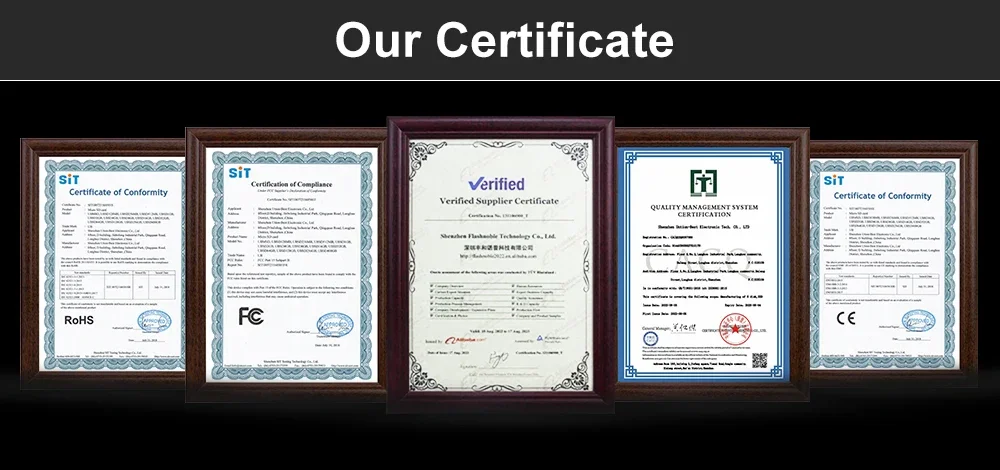
Certification: CE
Certification: FCC
Certification: RoHS
Cache: None
Please note:
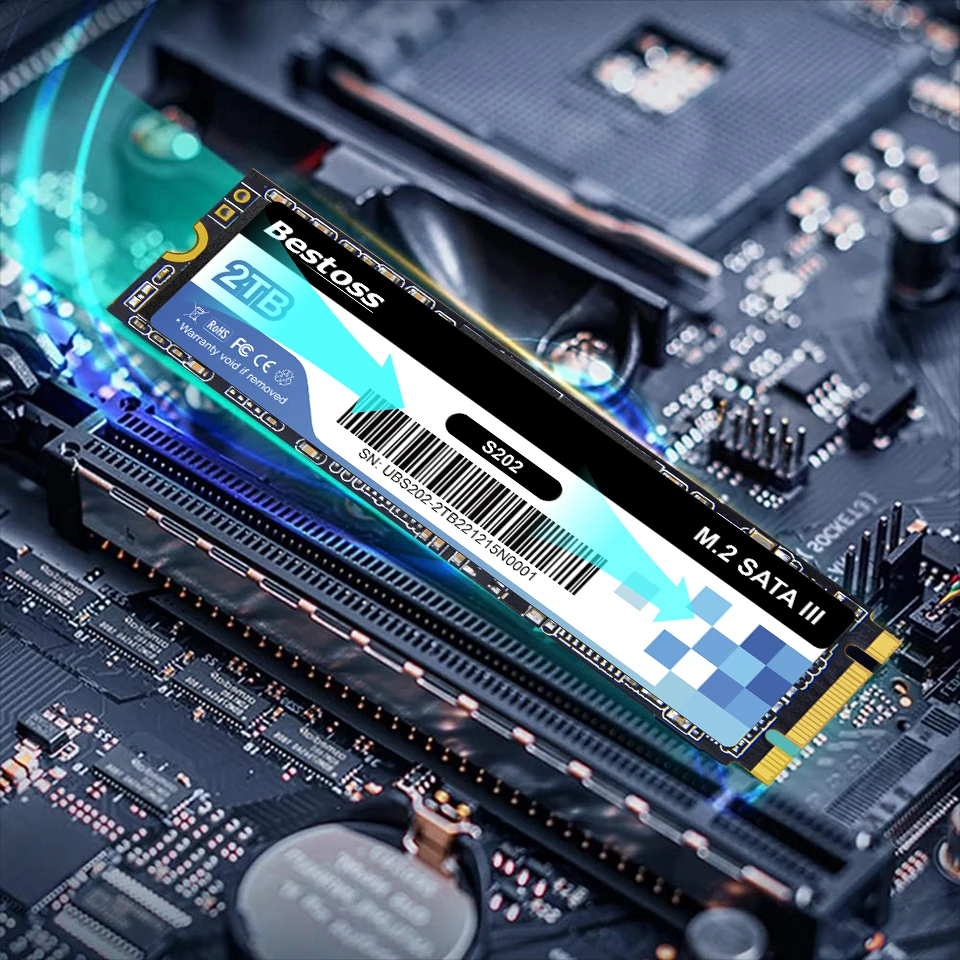
This product uses a M.2 SATA III interface and is not compatible with the NVMe interface. Please confirm your motherboard interface type when placing an order.
✬All products are 100% original brand products from our Bestoss factory.
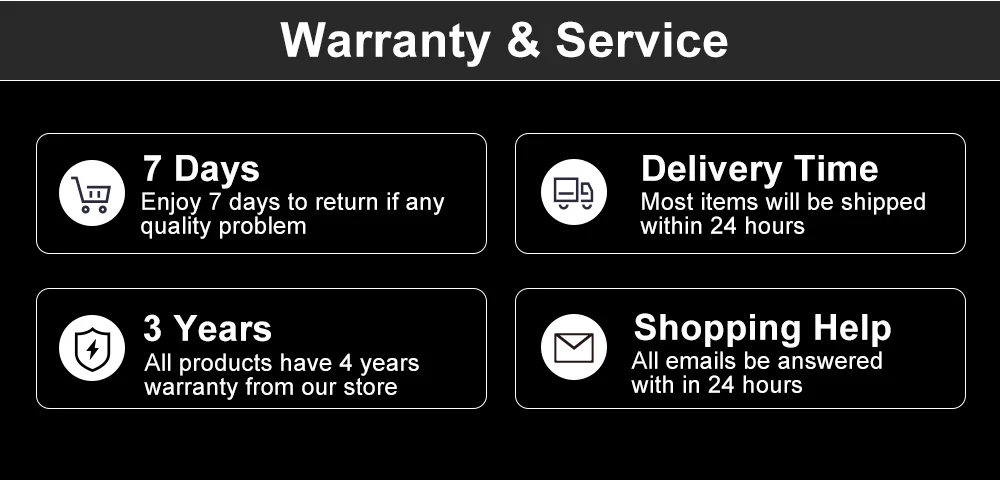
✬We provide a 3year warranty for the product. During this period, if the product itself fails (not caused by human damage or water),you can contact us for a free replacement.
✬Our speed test on specific configuration Desktop, sata III interface , sata III cable, without operation system. Test Result just for reference .SATA3.0 SSD tested on sata2.0 interface and sata2.0 cable ,speed will lower than 300MB/S. Laptop will lower than Desktop and unstable.
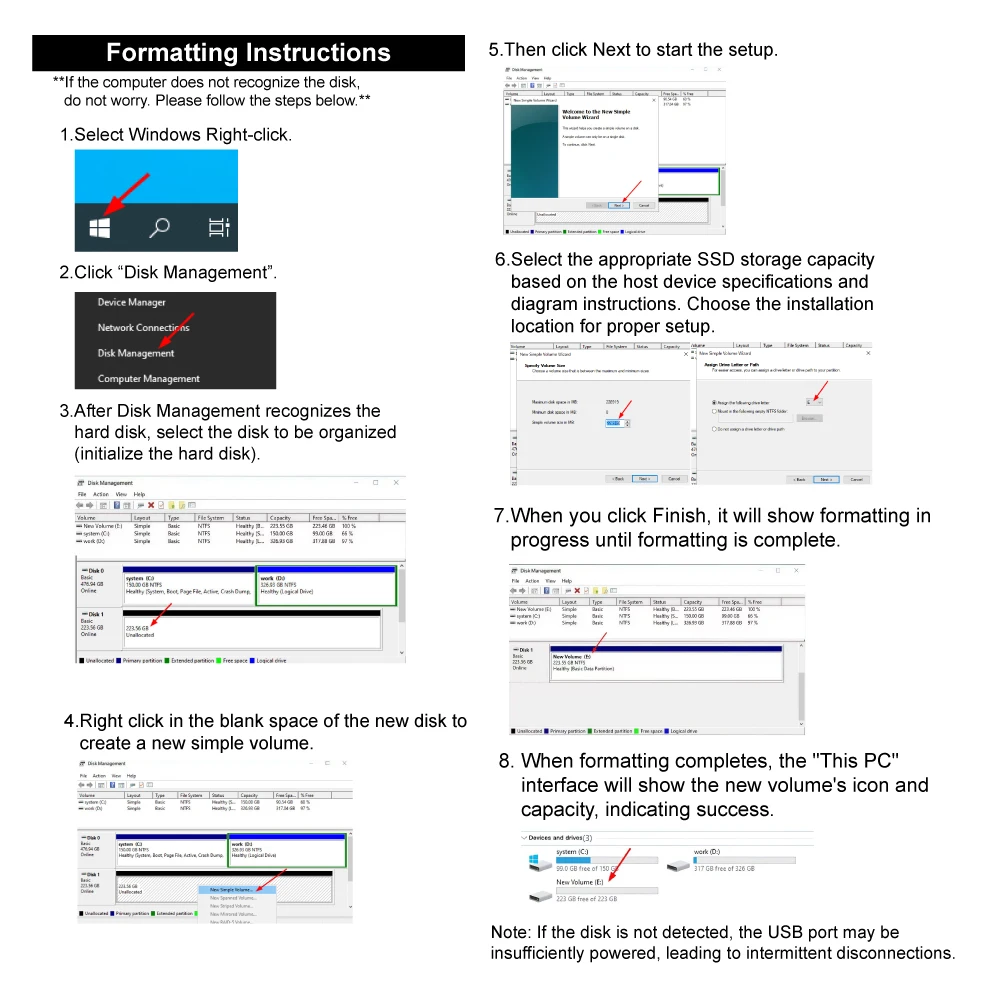
✬This product is a new disk, please format the disk before use.
✬The Manufacturer is using Flash memory decimal arithmetic: 1 MB = 1000KB, 1G = 1000 MB Calculated, and the operating system is using binary arithmetic: 1 MB = 1024KB, 1 GB = 1024 MB; So there are some differences between display capacity and nominal capacity of flash memory products (around 5~7% less).
✬Nand Flash Type:TLC/QLC, Randomly send according to the shipment batch.
Strict Quality Control :
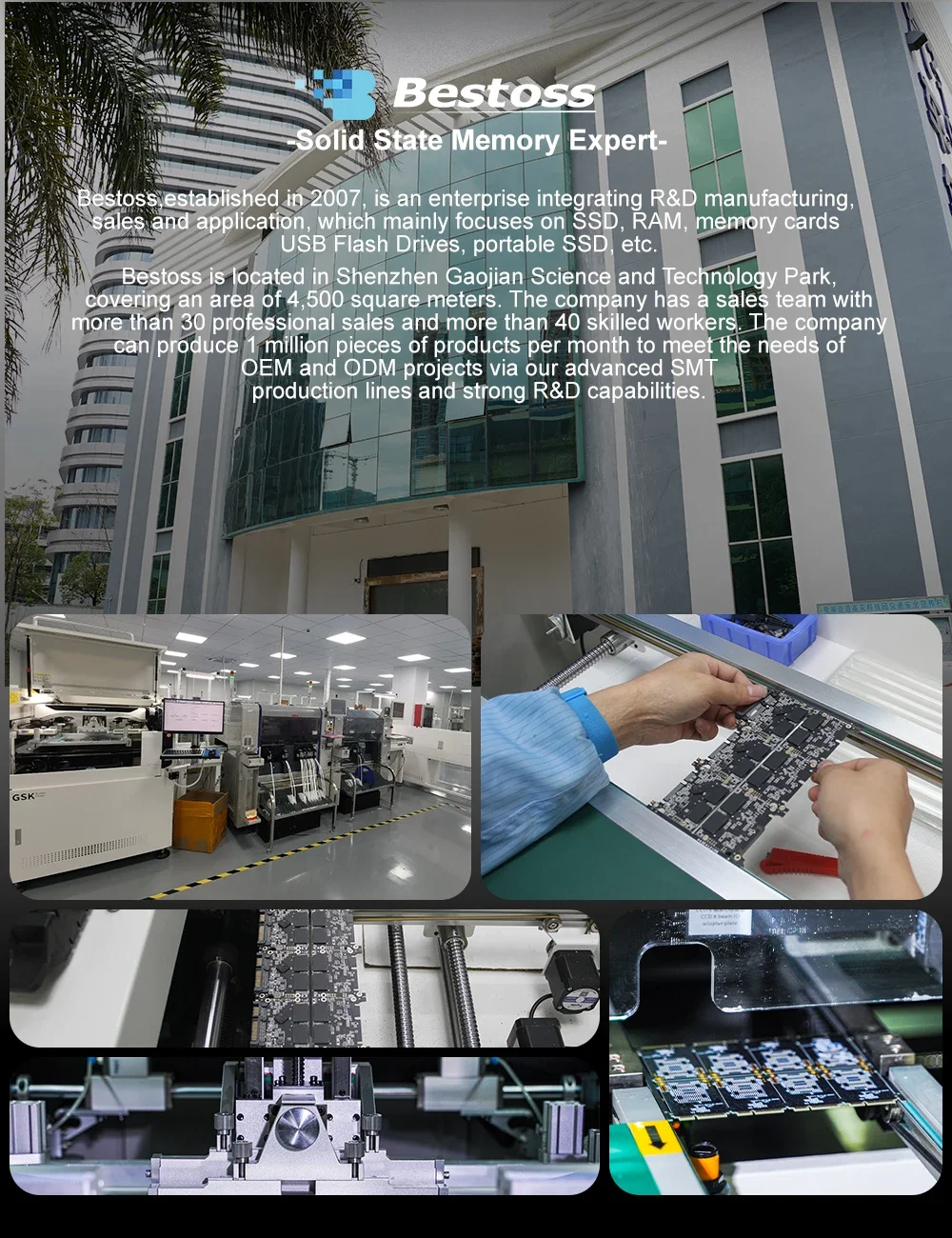
1.We are professional SSD、DDR manufacturer with 18 years of Production experience.
2.We focus on every detail of product production.
3.Every product will undergo rigorous testing one by one before leaving the factory.
Before you use:
For new SSD, please finish disk initialization according to the following steps.
1. Open Start. Search for "Create and format hard disk partitions" and click the top result to open the Disk Management console.
2. Right click "Computer" - "Manage" - "Disk Management".
Find your unallocated disk, right click "Unallocated", and choose "New Simple Volume Wizard". So then your SSD can be detected.