

BESDER Ultra HD 8MP 4K IP Camera 48V POE 5MP 3MP 1080P Motion Detection RTSP Email Alert CCTV Video Surveillance Camera XMEye
Couldn't load pickup availability
- 🔒 Secure Checkout
- 🚚 Fast Shipping
- 🔄 30-Day Returns
Brand Name: BESDER
Zoom type: None
Megapixels: 2 MP
Zoom: None
Origin: Mainland China
High Definition: 8.0 Megapixels
High-concerned chemical: None
Lens Quantity: Single Lens
Supported Operating Systems: Windows XP
Supported Operating Systems: Windows 7
Supported Operating Systems: Windows 8
Supported Operating Systems: Windows 10
Lens (mm): 6mm
Lens (mm): 2.8mm
Lens (mm): 3.6mm
Power Supply: With Poe
Style: Bullet Camera
Connectivity: IP/Network Wired
Installation: Side
Minimum Illumination(Lux): 0.1 Lux
Scene: Indoor and outdoor
Color Night Vision: No
Special Features: Waterproof / Weatherproof
Internal Storage: None
Video Compression Format: H.265
IR Distance(m): 20 Meters
Certification: CE
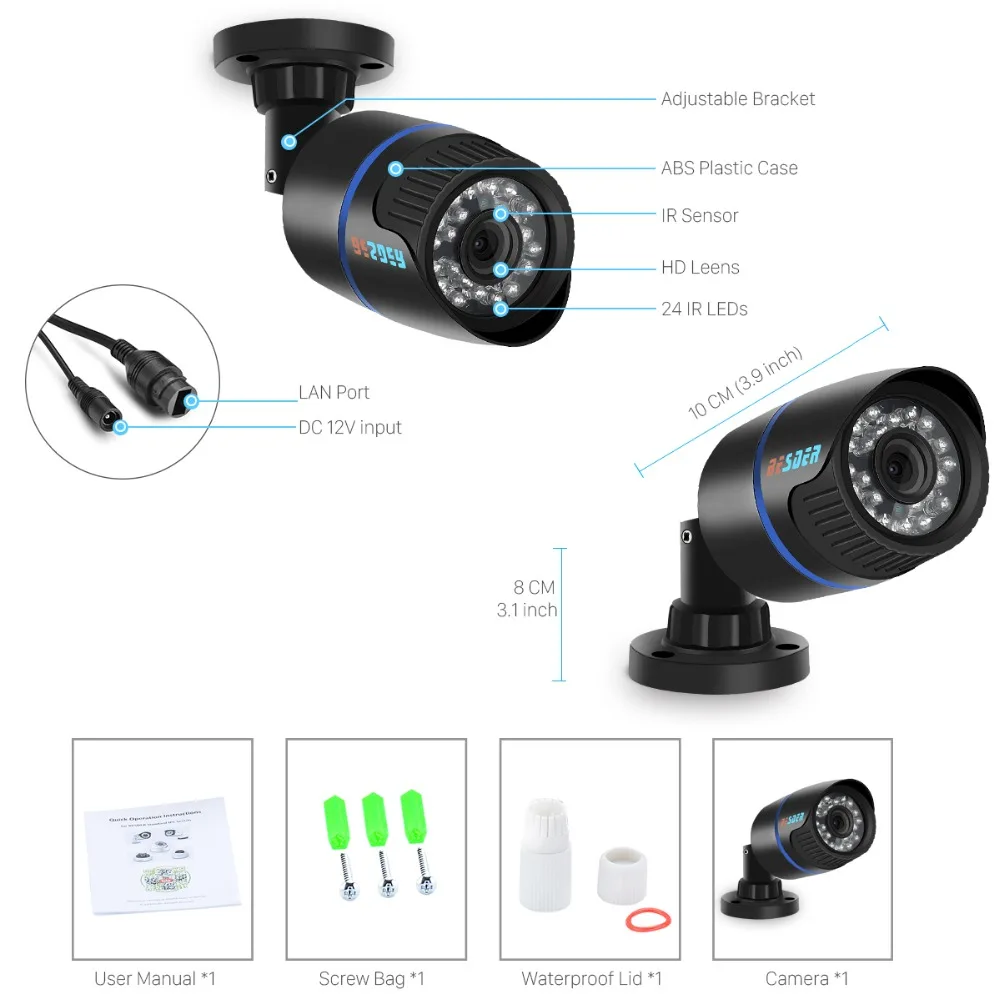
Dimensions (L x W x D)(mm): as the picture shows
Shell Material: Plastic
Color: black
Power Mode: Mains Electricity
Alarm Action: FTP Photo
Alarm Action: Email Photo
is_customized: Yes
Model Number: BESDER-6024PB-IPA80H1
Supported Mobile Systems: iOS
Supported Mobile Systems: Android
Smart home platform: None
Optical Zoom: None
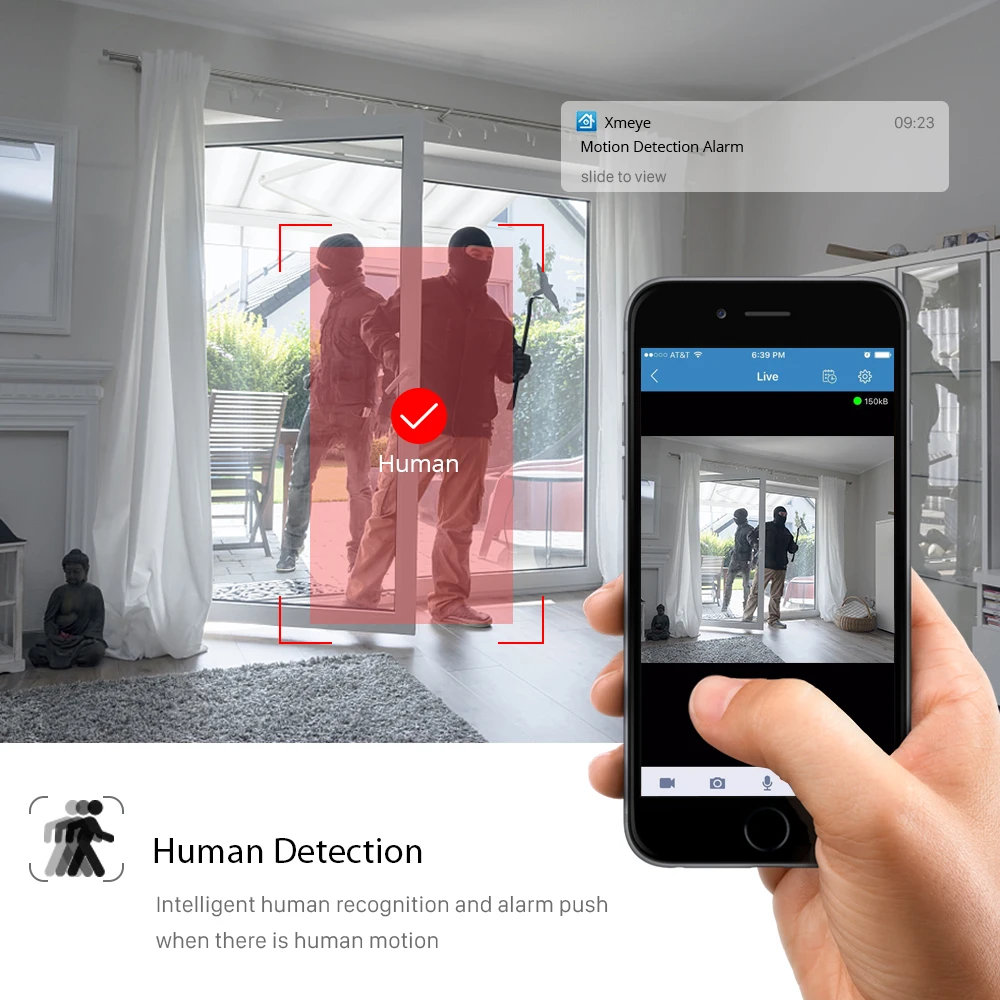
AI Functions: Human Detection
IP Rating: IP66
App name: Other
TF Card: None
Power Supply(V): DC 12V
Audio Output: None
Power Consumption(W): Less than 6W
Sensor: CMOS
Sensor Brand: SmartSens
Viewing Angle : 75°
Ultra HD 8MP 4KOutdoor IP Camera
IR night vision / Motion Detection / 48V POE
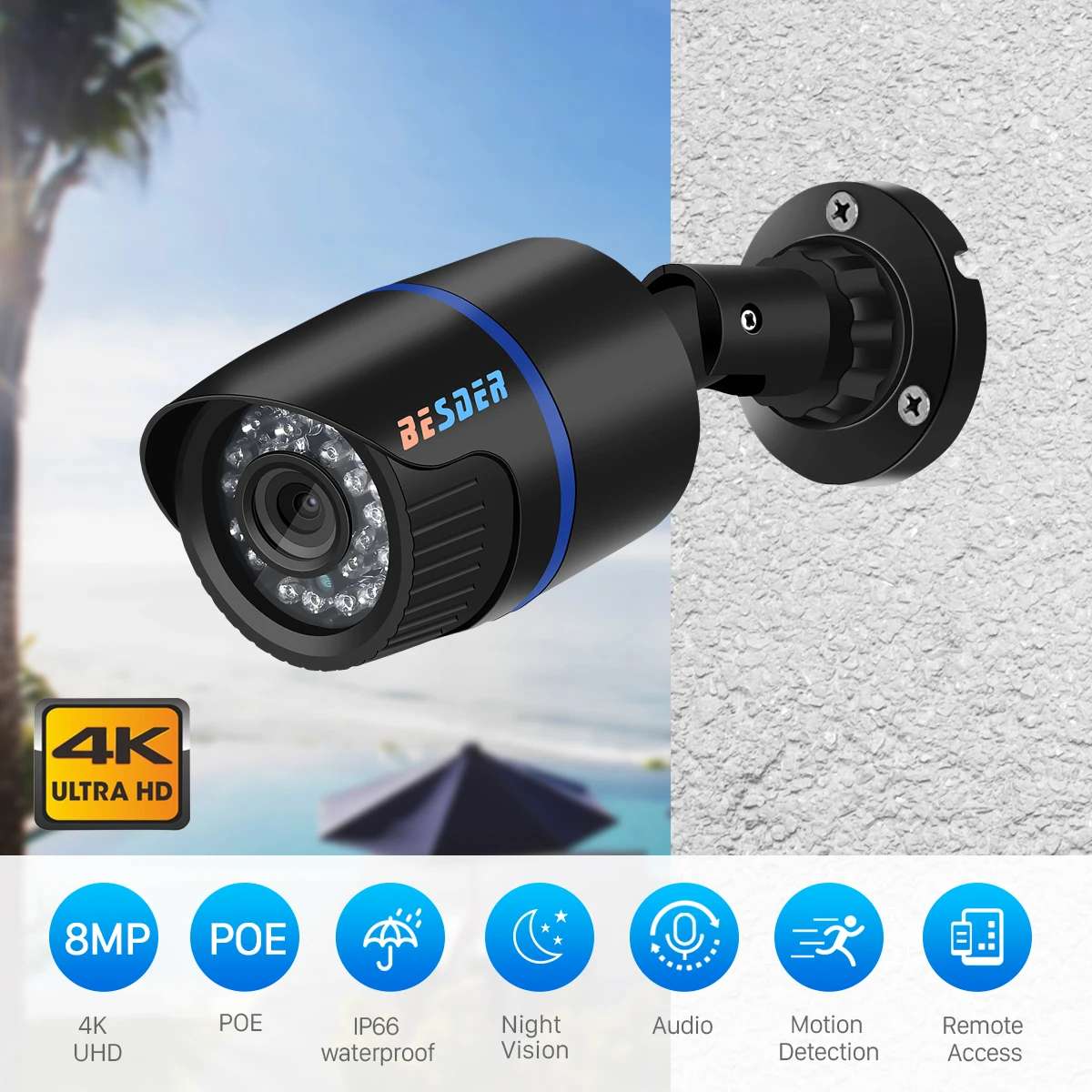
Main Features:
? 2MP(1080P) /3MP/ 5MP/ 8MP(4K) Resolution Optional;
? H. 265 High Profile, support dual-stream, AVI format;
? With IR-CUT, Support day/night switch, up to 20m IR night vision;
? Stream:
2MP: Main Stream: 1920*1080 20fps; Sub Stream :704*576 25fps
3MP: Main Stream: 2048*1536/1920*1080 18fps ;Sub Stream:704*576 25fps
5MP: Main Stream: 2592*1944/2560*1440 18fps ;Sub Stream:704*576 25fps
? Power way: DC 12V / 48V PoE Optional;
? 24pcs Array LED, 5-25m IR distance for night vision;
? Multi-screen software and VMS ;
? Image processing: auto exposure(AE), auto white balance(AWB), auto gain control(AGC);
? Support remotely access by smartphone XMEye APP;
? Interface:1pcs RJ45 10M/100M self-adaptive Ethernet interface;
? DC 12V 1A-2A ( Not included ) Or 48V PoE Switch / Injector For PoE version ( Not included );
? Working condition: -20~60 degree, humidity less than 90%(non-condensing).
Package contents:
1 * IP Camera
1 * English User Manual
1 * Rain waterproof Set
1 * Screw
Warm Tips:
DC 12V and 48V PoE Version Optional : )
DC 12V Version Can Just Work With DC 12V 1A-2A Power Supply ( NOT INCLUDED )
48V PoE Version Has PoE Module Inside?
Which Can Work With DC PSU 12V 1A-2A & 48V PoE Switch / Injector (NOT INCLUDED )
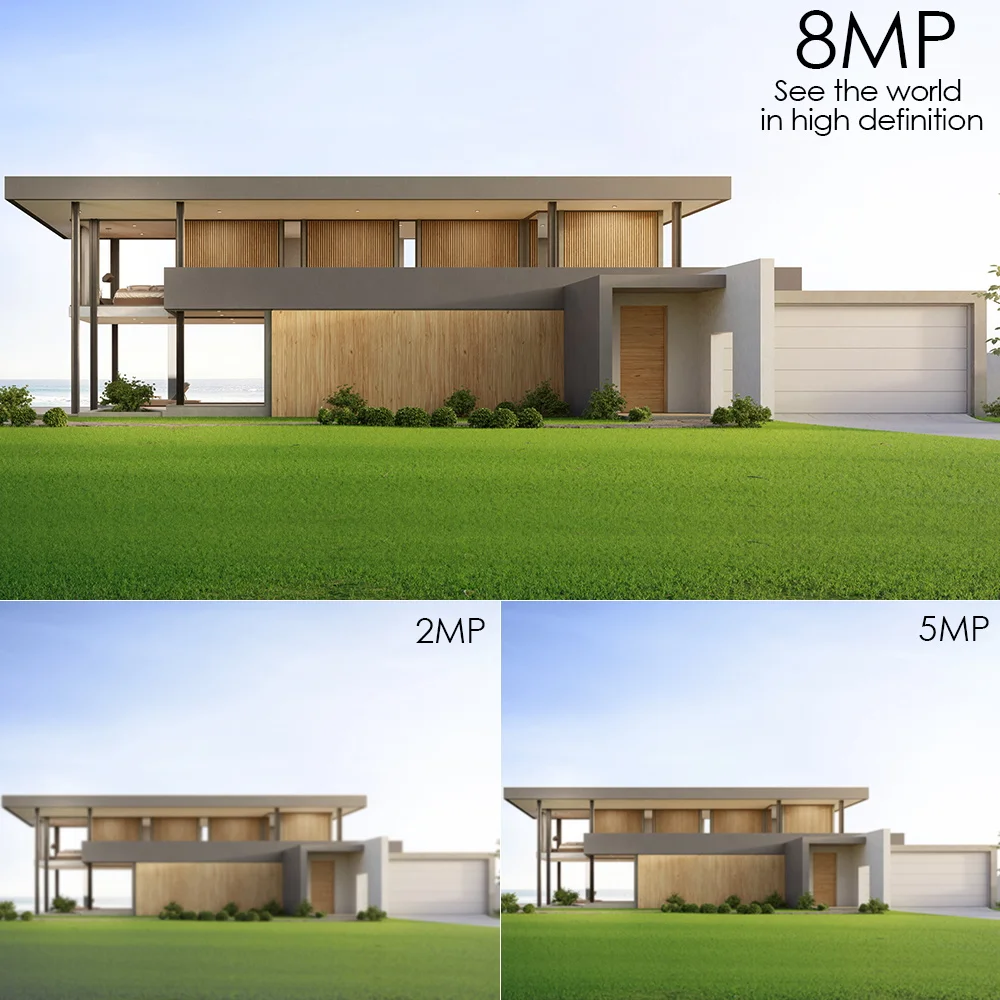
8MP?4K?/ 5MP / 3MP / 2MP Ultra HD pixels
Equipped with 8MP 5MP or 3MP ultra-high-definition lens to make details display clearer.
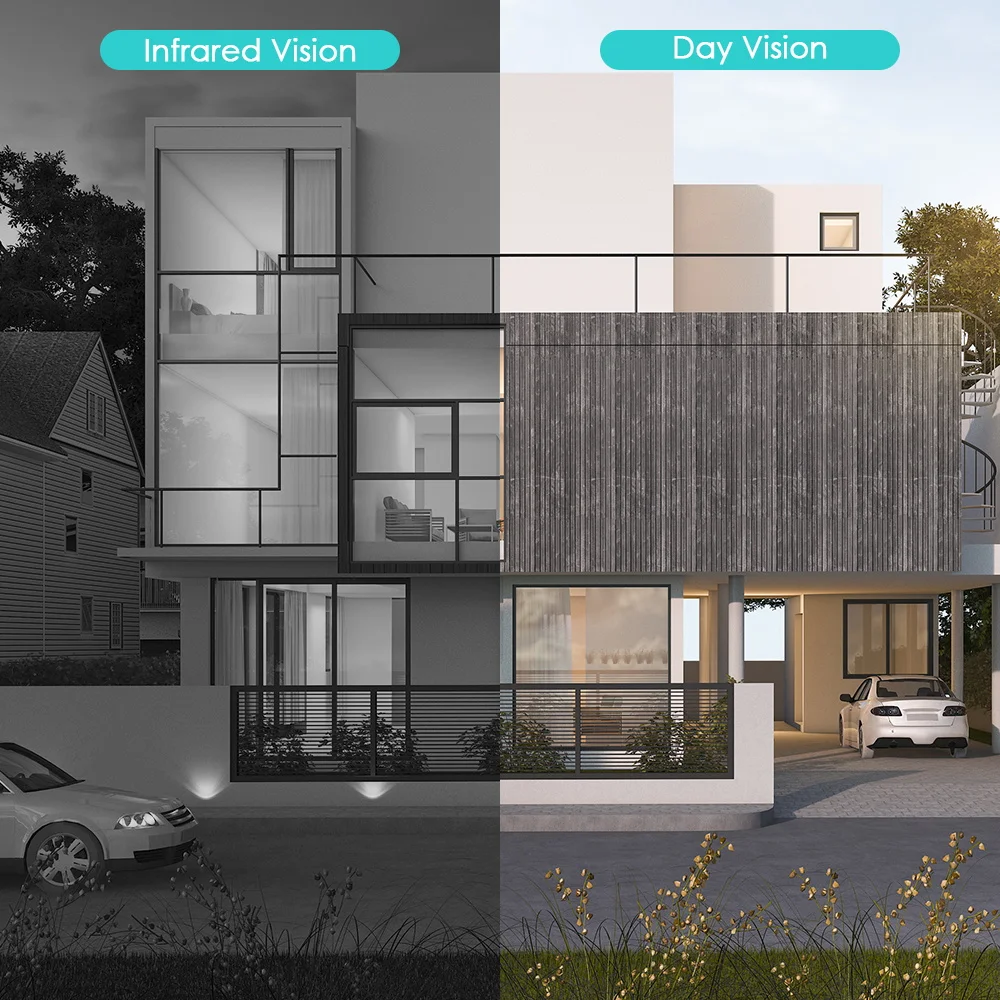
Day And Night Vision
Built-in 24Pcs IR Cut with IR LEDs, Up to 20m (65ft) IR distance.
Motion Detection & Alert Notification
If an exception is detected, it will push information to prompt the mobile phone APP and the bound mailbox, and automatically send the abnormal picture to the mobile phone.
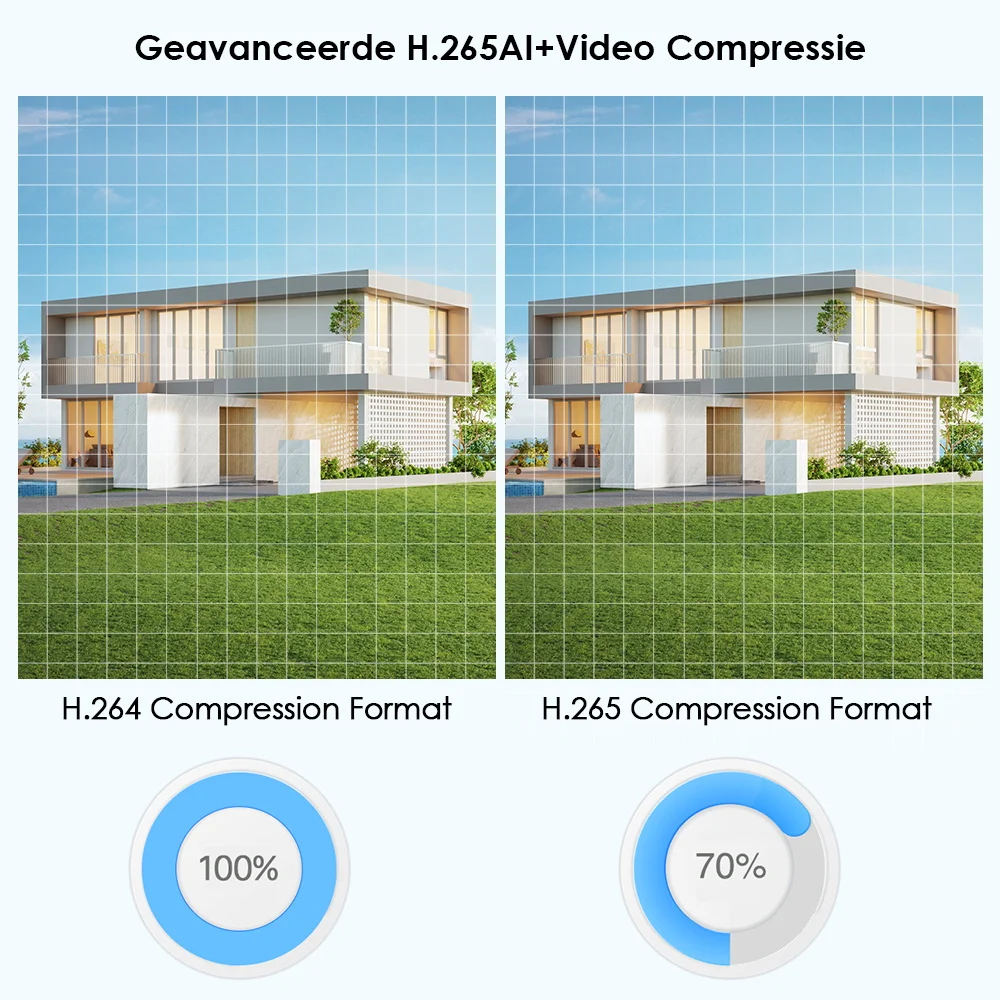
H.265 Video Compression
H.265 takes only 30% of that H.264 regarding bitrates and storage space.
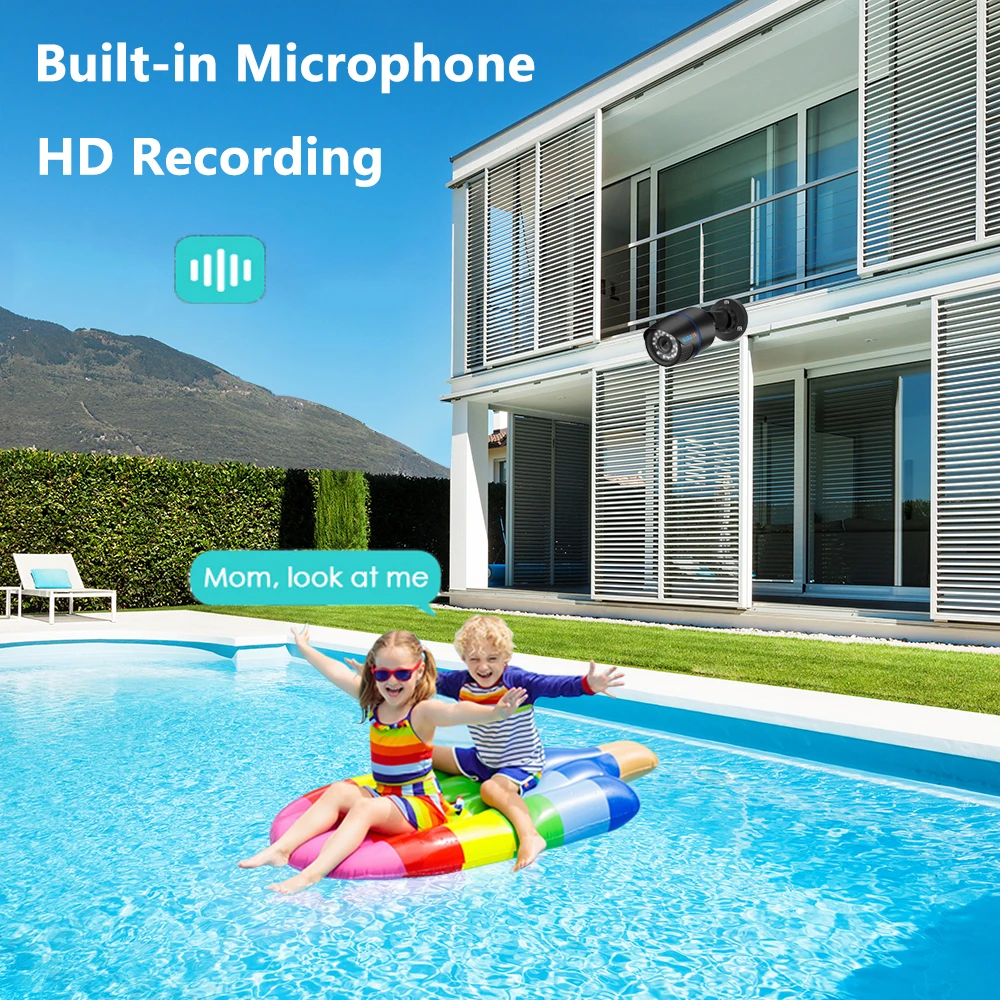
Support Audio Recorded
Built-in microphone , HD recording. Record more details.
P2P Remote Viewing
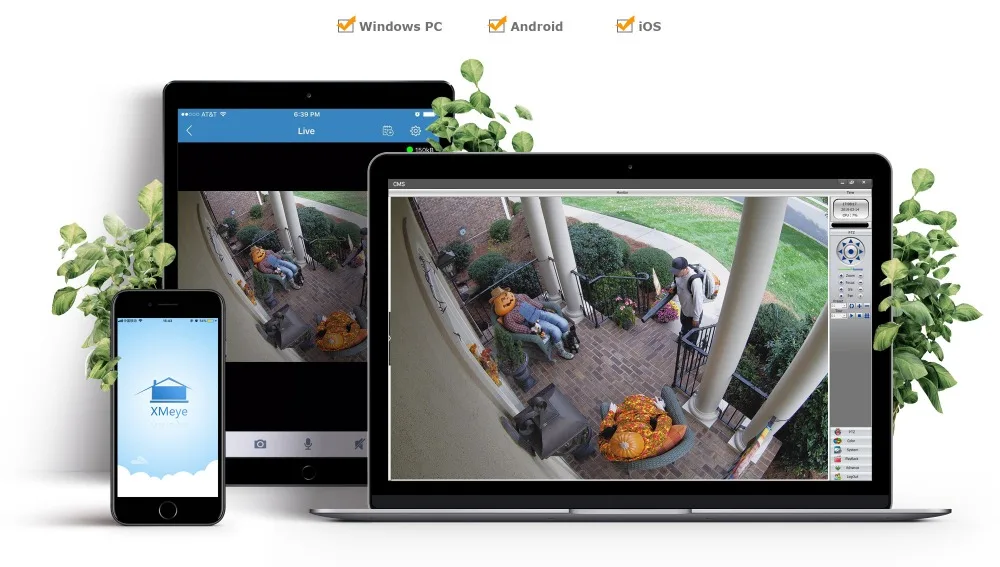
Whenever and wherever you are, you can connect your camera by the mobile device, watch live streams and Protect your home.
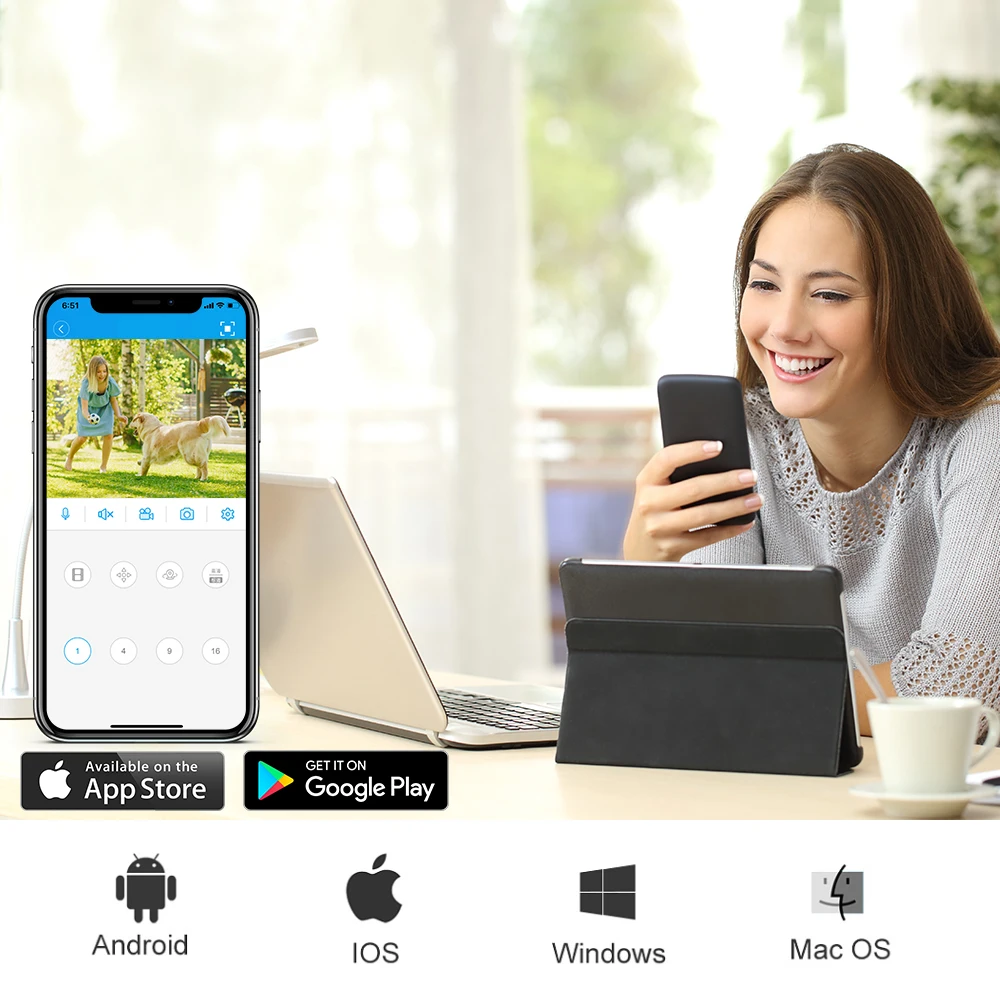
Multiple Viewing Methods
Support mobile phones, tablet computers, and multi-platform viewing.
Suppory IOS / Android APP XMeye and PC software VMS .
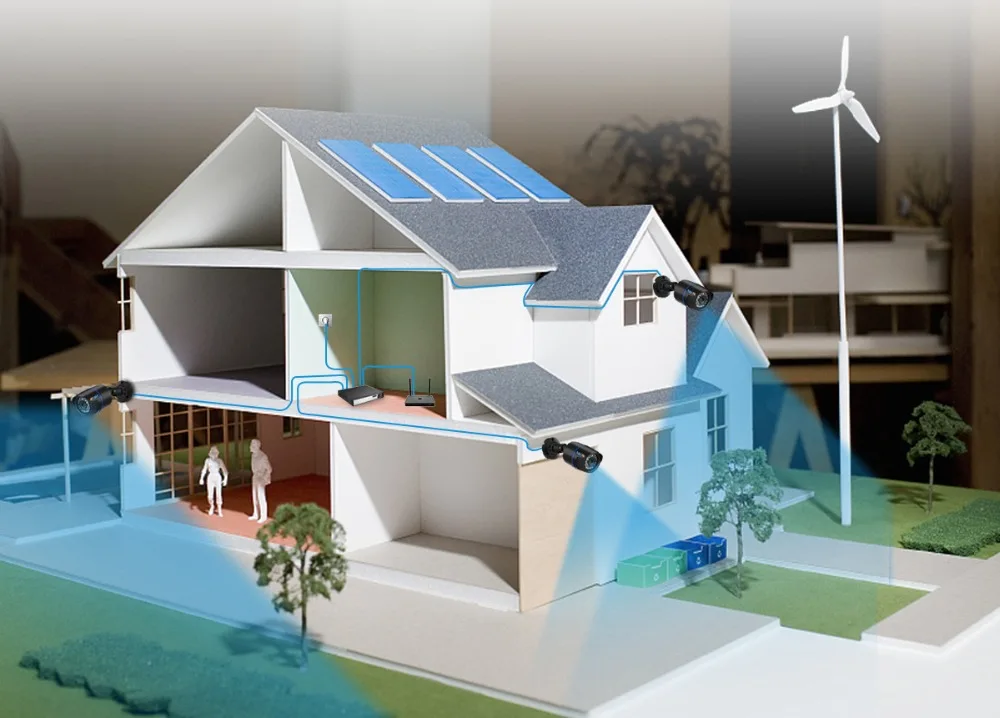
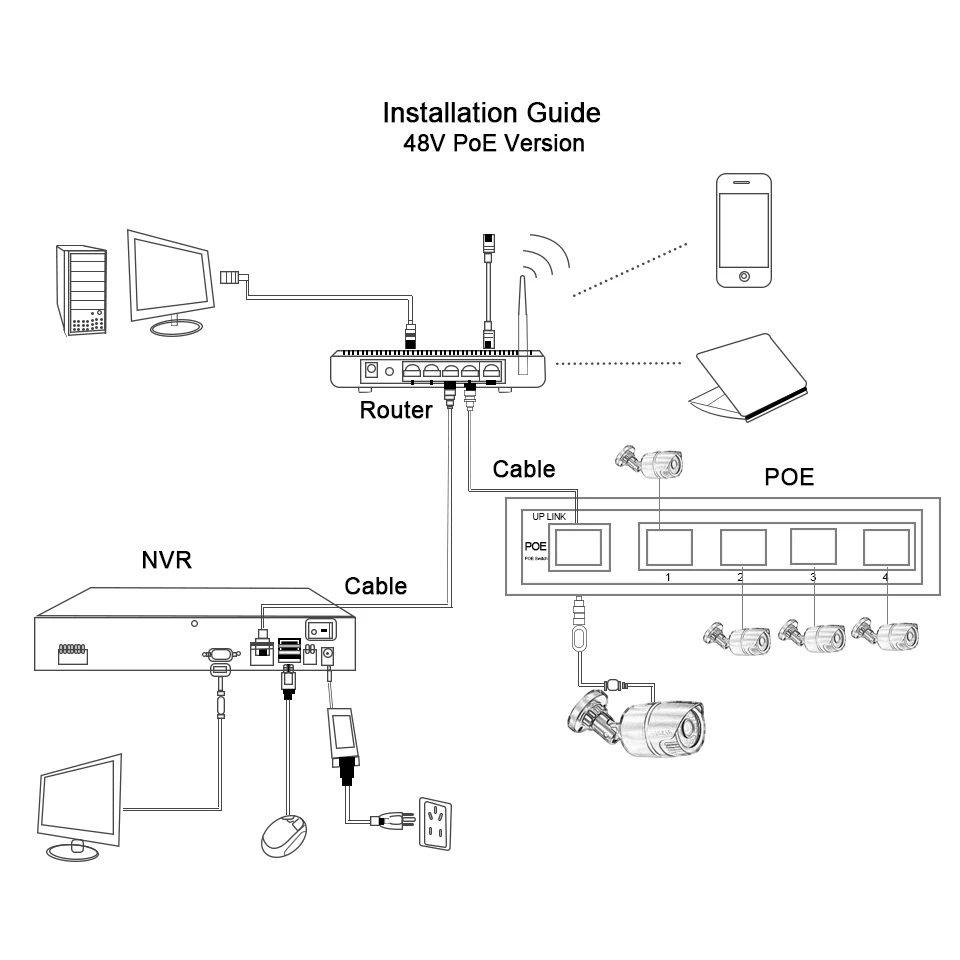
Power Over Ethernet (PoE)
Powered via Ethernet power and transmit video signal at the same time.
Please note ! such Poe Camera in this link has one more Power port for DC 12V Power supply too .
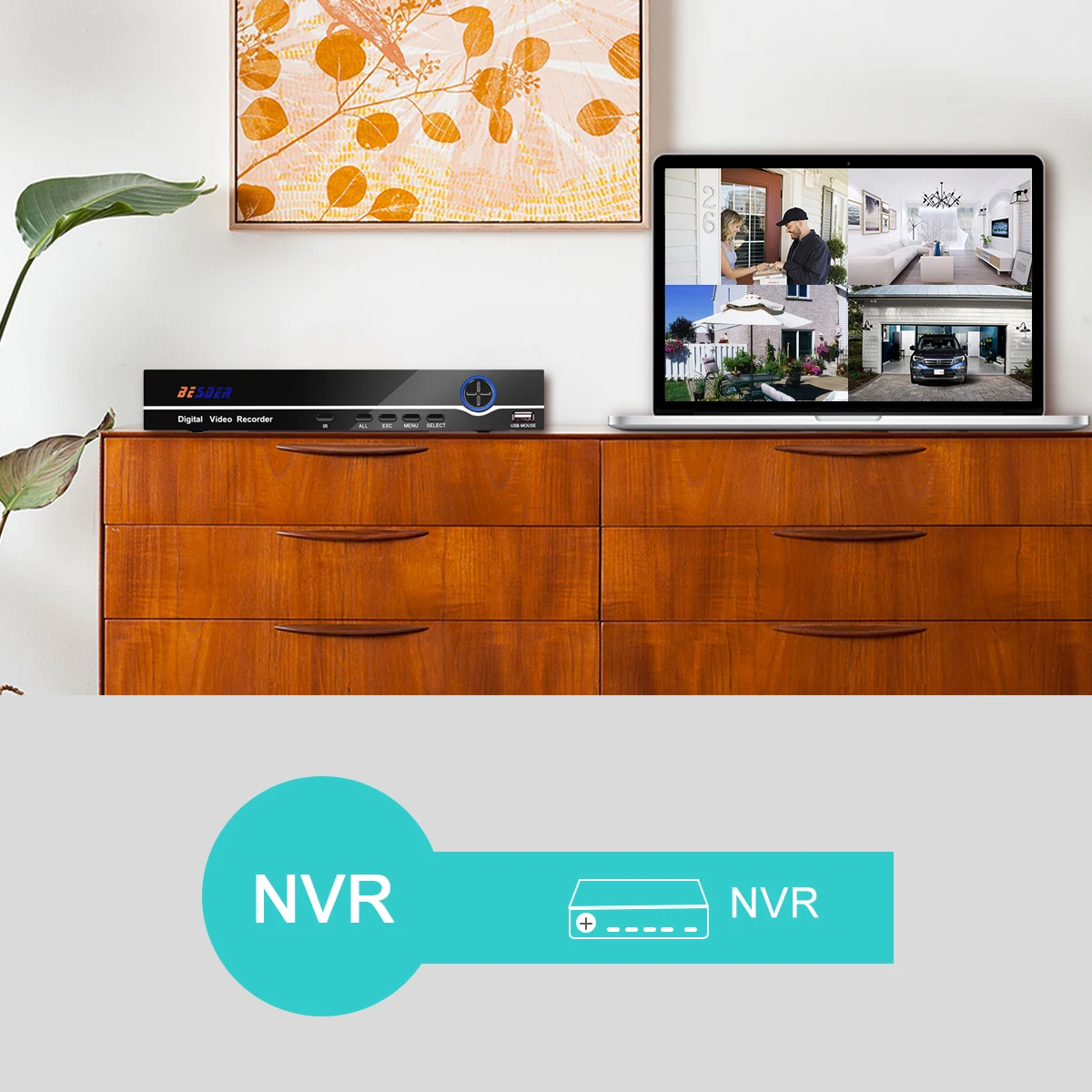
Support NVR Connecting
The camera could work with many third party NVRs, you could use this camera with your other cameras or systems together .
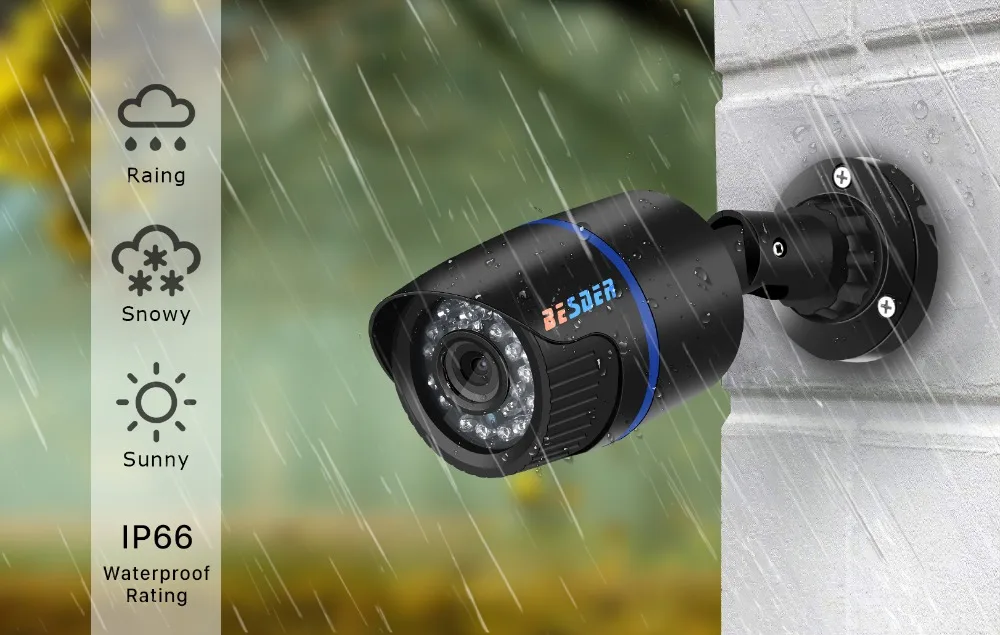
Water & Weather Proof
Waterproof IP66, designed for indoor and outdoor. Working at temperature from -10 to 55 degree.
Installing & Usage
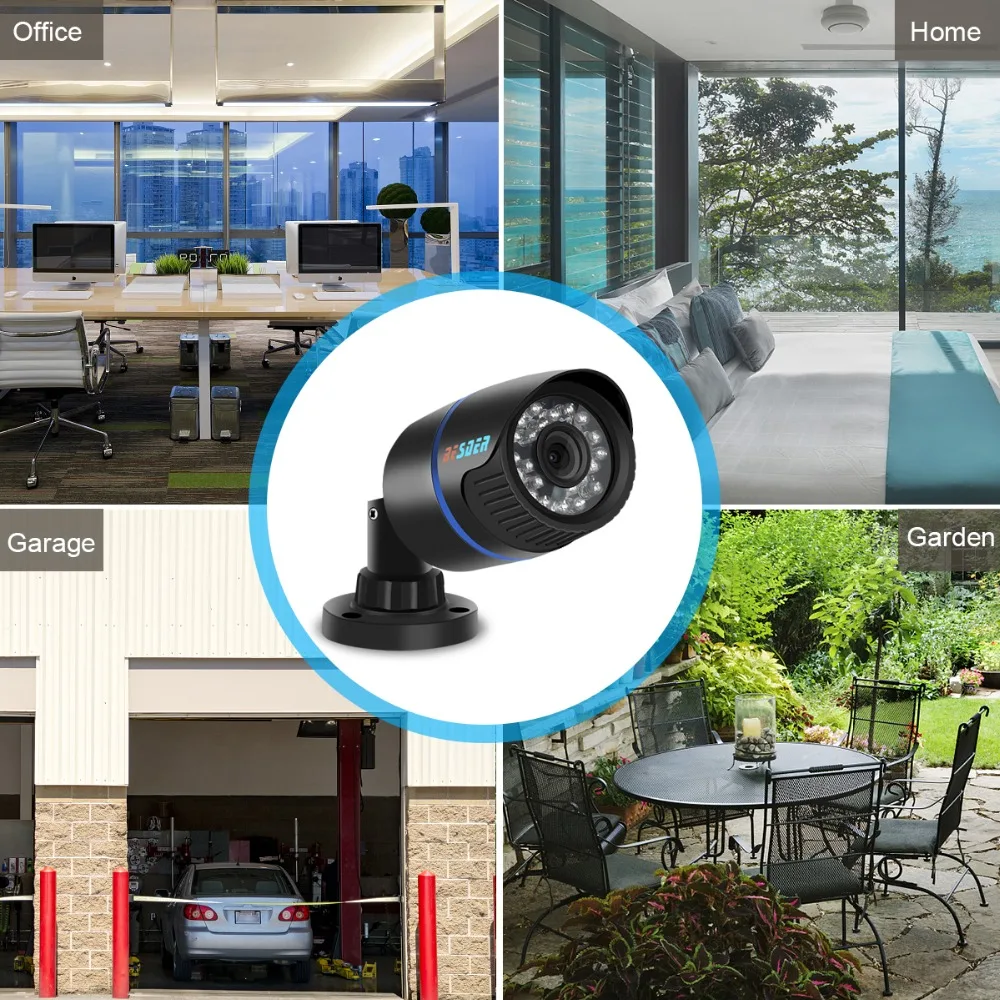
You might need one such camera at your house ,office or garden to monitor and protect more thing .
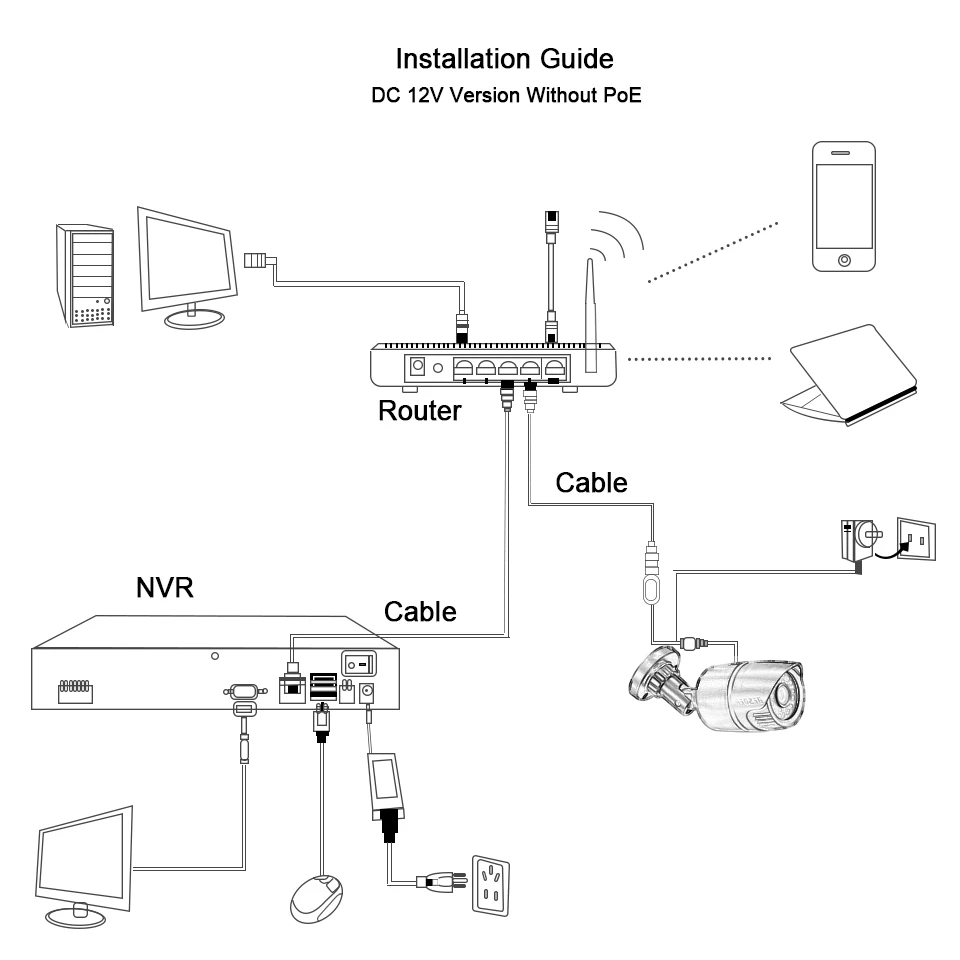
Installation Guide :
(DC 12V Version)
(48V PoE Version)
FAQ :
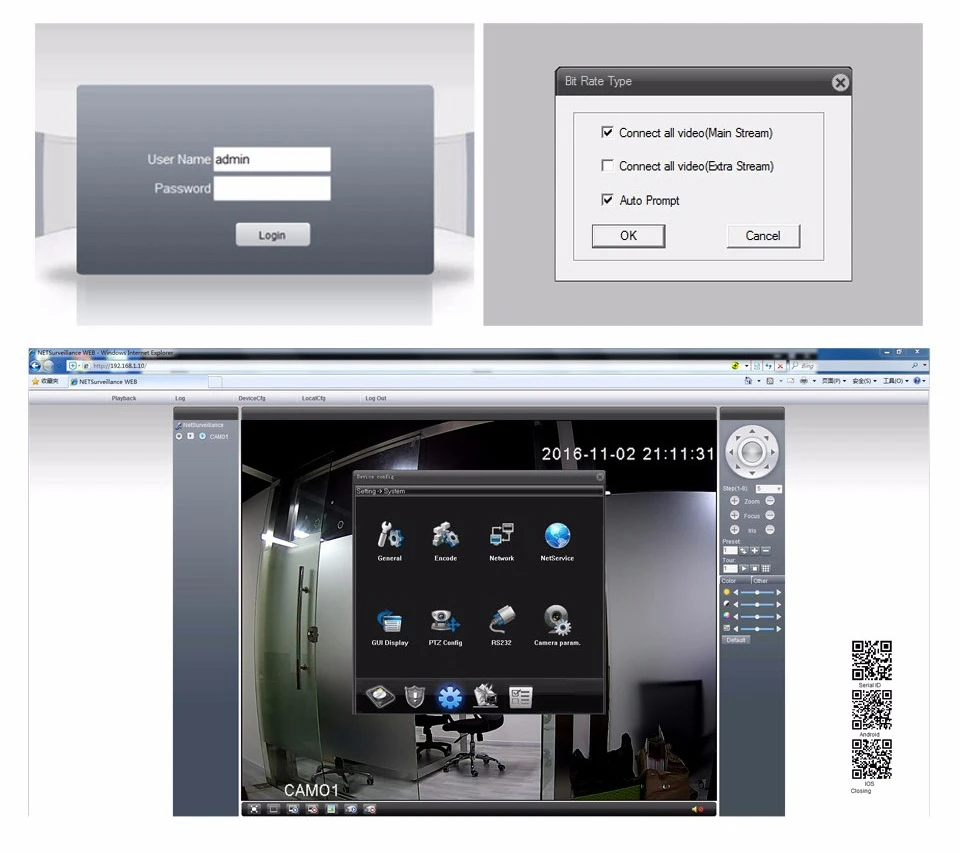
Q:What’s the default ip address of the camera ?
F: 192.168.1.10 Username : admin Password : null ( empty ) !
Q: Does the camera supports Motion Detect,FTP,Email alarm, RTSP and so on ?
F: Yes ! All the IP Cameras we are selling supports these functions .
1) Please Setup the motion detection in the VMS software .
2) We suggest the Sever-U and FileZilla FTP Server to upload the video or image.
3) For the Email alarm,please use Email server which supports SMTP ( Hotmail ,Yahoo not support SMTP ,try Gmail please ) .
4) RTSP URL for VLC media Player :
rtsp://$(IP):$(PORT)/user=$(USER)&password=$(PWD)&channel=$(Channel)&stream=$(Stream).sdp?real_stream
Example : rtsp://10.6.10.25:554/user=admin&password=&channel=1&stream=0.sdp?real_stream
Q:Does the camera support IE ,Chrome ,Firefox and so on ?
F: Since the plug-in problem ,for website interface IP address URL,ONLY IE supports Multi Language . Chrome,Safari just support Chinese .
For cloud server XMEYE.NET ,it supports multi language.
Q:When I finish the steps to add the camera to the VMS list,why it notify “ Can’t find the Device “ even I can see the default ip address 192.168.1.10 in the menu .
F: It is the IP Address conflict ,the default ip address is not in the same network segment as your router.
Please click “Edit Device “ to change the camera’s ip address to make them in the same network segment !
For example ,if your router’s ip address is 192.168.0.1 ,then you need to change the camera’s ip address to 192.168.0.XX .
Mobile Monitoring With APP XMeye
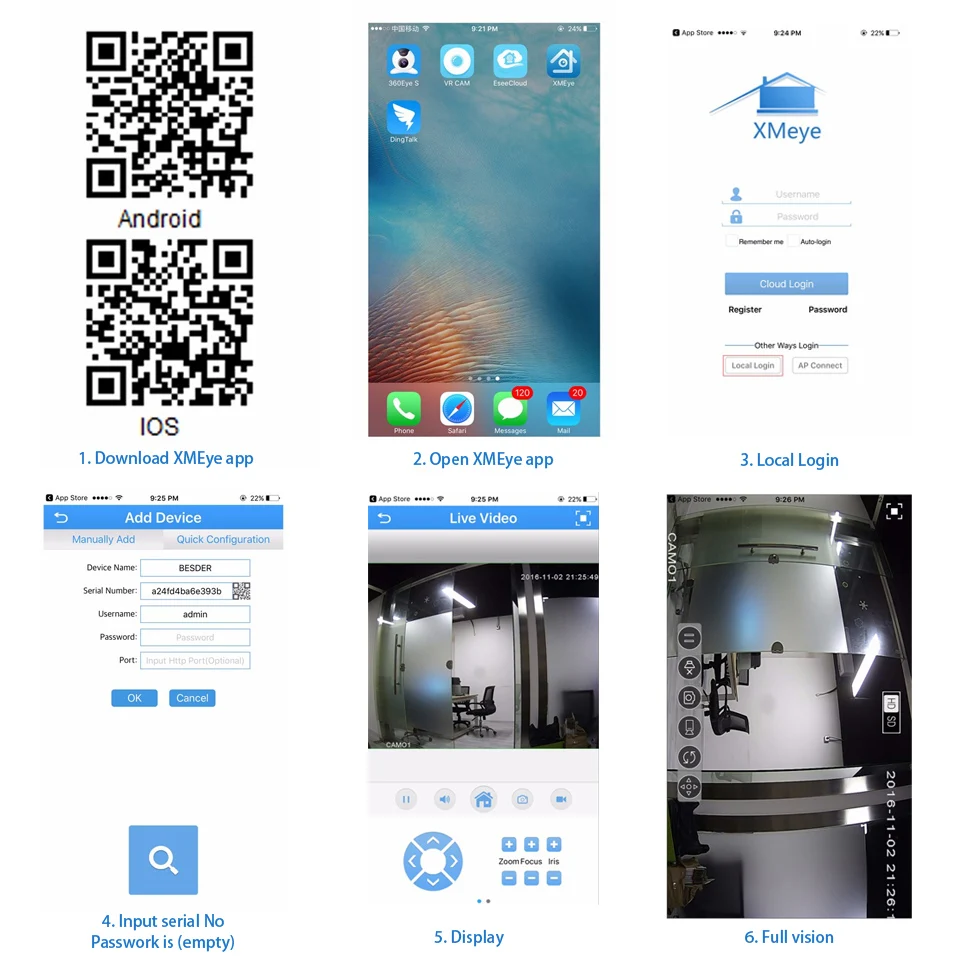
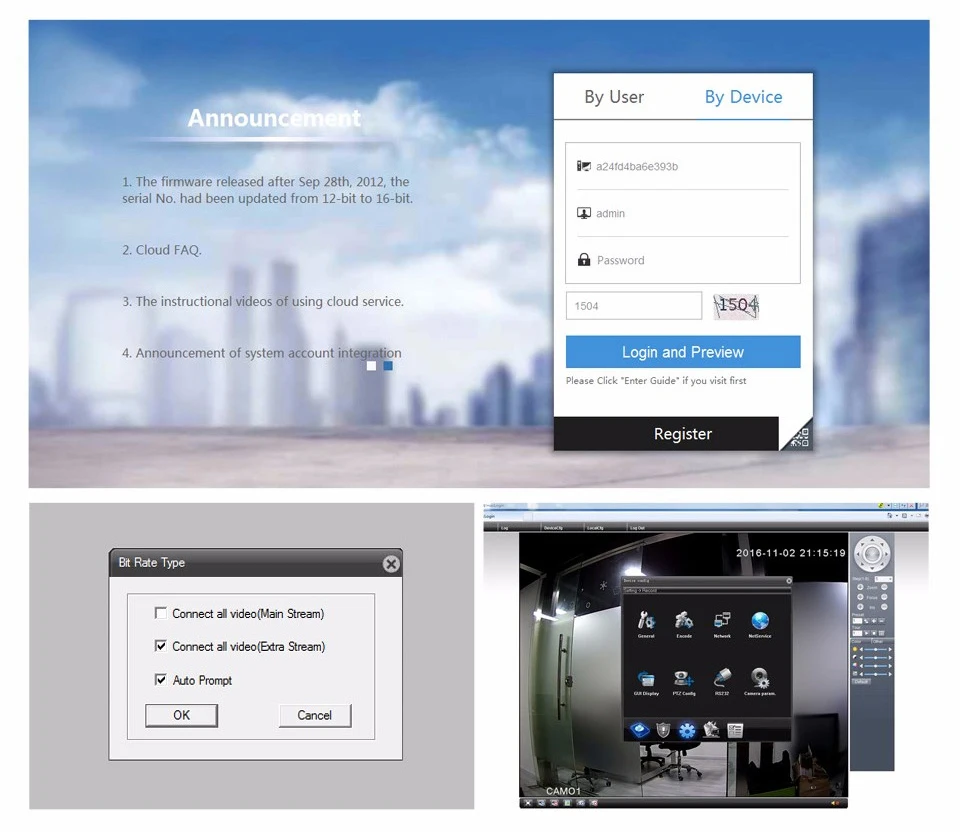
P2P Via Cloud XMEYE.NET
Website Interface Via IE
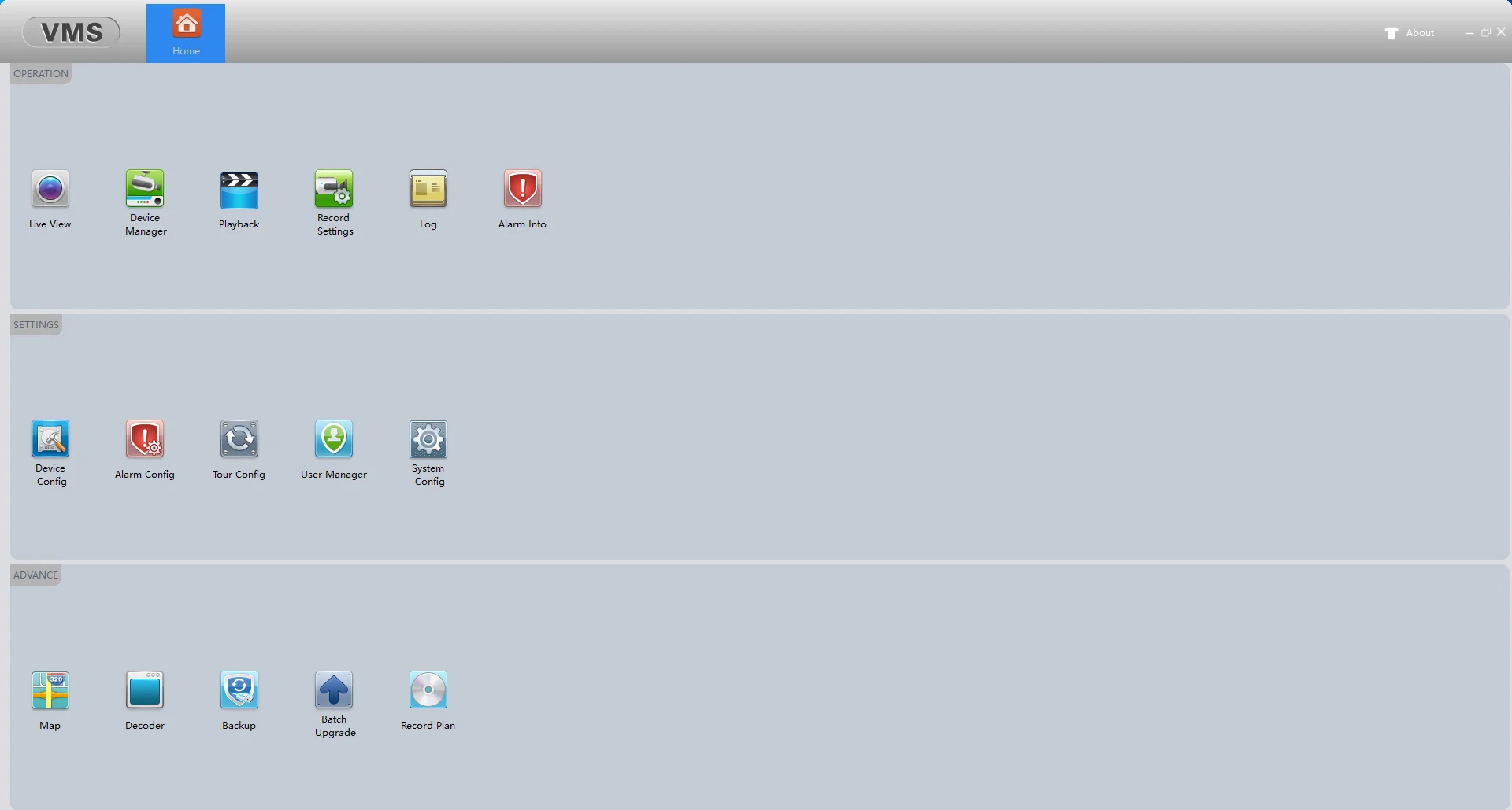
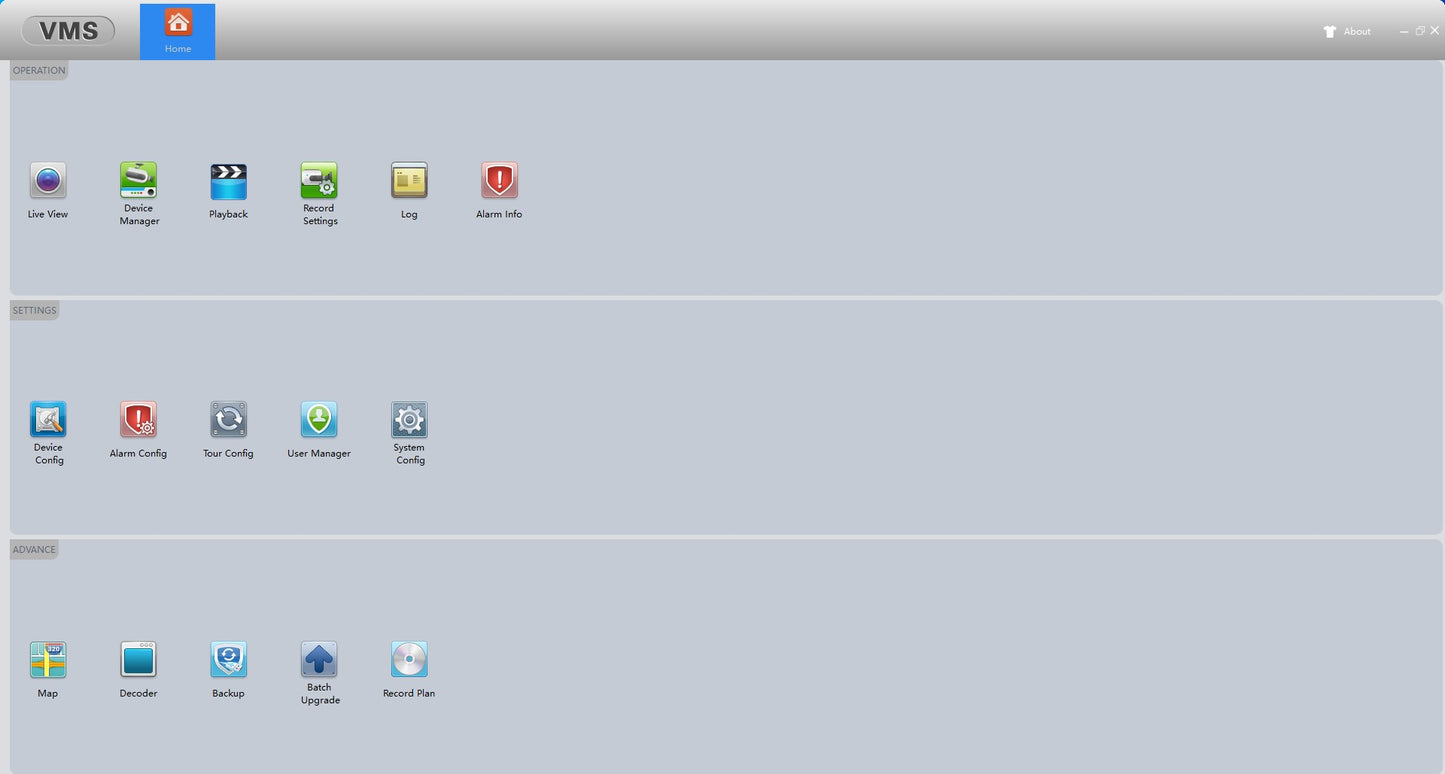
VMS For Local Review & Record
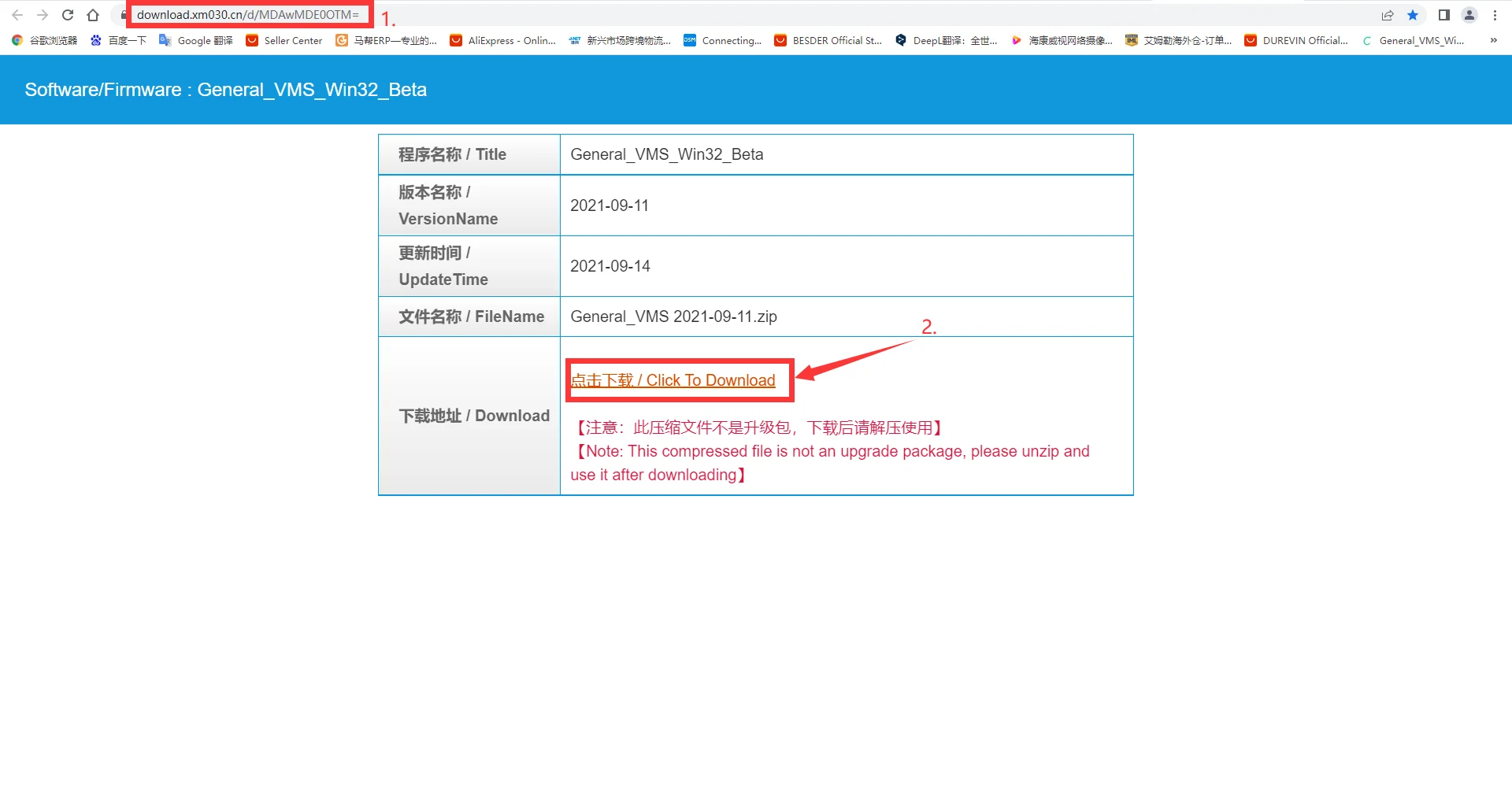
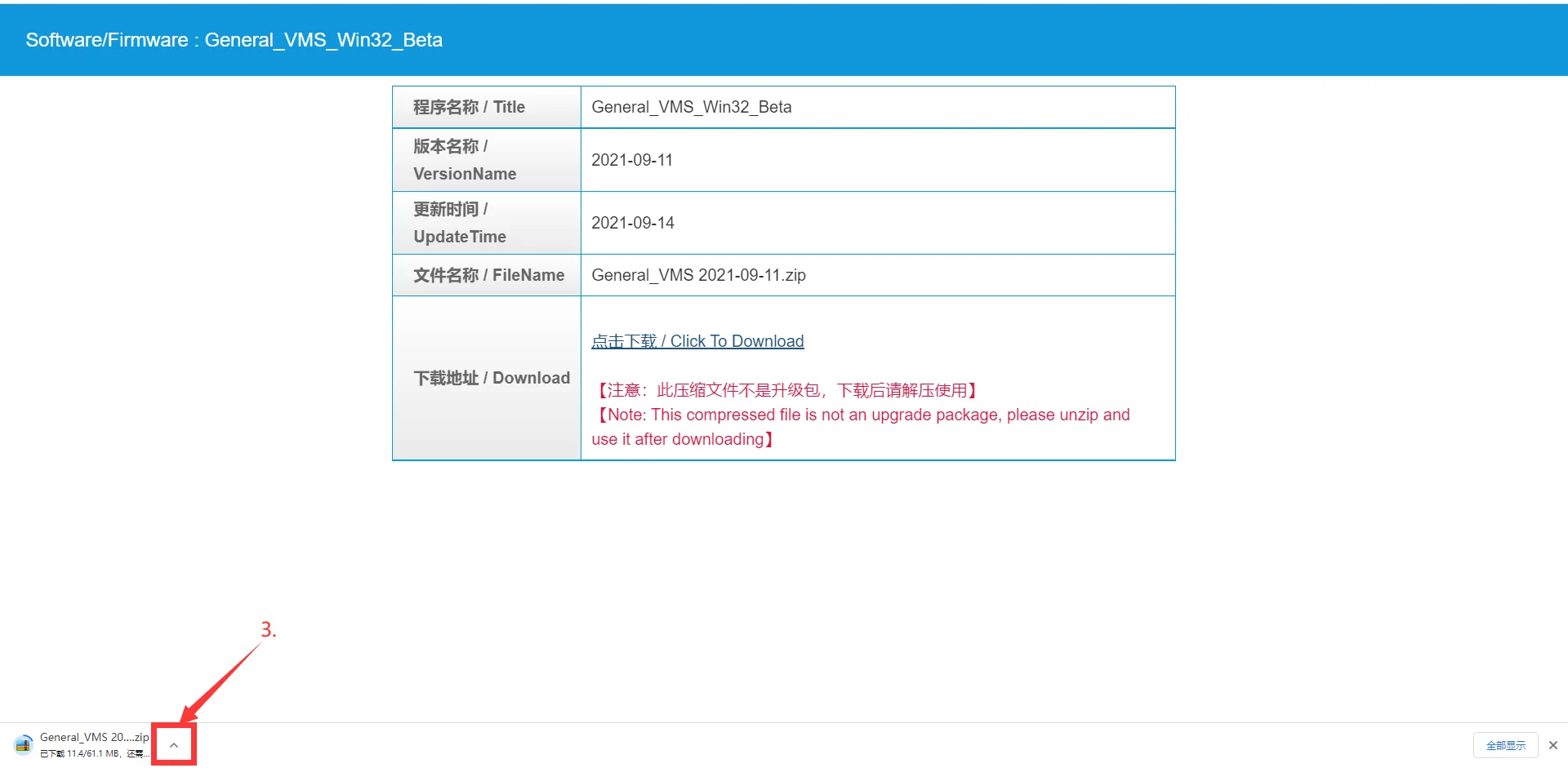
Dear customer, if you need, you can download the VMS program to your computer and you can use the VMS program to view the camera.
https://download.xm030.cn/d/MDAwMDE0OTM=
Copy the link below to your computer browser, then click to download the computer software VMS. the operating interface is very simple, if you have questions about the use, please consult the store customer service.