


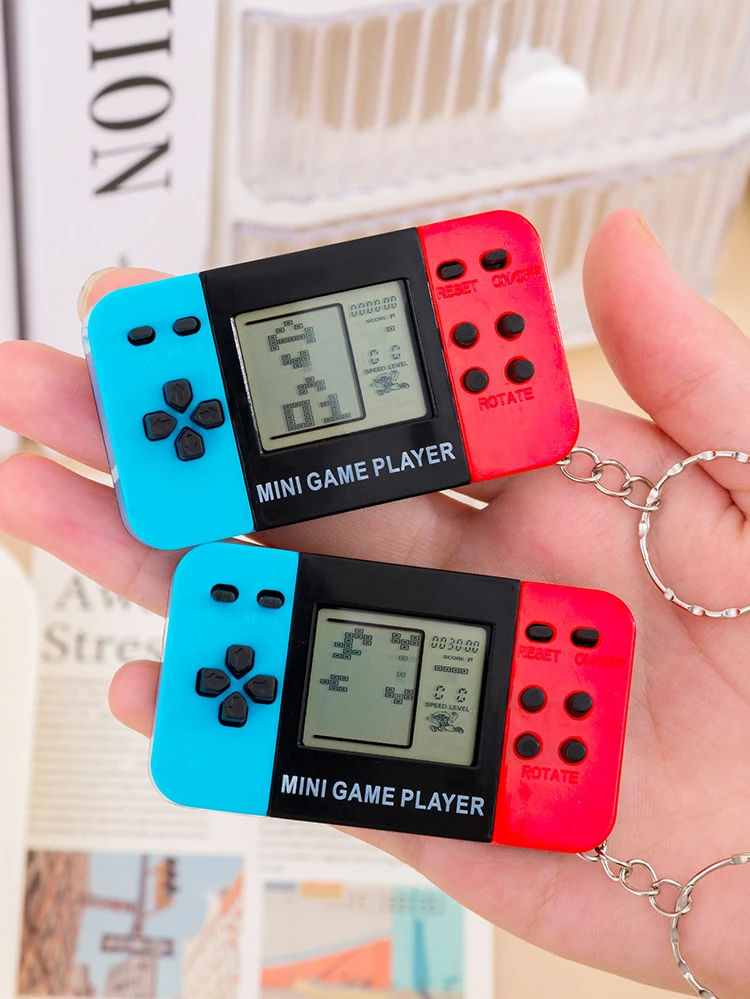
12-100pcs Mini Handheld Game Console Keychain Video Game Party Favors For Kids Birthday Christmas Gifts School Classroom Prizes
Couldn't load pickup availability
- 🔒 Secure Checkout
- 🚚 Fast Shipping
- 🔄 30-Day Returns
Brand Name: NONE
Recommend Age: 18+
Recommend Age: 14+y
is_customized: No
Origin: Mainland China
CN: Guangdong
High-concerned chemical: None
Scent: No smell
Electronic: no
Finish Type: Polished
Mounting Type: Tabletop
Assembly Required: no
Battery Included: no
Occasion: Grand Event
Occasion: Birthday Party
Occasion: Children's Day
Occasion: Back to School
Occasion: Party
Occasion: Christmas
Occasion: Valentine's Day
Occasion: New Year
Occasion: Graduation
Material: Acrylic

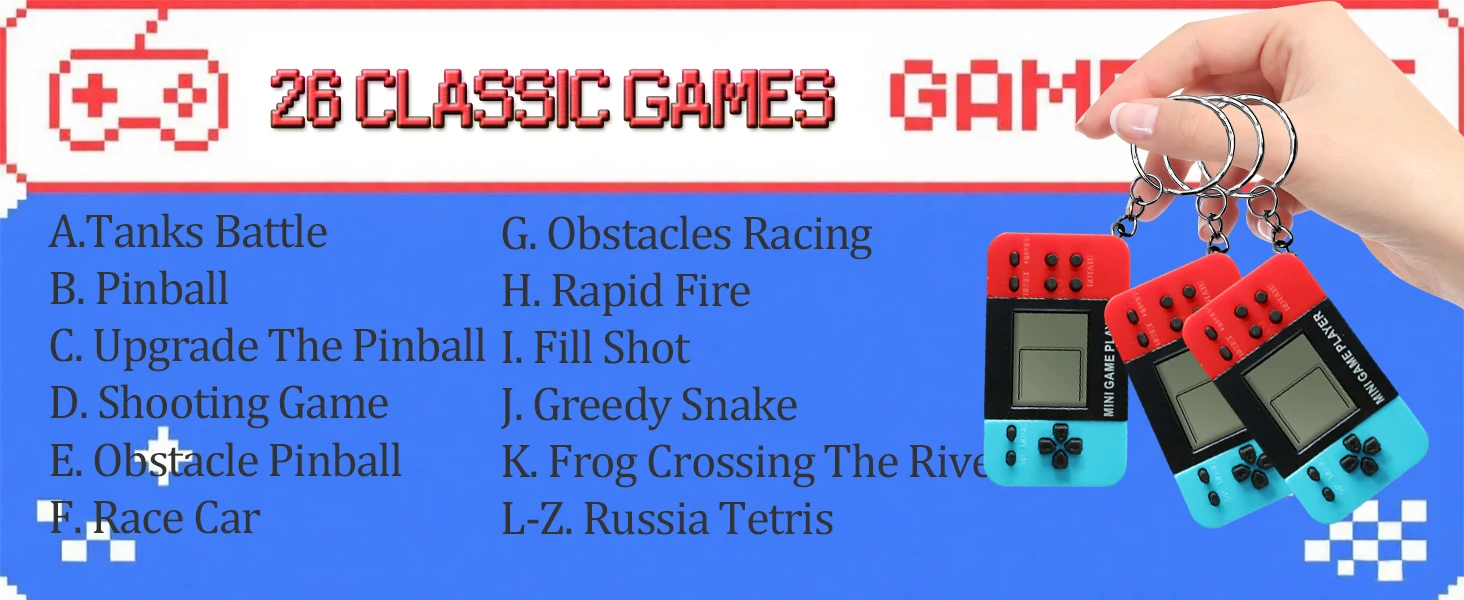
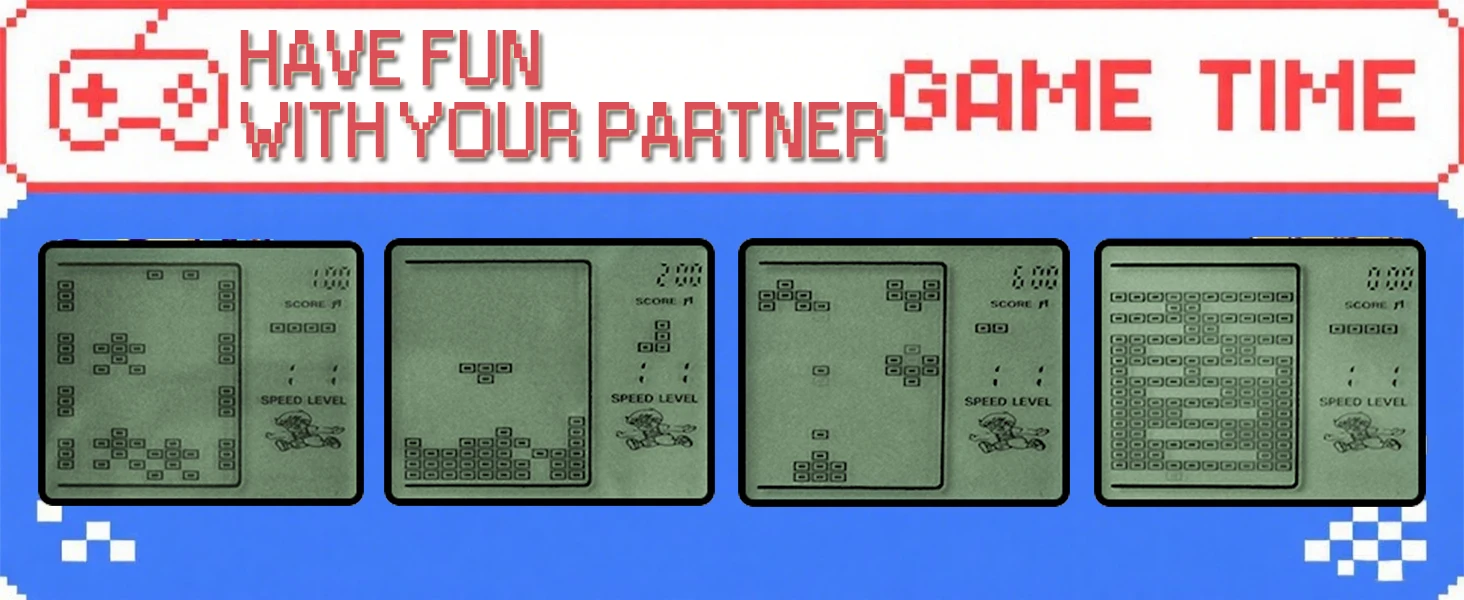
🎮26 Letter Game Mode
A. Tank Battle
- Use the "↑↓←→" buttons to control the direction.
- Press "ROTATE" to fire bullets.
B. Table Tennis
- Use the "←→" buttons to control the direction.
- Press "ROTATE" to increase the ball's moving speed.
C. Upgraded Table Tennis
- Use the "←→" buttons to control the direction.
- Press "ROTATE" to increase the ball's moving speed.
D. Shooting Game
- Use the "←→" buttons to control the direction.
- Press "ROTATE" to fire bullets.
E. Obstacle Pinball
- Use the "←→" buttons to control the direction.
- Press "ROTATE" to increase the ball's moving speed.
F. Racing Game
- Use the "←→" buttons to control the direction.
- Press "ROTATE" to accelerate.
G. Obstacle Racing Game
- Use the "←→" buttons to control the direction.
- Press "ROTATE" to accelerate.
H. Rapid - fire Shooting
- Use the "←→" buttons to control the direction.
- Press "ROTATE" to fire bullets.
I. Fill - in Shooting
- Use the "←→" buttons to control the direction.
- Press "ROTATE" to fire bullets.
J. Snake Game
- Use the "↑↓←→" buttons to control the direction.
- Press "ROTATE" to accelerate.
K - Z. Tetris
- Use the "←→" buttons to control the direction.
- Press "ROTATE" to change the shape.
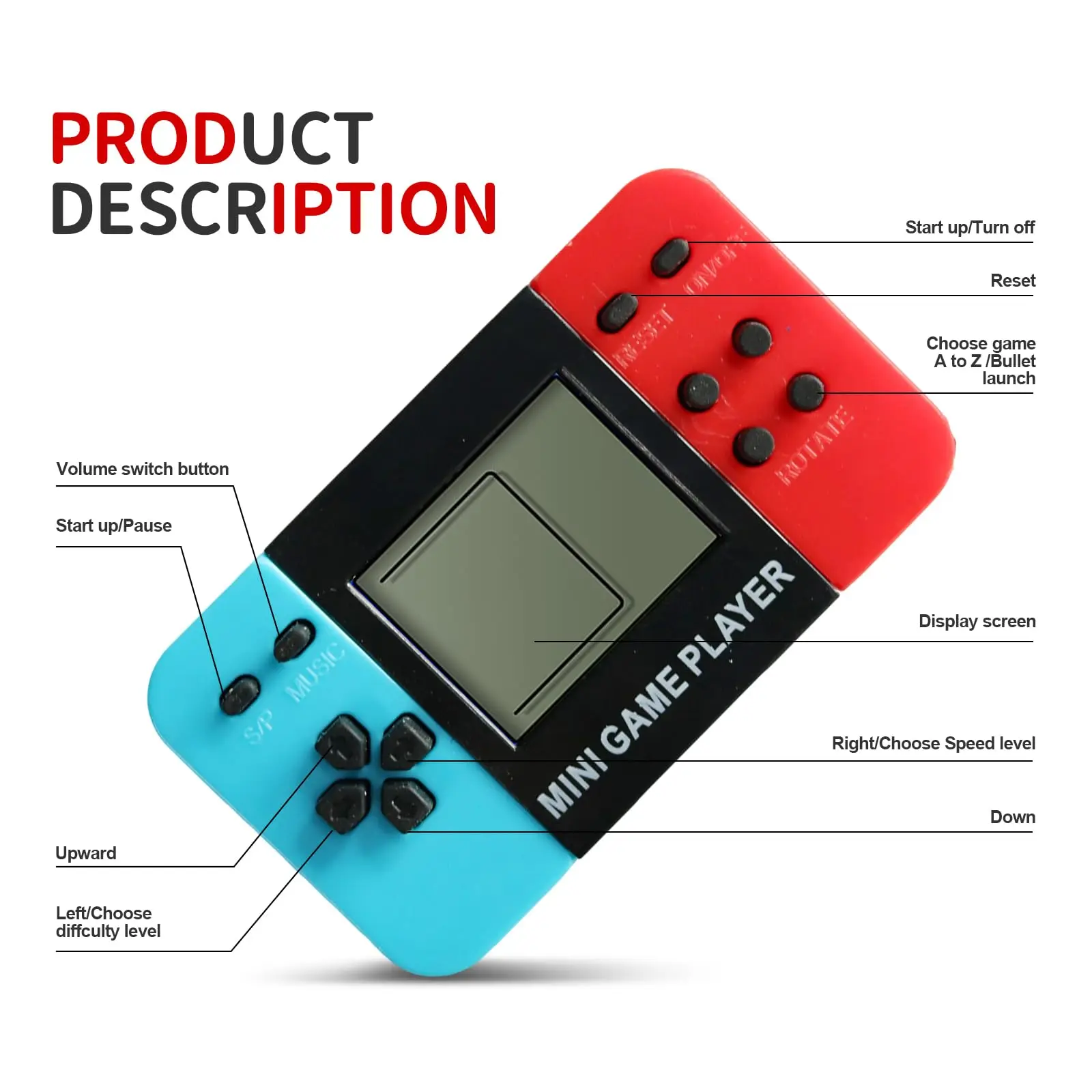
🎮Function Introduction
ON/OFF Button: This is the power on/off button, used to turn the power on or off.
RESET Button: It is the reset button, which restores the game to its initial state.
MUSIC Button: This serves as the volume switch.
S/P Button: It is the start/pause button.
ROTATE Button: In standby mode, it is used to select game programs from A to Z.
Buttons on the left - hand side:
← Button: In standby mode, it is used to select the game difficulty level.
→ Button: In standby mode, it is used to select the game speed.
↑ Button: In standby mode, it is used to select the game.
↓ Button: In standby mode, it is used to select the game.
🎮Popular Video Game Party Favors
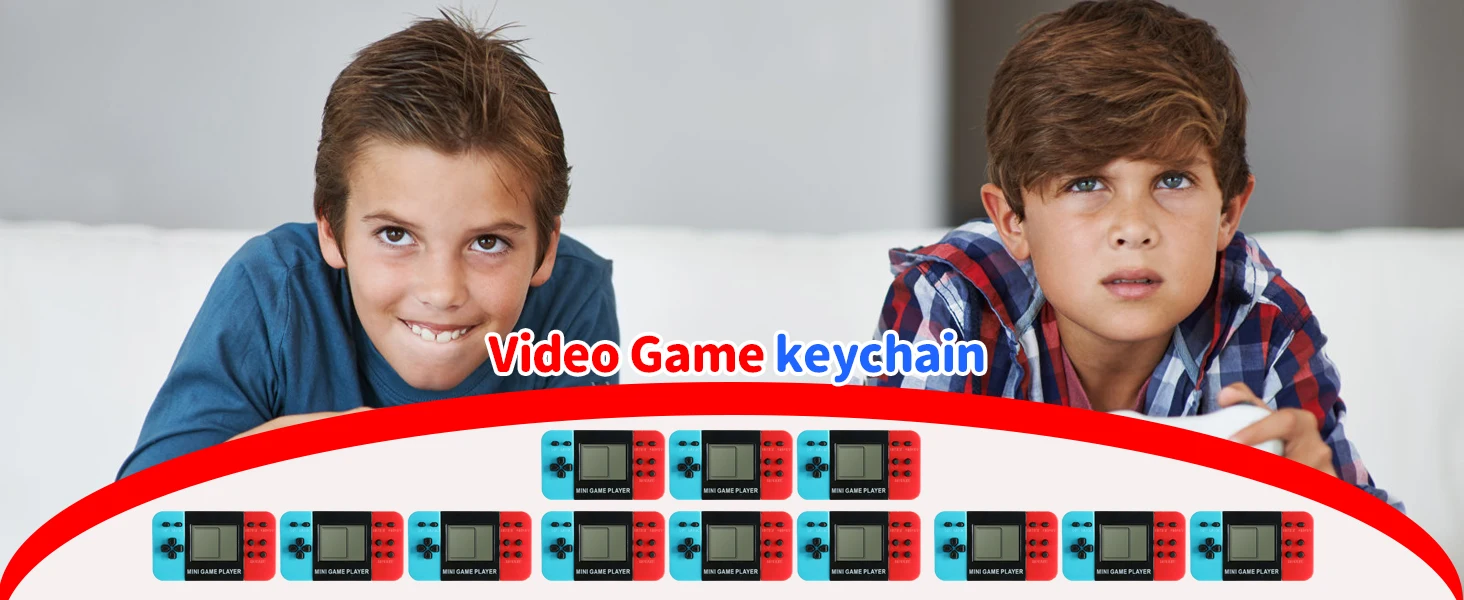
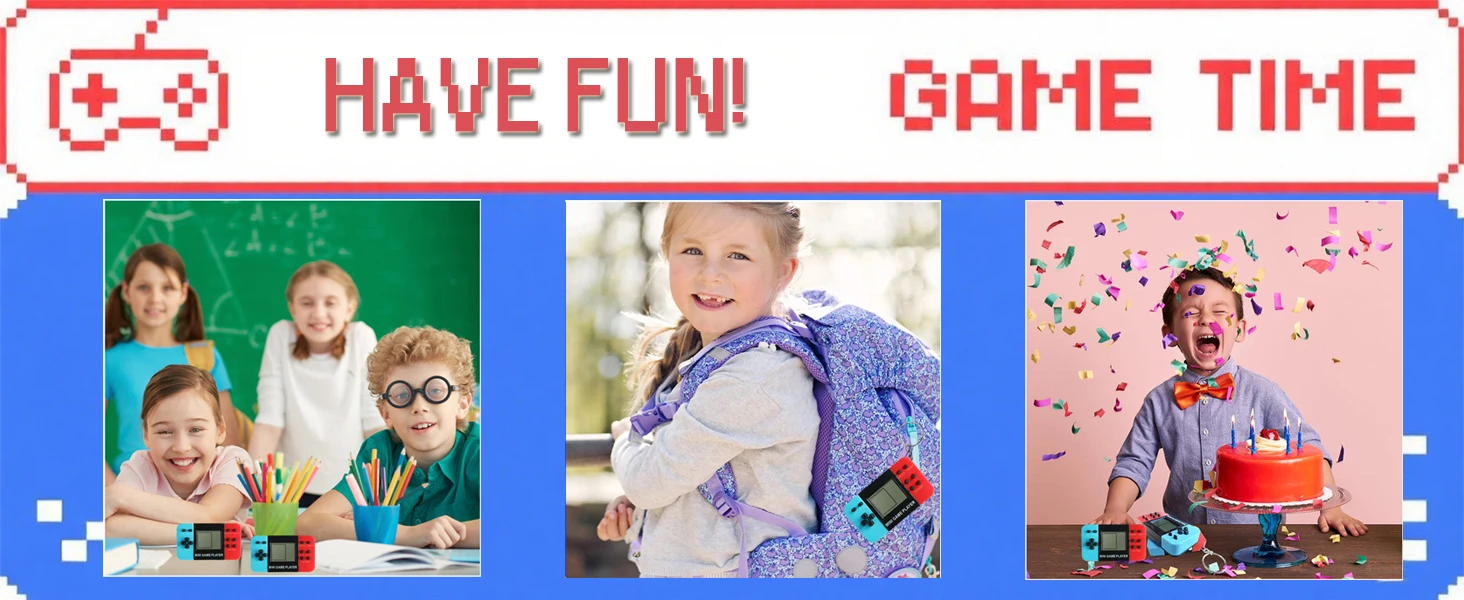
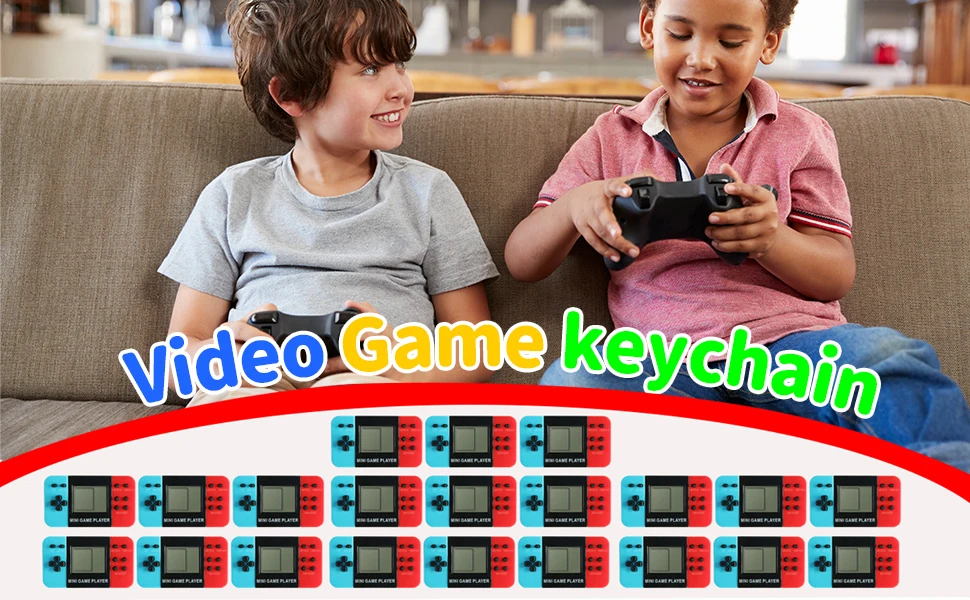
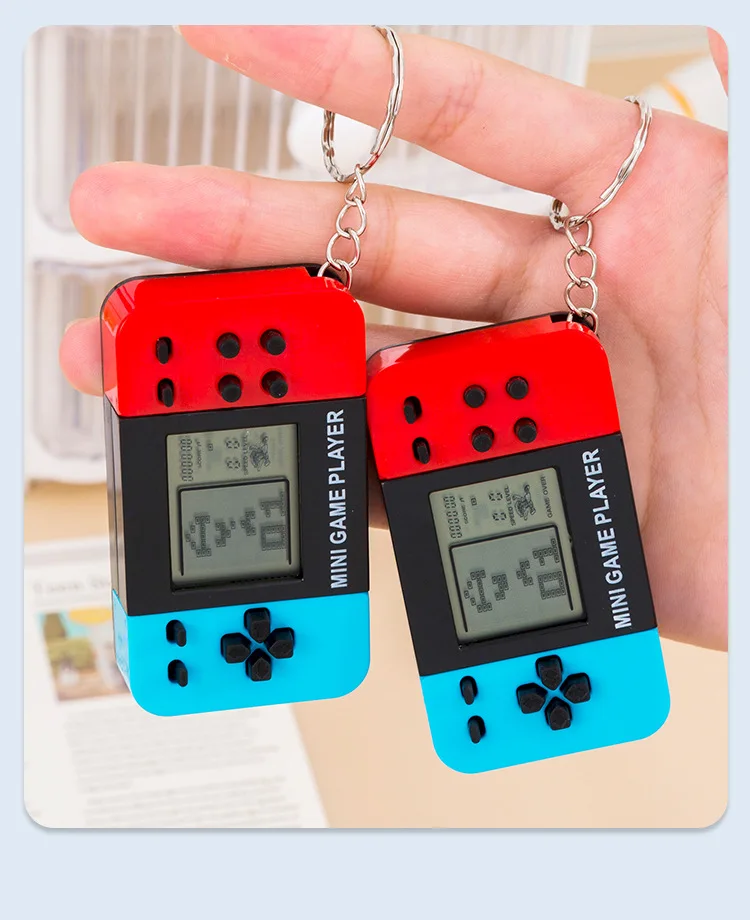
Children's mini video game party favors Keychain, the perfect addition to any video game-themed birthday party or event! A hit with kids and adults alike, these keychains make for great party supplies.
About Shipment
1.If you choose to ship from China, we ship by the AliExpress Standard Shipping; if you choose to ship from overseas warehouses, we will ship by the local logistics delivery.
2.Your order is generally shipped within 24h, please kindly be more patient to wait.
3.Anything please feel free to let me know,we will solve it for you as soon as possible.
About Service
1. If you have any questions, please feel free to contact us. And we will reply in 24 hours except weekends.
2. If any problems comes to you, please don't worry. You can contact us first. We promise we will try everything possible to help you.
3. Please pay attention to the time difference between us. We work in China.
About Feedback
1.Your confirmation will be highly appreciated after receiving the items. Once you have received the product, hope you could leave us a positive feedback(5 stars).
2.BEFORE you leaving the negative feedback. PLEASE contact us at first, and we can help you solve the problem.
3.We strive to do better and make you feel satisfied!